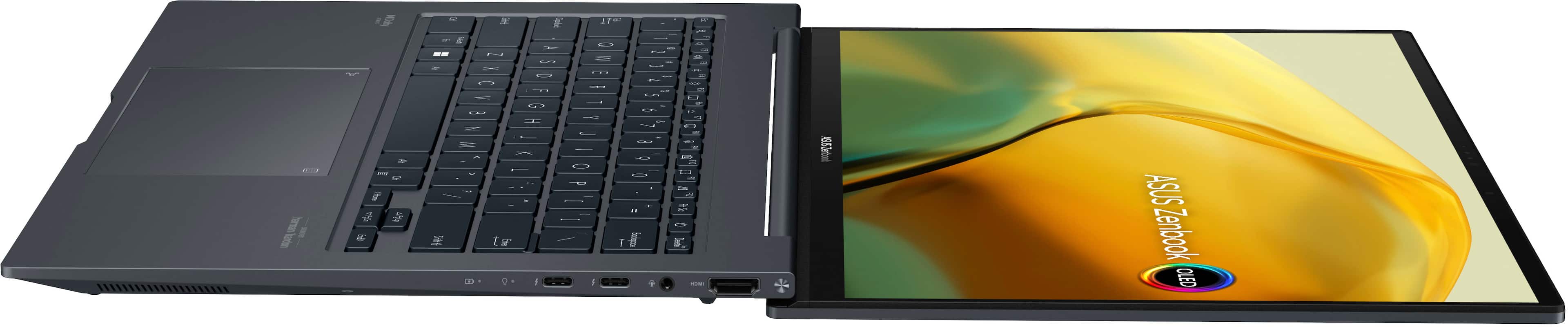
A:AnswerFor compatible USB-C or USB-A docking station, please go to: https://www.asus.com/us/accessories/docks-dongles-and-cable/asus-docks-dongles-and-cable/filter?Series=ASUS-Docks-Dongles-and-Cable.
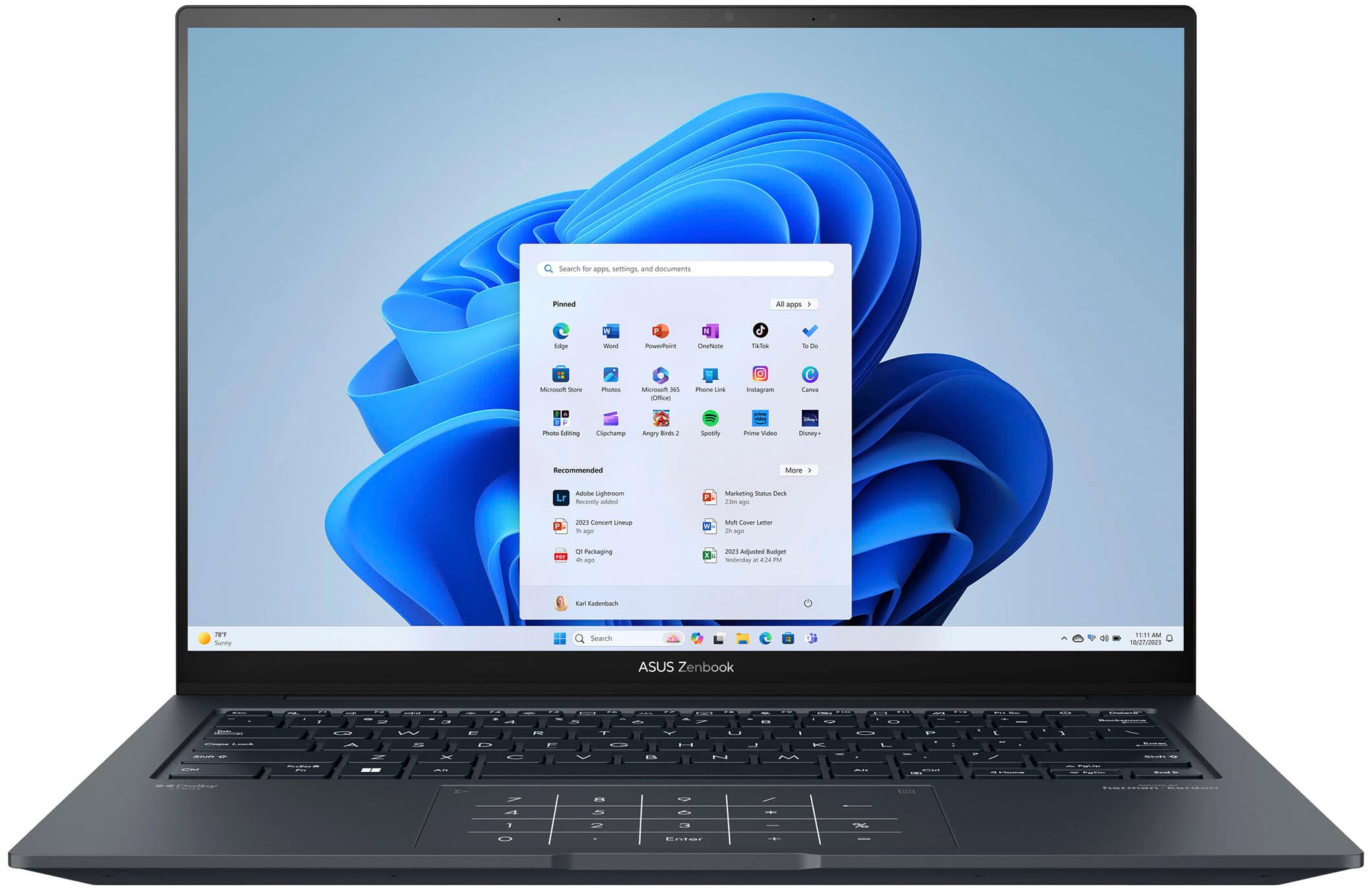
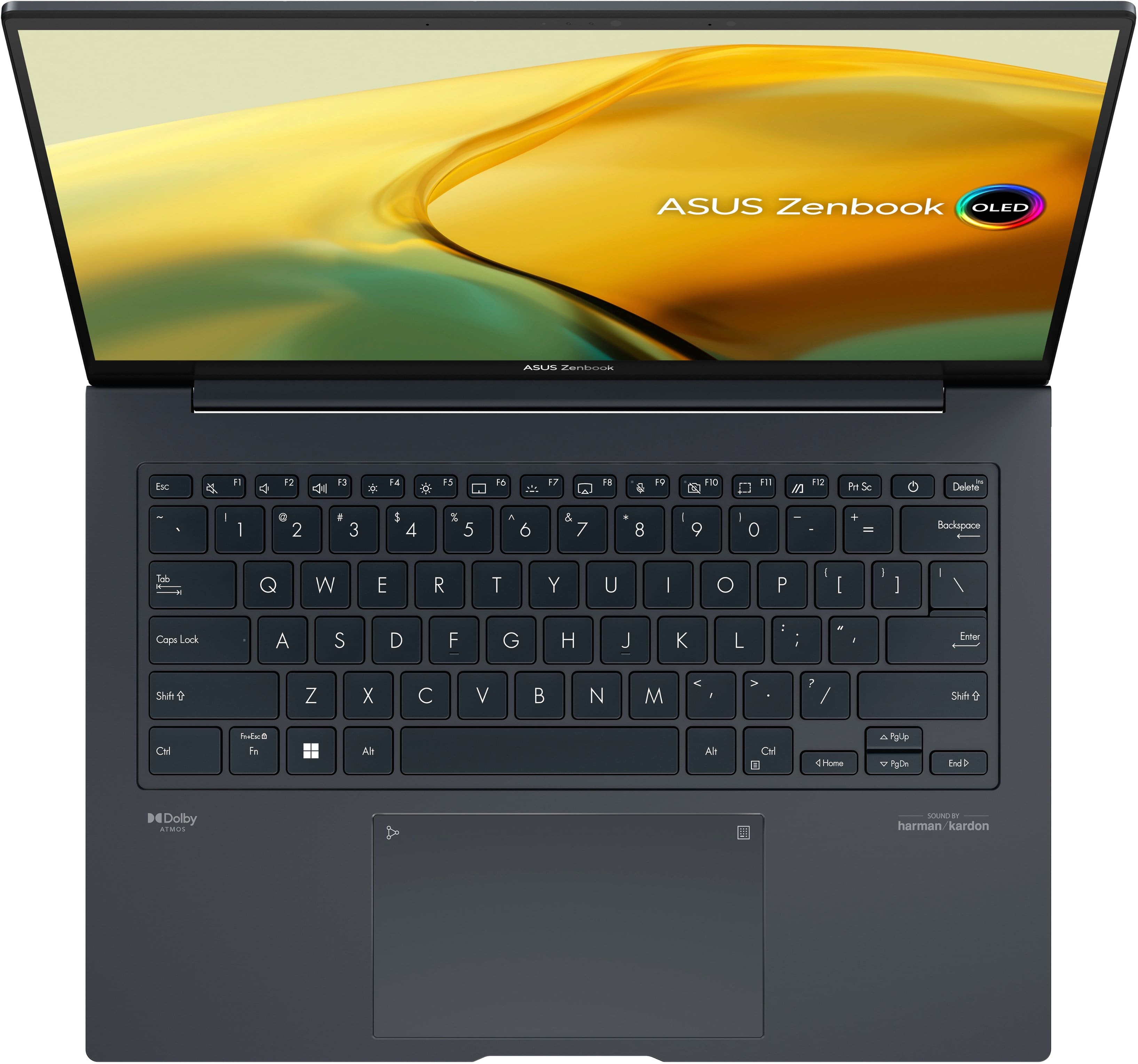
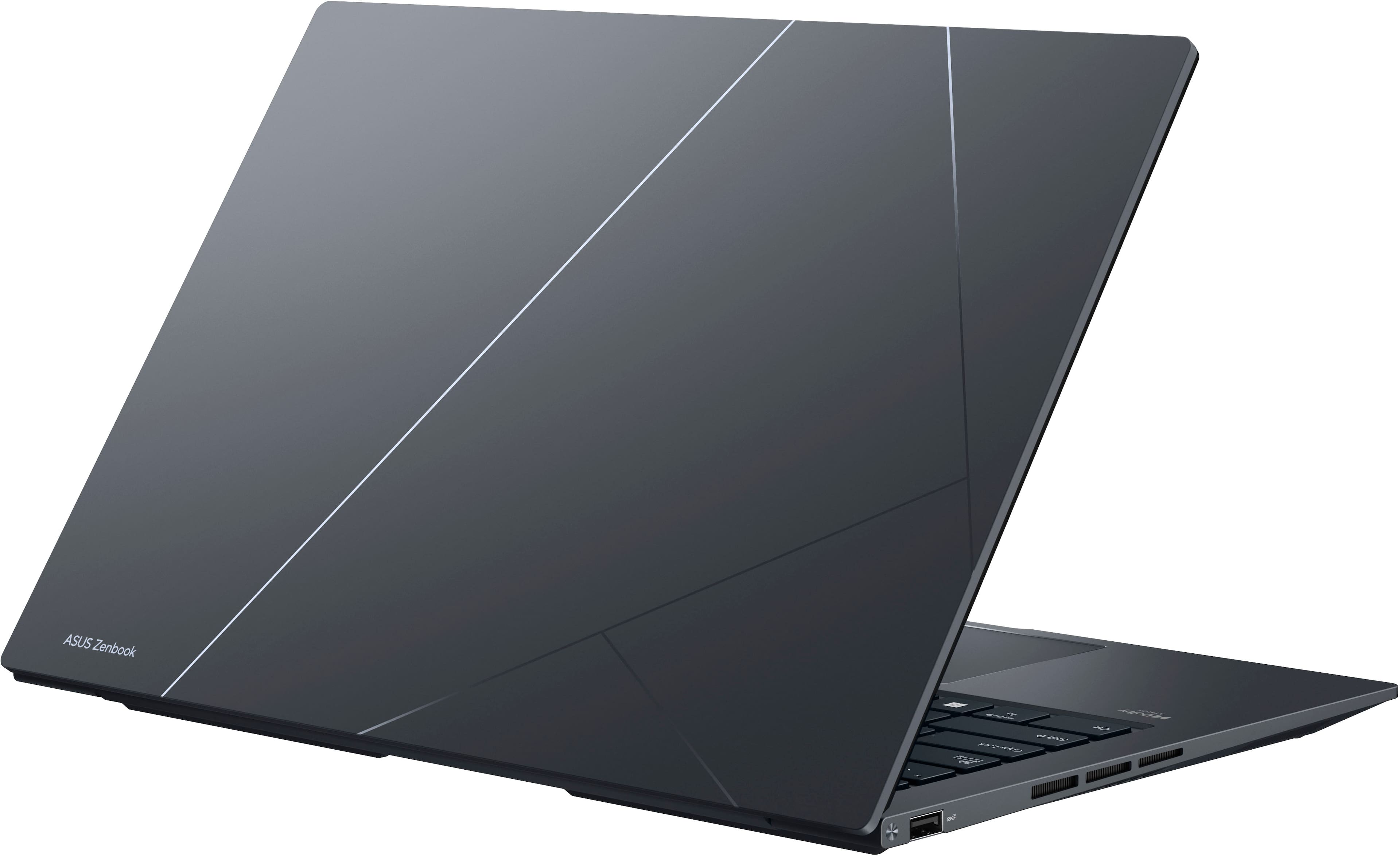
A:AnswerThis model Q420VA does not have a traditional disk drive for CDs or DVDs. https://www.asus.com/us/laptops/for-home/zenbook/zenbook-14x-oled-q420/techspec/
A:AnswerThe notebook is primarily designed for productivity rather than gaming. Alternatively, you can view the device specifications by clicking the link below to see if it meets the game's requirements.
https://www.asus.com/us/laptops/for-home/zenbook/zenbook-14x-oled-q420/
A:AnswerWe're sorry to hear that you’re experiencing Bluetooth connectivity issues with your ASUS Q420VA notebook. This is not the kind of quality to expect from ASUS products and it's not the norm. All ASUS products undergo intensive quality control, testing, and inspections. What you've experienced was not intentional or representative of our brand. Please allow us to make your experience with ASUS a better one. We recommend following the steps in the FAQ below to troubleshoot the issue.
https://www.asus.com/us/support/FAQ/1042394/