A:AnswerHello, and thank you for taking the time to ask your question. Snapdragon processors support a wide range of apps with more being added every day. Please check https://www.qualcomm.com/products/features/windowsapps to see the most popular apps that are supported. For more specific app compatibility information, visit www.WorksOnWoA.com

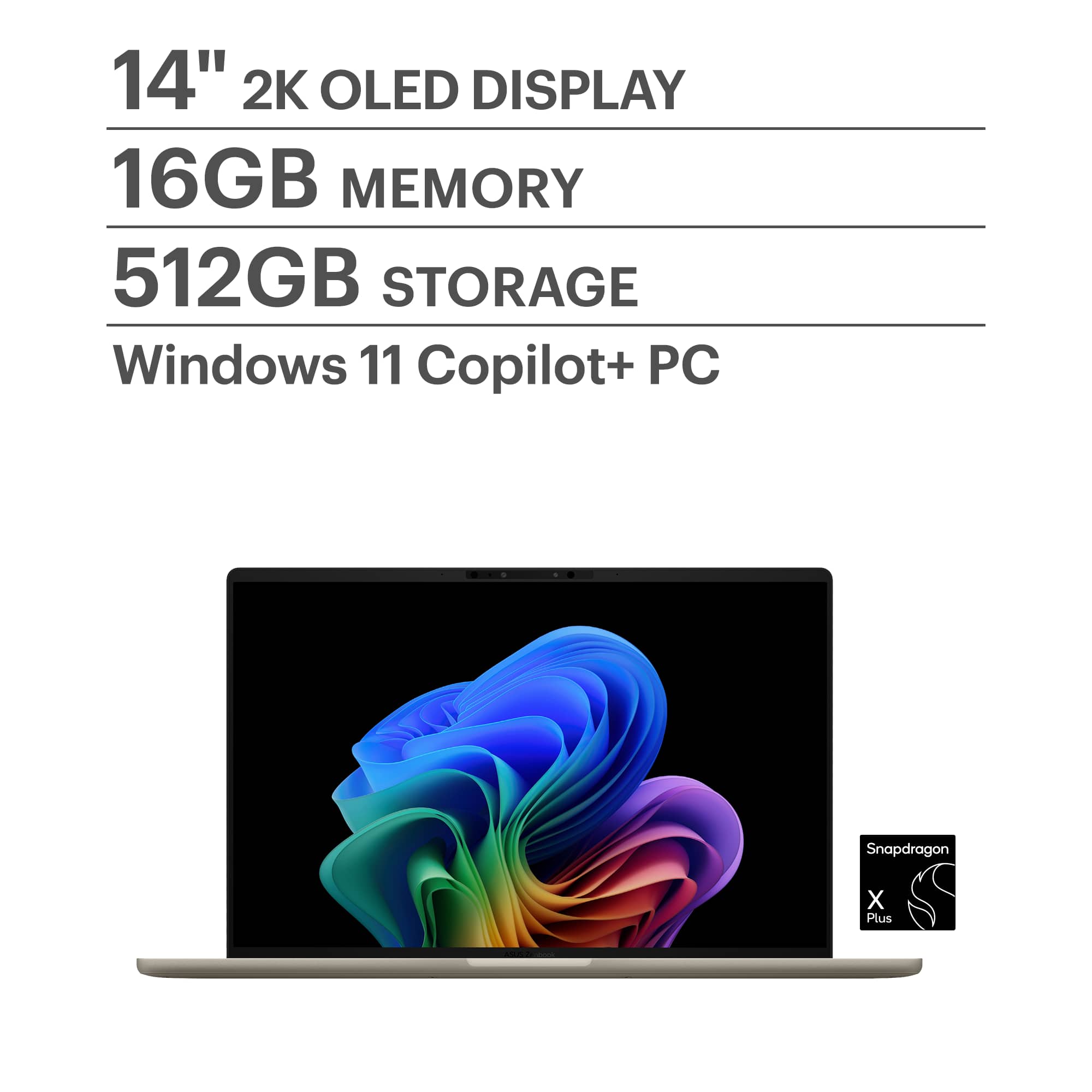
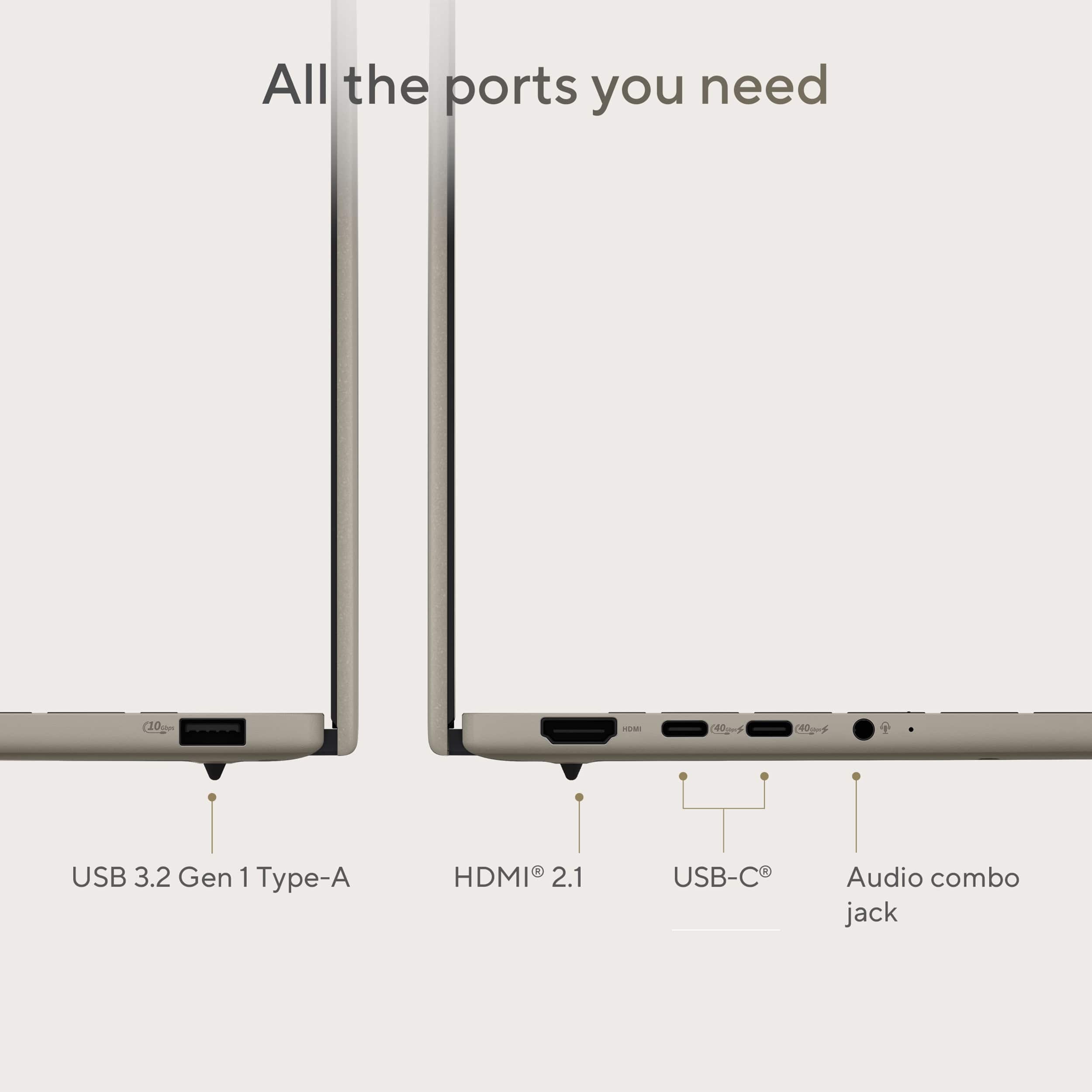
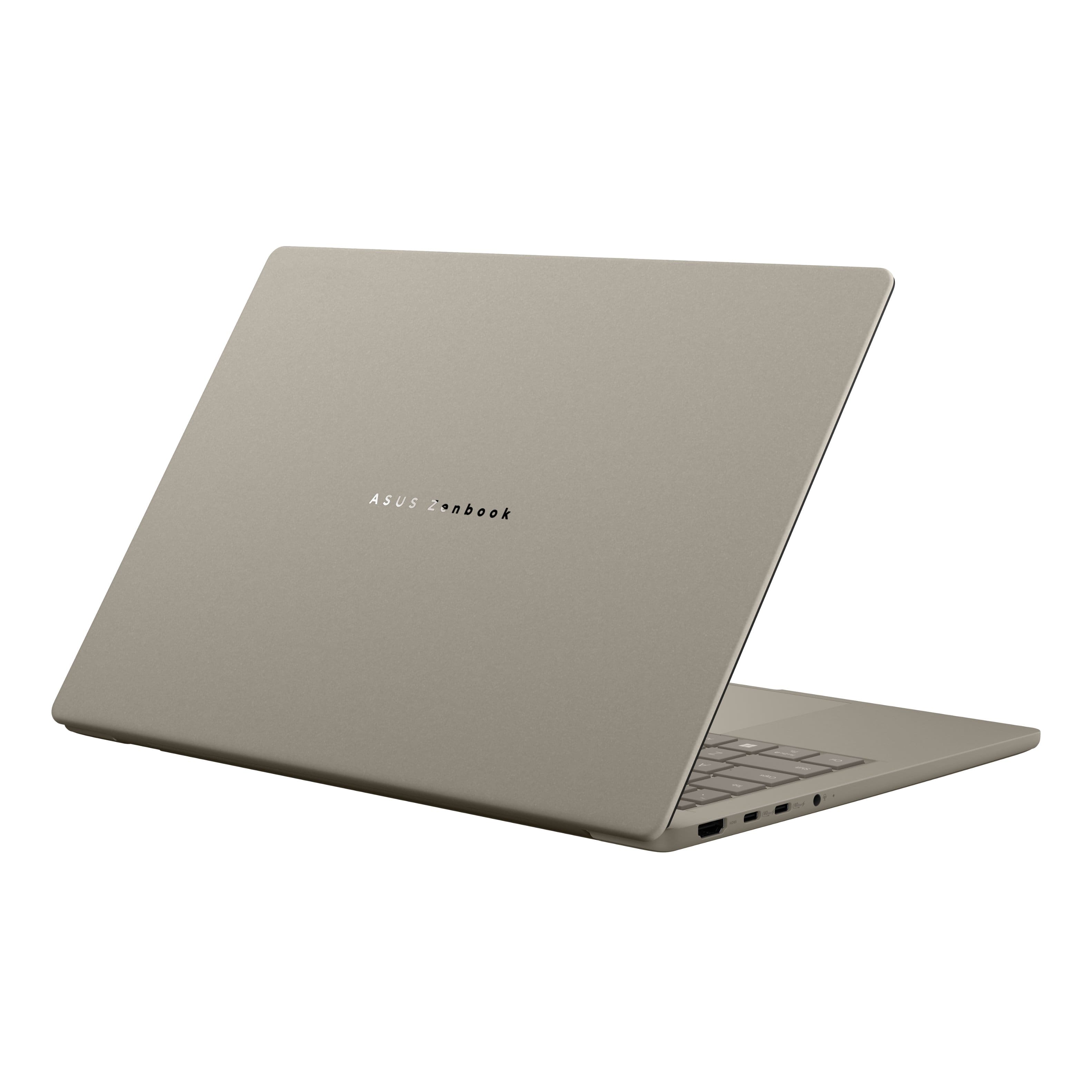
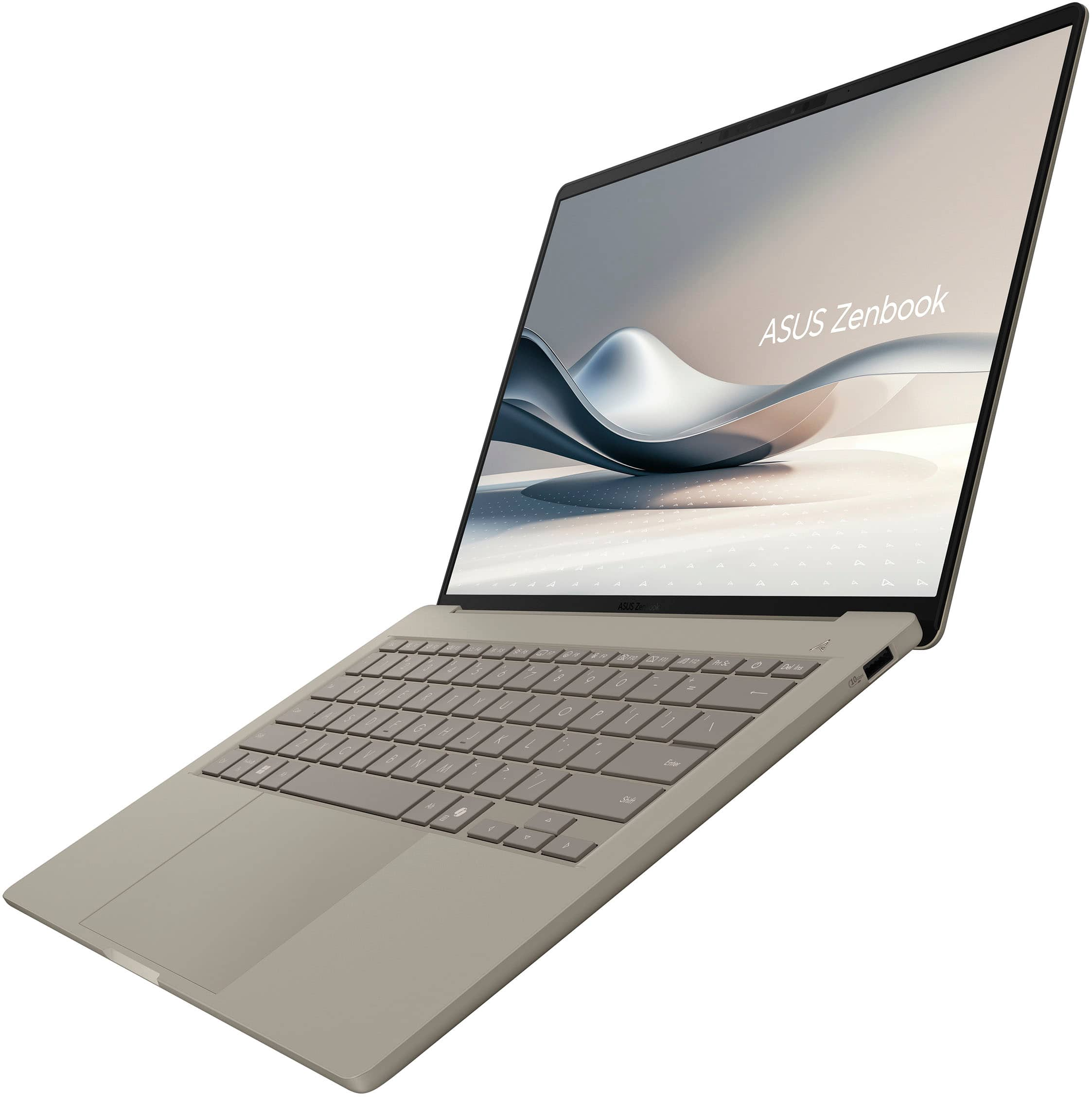
A:AnswerThis laptop has two USB 4.0 Gen 3 Type-C ports for connecting two external monitors and a HDMI port to connect another one for a total of three external monitors.
A:AnswerI’m using a third party dock with an HDMI monitor cable (not a DisplayPort connection). Works great. The dock allows simultaneous powering, external displays, USB-C and USB-A connections, SD&TF cards, Works great.
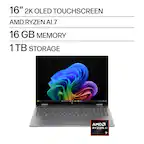
A:AnswerLink below is for an ASUS laptop with requested specs (not sure about color):
https://www.bestbuy.com/product/asus-zenbook-s-14-14-3k-oled-touch-screen-laptop-copilot-pc-intel-core-ultra-7-32gb-ram-1tb-ssd-zumaia-gray/JJGGLHJXT8/sku/6615730
A:AnswerYou can turn off Adaptive Lighting inside Settings > Settings > Display, under "Brightness & Color", click on Brightness to expand options, then turn off "Change brightness based on content". Additionally, set your brightness level manually.
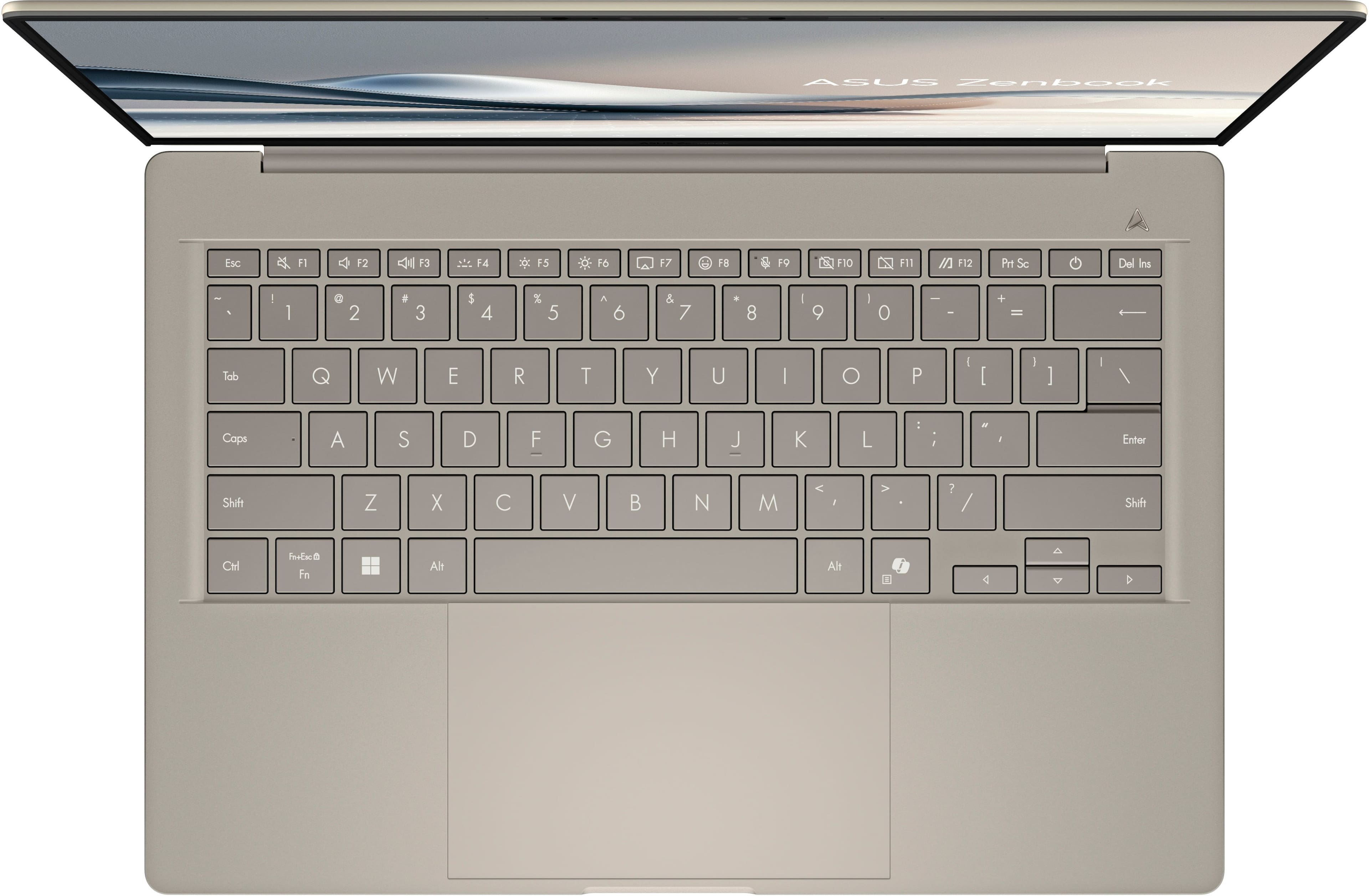
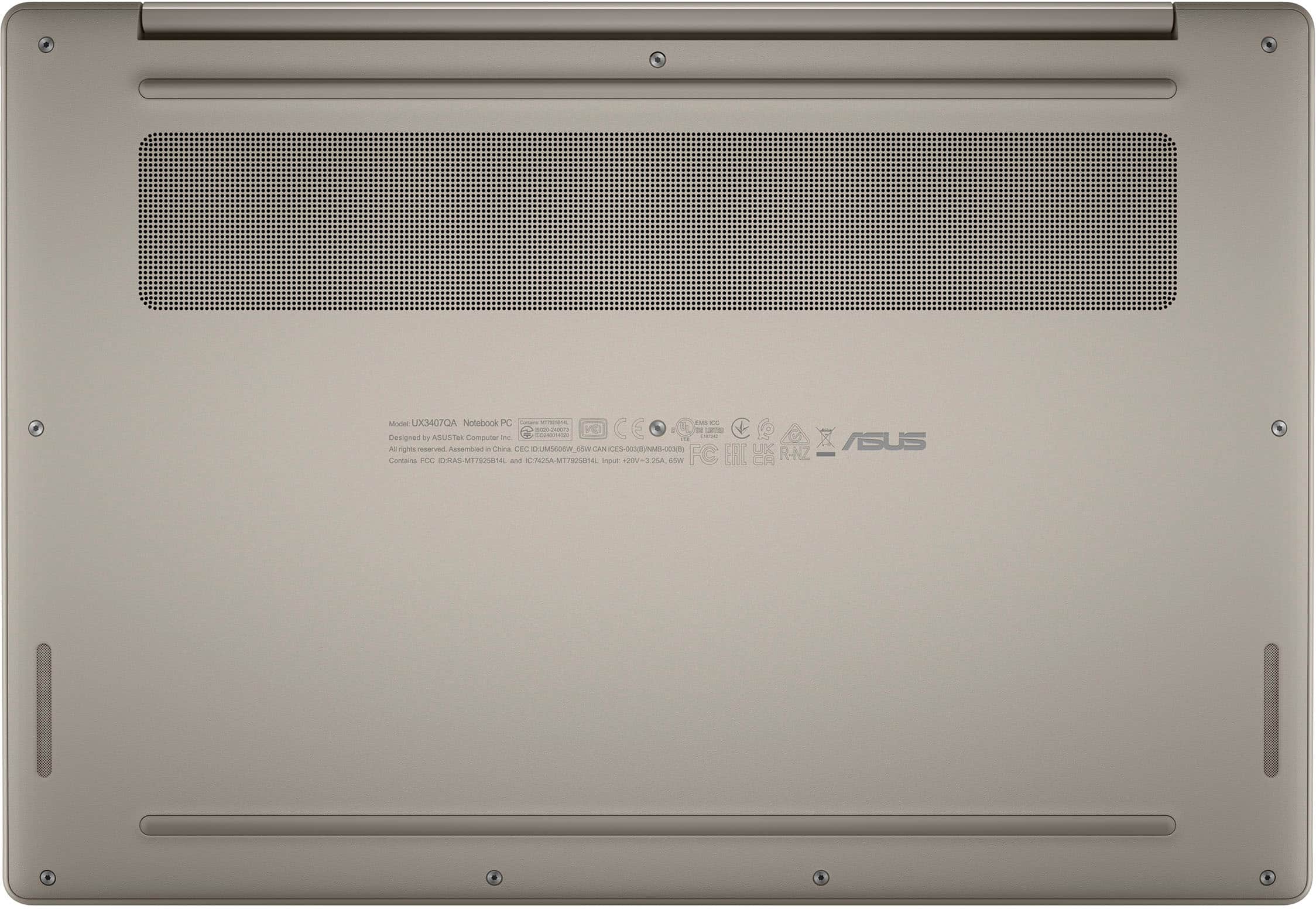
A:AnswerThe ASUS UX3407QA (Zenbook A14) sold by Best Buy in the United States typically comes with an English (US) keyboard layout, which does not include the letter ñ as a dedicated key.
A:AnswerHi Ant, and thanks for reaching out. Snapdragon X Series processors are designed primarily for thin and light devices, excelling in productivity, media consumption, and creativity. However, we understand the importance of gaming for many users. We have rigorously tested and validated hundreds of leading games on our platform, and we are continuously adding more. You can find a list of fully validated games at www.WorksOnWoA.com