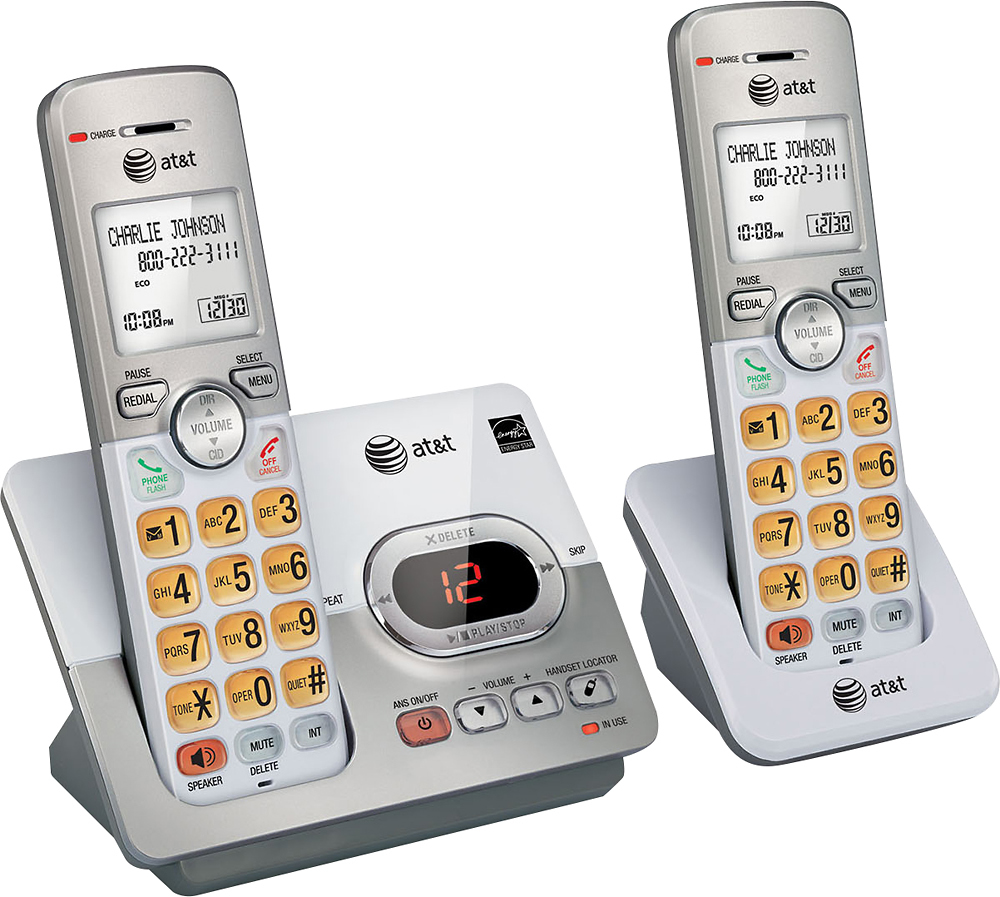
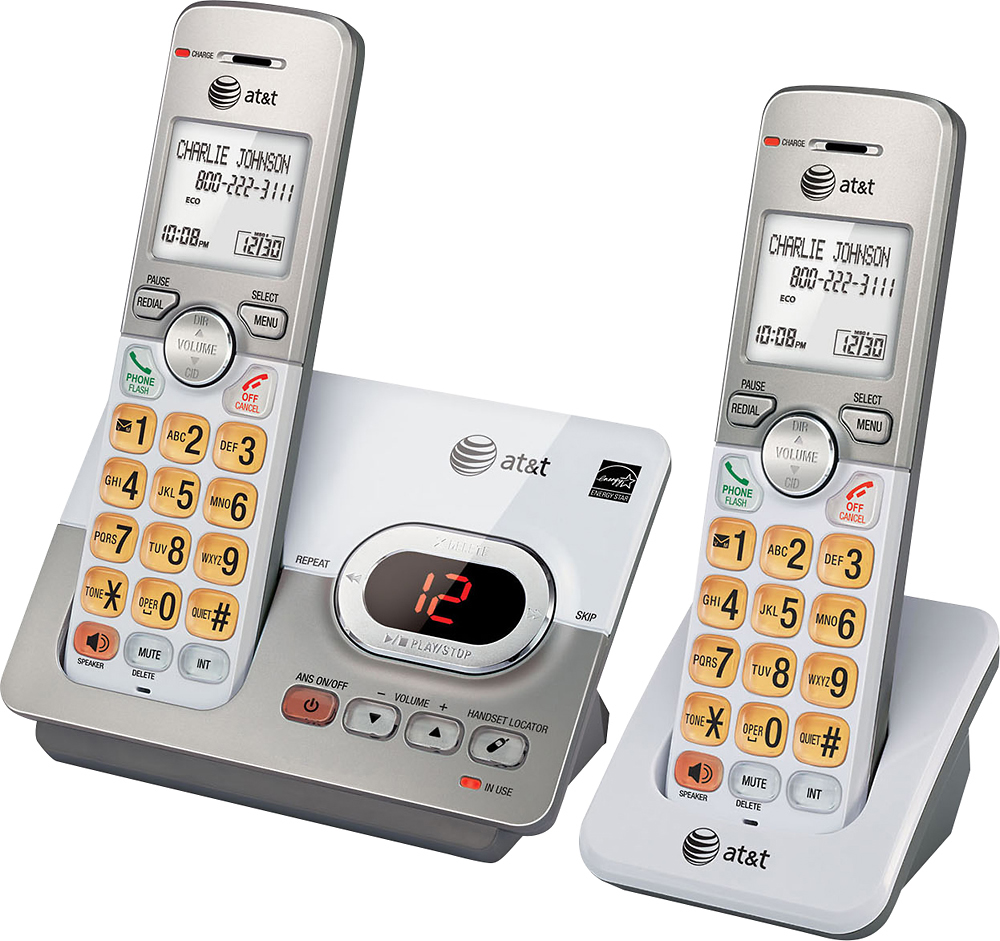
A:AnswerYes. Press "Menu" on the phone, hit the down arrow (bottom of the Volume button) until you see "Answering sys". Press the "Select" button ("Menu" button) and hit the down arrow until you see "Ans sys setup". Press the "Select" button and press the down arrow until you see "Call screening". Press the "Select" button and press the down arrow until it shows "Off". Press the "Select" button. Press the red "OFF" button to finish.
Call screening is what allows you to hear people leaving messages and screen the call to decide if you want to answer the call or just let them leave a message. Turning this feature off (which is on by default) will allow people to leave messages without you having to hear it.
A:AnswerWhen you are speaking on the phone press the speaker button on the lower left side. If that isn't enough, while you are talking, press DIR until the sound is loud enough.
A:AnswerNo. This phone is designed to work on any regular phone wiring in your house. Of course you must have an account with your local phone company to use these.
A:AnswerGo to your Menu and arrow on it till you see answering system, select and arrow ( up/down) till you see record a greeting. Or just turn it on and let the prerecorded message do your work.