A:AnswerWhen connected to the CD input on the receiver, the phono preamplifier inside the turntable must be on. That is, the preamp selector switch located on the rear of the turntable must be set to the LINE position. If you get no sound through the CD input with the internal phono preamplifier turned on, return the turntable to us for repair/replacement.
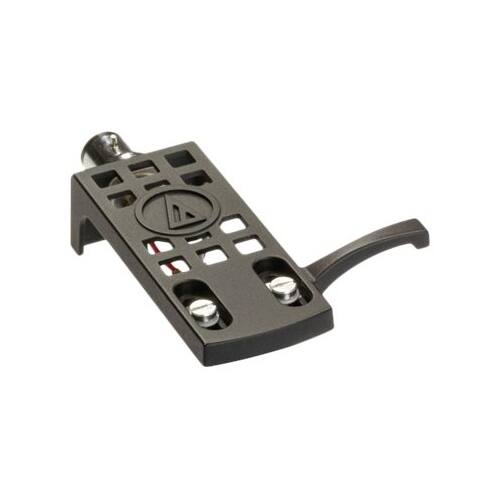
A:AnswerThe AT-LP120-USB Turntable currently includes the AT95E Cartridge. The new, updated version of the turntable, the AT-LP120XUSB, includes the AT-VM95E Cartridge which is an updated version of the AT95E.
A:AnswerThe turntable does have a built in pre-amp, so you either need a set of powered speakers, or a receiver and passive speakers to play it. The built-in pre-amp is a bit noisy, so many buyers modify the turntable by taking out the pre-amp and using an external one, or using a receiver with a Phono input.
A:AnswerI would think so, because a flash drive functions in a manner similar to the hard disk, but with expedited speed. You'd have to adjust the settings of your audio software to save the recording on to your flash drive instead of wherever it defaults to. You'd also need to make sure that your flash drive has enough space to accept the size of the music file. That, of course, would depend on what format you are saving the file in and/or if you're compressing it to something more compact like an mp3 file. I have found that when recording (and audio processing) a vinyl file, saving it at 320 kbps seems to offer a very high quality sound...but does not take up as much space as an uncompressed file. I guess it depends on if you want a pristine, uncompressed copy or not. One other comment: You'd also have the option of saving the file to your hard drive, and then transferring it to the flash drive when you're confident that it sound the way you want and that it will fit. Good luck!
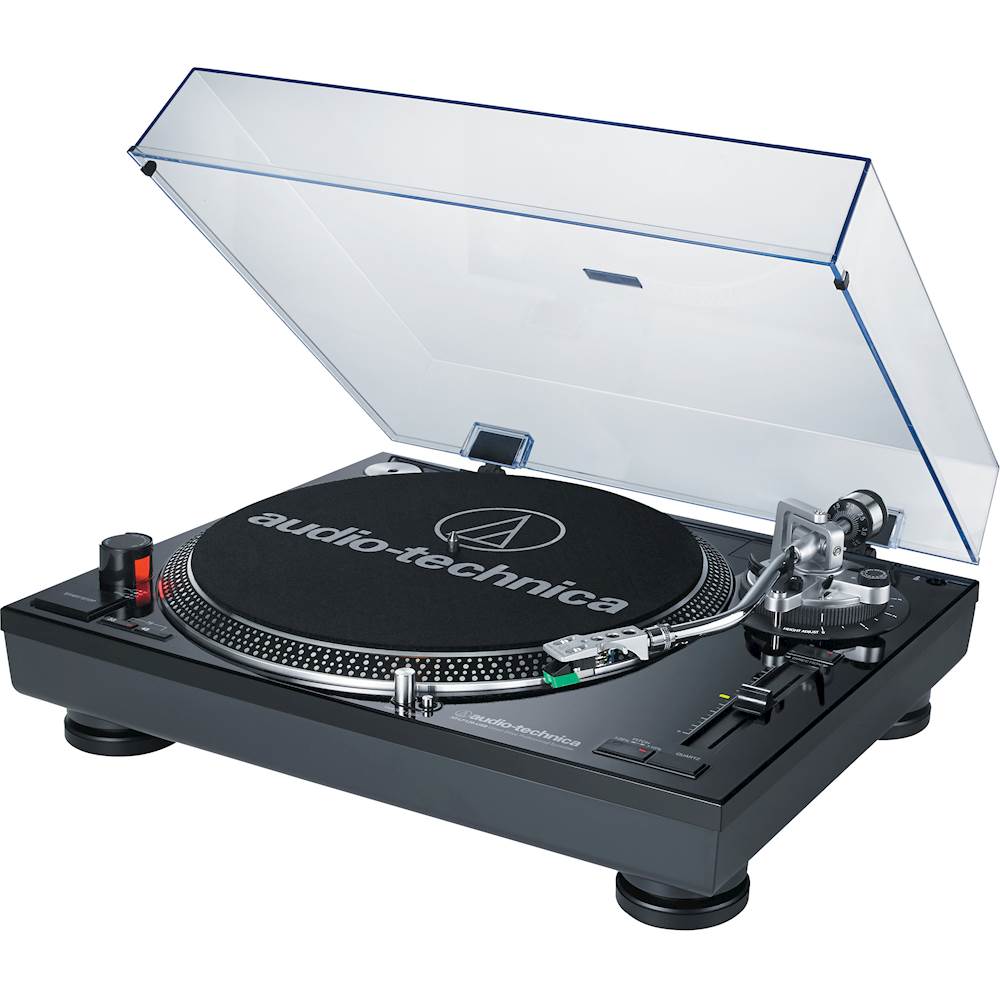
A:AnswerTurntable has to be connected / wired to an AVR or PC/MAC. If your speakers are linked to the AVT or PC, should work.
The Turntable is not Bluetooth/wireless.
A:AnswerNO. The turntable has a pre-amp to convert analog to digital. The USB port is used to connect the turntable to a PC or MAC to convert analog to digital copy. Sound would come from speakers connected to the PC.
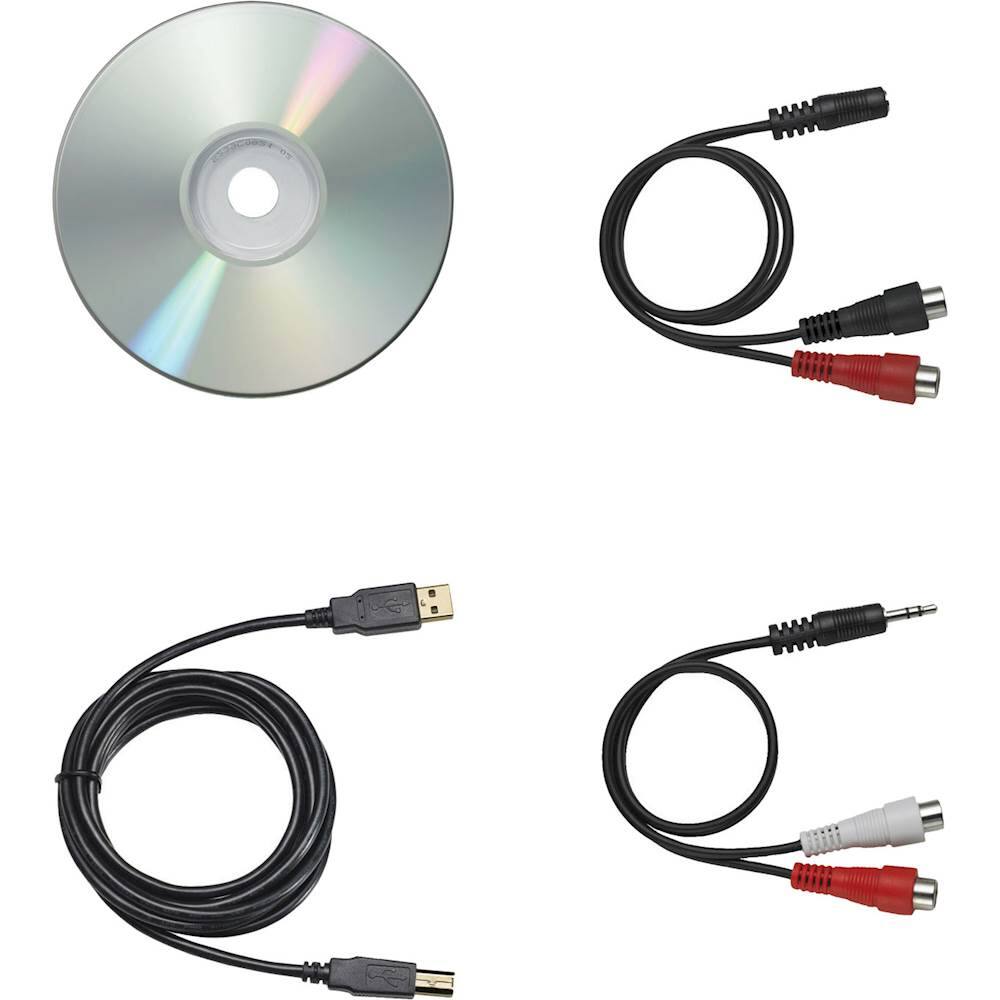
A:AnswerTurntable comes with a disc and instructions for Mac. Neither is really needed since the device exports to Audacity via USB.
Very nicely made turntable, I am very happy with it.