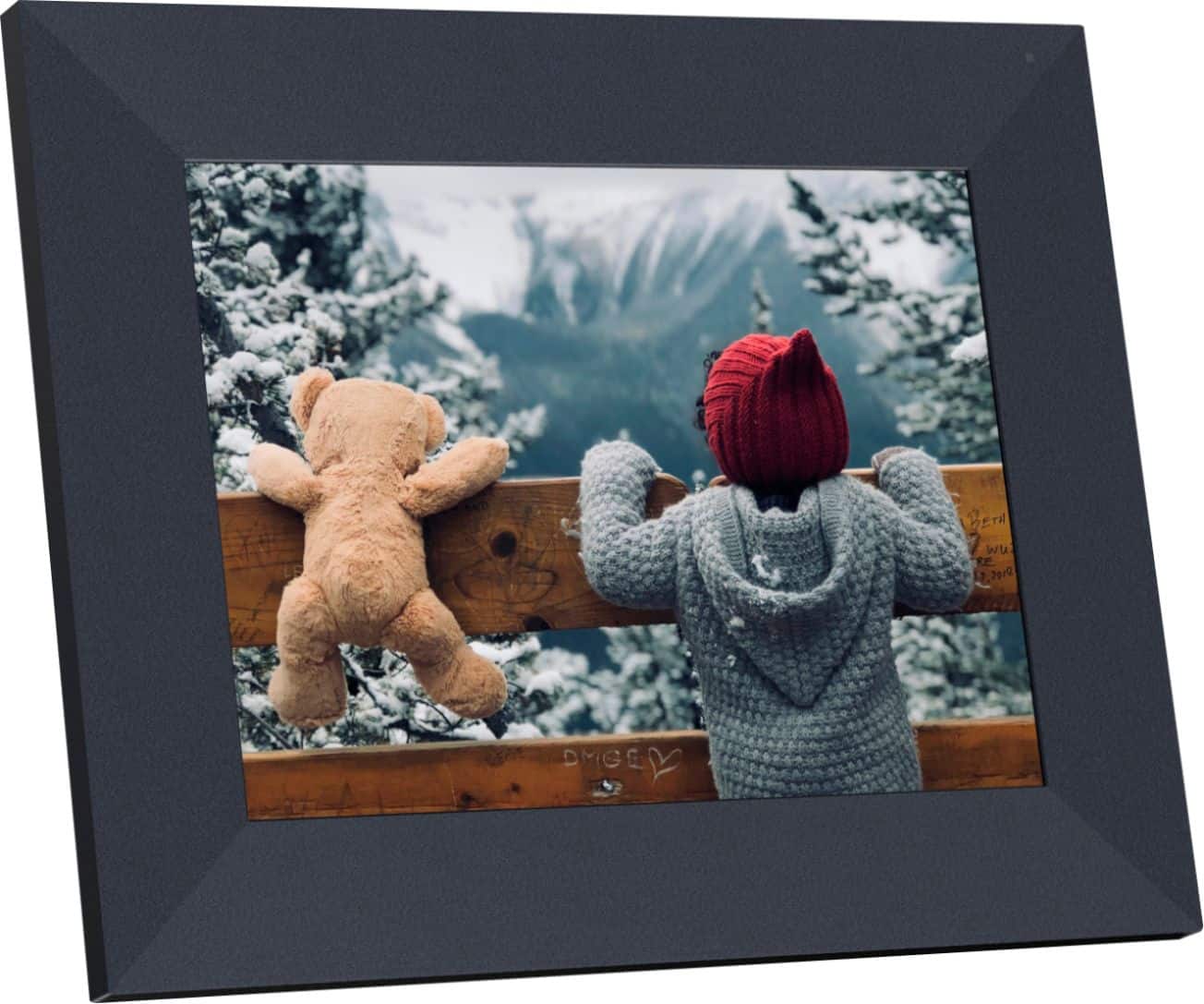
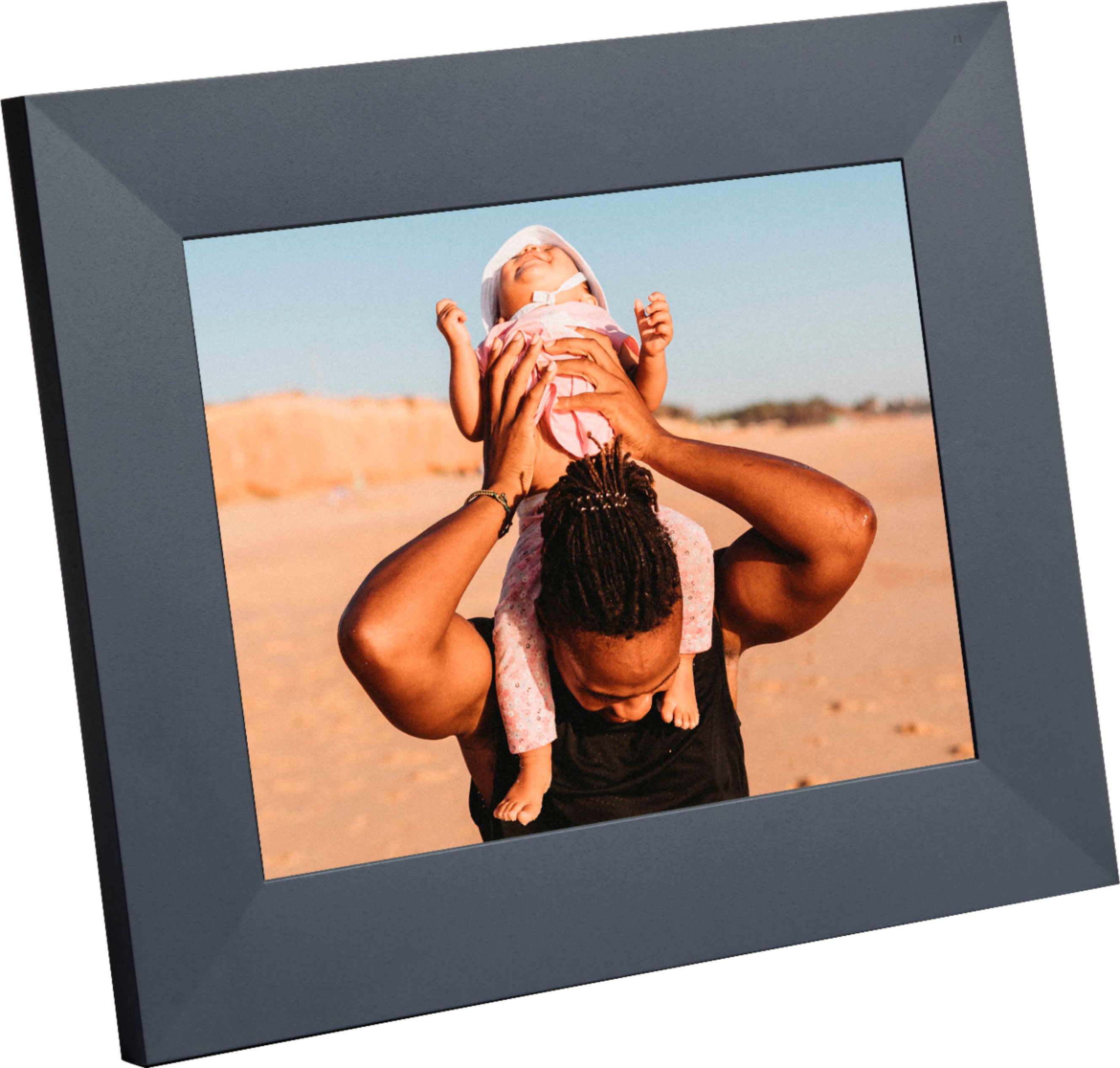
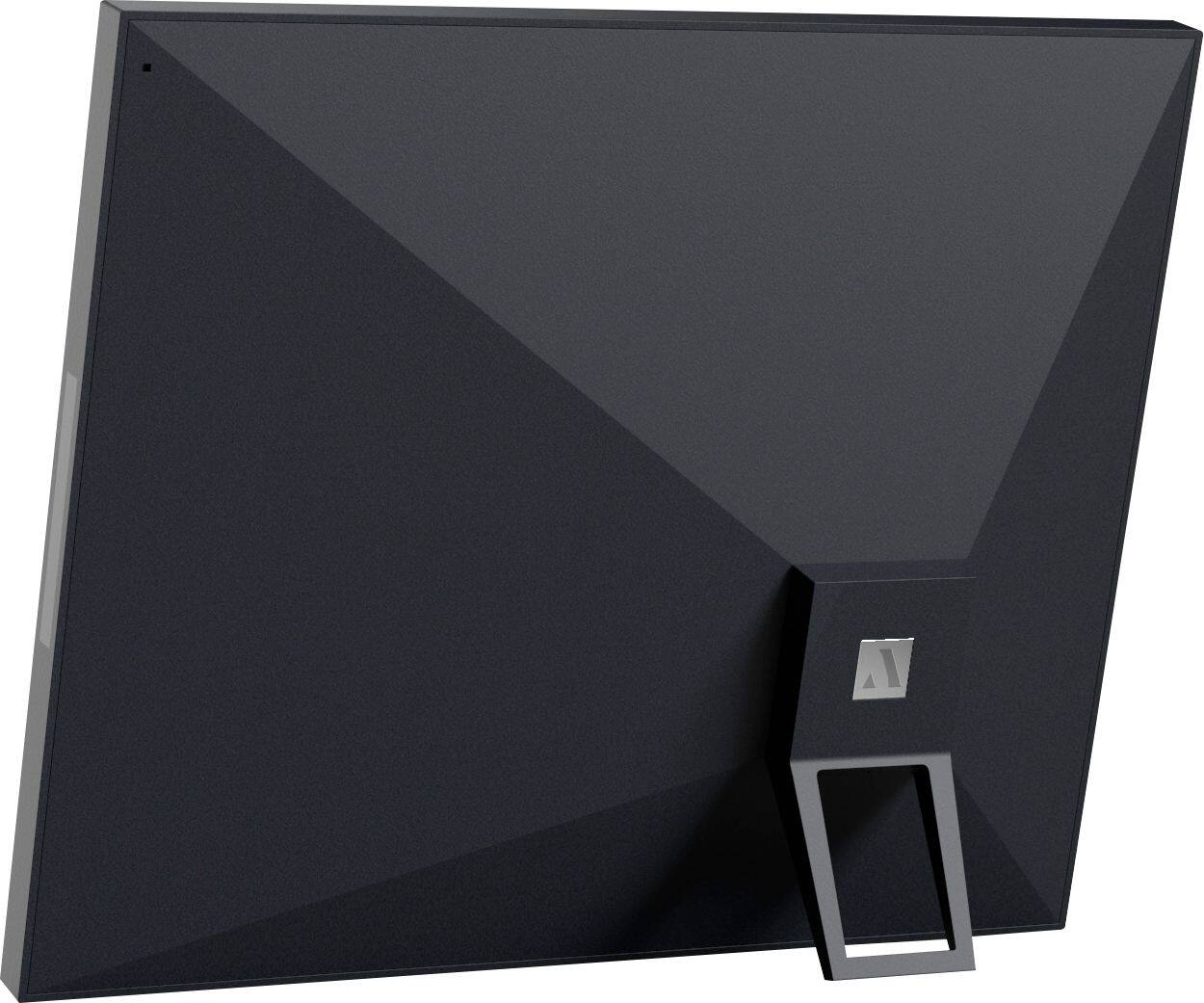
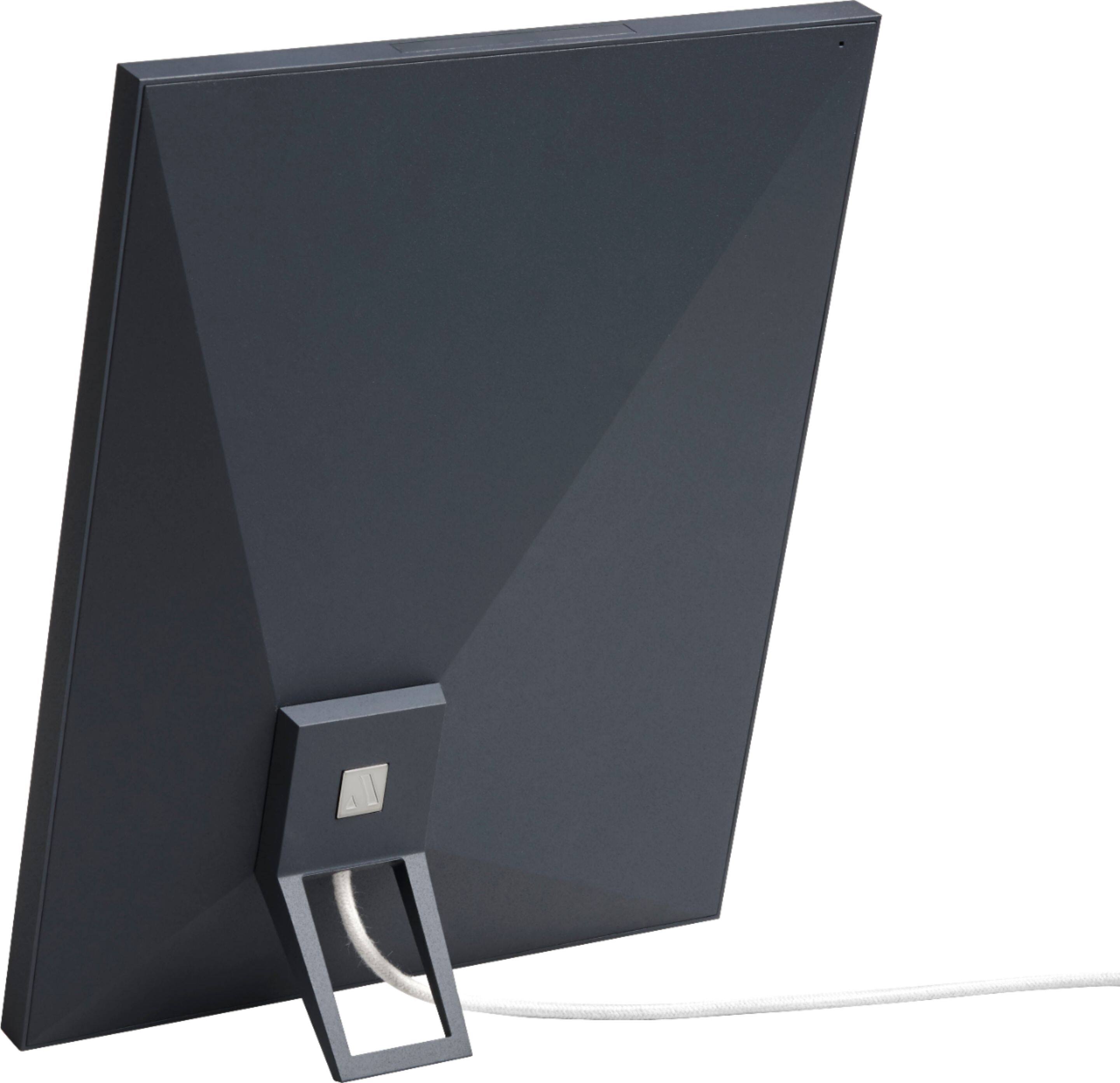
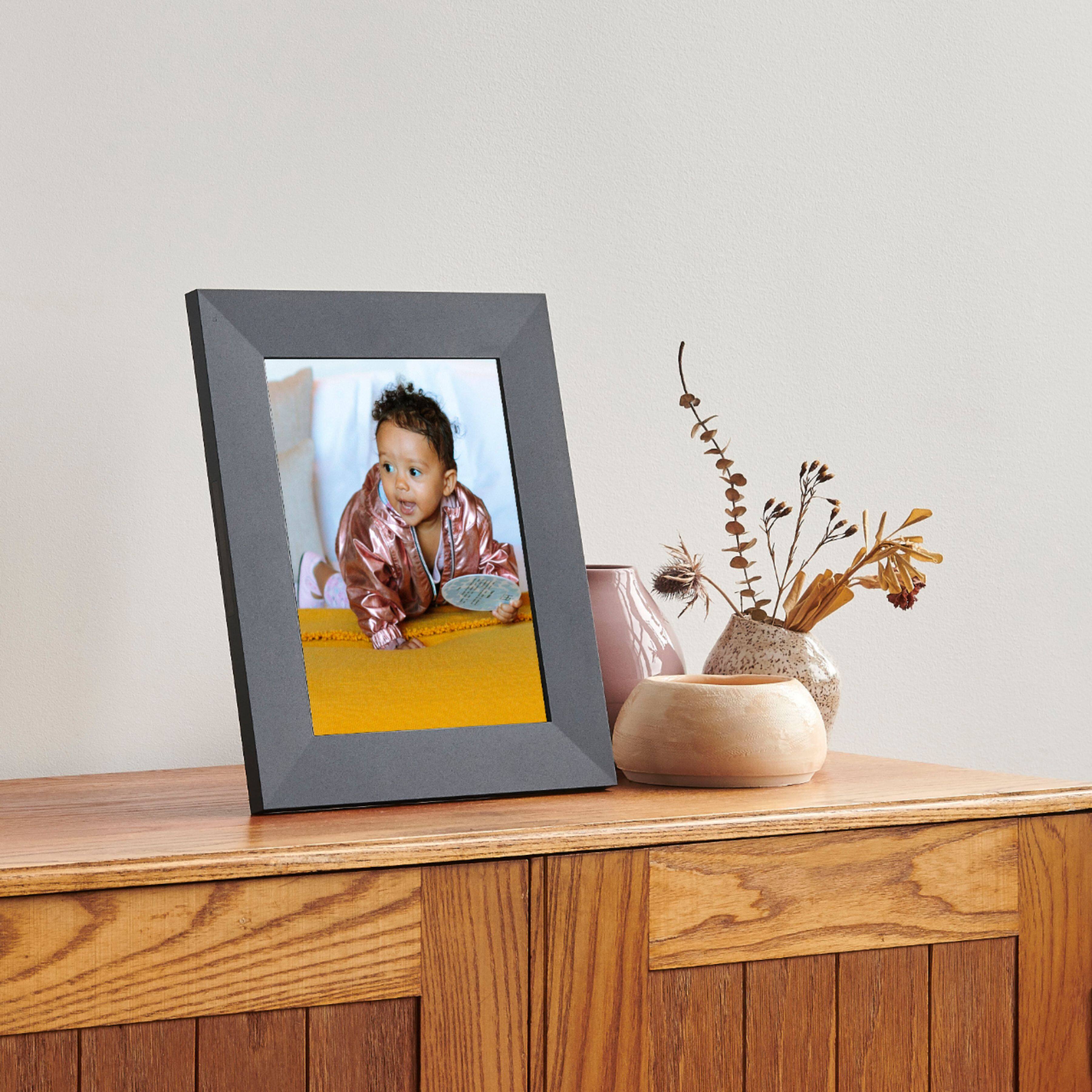
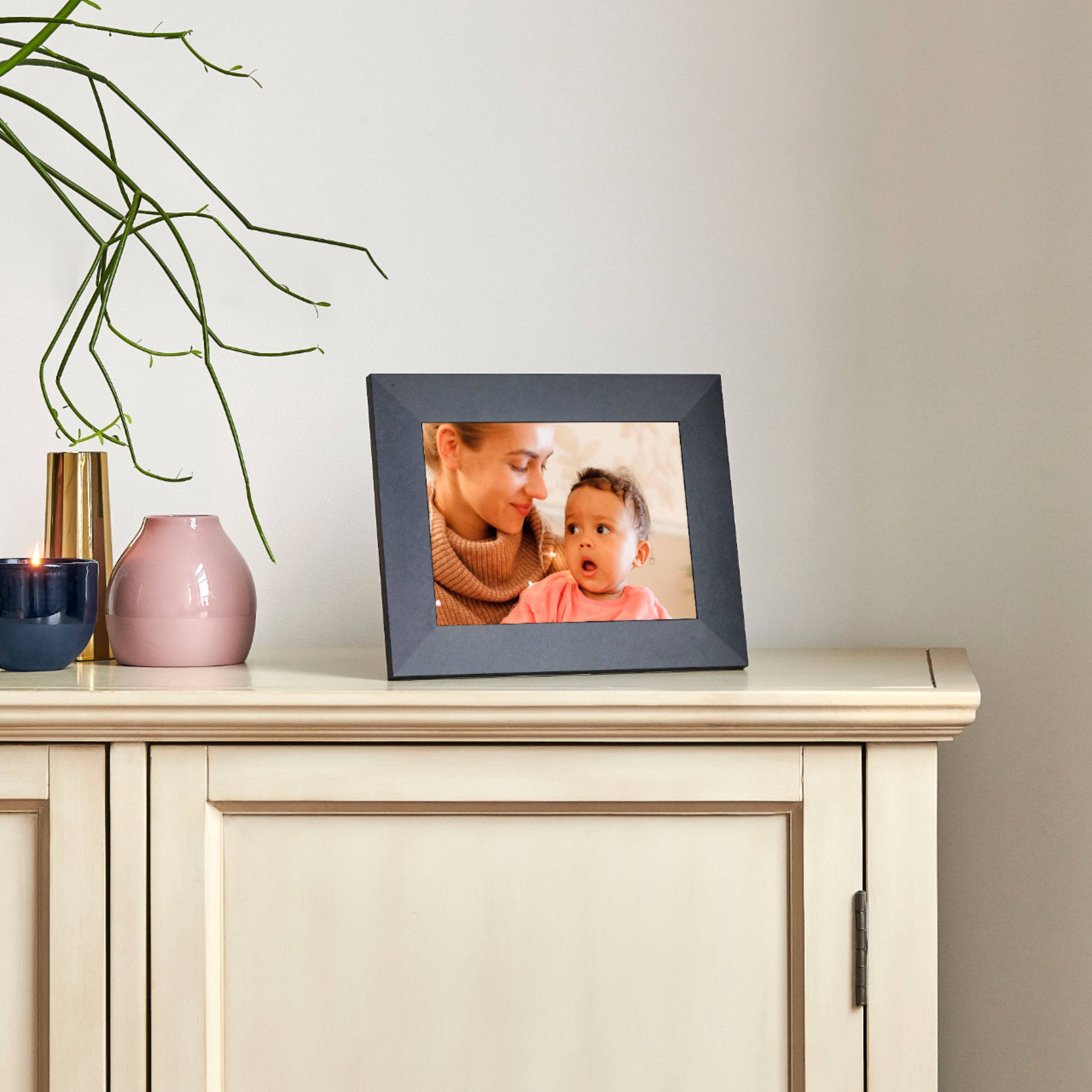
A:AnswerThe main difference between Mason and Sawyer (besides how they look) is the display size and screen resolution. Sawyer by Aura comprises a 9.7 inch display that's 2048x1536 px compared to Mason by Aura that comprises a 9 inch display that's 1600x1200 px. Hope that helps!
A:AnswerAura has unlimited storage allowing you to select an unlimited number of photos for your frame via the Aura App. You can also invite an unlimited number of family members to contribute photos to your frame!
A:AnswerYes, Aura needs to be connected to WiFi in order to display photos. If the frame happens to lose its WiFi connection for a short period it will continue to display photos for up to 24 hours. Hope this helps!
A:AnswerAura frames feature built-in touch bars allowing users to easily change the photo on their frames display by swiping forward or back on the touch bar. If you wish to view all of the selected photos to locate a specific photo you can do so via the Aura app. Hope that helps!
A:AnswerUnfortunately Aura frames don't feature internal memory. However there are options available for users who don't wish to utilize Aura's unlimited cloud storage. Please visit Aura's help center online and search 'Photo Access and Privacy' for more detailed information. Hope this helps!
A:AnswerAura frames have unlimited storage allowing you to select an unlimited number of photos for your frame. You can also invite an unlimited number of family members to contribute photos to your frame! Hope that helps.
A:AnswerYes you will need to add memory. However, what I can tell you is this frame and the ap are totally amazing. We have children and their families in NZ and their photos just pop up giving my wife and I great joy. It is truly a wonderful way to share experiences as they happen. One other thing to remember is it is so very easy to set up and use. Good luck.