A:AnswerThe camera itself is fixed focus. Any ability to zoom in/out would just be via software cropping/uncropping a portion of the 1920x1080 output from the camera. This could be done using OBS Studio (Open Broadcaster Software https://obsproject.com/).
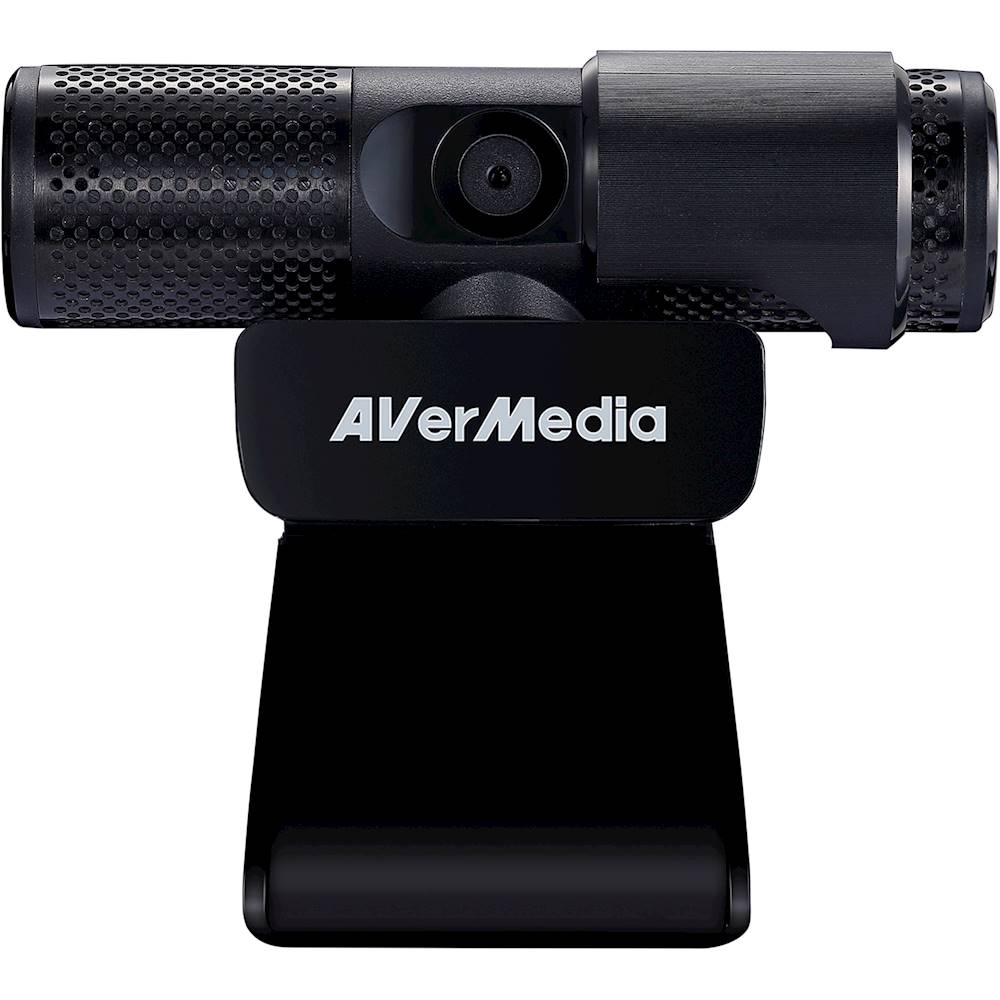
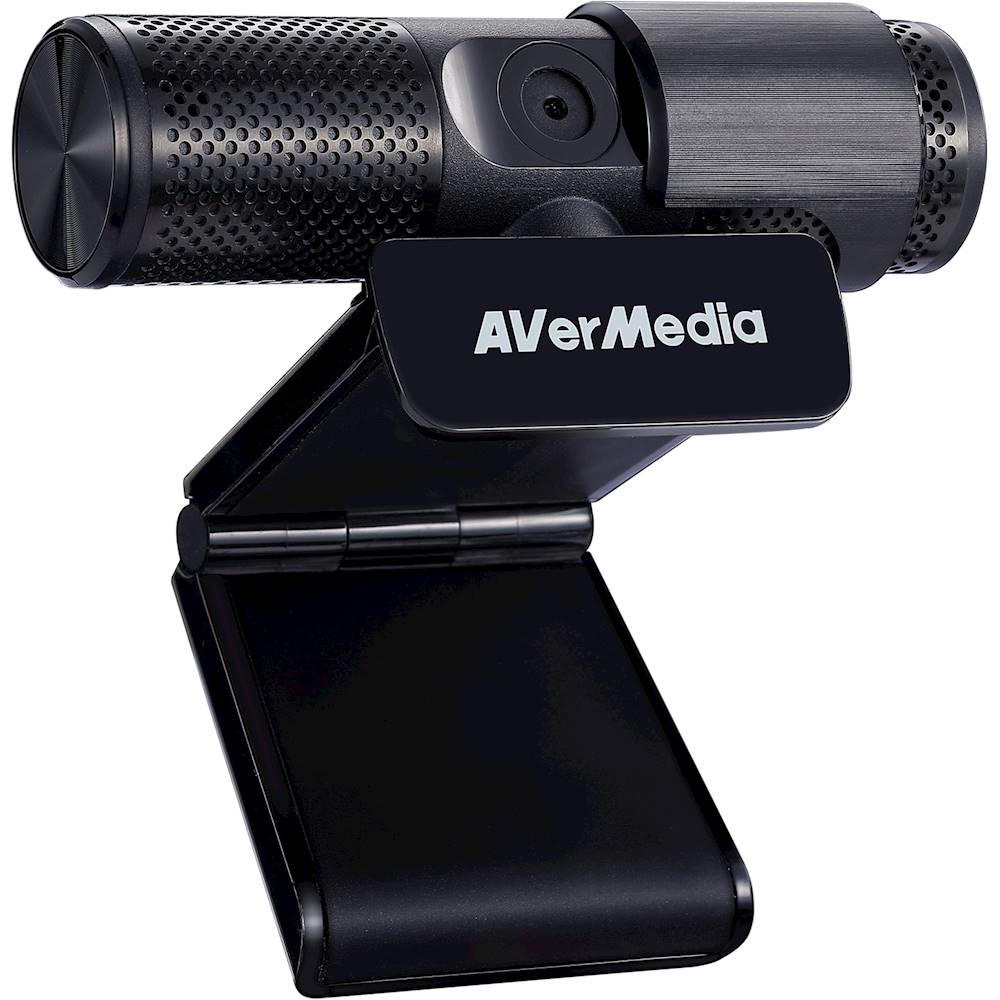
A:AnswerIf you're on a Zoom, Skype, Teams, etc. meeting, if you slide the cover over the lens, the mic will still be hot or live. Not until you sign off your meeting will it turn off the mic as well as video.
A:AnswerYes, this camera works with all of the video conference programs. You can use it as plug-n-play or they have a small application you can download for free to do some video adjustments.
A:AnswerThis camera is only supported on Windows 7/8/10. The HP 110-430 PC has a 2.4GHz Dual core Intel D Celeron J1800 which should be powerful enough to run the USB 2.0 webcam, but is below the minimum requirements for the AverMedia CamEngine special effects software (which is not needed for just using the camera). The Avermedia CamEngine software lists minimum system requirements as Win 10, Intel i5 3.10 GHz. See https://www.avermedia.com/us/product-detail/PW313 for more details.
A:AnswerHi, I have used it for zoom calls as well. There is a setting within zoom to choose this as the video device, and another if you want to use it as the mic.
A:AnswerThis camera is a great inexpensive option for a streaming cam. The Cam Engine software lets you adjust the video settings including exposure. This is a huge upgrade from a super cheap no name camera with no accompanying software. Highly recommended!
Keep in mind that proper lighting is the most important thing to image quality. More light is always better!
A:AnswerYes, any USB 2.0 device will work in a USB 3.0 port. Even though 2.0 and 3.0 ports look the same, a 3.0 port has the 2.0 pins as well as additional pins for the higher speeds. When a 2.0 device is connected it only contacts the 2.0 pins, not the high speed 3.0 pins within the connector. A 3.0 device connects to all of the pins which lets it operate at the higher speed.
Probably a longer answer than you wanted but hopefully this helps!
A:AnswerResearch indicated solid choice (performance & value) compared to many other brands, some more expensive. Purchased for Wife to teach HS - no problems. Assuming you didn't get a lemon, must be setup issue. I've found for computer related trouble best place to trouble shoot technical issues is Youtube - search by key words "Avermedia Webcam 313" and either "Troubleshoot" or "Audio issue" or revisit one of the "Setup out of box" videos.