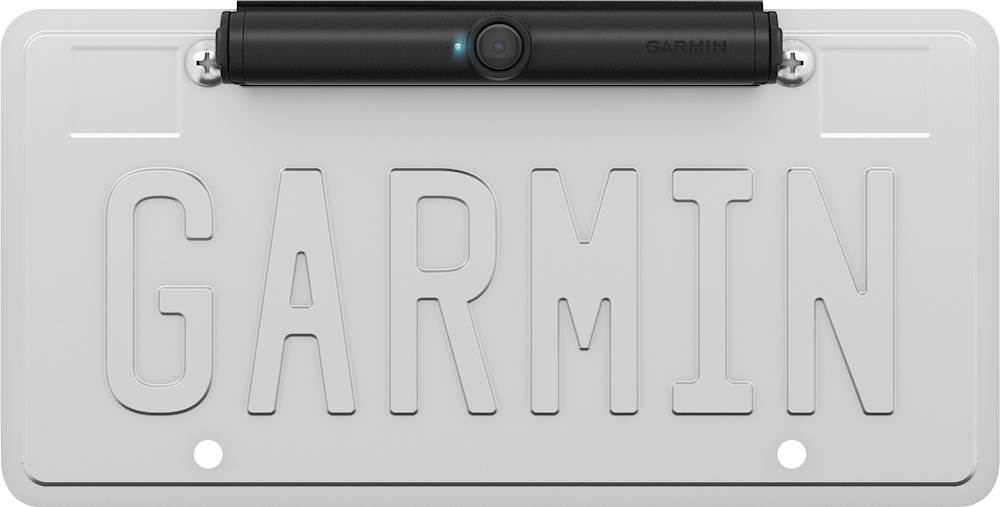
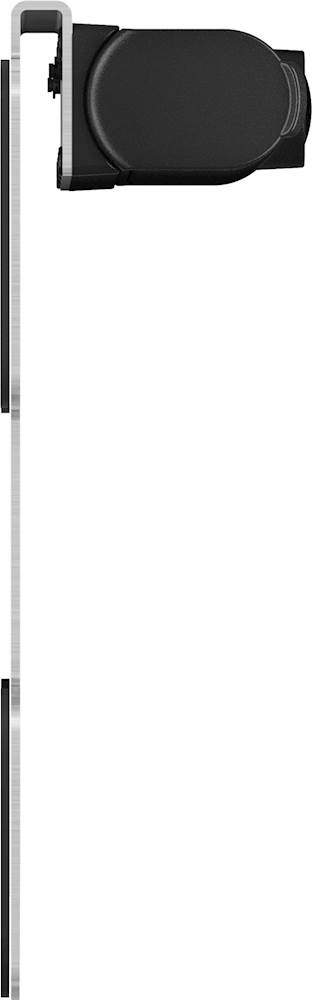
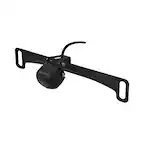
A:AnswerIf one uses allen wrench license plate screws, it is unlikely they will get the mounting bracket off. But the camera could be taken, as it snaps into the bracket. I may consider taking it off in certain environments.
A:AnswerSorry for the confusion, the DriveSmart 55 & Traffic is compatible with both the BC 30 and BC 40 backup cameras. If you still have the BC 30, Garmin Product Support is happy to help. Our contact information, including telephone number and hours of operation, can be found on at: Support.Garmin.com
A:AnswerDepend what tyoe of garmin gps you have you can add up to 4 on the one i have . But certain cameras are limited to range and material like metal or how full the trailer is so you might have to set it uo inside the vehicle then place it in the back and see how it works
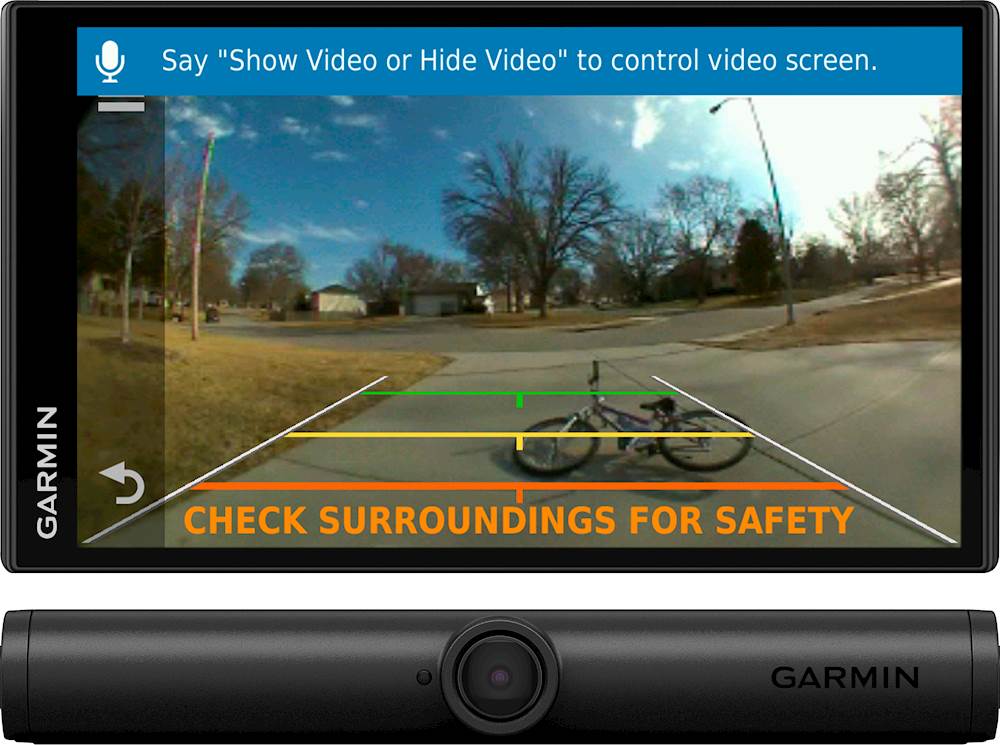
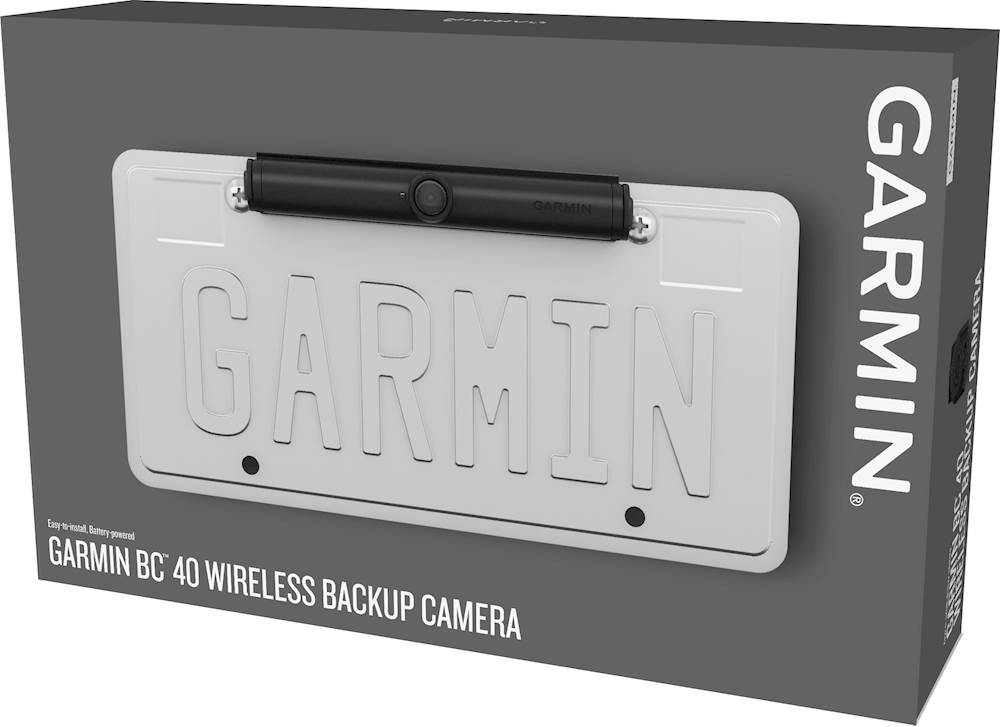
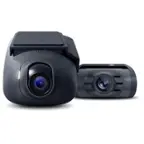
A:AnswerThe box includes the BC 40 camera and bracket mount. Uses 2 AA batteries; battery life lasts up to 3 months with average use (lithium recommended, sold separately). Wirelessly pairs with a compatible Wi-Fi enabled Garmin navigator to see the backup camera view on the navigation display.
Transmits data up to 25’ to provide a wide, clear video image of what’s behind your vehicle.
A:AnswerThis link will display all of the models compatible with the Garmin BC 40 Wireless Back-Up Camera :
https://buy.garmin.com/en-US/US/p/591686/pn/010-01866-00#devices
A:AnswerIf the signal is too weak from the camera located on the license plate of a 29' Travel Trailer and the Drivesmart 61 located on the dash of F-150 , is there any way to boost the signal.