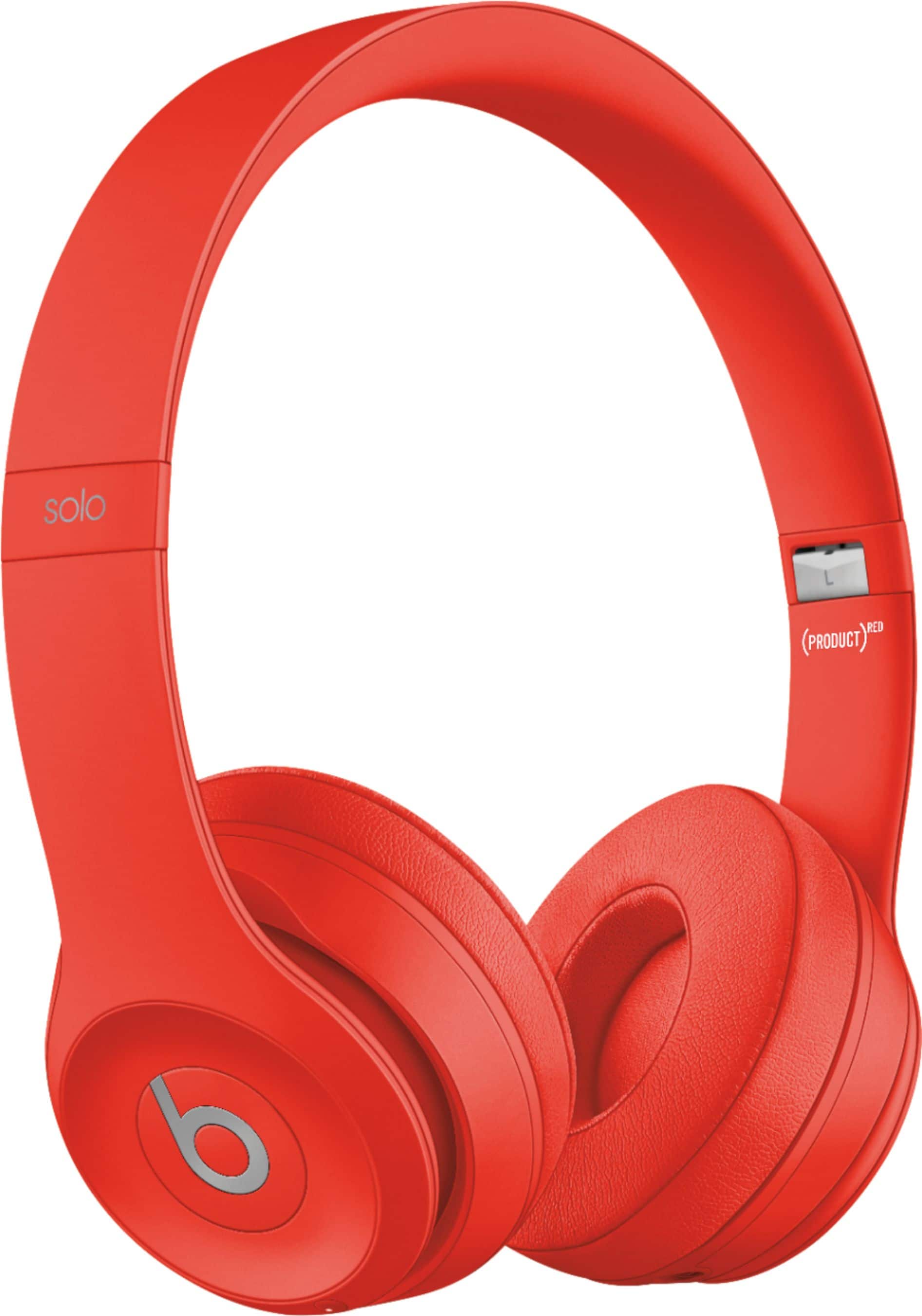
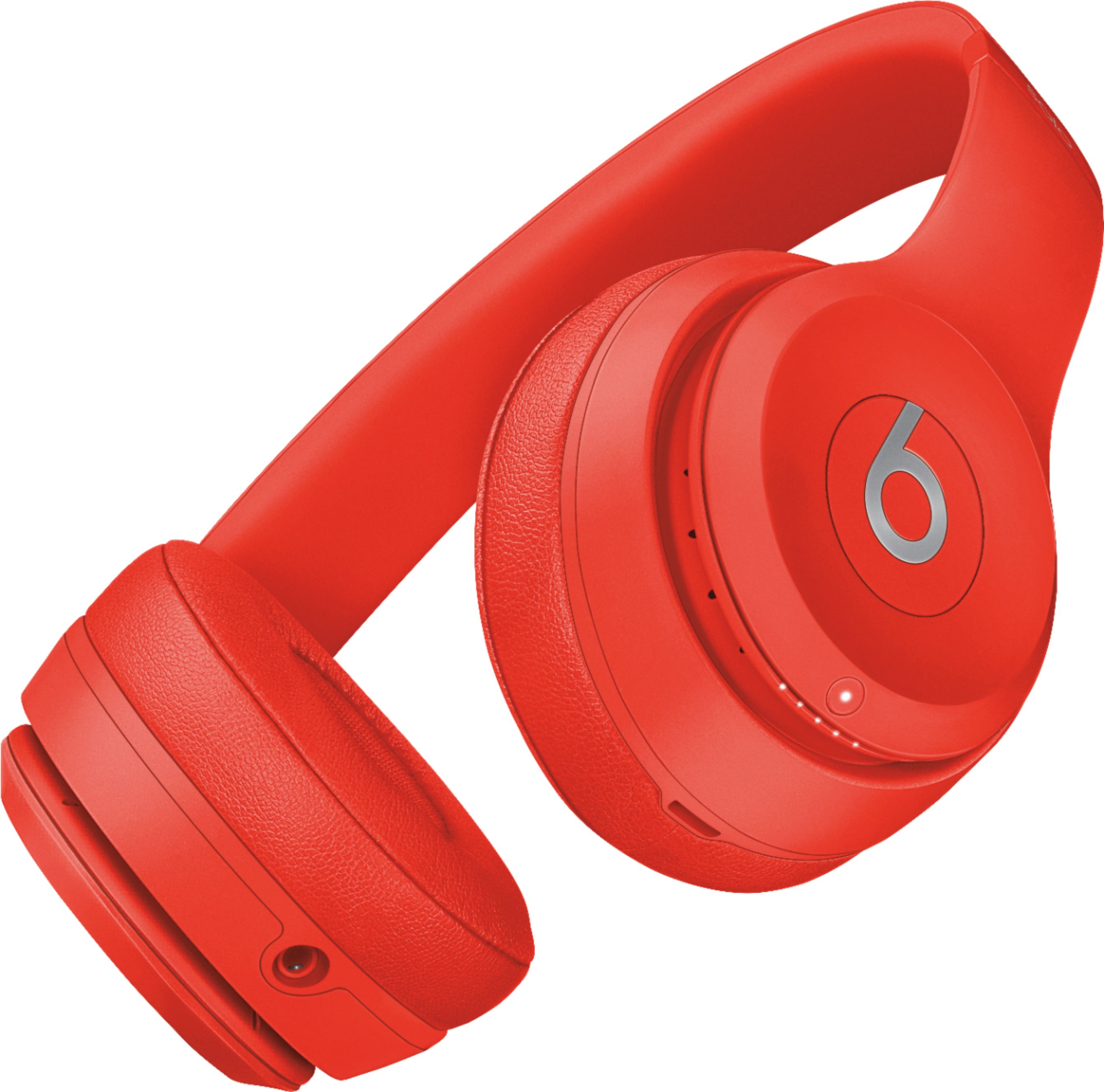
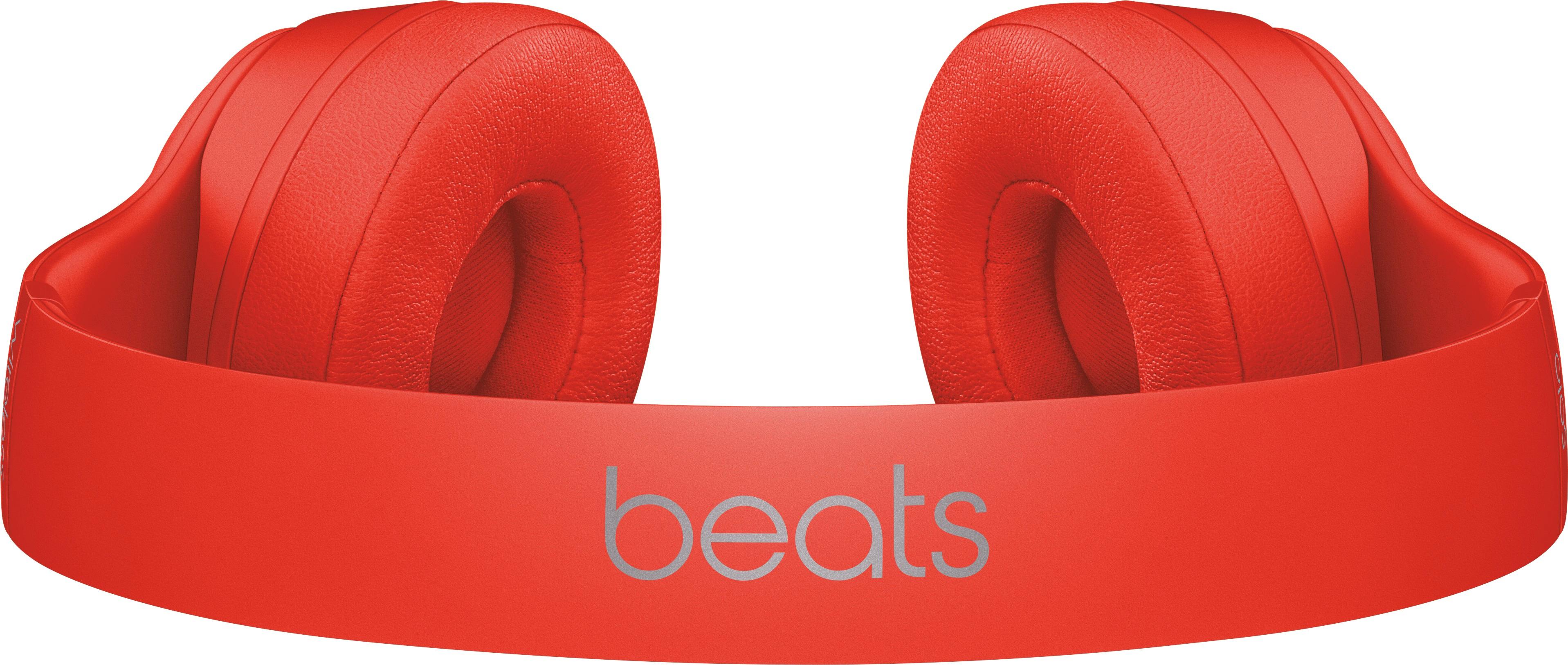
A:Answer To check the Fuel Gauge, which shows battery level and charging status, press and release the power button. Each light represents approx 20% battery.
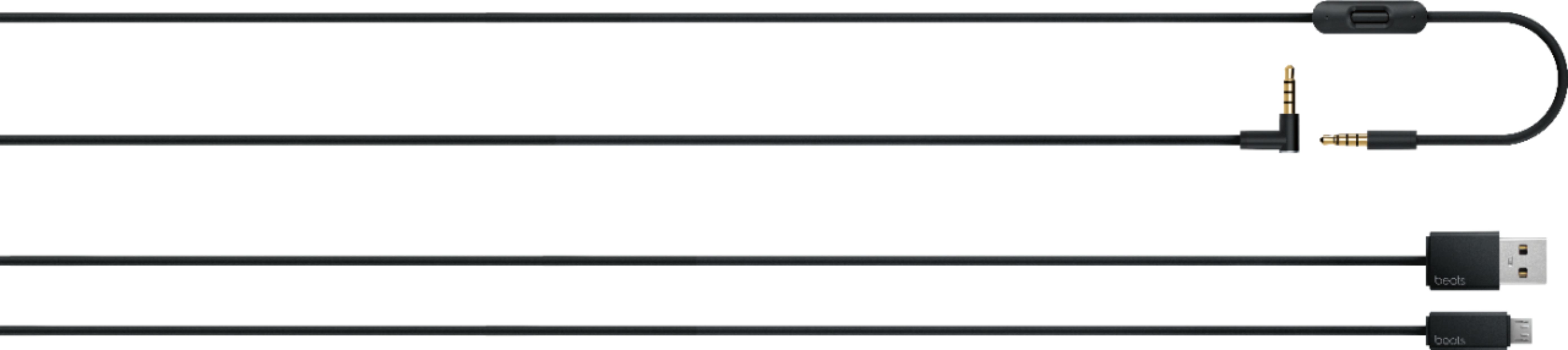
When charging, each of the LED lights will flash one at a time until all are lit solid indicating that your headphones have reached a full charge. After fully charged, please unplug your device from the charger.
Please review this resource for more on Beats Solo 3 Wireless headphones: https://www.beatsbydre.com/support/how-to/set-up-and-use-solo3-wireless