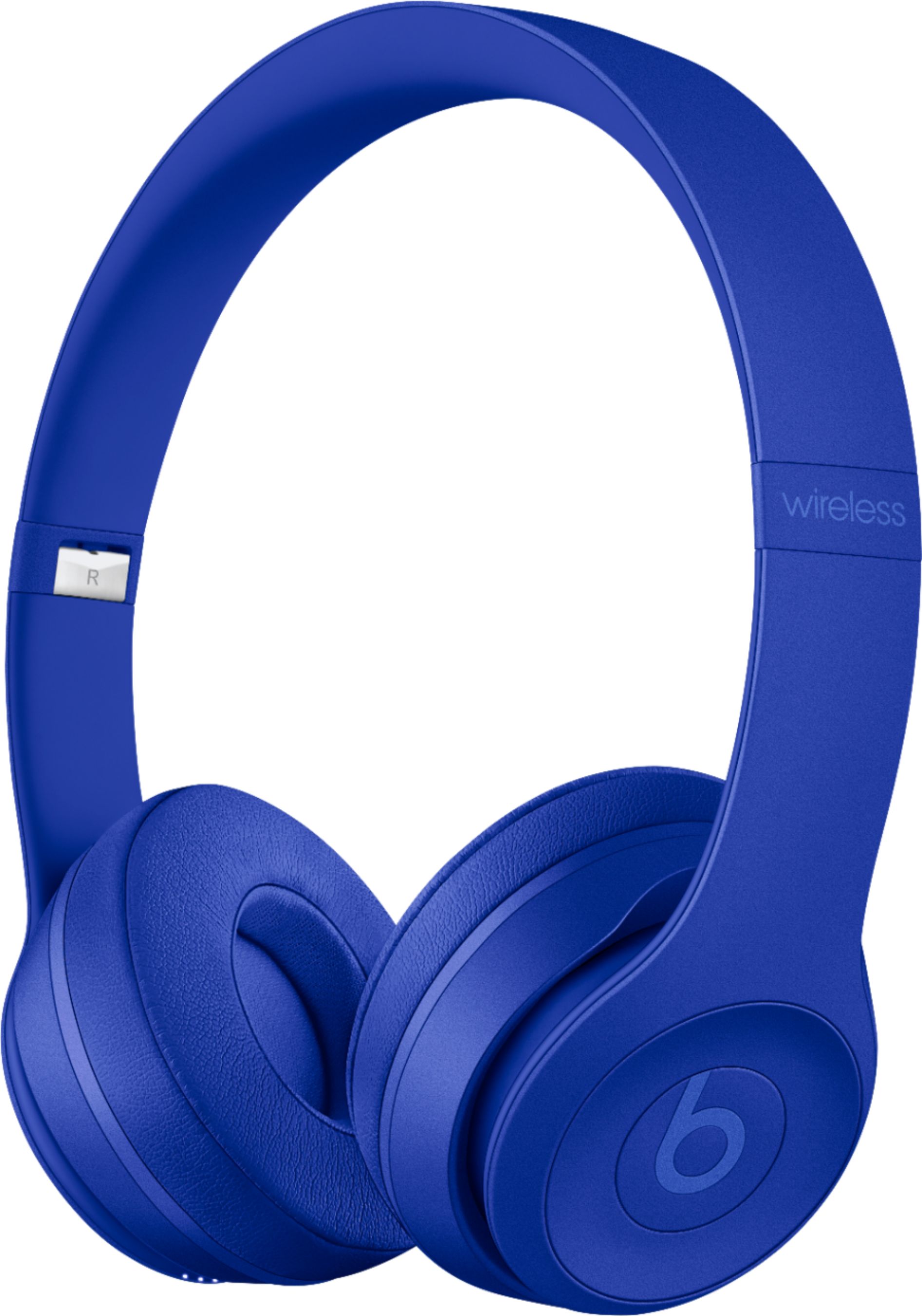
A:AnswerNo. Beats Solo 3 Wireless Headphones are not sweat and water resistant or sweat and water proof. Please keep them dry. Powerbeats 3 Wireless earphones and the new Powerbeats Pro earphones are sweat and water resistant. They aren't sweat or water prof, so don't submerge them in water.
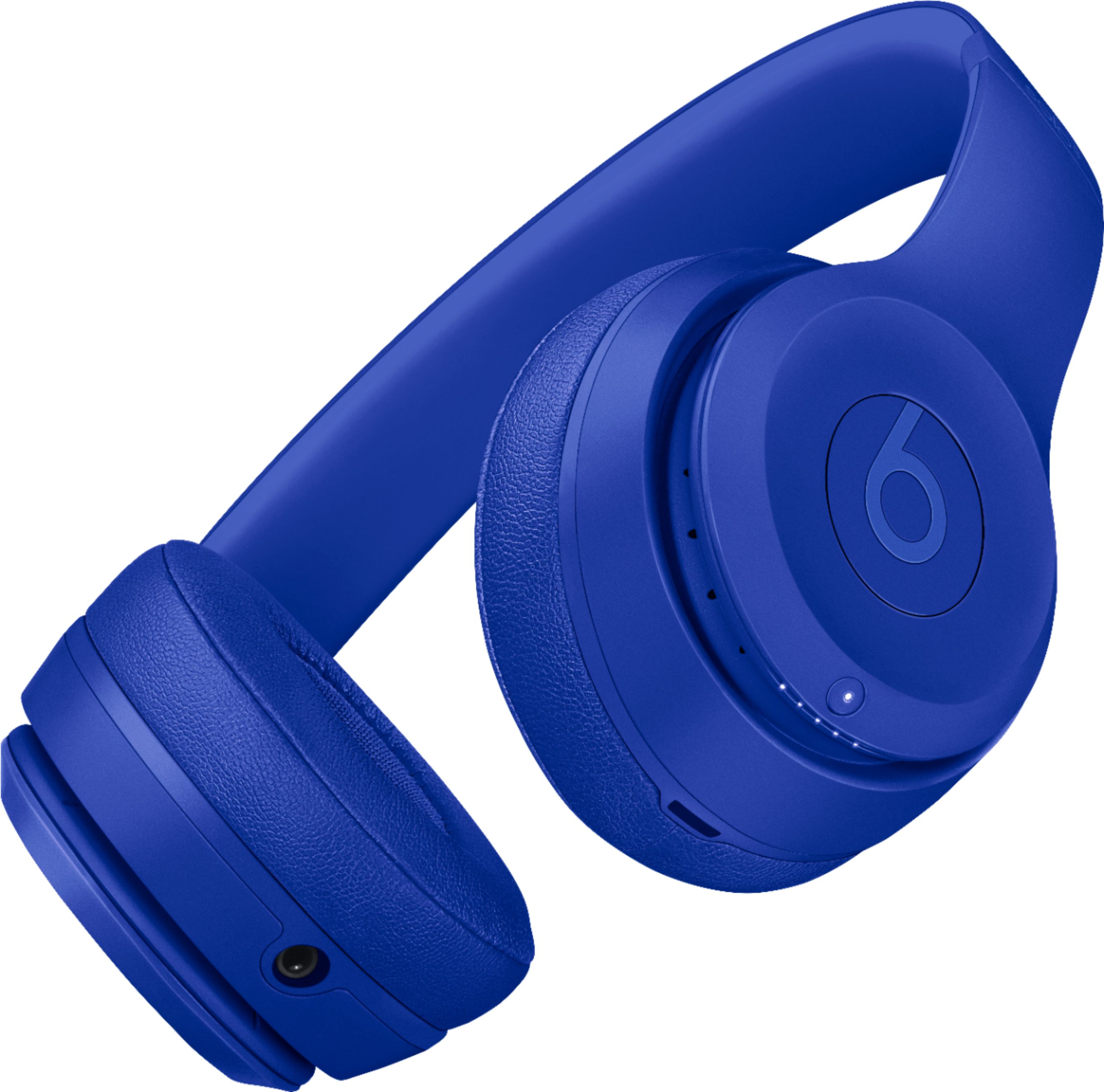
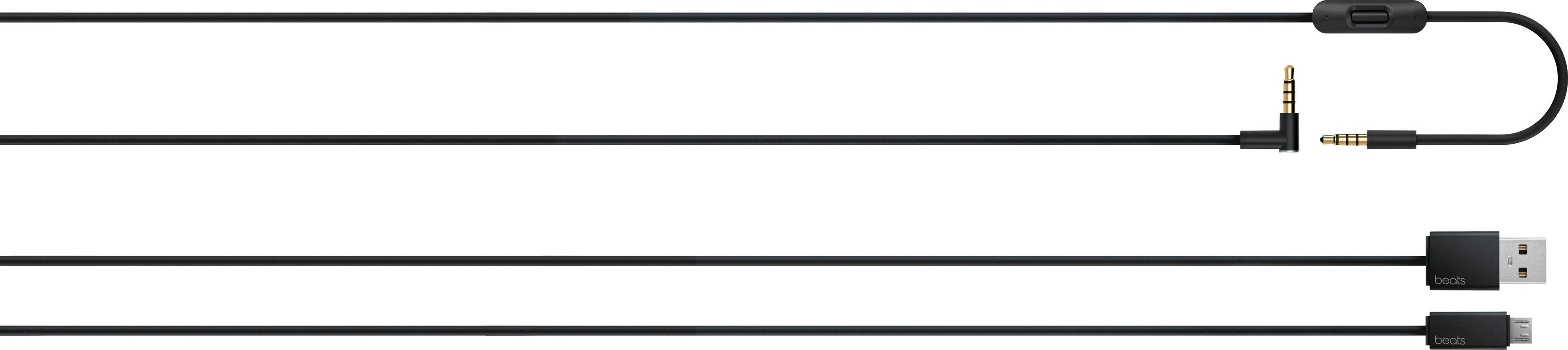
A:AnswerYes you can. If you're paired wirelessly, you can press the b button, located on the left earcup 2x quickly to skip forward tracks, and 3x quickly to skip backwards. If you're using a wired connection from your headphones to your device with the RemoteTalk Control cable, you will press the middle button on the RemoteTalk Control cable 2x quickly or 3x quickly to skip forward or backwards. The ring around the b button is are the volume controls. Pressing above the b button on the ring will turn the volume up, and below will turn the volume down.
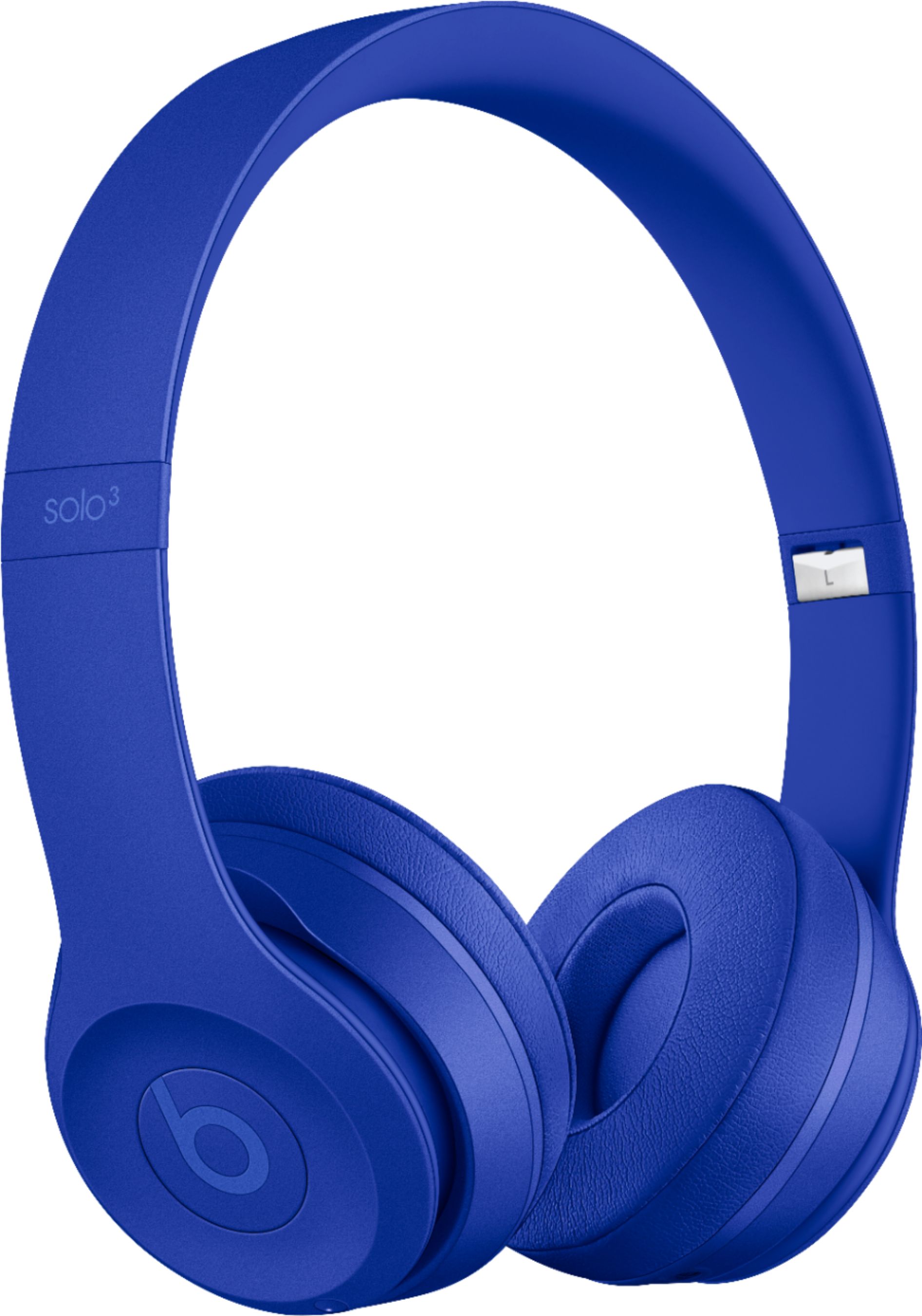
A:AnswerYou can try to unpair and re-pair your Beats Solo 3 Wireless headphones to see if this corrects the sound output. You can also try troubleshooting sound by connecting to a different audio source to see if you experience the same sound issue. If you've tried all troubleshooting steps, you can reset or update your Beats Solo 3 Wireless headphones. To update your Beats product, please use the Beats Updater to get the latest firmware: http://your.beatsbydre.com/#/download?locale=en-US
Please review this resource to reset your Beats Solo 3 Wireless Headphones: https://www.beatsbydre.com/support/how-to/beats-reset-headphones
Please review this resource to troubleshoot sound: https://www.beatsbydre.com/support/how-to/sound-troubleshooting-headphones
Or you can contact support to see if your device is eligible for service or repair: https://www.beatsbydre.com/support/service-warranty
A:AnswerYes, they worked with my echo. I haven’t had any other problems with the headset. One thing to add my Alexa is on my iPhone as well. So this could also be the reason they connect.