A:AnswerHi Marcus. The Belkin INC004 has not been tested to be compatible with a Lenovo T470S. However, this dock supports most computers with USB-C connection.
As for it being used with multiple computers, yes, that will work just fine, as long as it is supported by the Belkin INC004. For more details, check out this link: https://www.belkin.com/us/support-article?articleNum=317818.
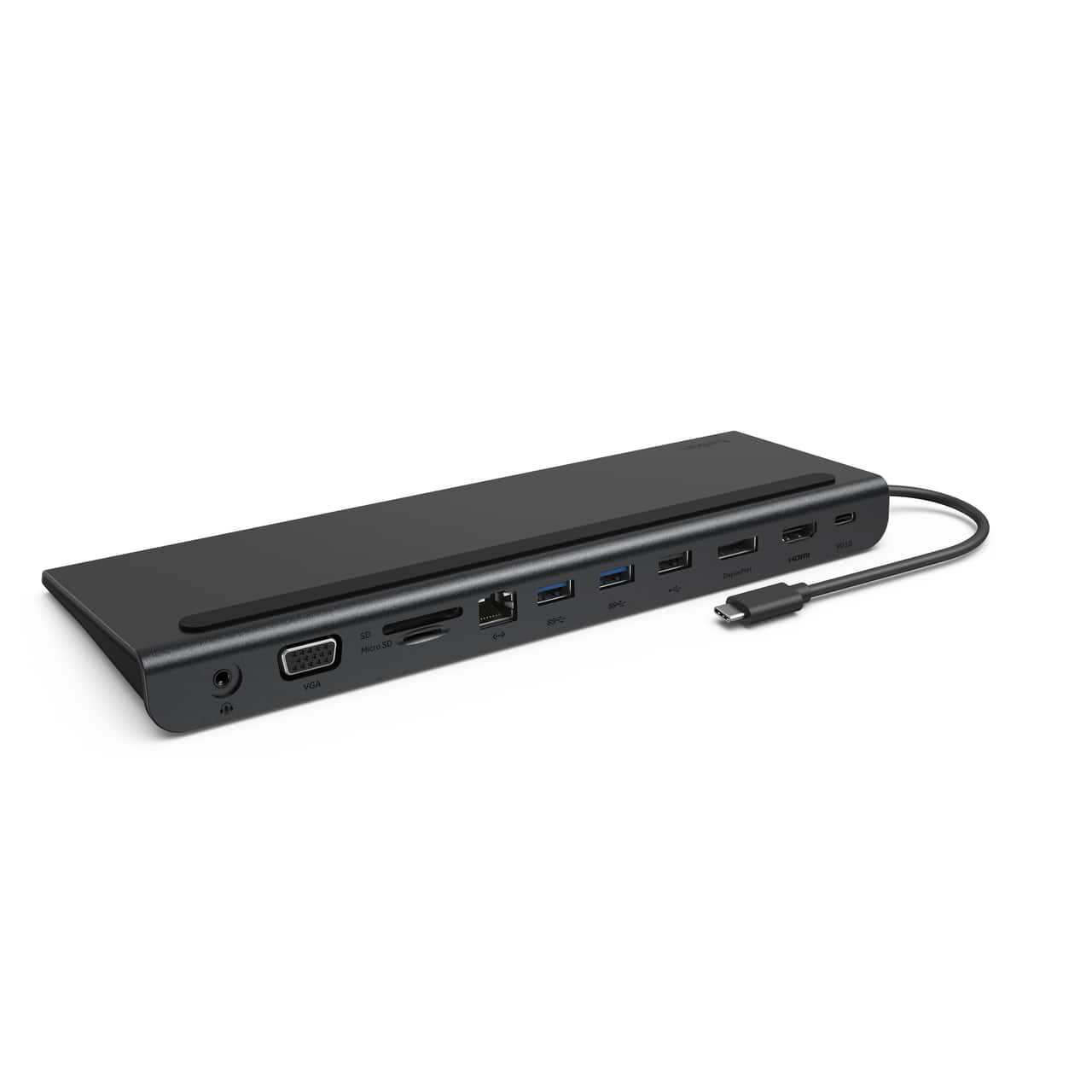
A:AnswerIt should work fine, Kay. Although the Belkin INC004 has not been tested with the MacBook Pro 13, this dock is designed to work with computers and devices that can connect over USB-C.
A:AnswerHi BJ. The Belkin INC004 has not been tested to work with an HP Laptop model 15-da0071ms but it is designed to work with devices that can connect over USB-C.
A:AnswerHi, TAM,
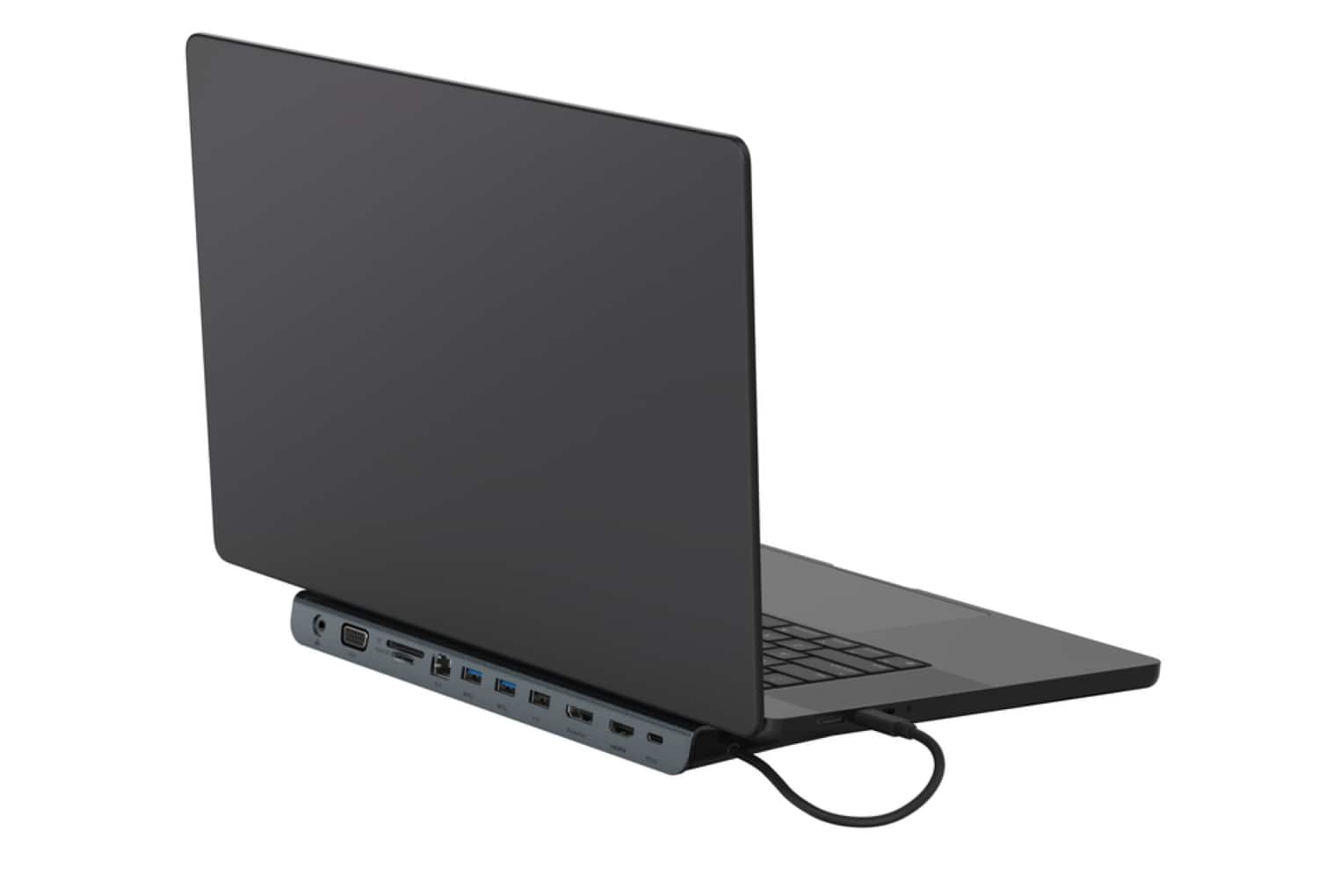
Yes, the dock will still work even your laptop is closed since this is a setting in the laptop, not the dock. You just need to look for the documentation from your laptop's operating system from the manufacturer. MacOS refers to it as clamshell mode. Windows 10 requires you to change power settings to “Do nothing if lid closed”.
A:AnswerHi! It may. The Belkin INC020 has been tested for compatibility with the following:
-Windows and Chromebook, Mac, and other USB-C enabled devices, peripherals, accessories, and more
-Belkin Dock Utility software
-Thunderbolt 3 and Thunderbolt 4 ports
A:AnswerHi! Please know that the Belkin INC022ttDG-RL has been tested for compatibility with the following:
-Windows and Chromebook, Mac, and other USB-C enabled devices, peripherals, accessories, and more
-Belkin Dock Utility software
-Thunderbolt 3 and Thunderbolt 4 ports
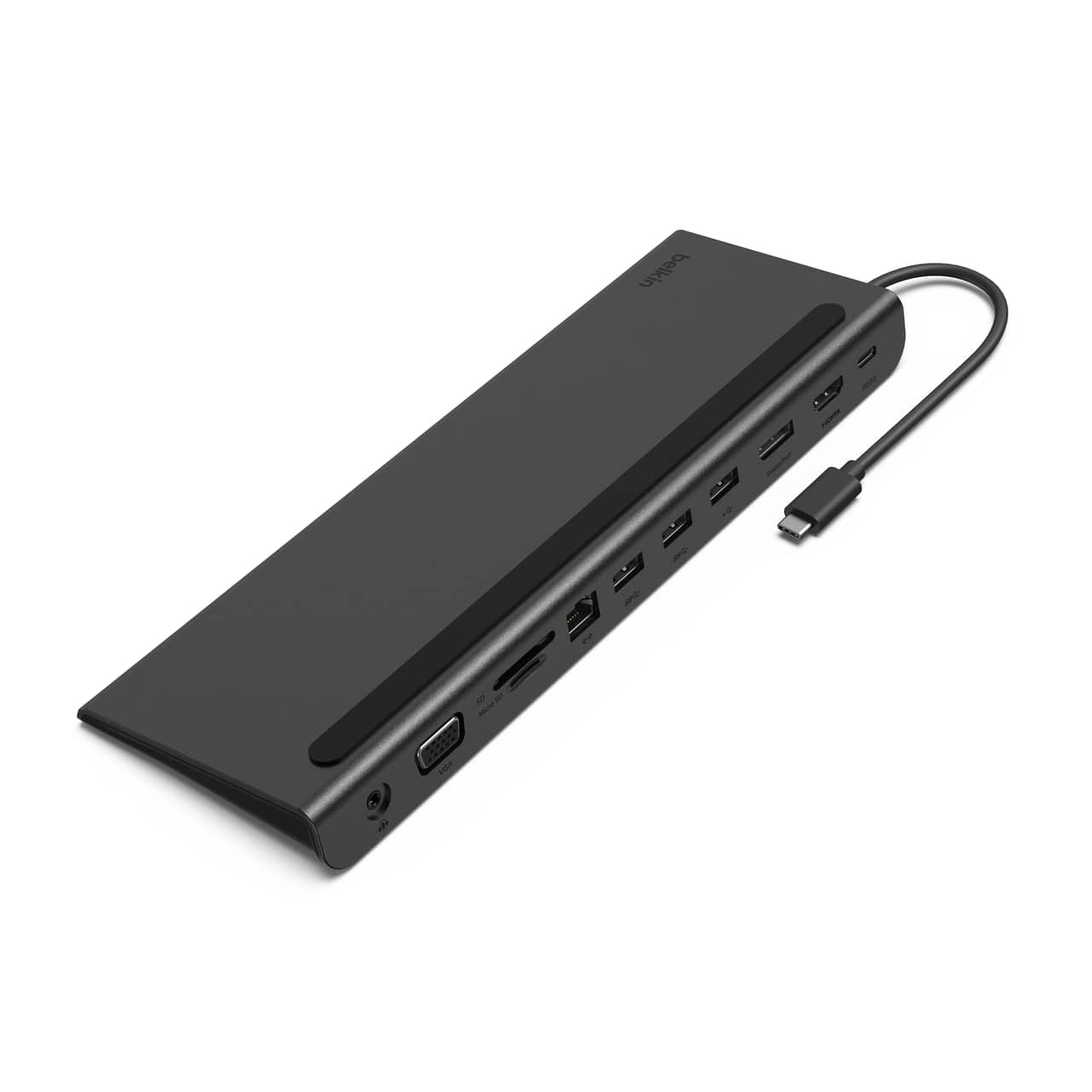
A:AnswerHi, Luigy. The dock is only tested to work with MacBook Pro 15-inch (2017). Please check this link to know more about the device: https://www.belkin.com/usb-c-11-in-1-multiport-dock/P-INC004.html.
A:AnswerHi! It may work. The Belkin INC004 has been designed to work with computers and devices that can connect over USB-C. For charging, the device connected to the dock must support charging over USB-C.
A:AnswerHi! The Belkin INC004 is tested with Acer Chromebook. Also, the device has been designed to work with computers and devices that can connect over USB-C.
A:AnswerHello there. The Belkin INC004btSGY will draw all power from your computers USB-C port. For more details about this, check out the FAQs: https://www.belkin.com/support-article/?articleNum=317818#f5.
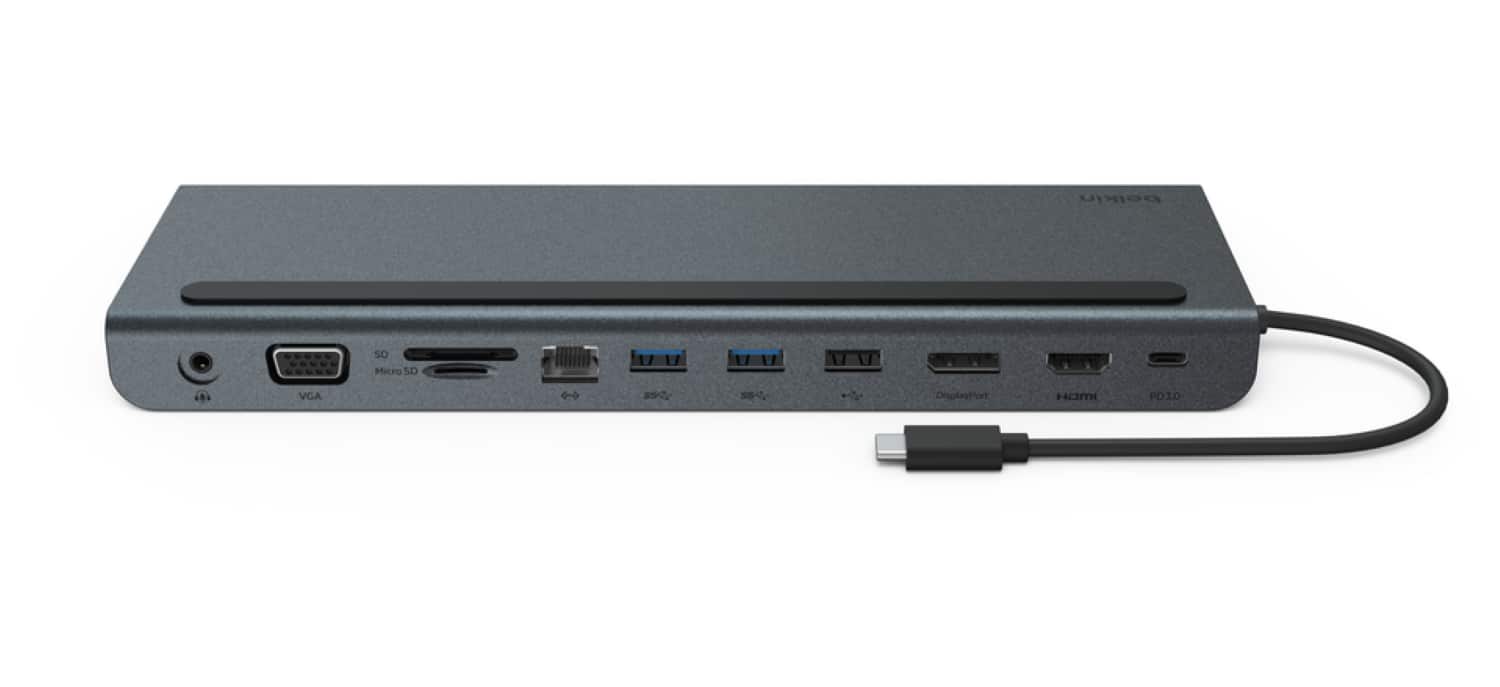
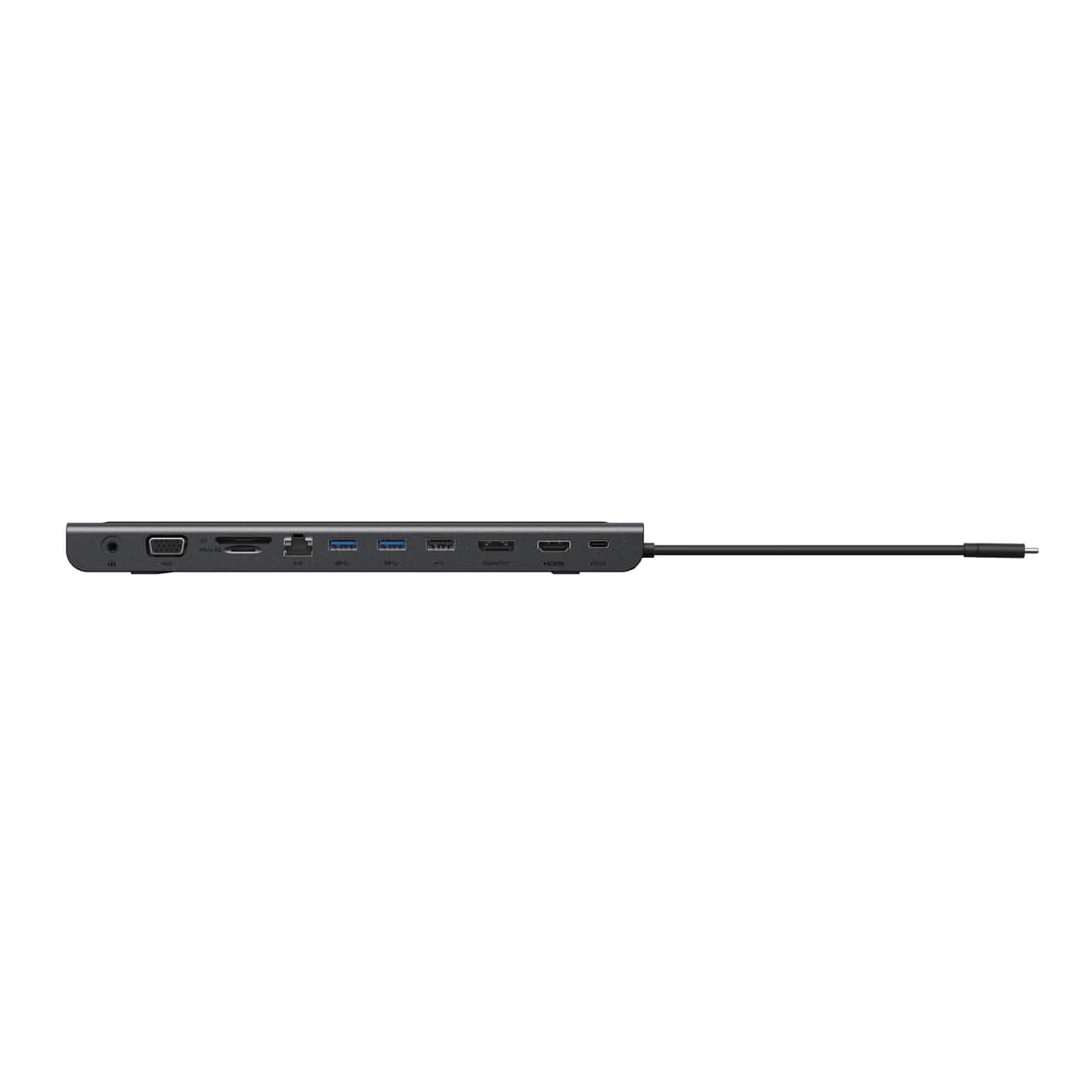
A:AnswerHi there. The Belkin INC004btSGY is capable of supporting multiple displays. Here are the types of video ports is has:
One 4K HDMI 1.4 port
One 4K DisplayPort 1.2 port
One 1080P VGA port
As for your HP laptop, let us know the make/model for us to check its compatibility with the Belkin dock. You can reach us at [email protected] or through our support hotline: https://www.belkin.com/support-article/?articleNum=55022.