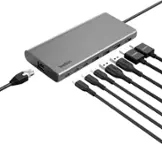
A:AnswerHello there. The Belkin INC004btSGY will draw all power from your computers USB-C port. For more details about this, check out the FAQs: https://www.belkin.com/support-article/?articleNum=317818#f5.
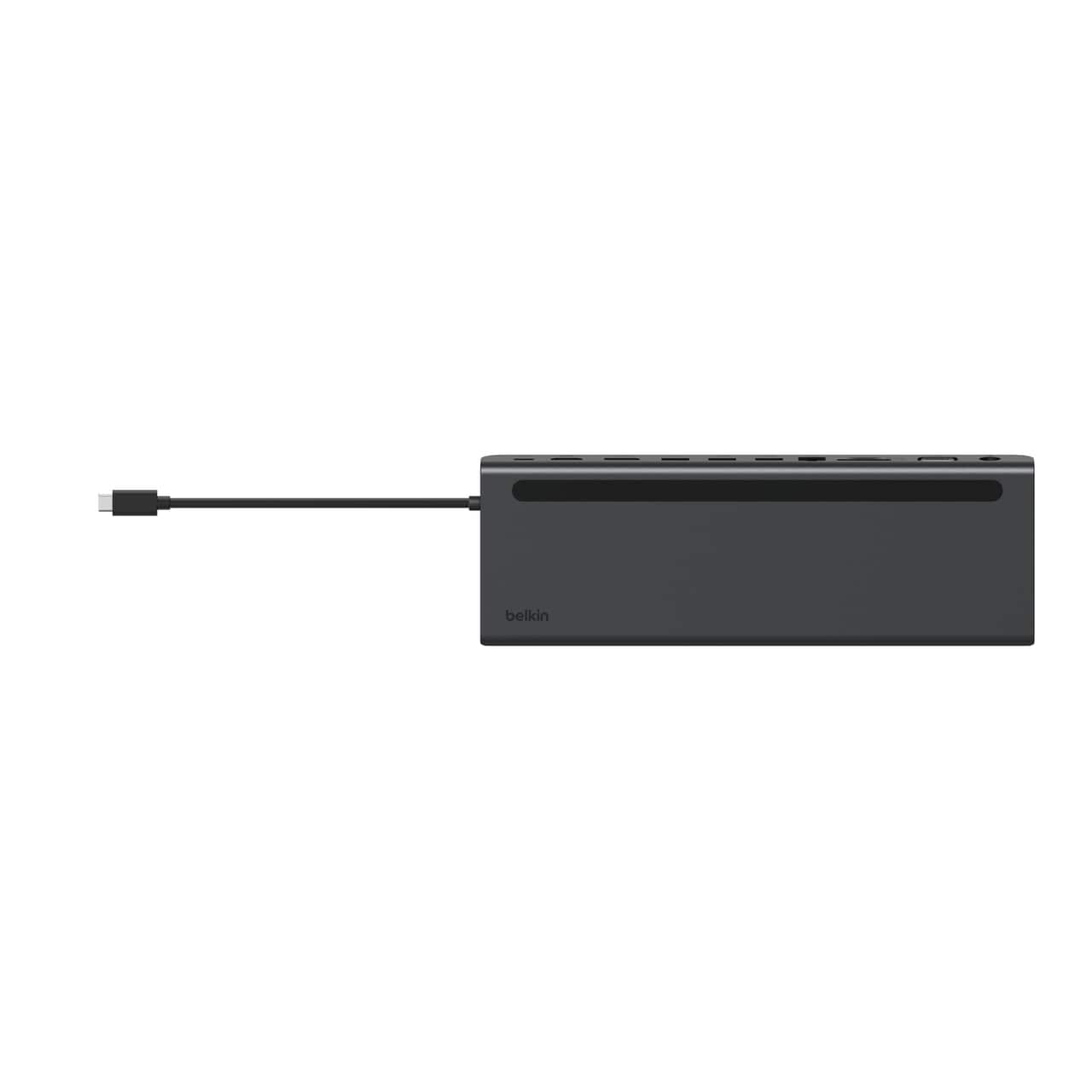
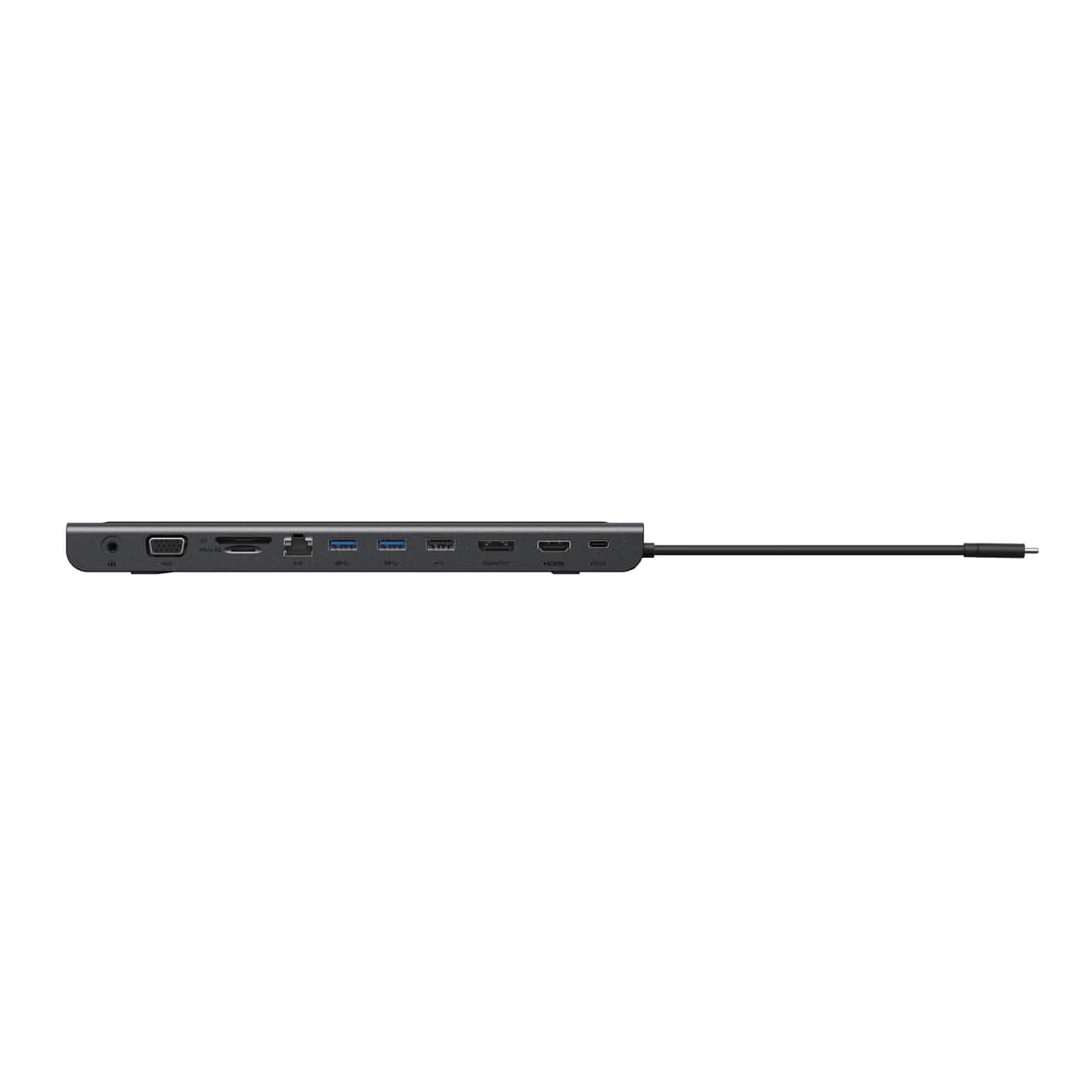
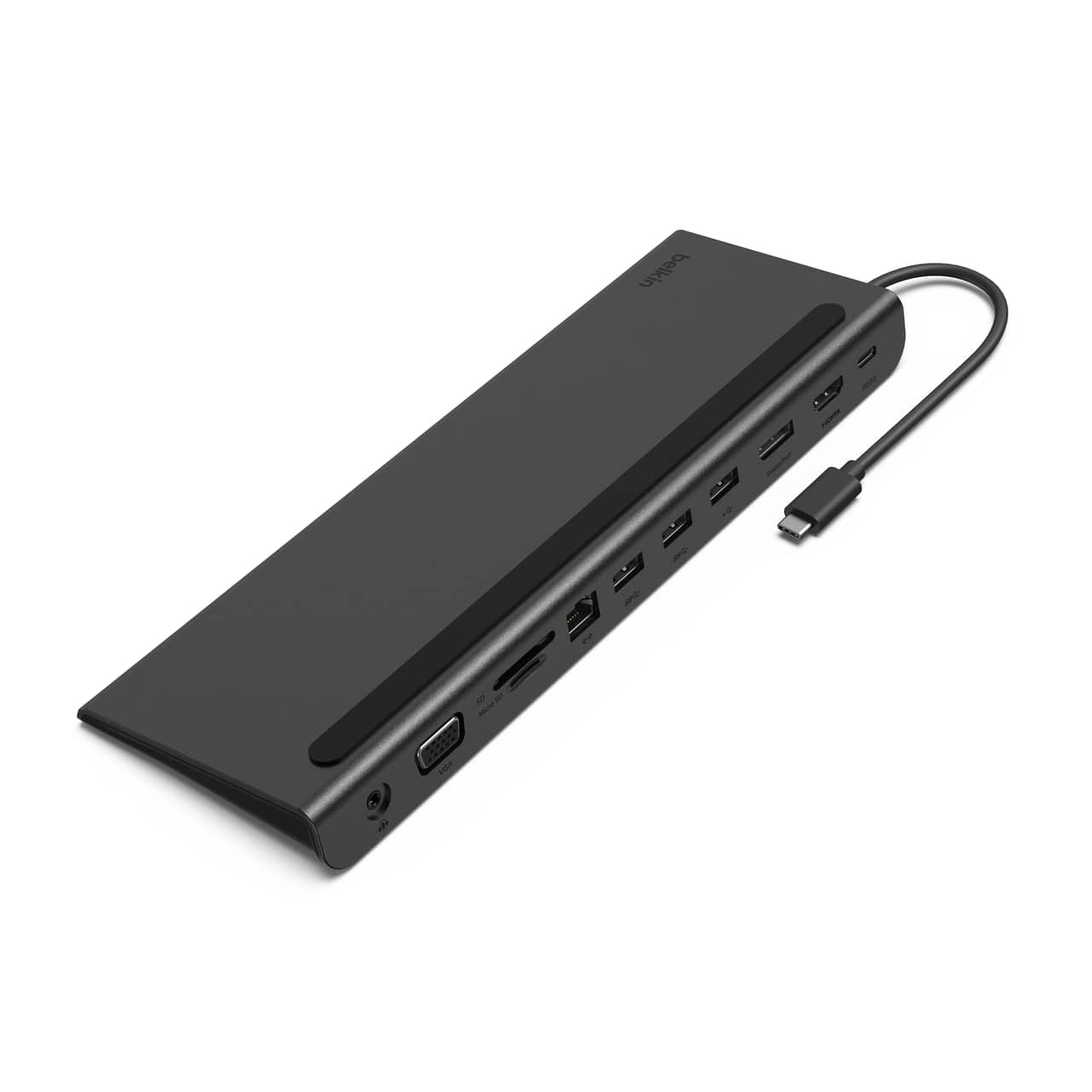
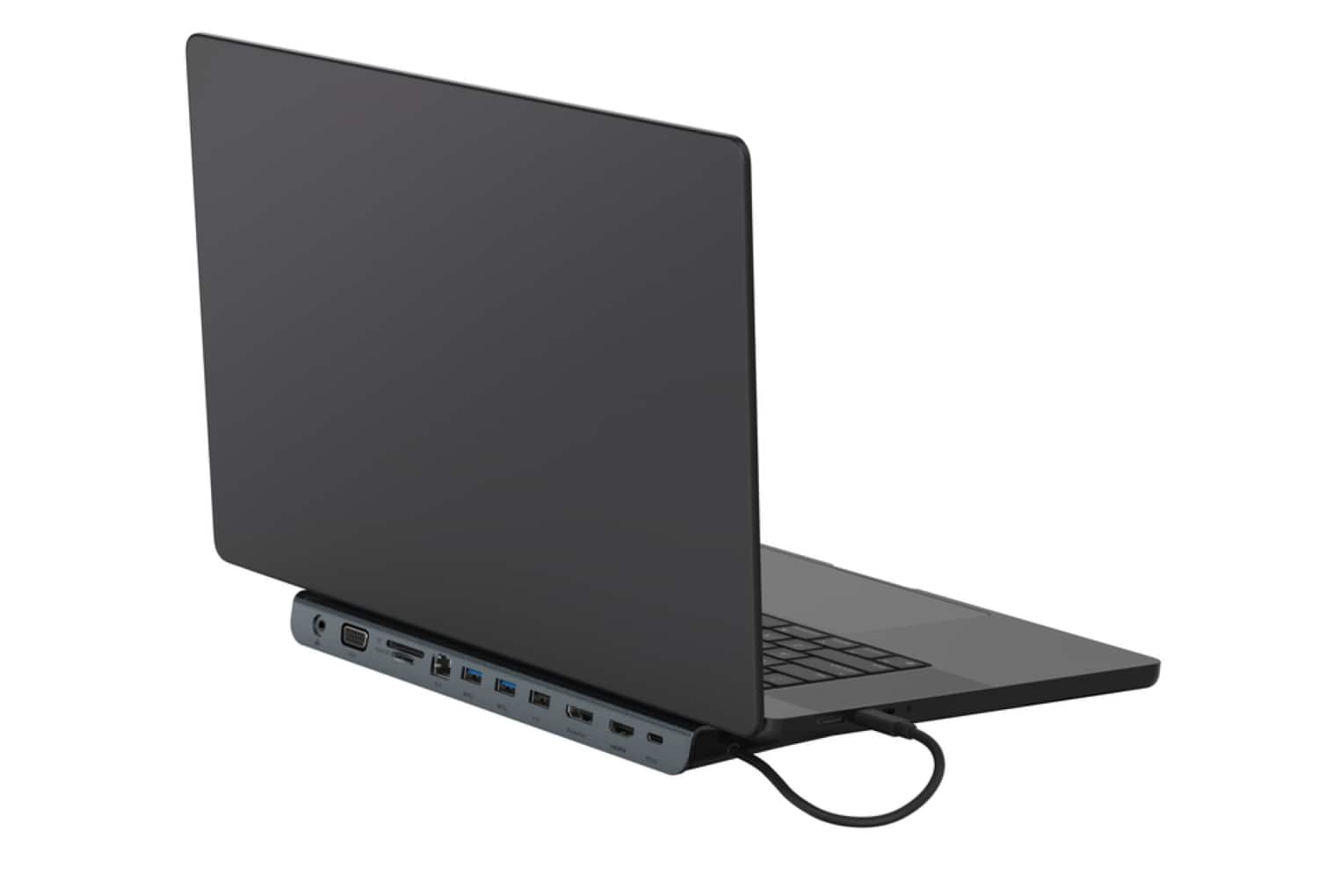
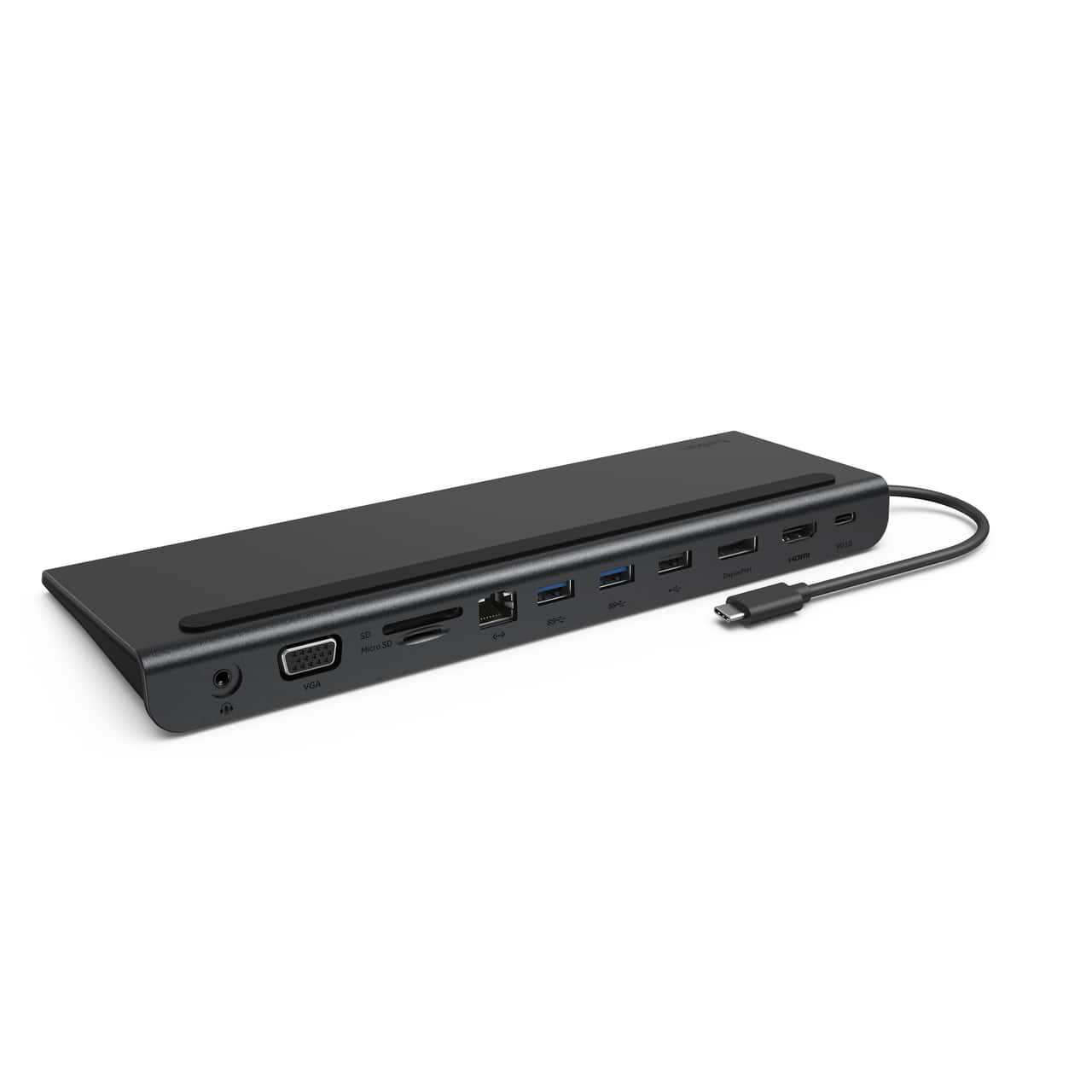
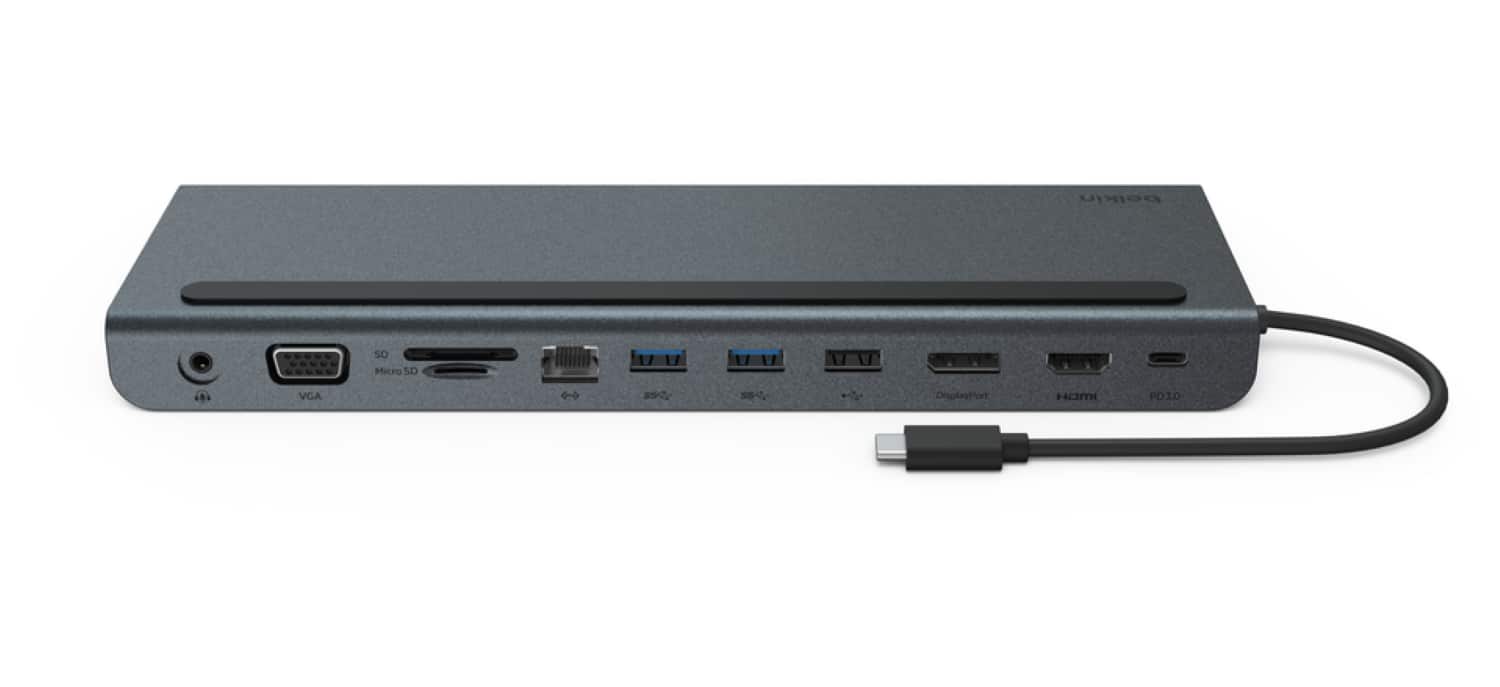
A:AnswerHi there. The Belkin INC004btSGY is capable of supporting multiple displays. Here are the types of video ports is has:
One 4K HDMI 1.4 port
One 4K DisplayPort 1.2 port
One 1080P VGA port
As for your HP laptop, let us know the make/model for us to check its compatibility with the Belkin dock. You can reach us at BelkinCares@belkin.com or through our support hotline: https://www.belkin.com/support-article/?articleNum=55022.
A:AnswerHi. The Belkin INC004 has been designed to work with computers and devices that can connect over USB-C. For charging, the device connected to the dock must support charging over USB-C.
It has been tested for functionality with the following devices:
Lenovo® Yoga 920
Lenovo Yoga 730
Lenovo Chromebook™
Lenovo ThinkPad® X1 Carbon
Google™ Pixelbook™
ASUS® Chromebook
Acer® Chromebook
HP Envy 360
MacBook Pro® 16-inch (2019)
MacBook Pro 15-inch (2018)
MacBook Pro 15-inch (2016)
MacBook Pro 15-inch (2017)
MacBook Air® 13-inch (2018)
Microsoft® Surface® Pro X
Microsoft Surface Book 2
Dell® XPS 15
Portege® X20W-E
Portege® X30-E
A:AnswerHi Donna. The Belkin INC004 has not been tested to be compatible with your mentioned devices. However, this dock supports most computers with USB-C connection. As for it being used with multiple computers, yes, that will work just fine, as long as it is supported by the Belkin INC004. For more details, check out this link: https://www.belkin.com/us/support-article?articleNum=317818.
A:AnswerHi, Diogo. The supported maximum monitor resolutions depend upon the number of monitors being connected and used at the same time as well as the power of the computer. Check the tables found in this link for supported resolutions of the Belkin INC004: https://www.belkin.com/support-article/?articleNum=317818.
A:AnswerHi, User09. Let’s try to lower the resolution of your display and try a different HDMI cable for isolation. Moreover, please reach out to our support hotline so you can be properly assisted and so advance troubleshooting can be performed. Our hotlines are listed here: https://www.belkin.com/us/support-article?articleNum=55022.
A:AnswerHi, Greg. The Belkin INC004 has been designed to work with computers and devices that can connect over USB-C. For charging, the device connected to the dock must support charging over USB-C.
It has been tested for functionality with the following devices:
Lenovo® Yoga 920
Lenovo Yoga 730
Lenovo Chromebook™
Lenovo ThinkPad® X1 Carbon
Google™ Pixelbook™
ASUS® Chromebook
Acer® Chromebook
HP Envy 360
MacBook Pro® 16-inch (2019)
MacBook Pro 15-inch (2018)
MacBook Pro 15-inch (2016)
MacBook Pro 15-inch (2017)
MacBook Air® 13-inch (2018)
Microsoft® Surface® Pro X
Microsoft Surface Book 2
Dell® XPS 15
Portege® X20W-E
Portege® X30-E
A:AnswerHi. The Belkin INC004 has been designed to work with computers and devices that can connect over USB-C. For charging, the device connected to the dock must support charging over USB-C. It has been tested for functionality with the following devices:
Lenovo® Yoga 920
Lenovo Yoga 730
Lenovo Chromebook™
Lenovo ThinkPad® X1 Carbon
Google™ Pixelbook™
ASUS® Chromebook
Acer® Chromebook
HP Envy 360
MacBook Pro® 16-inch (2019)
MacBook Pro 15-inch (2018)
MacBook Pro 15-inch (2016)
MacBook Pro 15-inch (2017)
MacBook Air® 13-inch (2018)
Microsoft® Surface® Pro X
Microsoft Surface Book 2
Dell® XPS 15
Portege® X20W-E
Portege® X30-E
A:AnswerHi, Pat. The Belkin INC004 has been designed to work with computers and devices that can connect over USB-C. For charging, the device connected to the dock must support charging over USB-C. It has been tested for functionality with the following devices:
Lenovo® Yoga 920
Lenovo Yoga 730
Lenovo Chromebook™
Lenovo ThinkPad® X1 Carbon
Google™ Pixelbook™
ASUS® Chromebook
Acer® Chromebook
HP Envy 360
MacBook Pro® 16-inch (2019)
MacBook Pro 15-inch (2018)
MacBook Pro 15-inch (2016)
MacBook Pro 15-inch (2017)
MacBook Air® 13-inch (2018)
Microsoft® Surface® Pro X
Microsoft Surface Book 2
Dell® XPS 15
Portege® X20W-E
Portege® X30-E
A:AnswerHi, JG,
The Belkin INC004 is designed to be used with computers and devices that can connect over USB-C. Furthermore, the supported resolutions are based on number of monitors connected and used concurrently, as well as the power of your computer. Check this link to know more about the device: https://www.belkin.com/us/support-article?articleNum=317818.
A:AnswerHi,
The Belkin INC004 Multiport Dock is designed for computers and devices that supports USB-C port. Please visit this link for more info: https://bit.ly/3utSYsA.
A:AnswerHi. Please get in touch to us at BelkinCares@belkin.com along with your contact number and the link to this post. Our Product Experts will assist you from there.