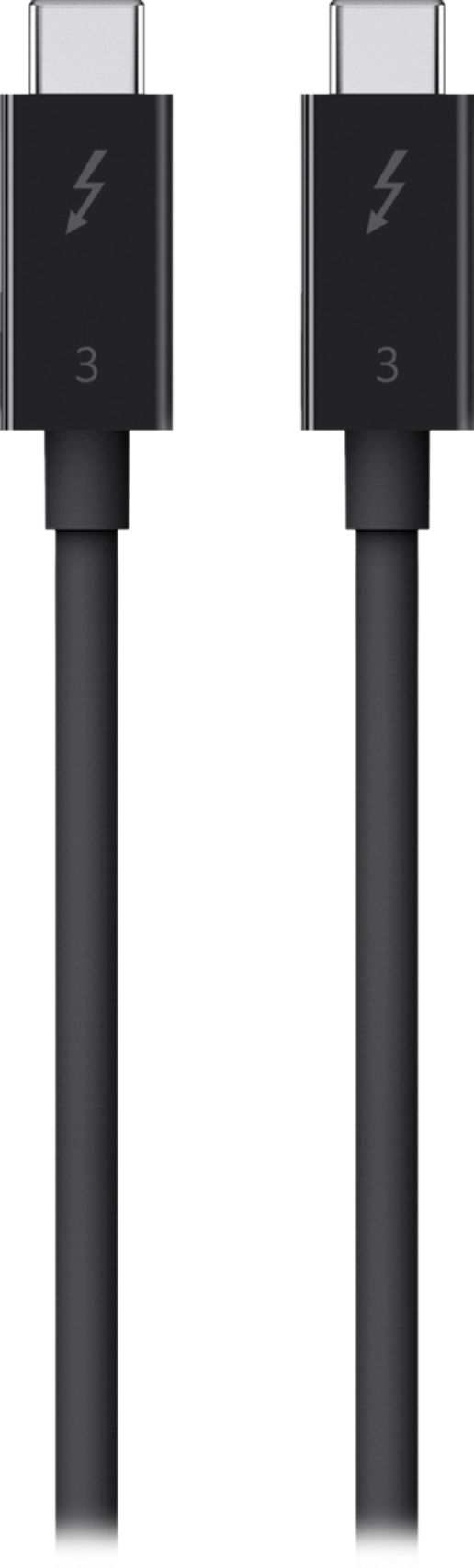
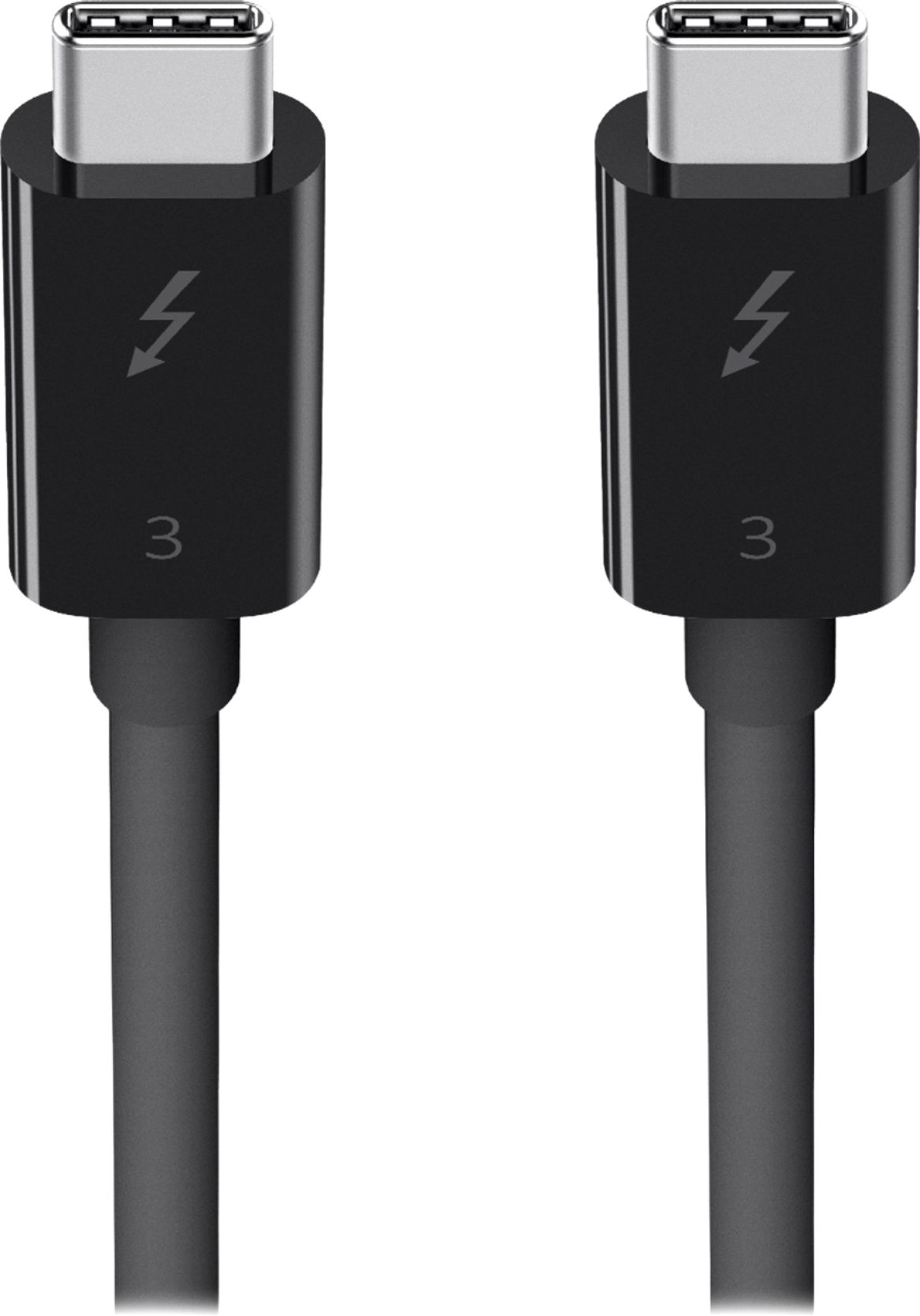
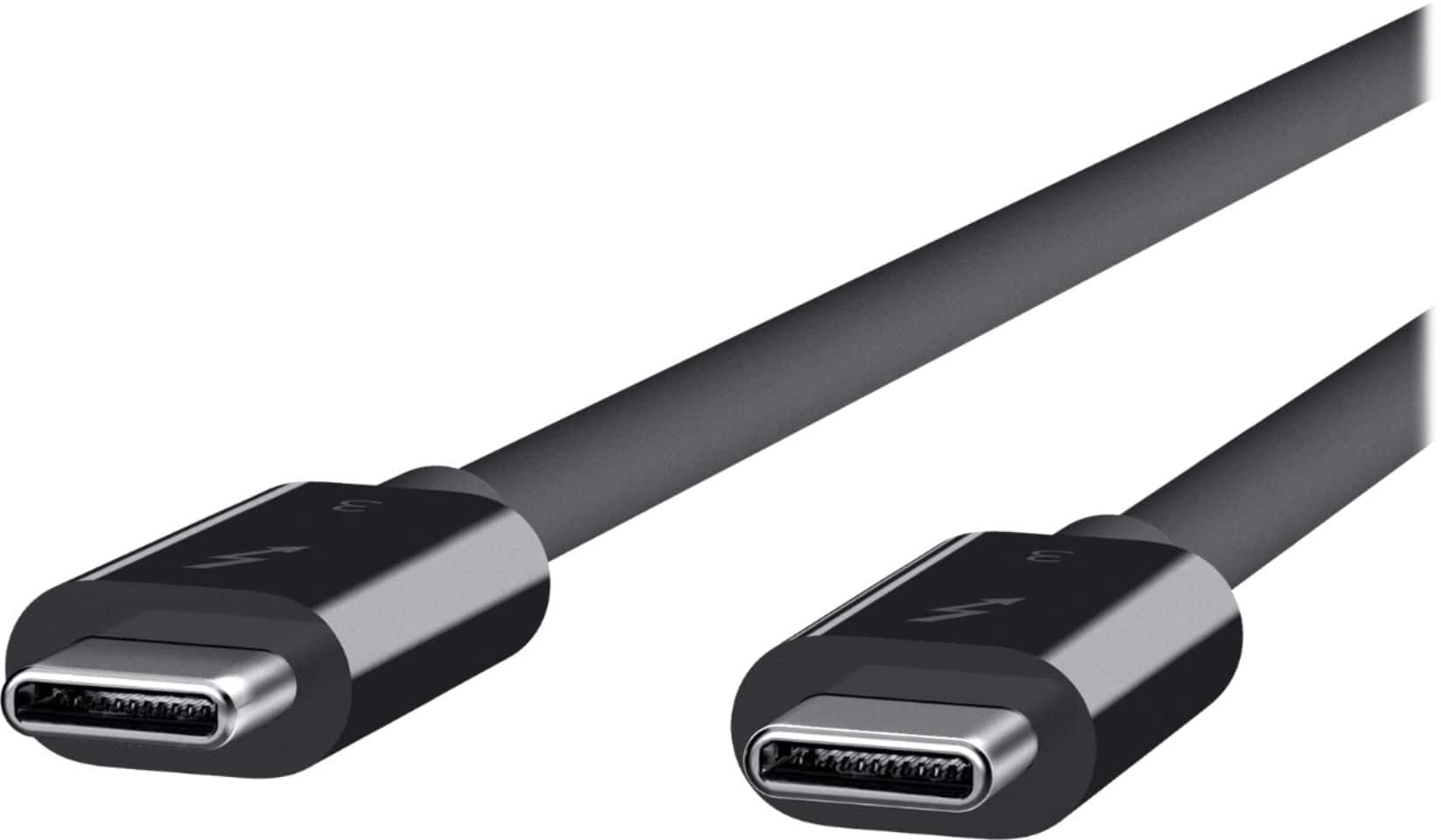
A:AnswerHi, JDL. The Belkin F2CD084 is a cable that supports up to 40 Gbps of data transfer and up to 5K of video display. It should work fine with this set up as long as the devices allows USB-C to USB-C connection.
A:AnswerHi, Bertram. No, this cable will only work with Thunderbolt 3 port. Check this link to know more about the Belkin F2CD084: https://www.belkin.com/thunderbolt-3-cable-usb-c-to-usb-c-100w/P-F2CD084.html.
A:AnswerHi. The Belkin Thunderbolt 3 Cable, F2CD084 is a cable that supports data transfer of up to 40 Gbps and video display of up to 5K through your MacBook Pro and iMac. It is not yet designed to work on this kind of set up.
A:AnswerHi. The Belkin F2CD084 is a cable that supports data transfer of up to 40 Gbps and video display of up to 5K. For more details, please get in touch at BelkinCares@belkin.com, or refer to this link https://www.belkin.com/th/support-article?articleNum=226159.
A:AnswerHi, Sassafras. The Belkin Thunderbolt 3 Cable (USB-C to USB-C) is a plug-and-play cable that allows you to charge, transfer high-speed data, and connect your computer to a Thunderbolt display.
A:Answerthunderbolt 3, this can be identified by the thunder bolt logo and the 3 under it and it can be used as a faster method of data transfer if your devices support it you can check on thunderbolt technology website if you device supports this. But this isn't its only use.
A:AnswerI think the Mac thing is just because pc does not typically have the thunderbolt capable inputs speed wise. Be careful though I’ve heard some horror stories of people using the x series with pc. I have the x6 and works wonderfully with my MacBook. Just length restrictions suck. I heard they’re supposed to be coming out with a optical style thunderbolt cable with much linger same speed lengths soon.
A:AnswerHi, Mannie. It may work on this cable as long as it offers USB-C connection. However,be advised that this Belkin cable is specially designed for Macbook Pro 15", MacBook Pro (2016), and iMac (2017).