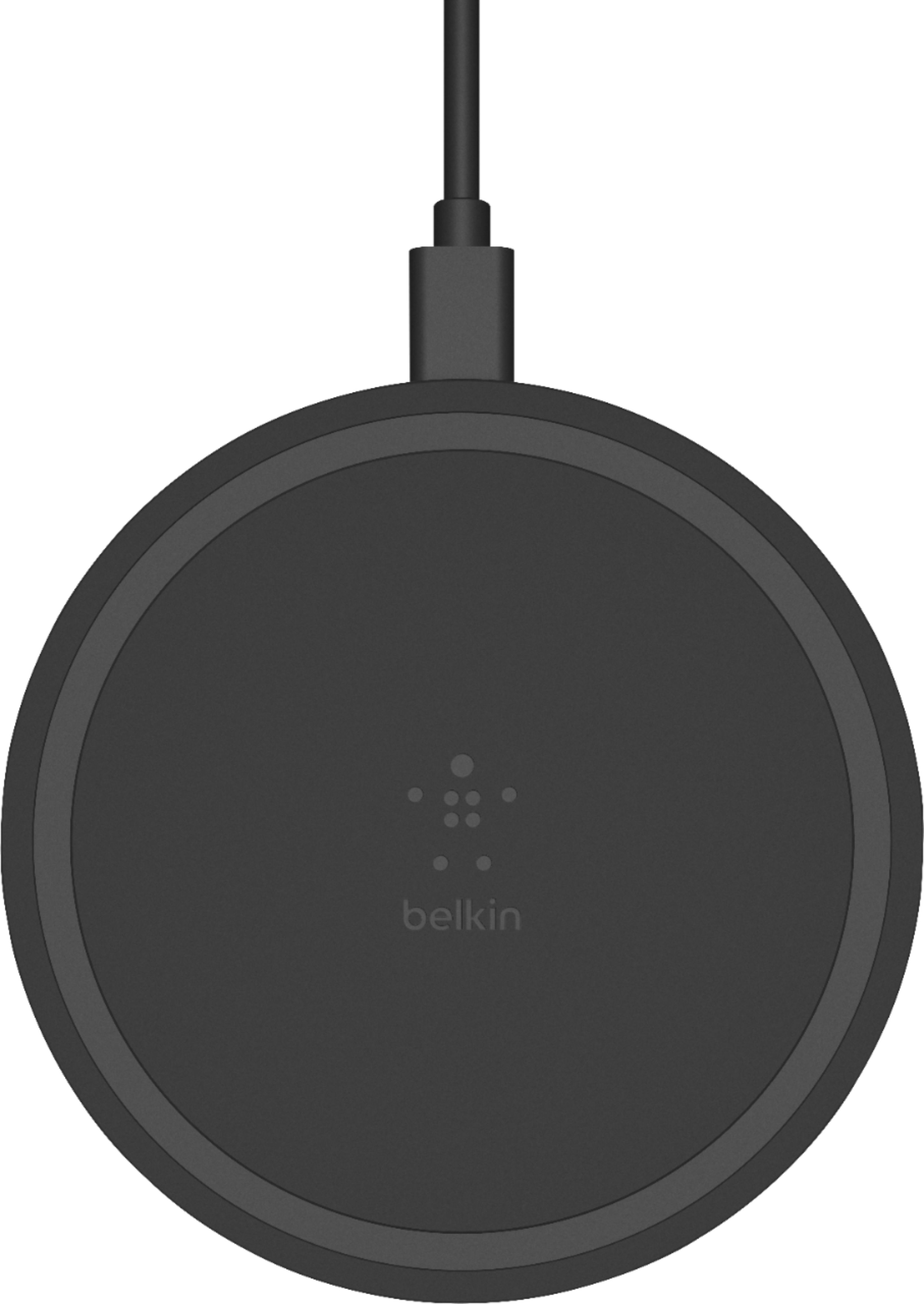
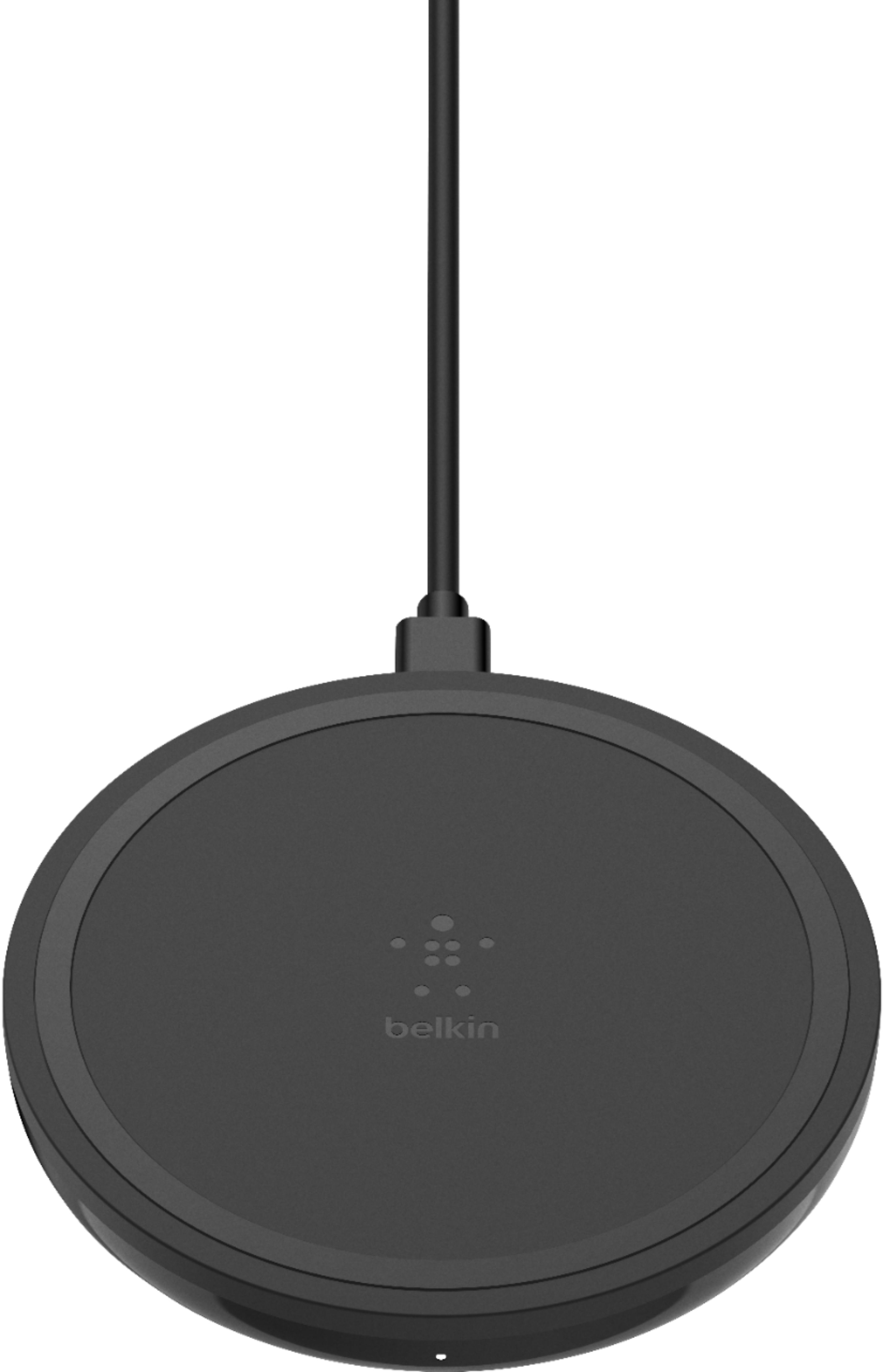
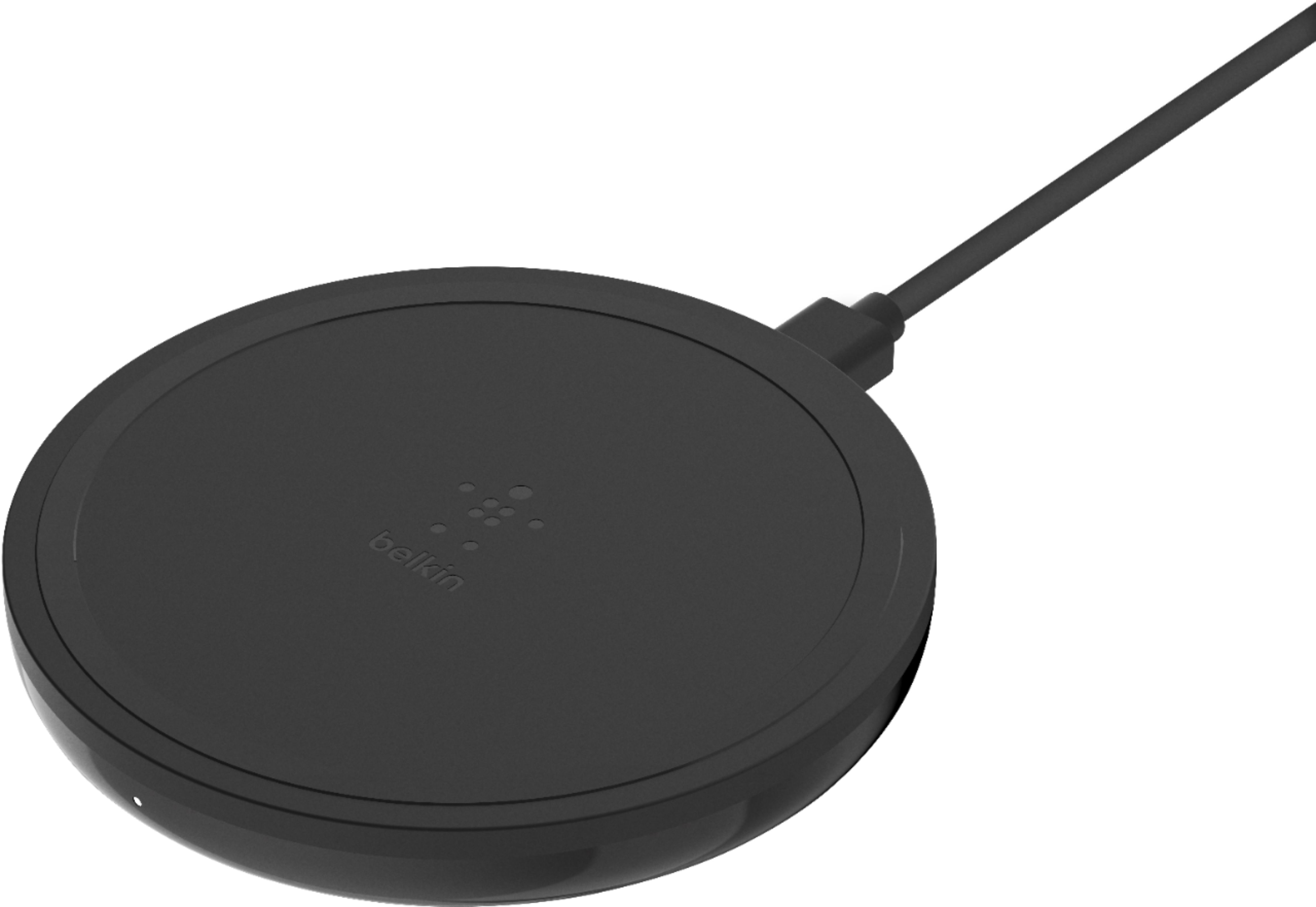
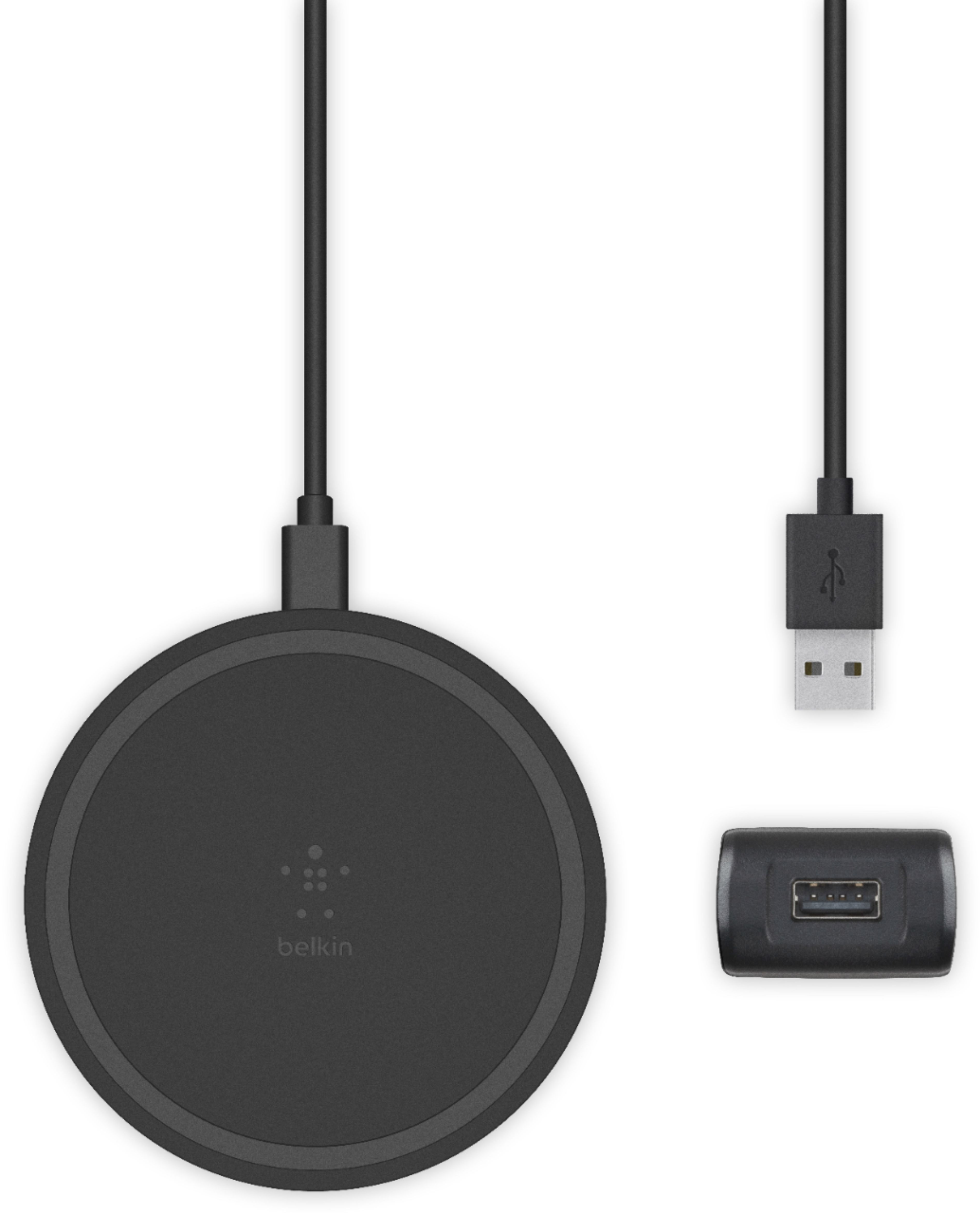
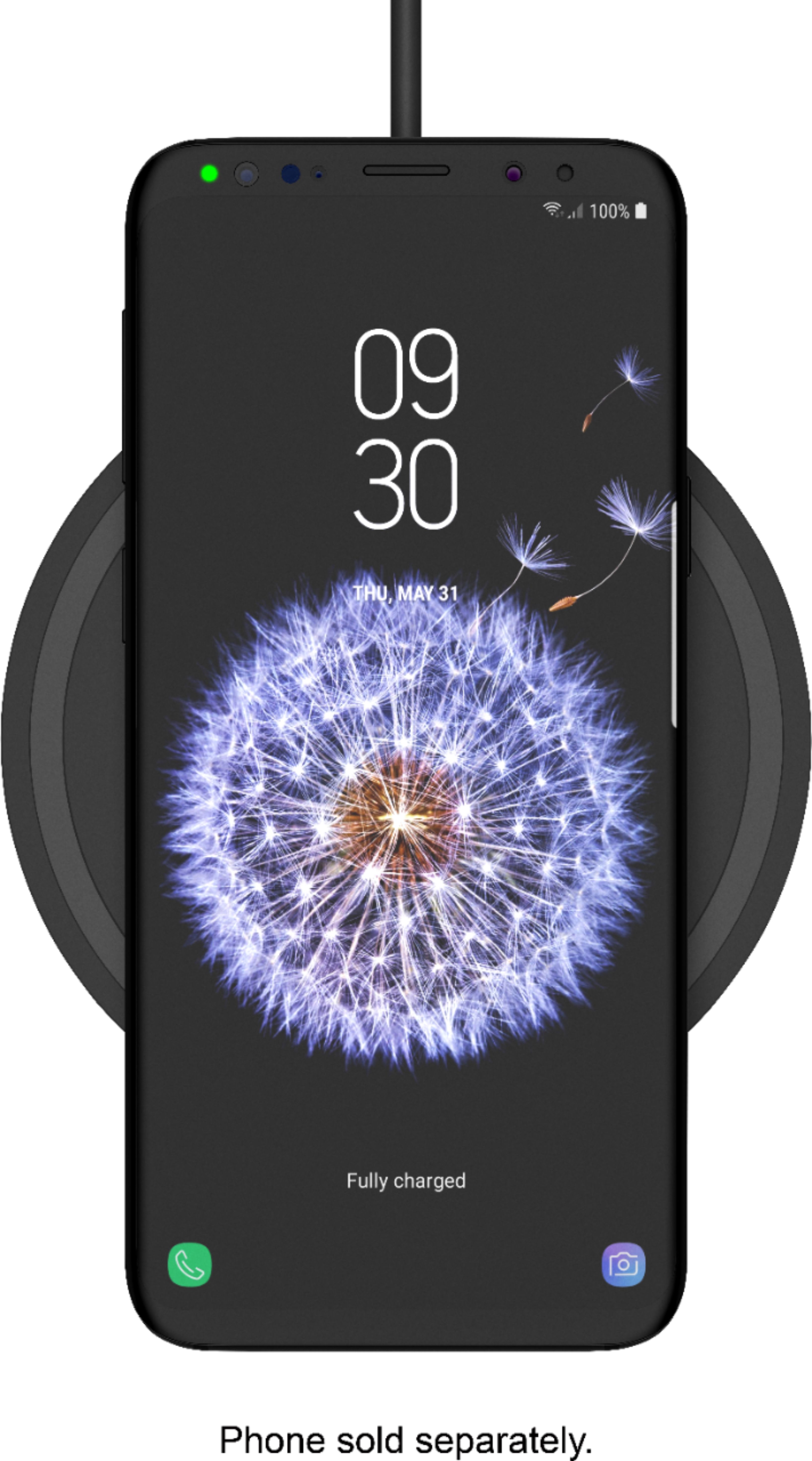
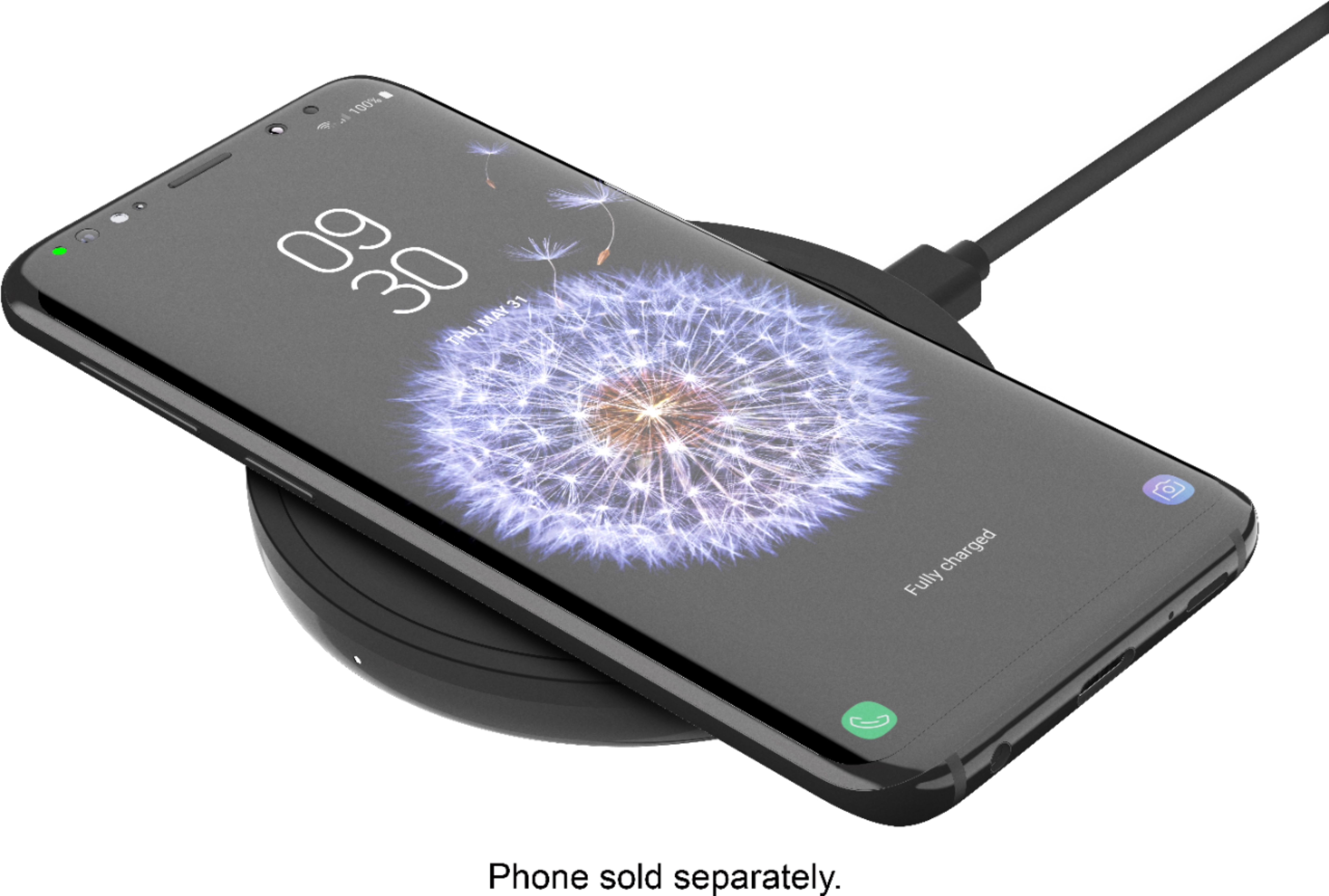
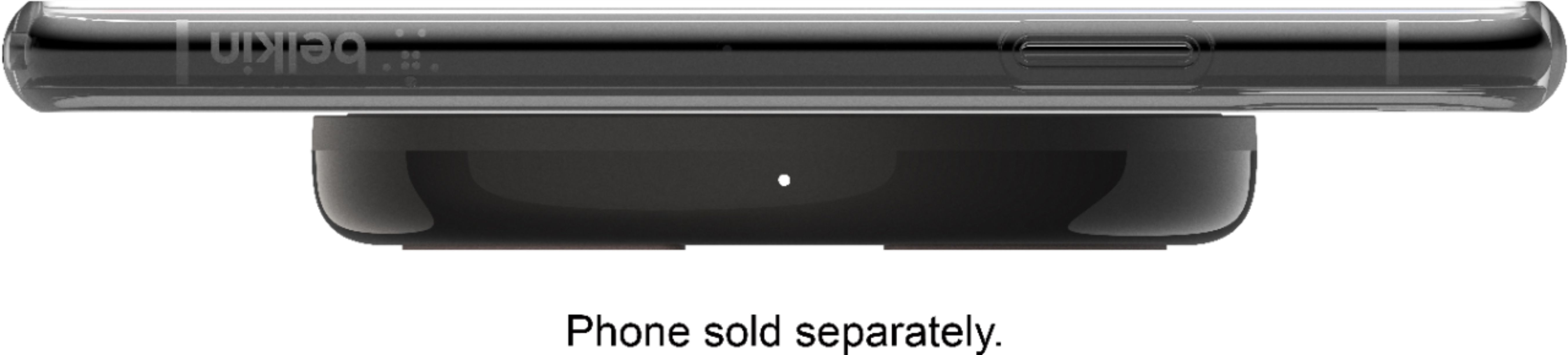
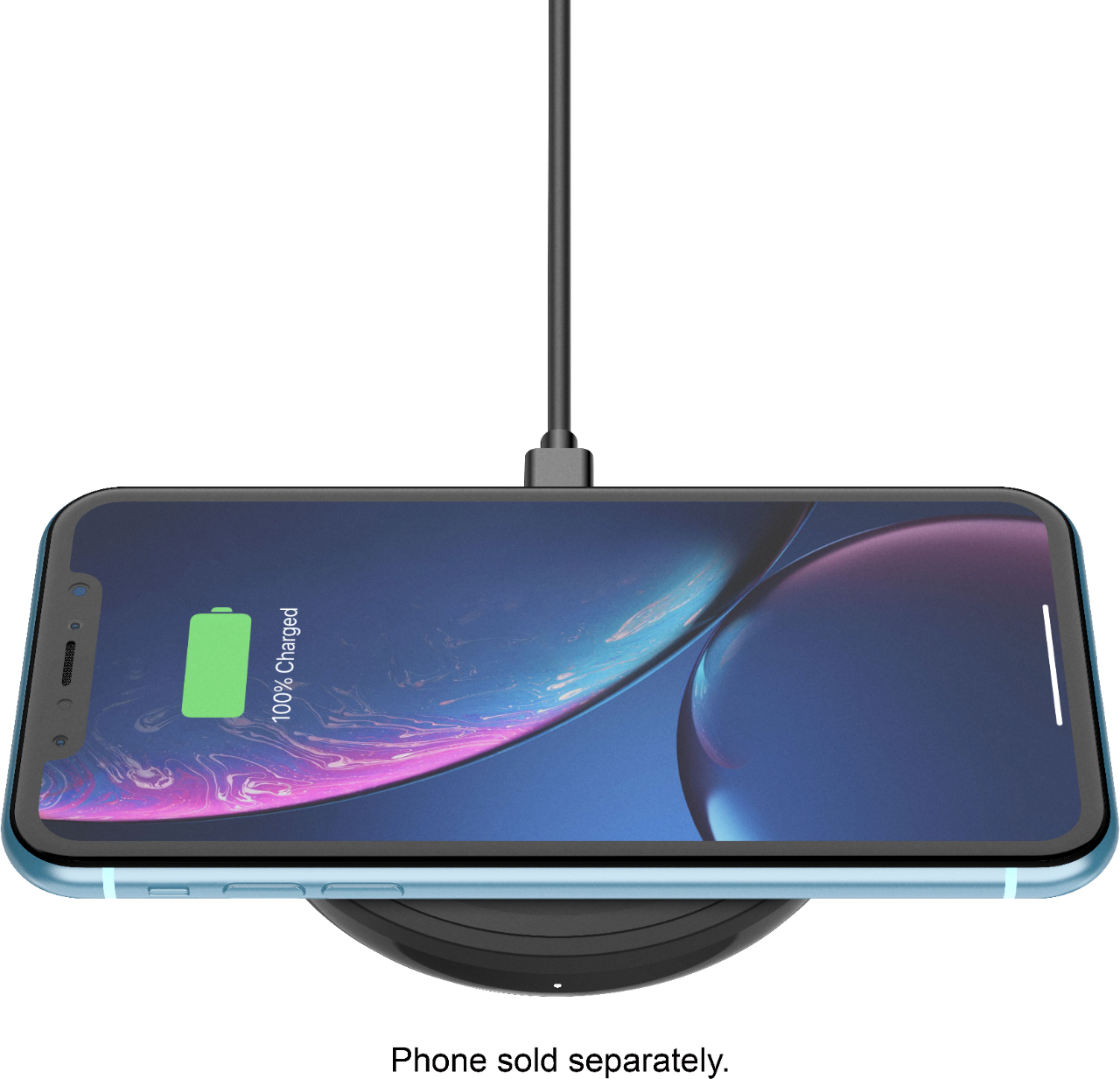
A:AnswerHi, Victoria. The unit has a LED light on the side of the charger. It is just an indicator for the charging activity. Please click here to know more: https://www.belkin.com/us/support-article?articleNum=315192.
A:AnswerIt only works on newer model phones, also sometimes if you have a thick case, it might not be able to charge due to the case. Maybe try that? Good luck!
A:AnswerHello, Gee. The AirPod Pro should work fine with the Belkin F7U082 as they are using the same technology, and our charging pad is Qi compliant.
A:AnswerHi, Teresa. All our wireless charging pads and stands will work with any handheld devices as long as they are Qi-enabled (wireless charging). You may get in touch with your device manufacturer to confirm it it supports the feature.
A:AnswerHi. Insert the dongle into the USB port on your computer. Make sure to turn the switch to "on" on the back of the keyboard. Go to settings on your computer. Click on devices (bluetooth), then click "add bluetooth or other device. It will give you a code to enter on your computer and then it will pair. Good luck!