Questions & Answers
- Model:
- AVC013btBK
- |
- SKU:
- 6540242
$49.99Your price for this item is $49.99
Page Showing 1-9 of 9 questions
Q: QuestionWhat kind of cable does this adapter use?
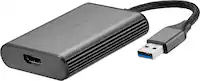
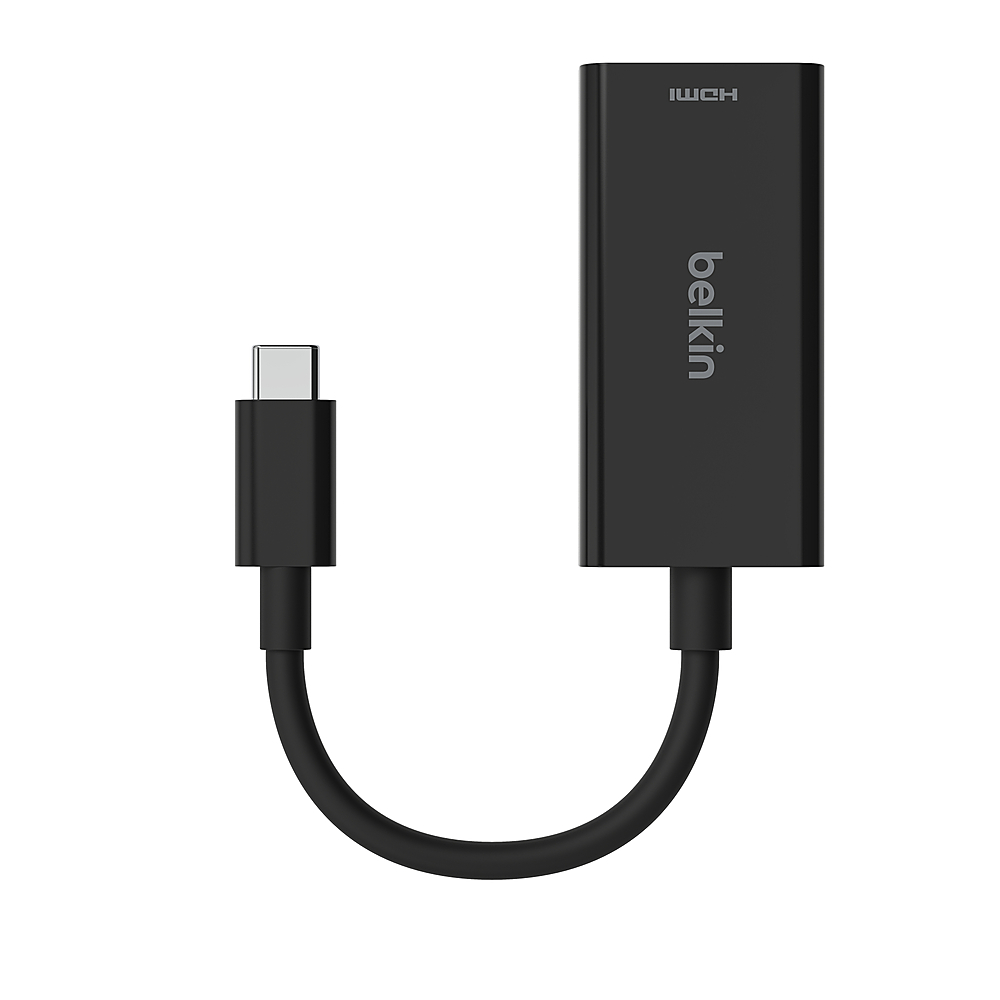
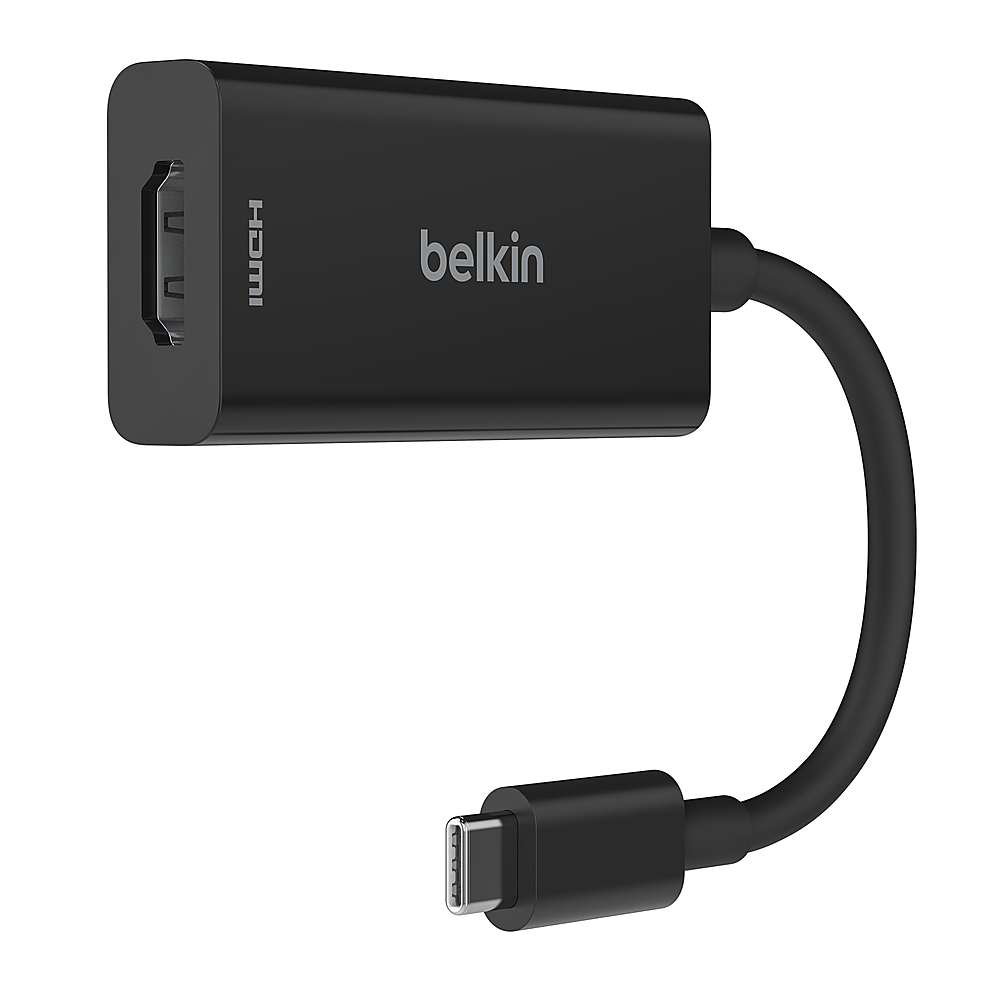
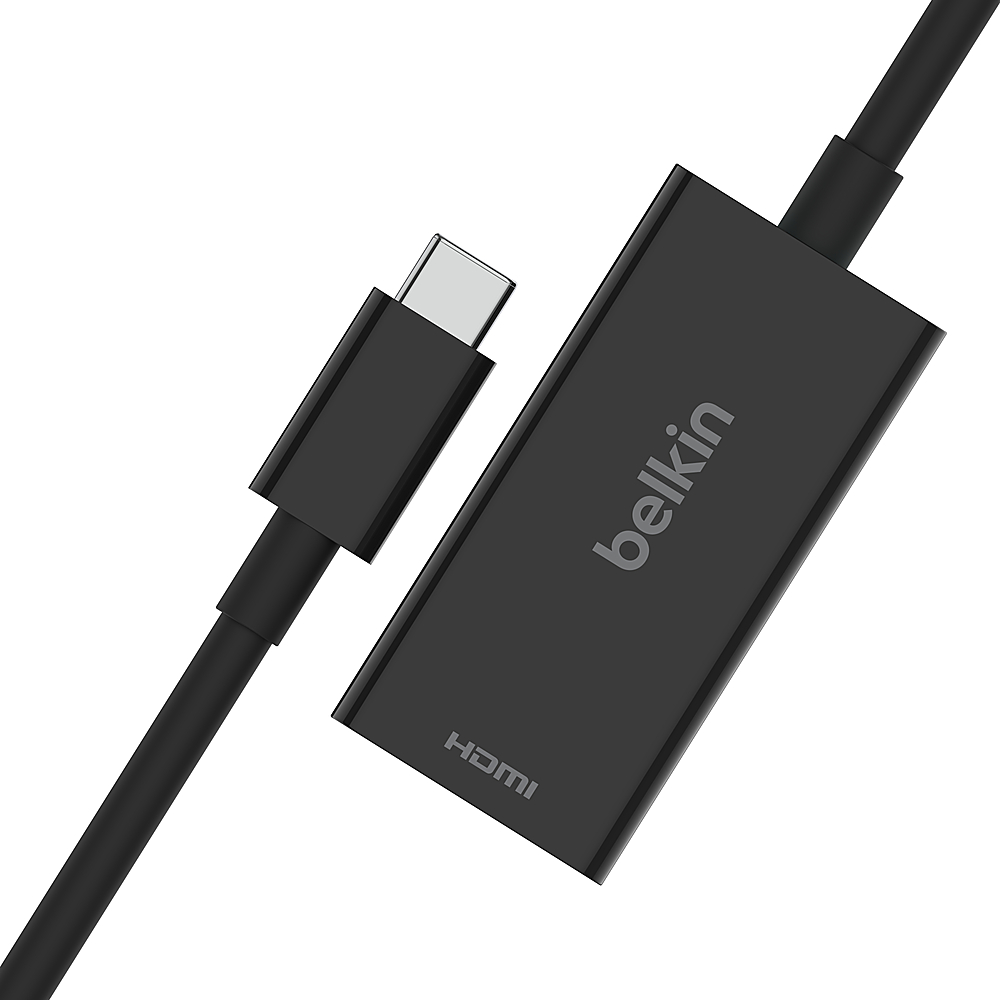
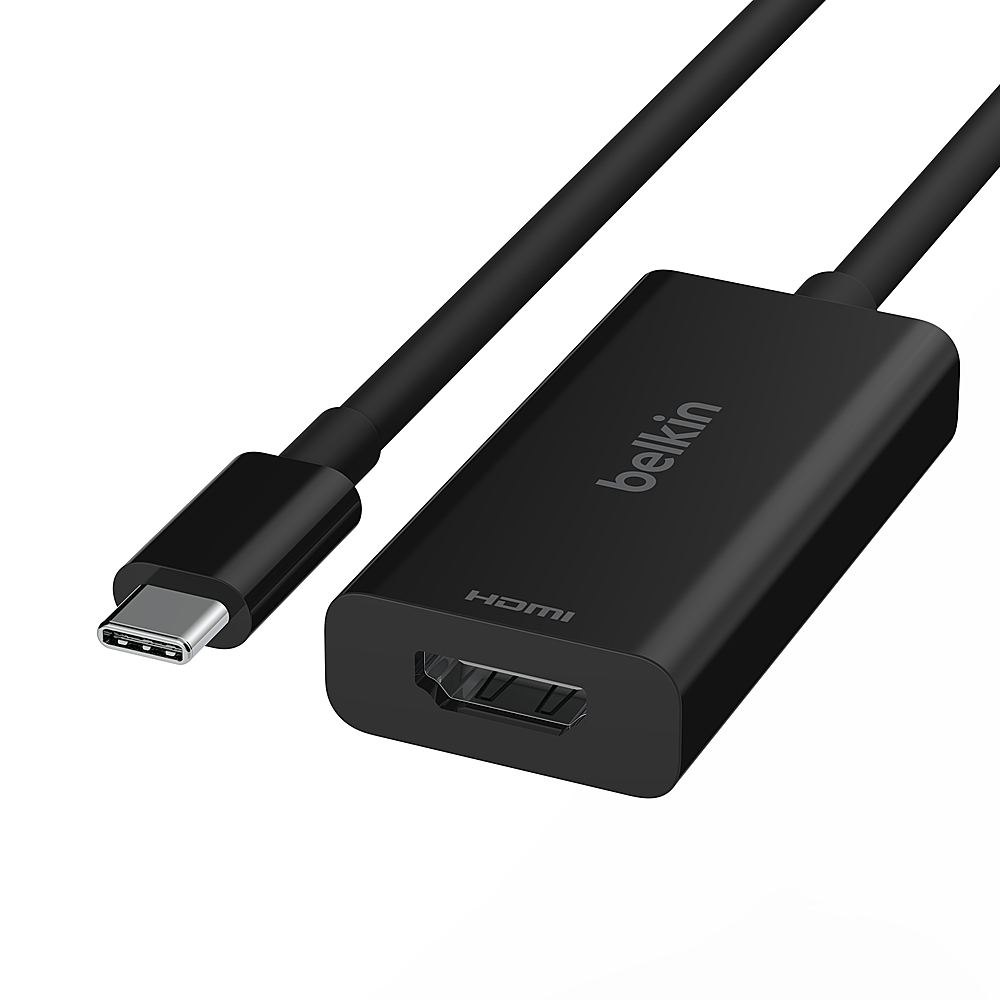
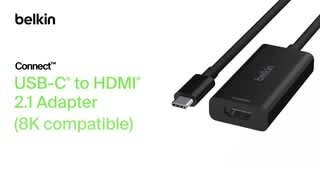
- A:Answer This adapter uses a tethered USB-C cable.
This question and answer was generated by AI based on customer and product data.Q: QuestionDoes this adapter support HDR?
- A:Answer Yes, it supports HDR10+ for crystal-clear video with richer colors, brighter highlights, and more contrast.
This question and answer was generated by AI based on customer and product data.Q: QuestionWhat is the maximum resolution supported by this adapter?
- A:Answer This adapter supports resolutions up to 8K@60Hz and up to 4K@144Hz.
This question and answer was generated by AI based on customer and product data.Q: QuestionHow long is the manufacturer's warranty for this adapter?
- A:Answer The manufacturer's warranty for this adapter is 2 years for both parts and labor.
This question and answer was generated by AI based on customer and product data.Q: QuestionWill this adapter charge the USB-c device while using? More specifically a Samsung phone?
Asked by Vee.
- A:Answer Hi, Vee. Yes, the Belkin AVC013btBK supports pass-through charging, so it can charge your USB-C device, including Samsung phones, while in use.
Answered by BelkinStaff
Q: QuestionWill this work on the 2021 M1 MacBook Pro 14"?
Asked by Veee.
- A:Answer Hi Veee. The Belkin AVC013btBK has not been specifically tested with the MacBook Pro 14 2021 (M1). This device is designed and has been tested for compatibility with USB-C-enabled devices such as laptops, tablets, televisions, gaming systems, and projectors.
Answered by BelkinStaff

Q: QuestionHow tall is the cord for this device?
Asked by Jay.
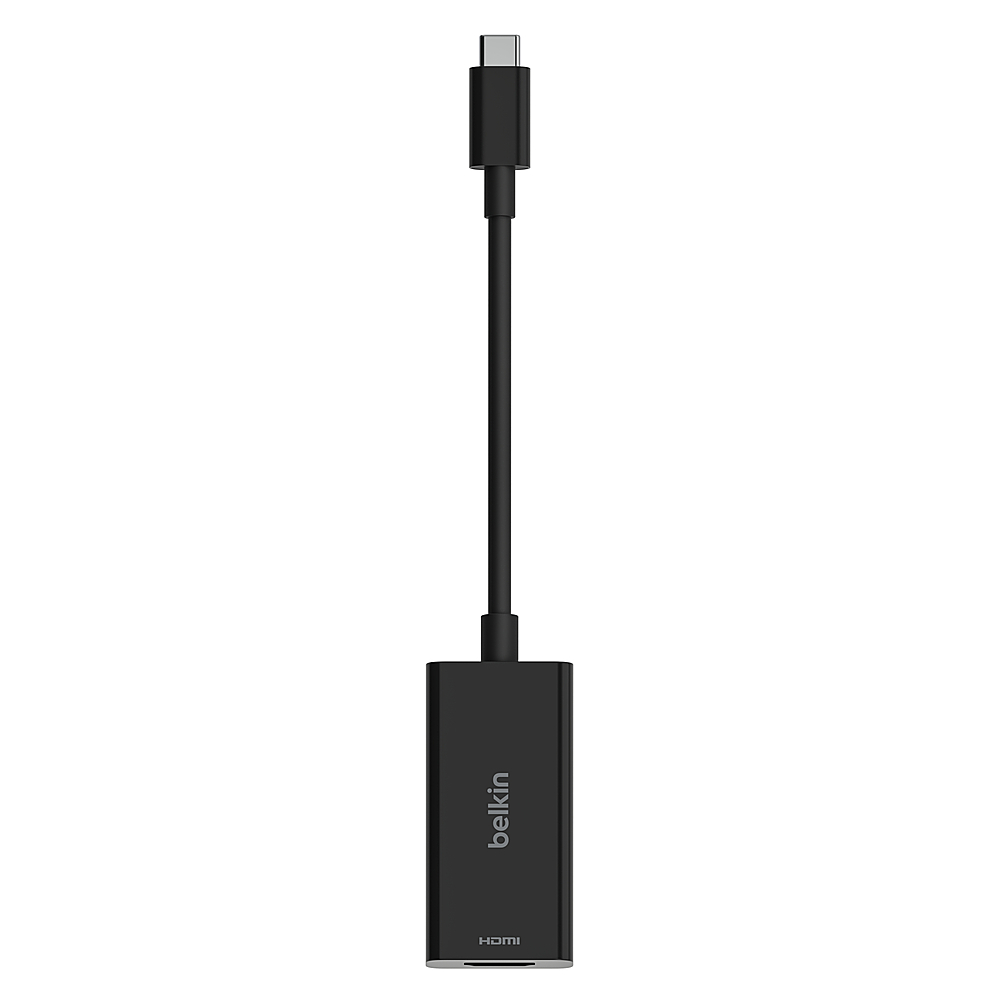
- A:Answer Hi, Jay. It comes with a 4.3-ft / 11-cm cable.
Answered by BelkinStaff

Q: QuestionDoes this work both ways, I ask because I have found many that are not. Thanks
Asked by Texan.
- A:Answer Hi, Texan. This is a USB-C (male) to HDMI2.1 (female) with DP Alt mode cable that let's you connect your video-enabled USB-C device to an HDMI display. It is not yet designed to work on the other way around.
Answered by BelkinStaff

Page 1, Showing 1-9 of 9 questions
Most-viewed items
- $9.99Your price for this item is $9.99
- $19.00Your price for this item is $19.00
- $7.99Your price for this item is $7.99
- $9.99Your price for this item is $9.99
- $24.99Your price for this item is $24.99
- $23.73Your price for this item is $23.73
- $11.99Your price for this item is $11.99
- $9.99Your price for this item is $9.99
- $19.99Your price for this item is $19.99$29.99The comparable value for this item is $29.99
- $11.99Your price for this item is $11.99
- $19.99Your price for this item is $19.99
- $14.99Your price for this item is $14.99
- $24.99Your price for this item is $24.99
- $19.99Your price for this item is $19.99
- $9.99Your price for this item is $9.99
- $12.99Your price for this item is $12.99
- $19.99Your price for this item is $19.99
- $39.99Your price for this item is $39.99
- $24.49Your price for this item is $24.49$34.99The comparable value for this item is $34.99
- $9.99Your price for this item is $9.99