A:AnswerHi Laura,
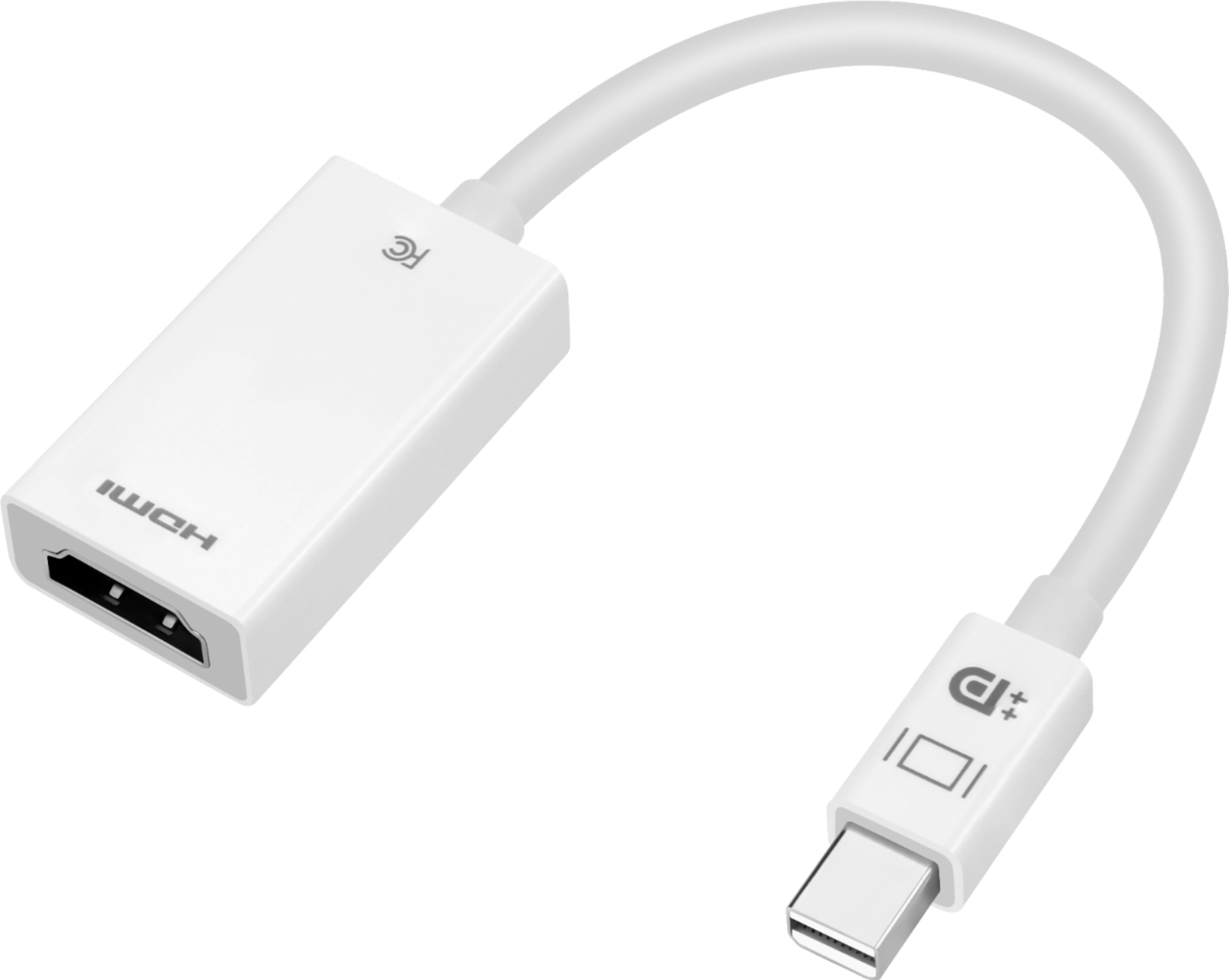
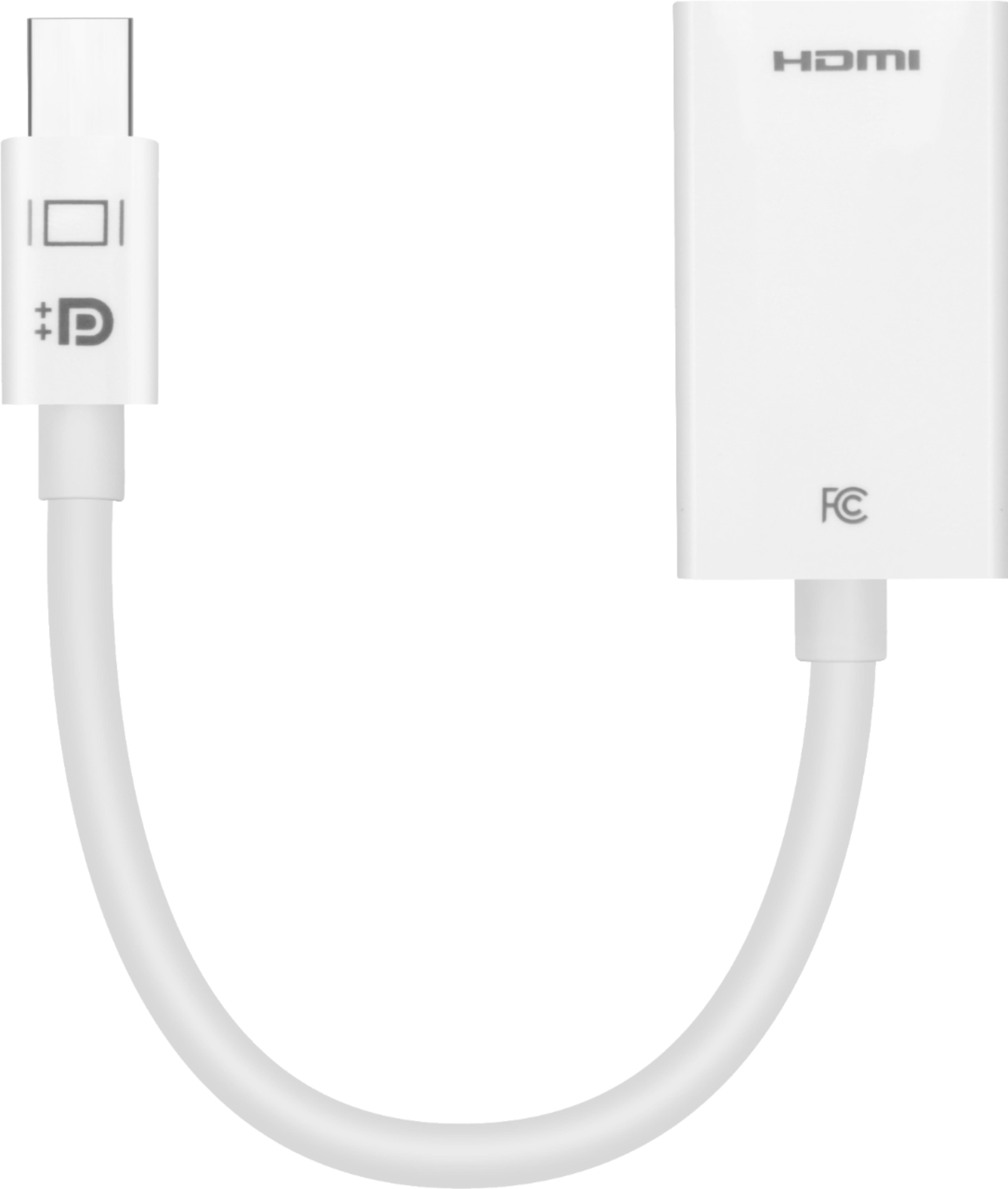
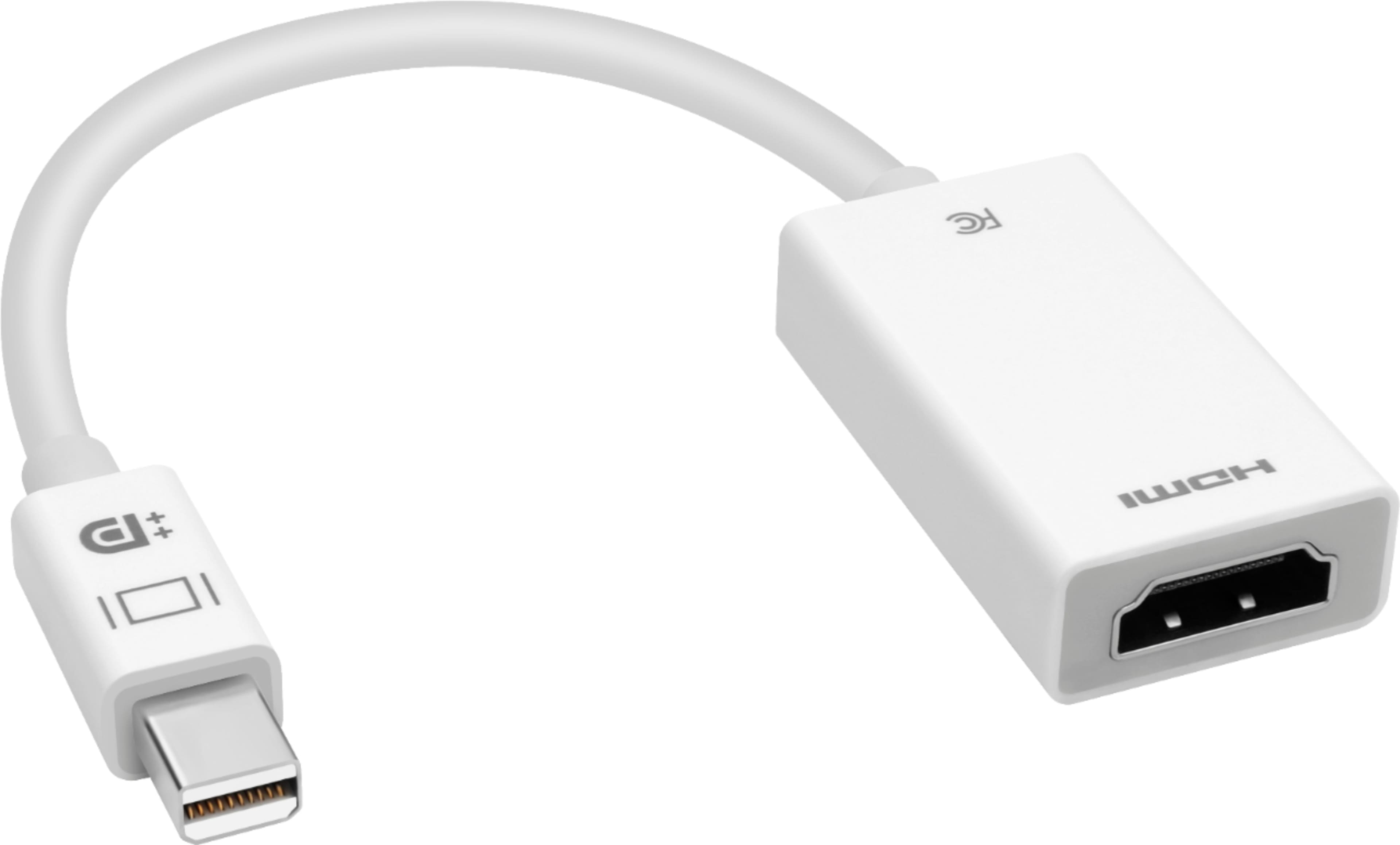
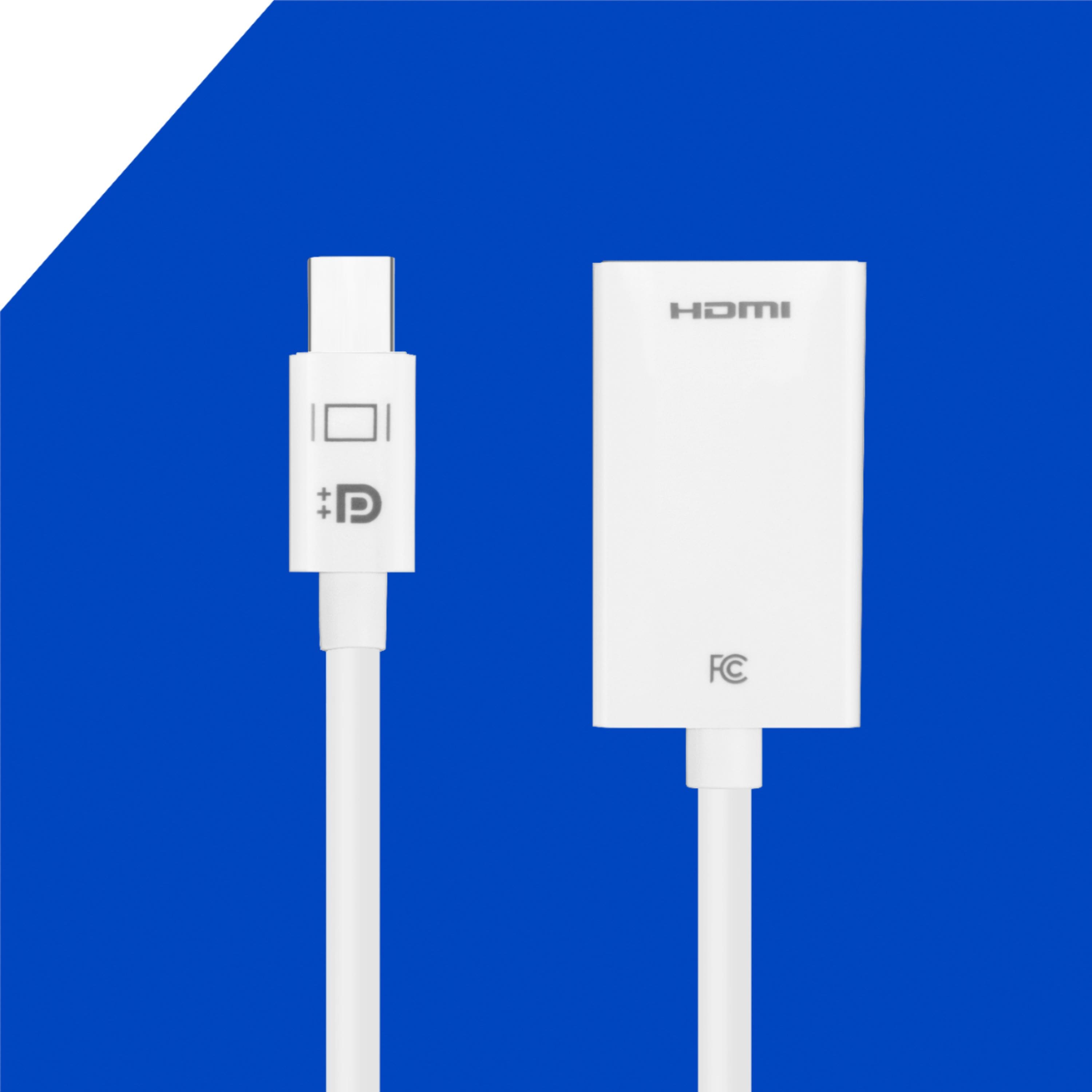
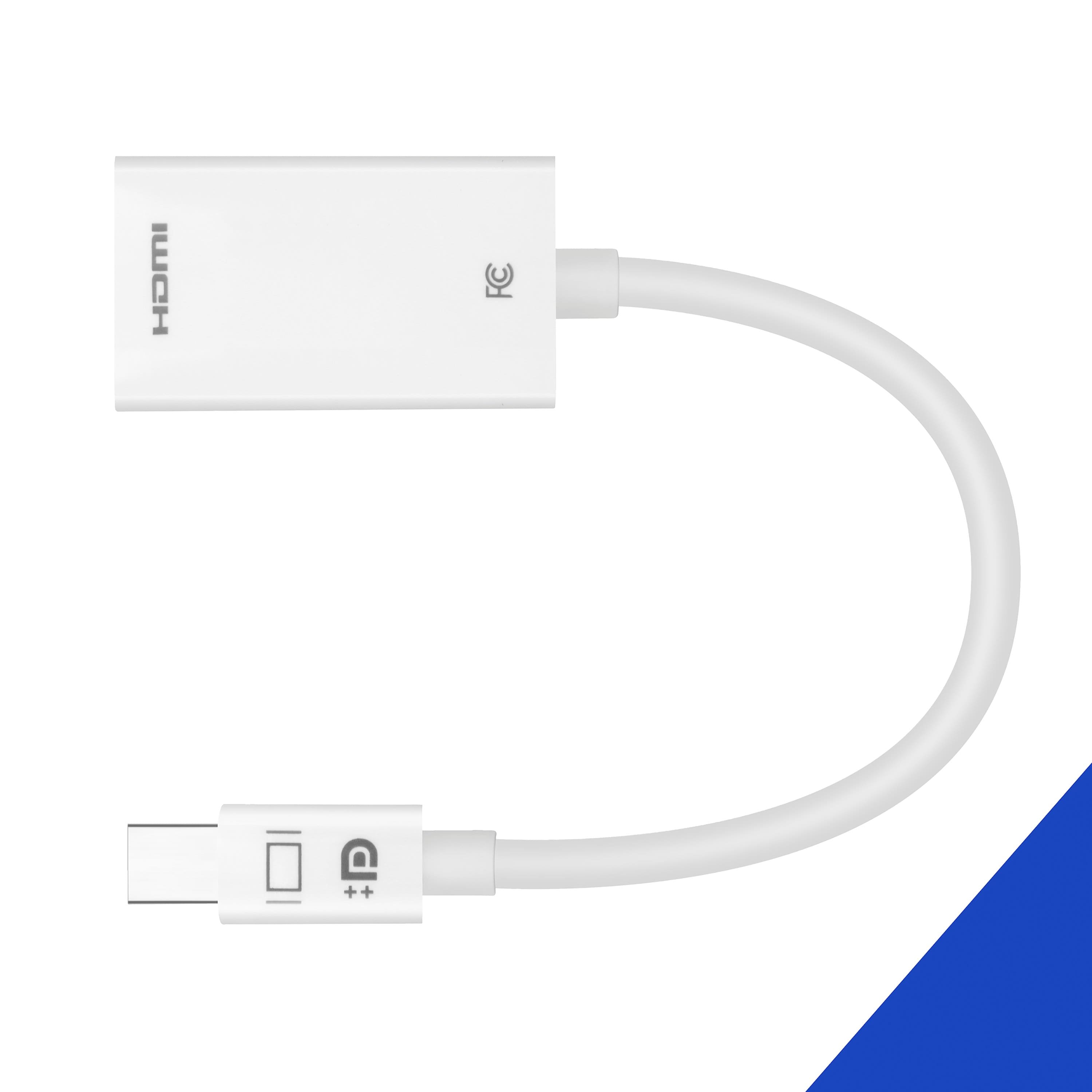
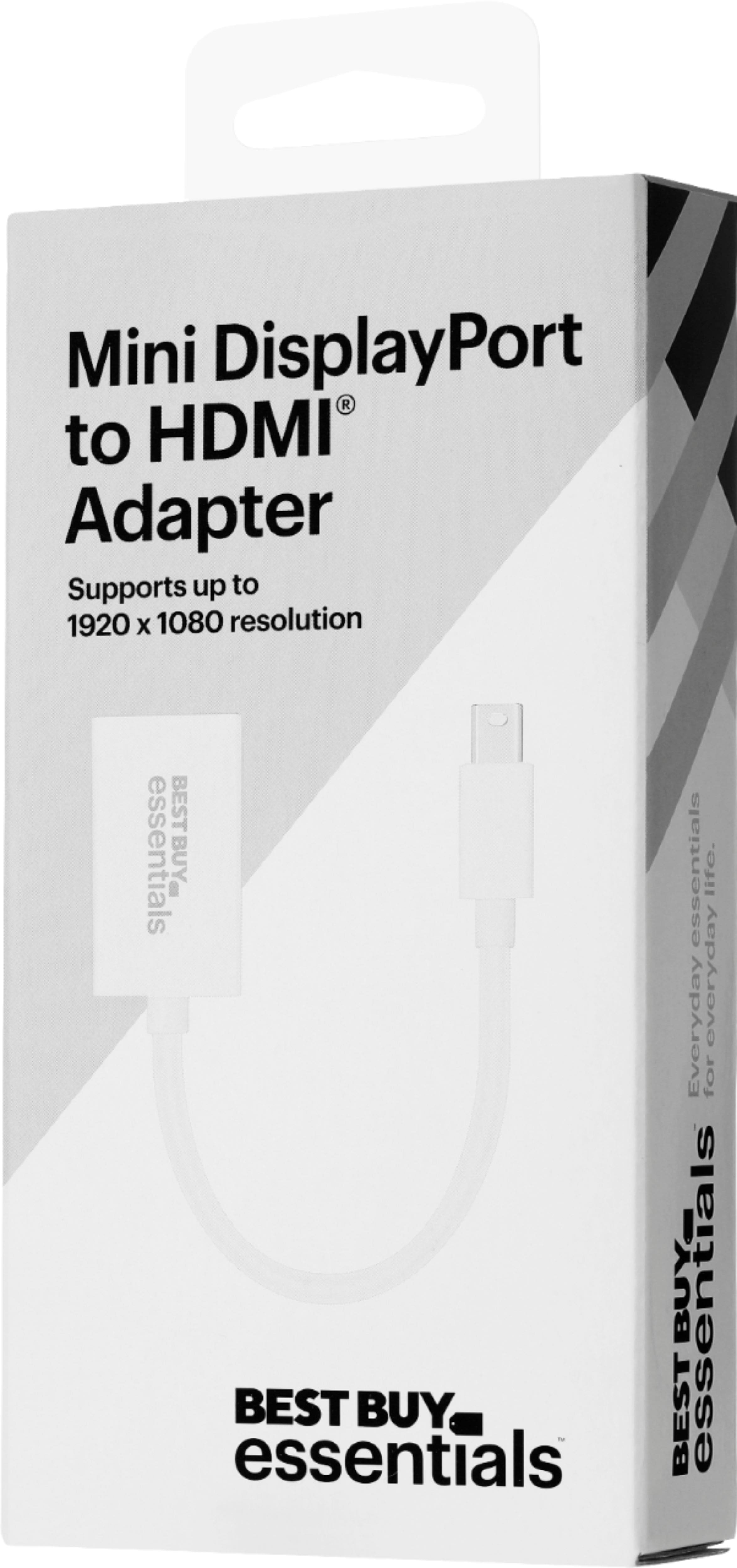
Yes, you can connect the Mini DisplayPort end of this adapter into your MacBook Air and hook up the adapter into the HDMI input on the monitor via HDMI cable.
Bestbuy Essentials
Merjorie
www.bestbuy.com/support
A:AnswerYup. I use it on my 2012, so as long as you have a mini Display port on the 2010 it would be fine. Works great with my drawing tablet and to use my big computer monitor screen with my Mac without completely losing access to my Windows stuff on the other monitors.
A:AnswerNo it will not. It is for a mini display port, usually found on a computer. It will adapt mini display port to hdmi. What you need is a lightning to hdmi adapter. Hope this helps!
A:Answer"No. It's type C port for Samsung. Recommend to buy a USB-C to HDMI adapter (NS-PCACH), or USB-C to HDMI cable (For example: NS-PCKCH6) if it's HDMI port on your TV."
A:AnswerProbably not.
These are the ports for HP chrome book:
(2) USB 3.1 Gen 1 (One on the left side and one on the right) - Both USB ports support USB boost
(1) Headphone/microphone combo jack
(1) HDMI v 1.4
HP Multi-Format Digital Media Card Reader
Support SD/SDHC/SDXC up to UHS-104 (left side)
Push-push insertion/removal
A:AnswerIt should yes! This year model should have the Mini-Display port adapter on the side. If you google "Macbook Air 2013 mid" it will show under specs and show the ports.