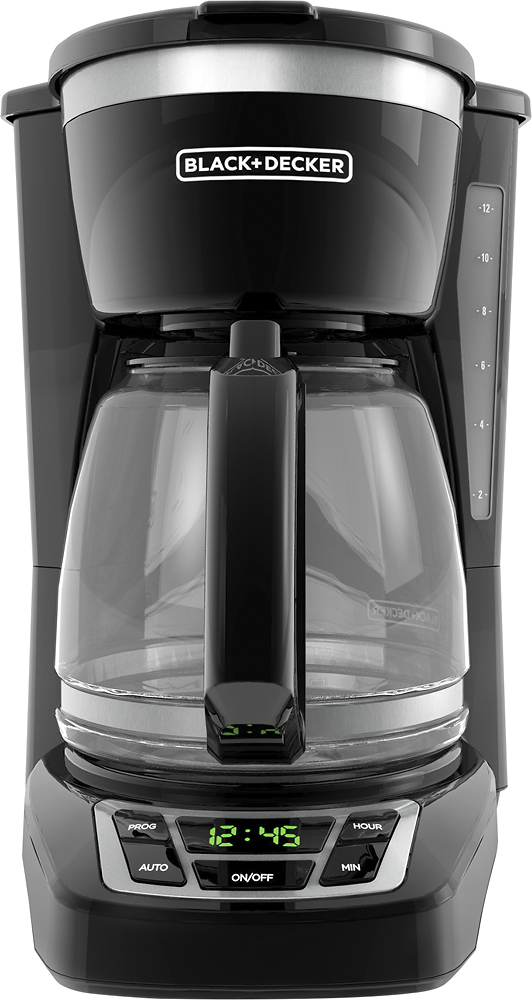
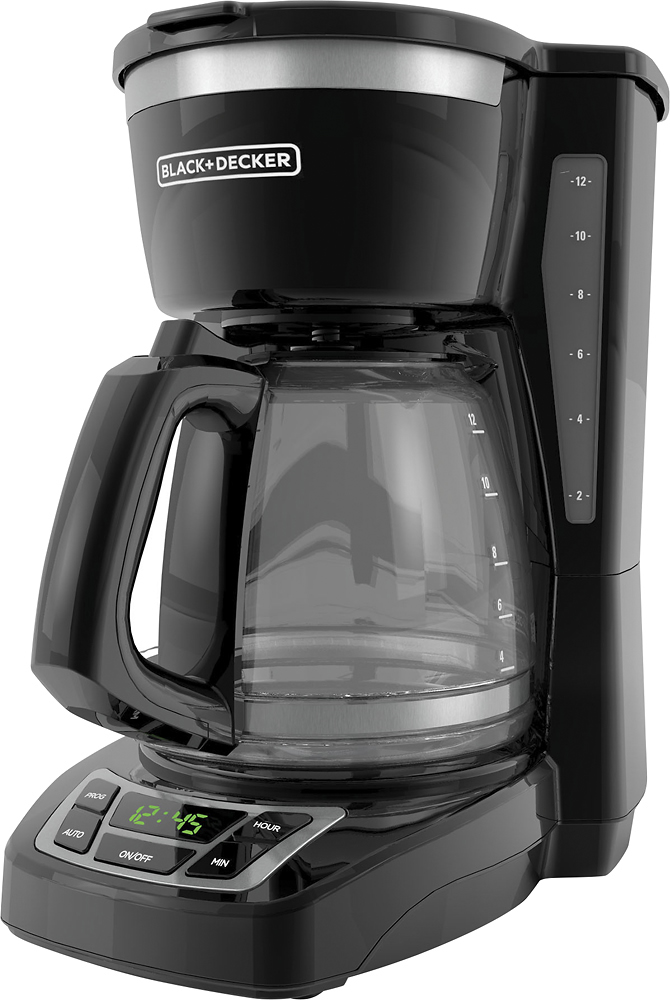
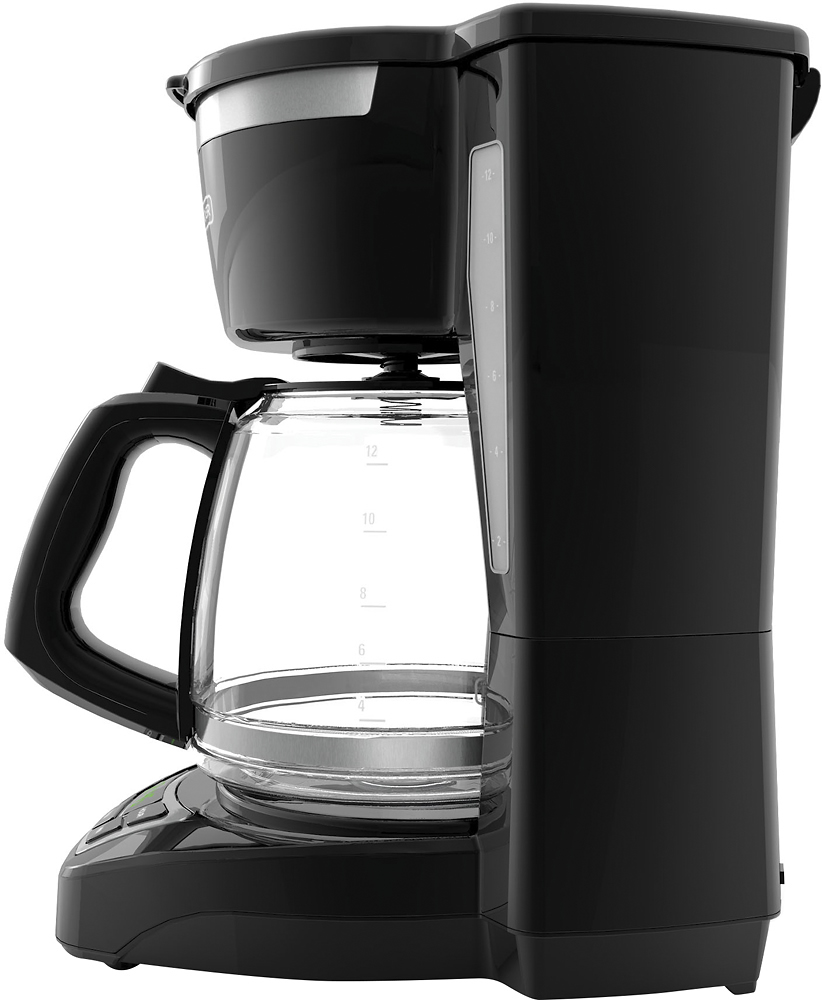
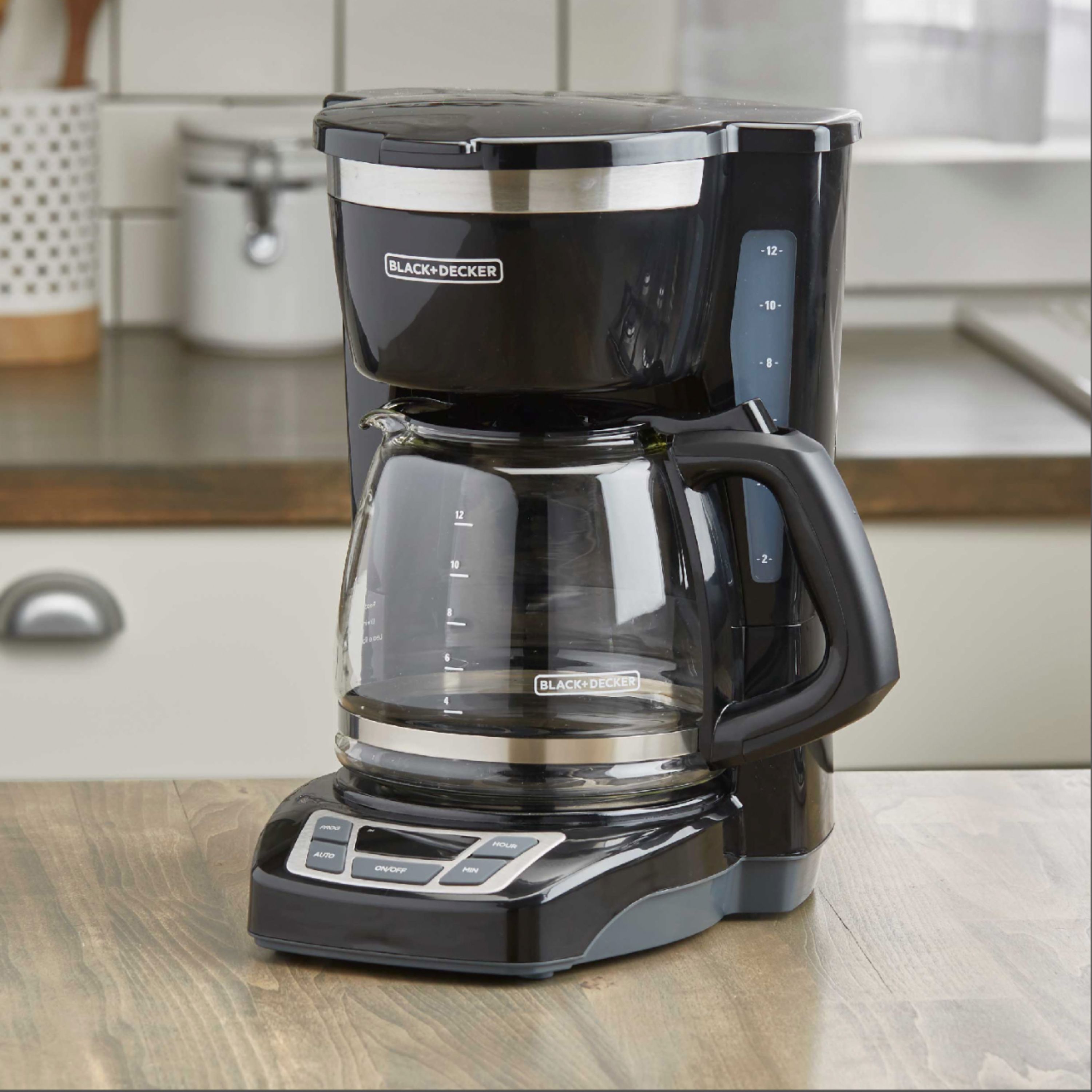
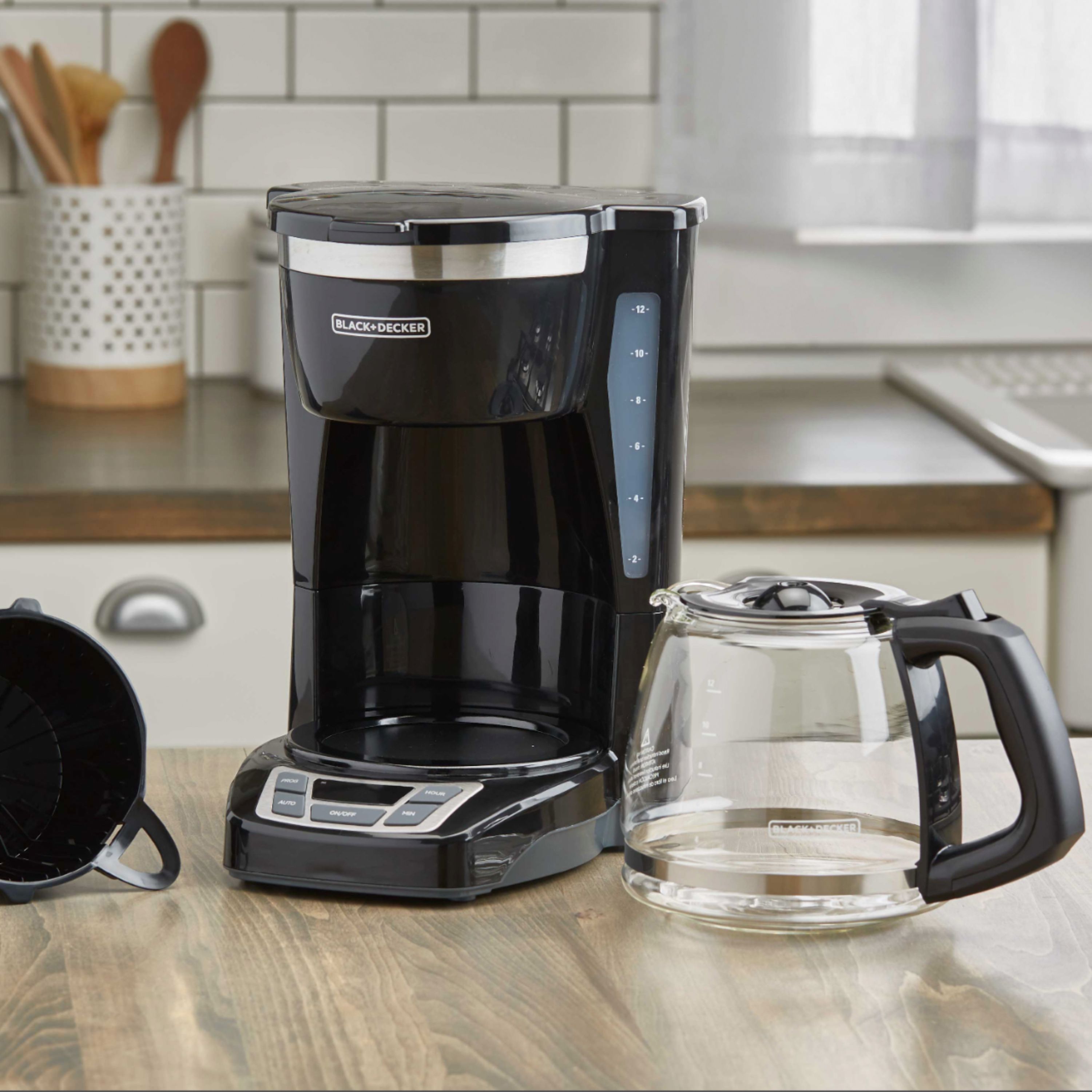
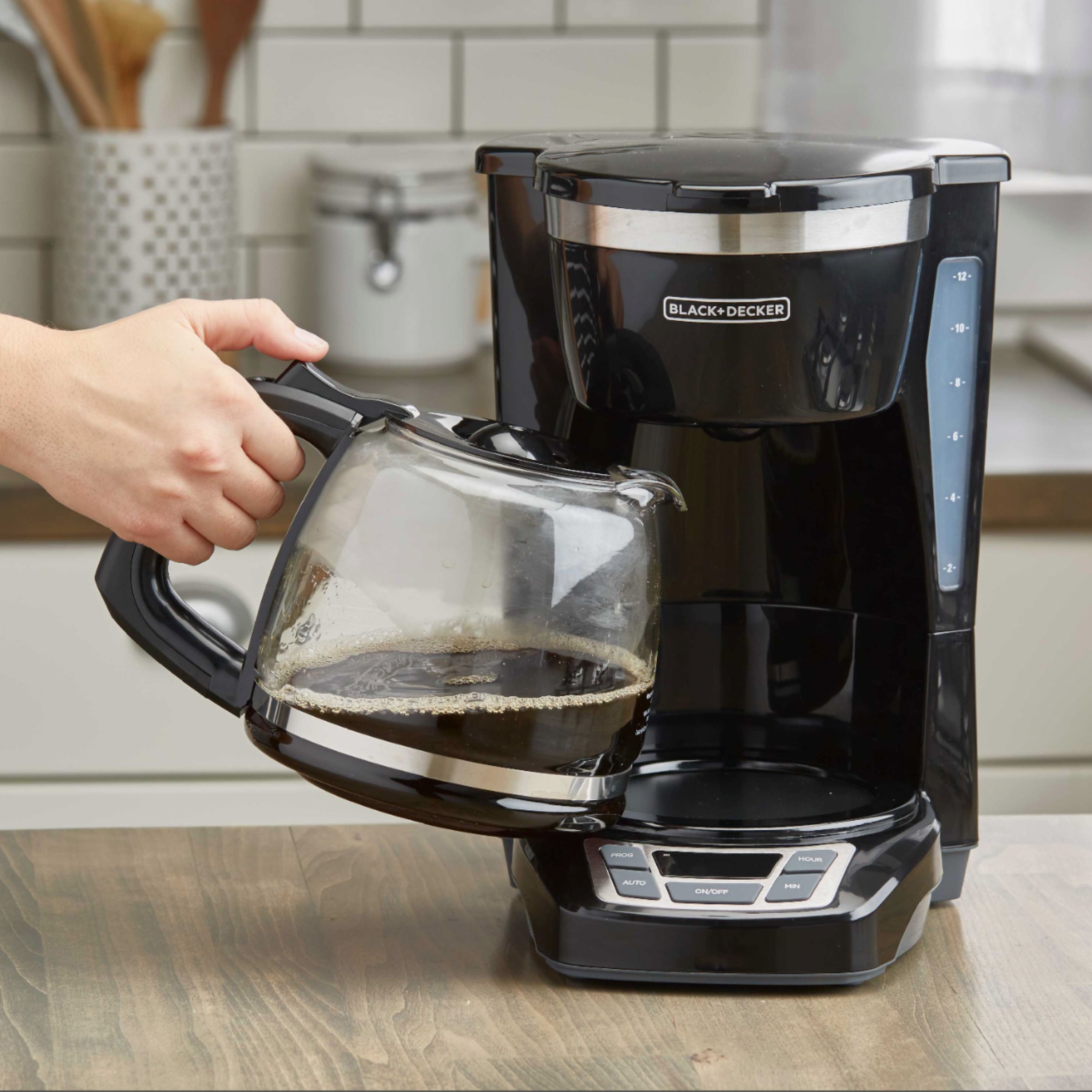
A:Answer Thank you for your interest in this Black + Decker coffee maker. Please see below for instructions on how to program the delay brewing feature.
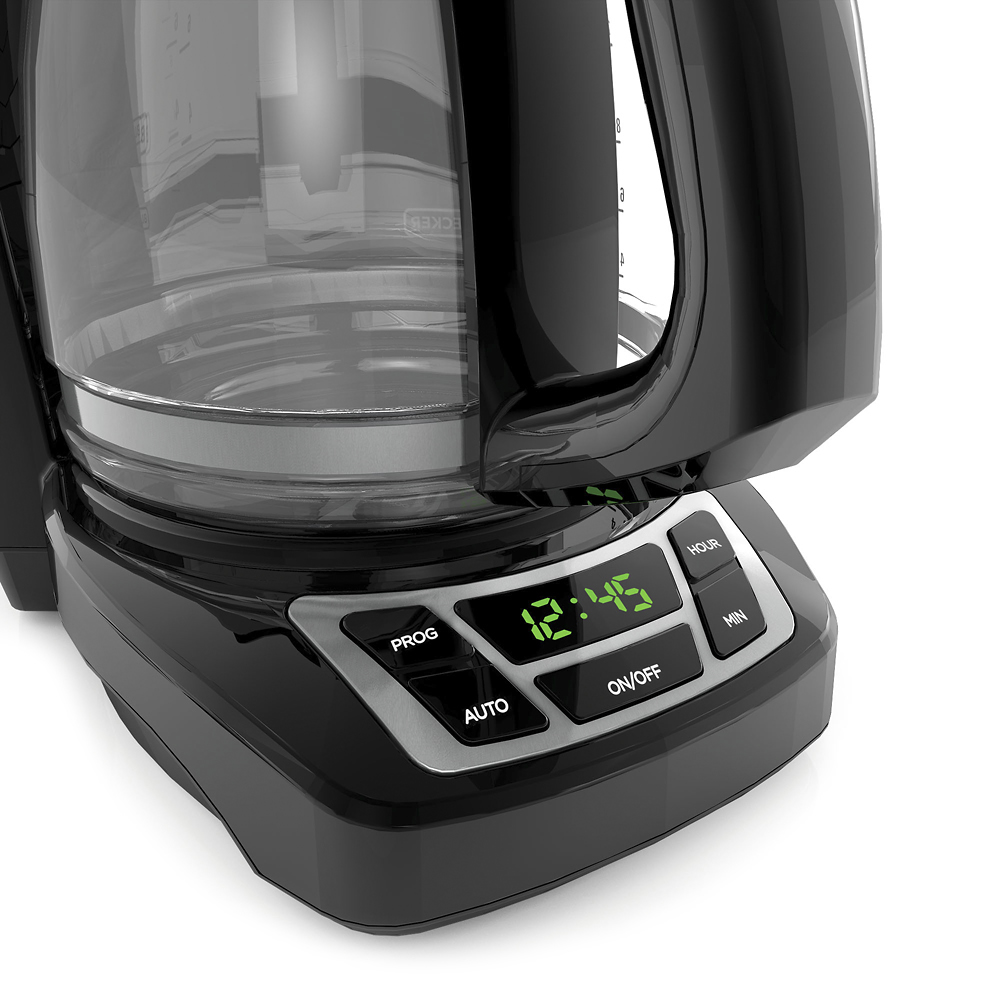
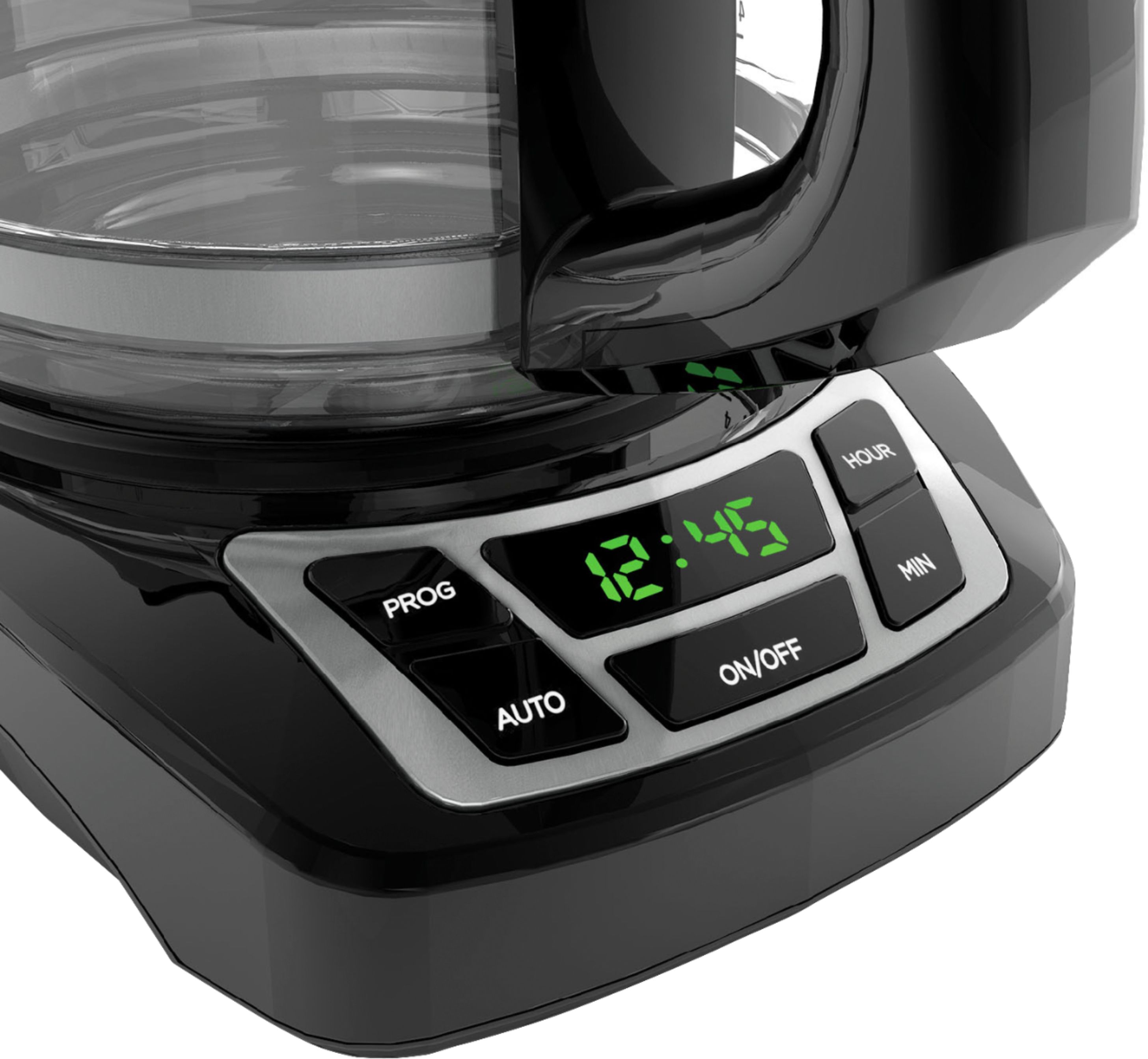
1. Press PROG button. The AUTO light (small dot in bottom left corner of digital display) flashes several times. Digital clock displays 12:00.
2. Quickly press HOUR button then MIN button to select the time you would like automatic brewing to begin (for example, 7:15 A.M. Make sure the P.M. light is not on.)
3. Press AUTO button, holding it down until the AUTO light stops flashing. The digital display changes to time of day.
4. To check preset auto time, press PROG button and preset auto time is displayed. Press AUTO button to reactivate the timer.
5. To cancel Auto Brew function, press the ON/OFF button.
If you need further assistance, I’d be happy to help! Please contact us at youropinionmatters@spectrumbrands.com and reference 41886610 so that we may better assist you.