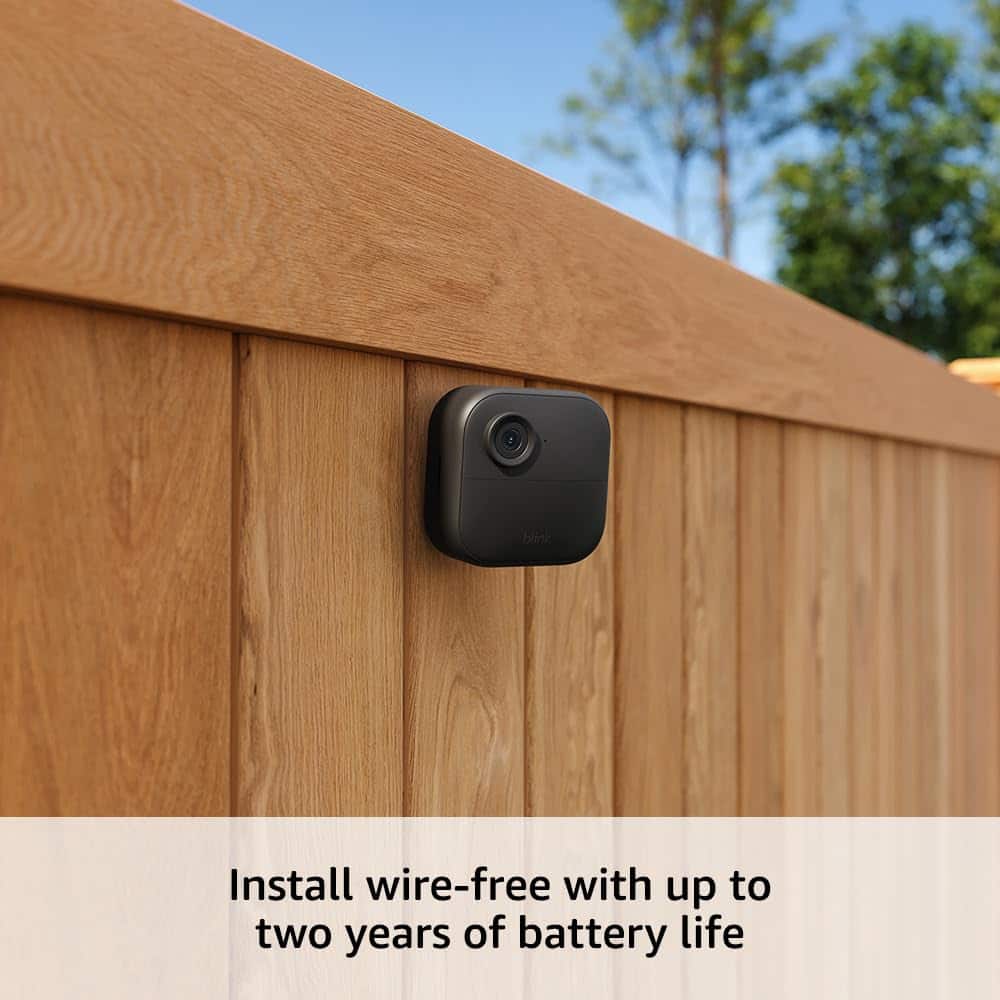
A:AnswerActually yes. You may need to mount it. When I purchased it, it came with a smaller corded camera.
You may need to adjust the settings for indoor s.
A:AnswerThe company doesnt sell a solar panel option but the back of the battery opereated camera has an input jack for a hardline option power source..just type solar panel adapter at amazon and you will get some options.
A:Answeryes you definately can...I did something similar..baught 3 then baught some extra ones and they easily where ready to go synced to the same app within 5min of taking them out the box.
A:AnswerHi booda, thank you for your question. A Blink Sync Module 2 can support up to 10 Blink devices so you can add more cameras to the same sync module. Multiple Sync Modules can be used within the same Blink account to manage more devices and create separate systems. Each system, managed by a Sync Module, can have up to 10 devices. I hope that helps, have a great day!
A:AnswerYes, It is web based with you Google home account once you set it up. It can be accessed with an IOS ap on Apple devices or through a Webb address via PC.
A:AnswerHello Kim,
Yes, the Blink Outdoor 4 works with your existing Blink system because all Blink cameras are backwards compatible and share the same app. You can add the Outdoor 4 camera to your current setup without needing to buy a new base station.
A:AnswerHello Nikki,
Unfortunately you would not be able to add Blink Camera's to a pre existing Vivint System. Vivint uses a closed proprietary ecosystem of cameras. If you would like to expand an existing system, you would need to use their cameras. If you were to purchase Blink Cameras you could create a new system, but unfortunately Vivint will not allow other camera companies to be integrated in to their systems.
I hope this answers your question!
A:AnswerHi there,
The Blink Outdoor 4 records motion triggered clips up to 60 seconds, with a retrigger time of 10 to 60 seconds between recordings. It doesn’t continuously record while motion is ongoing recording stops after the set clip length, even if movement continues.
I hope this helps!
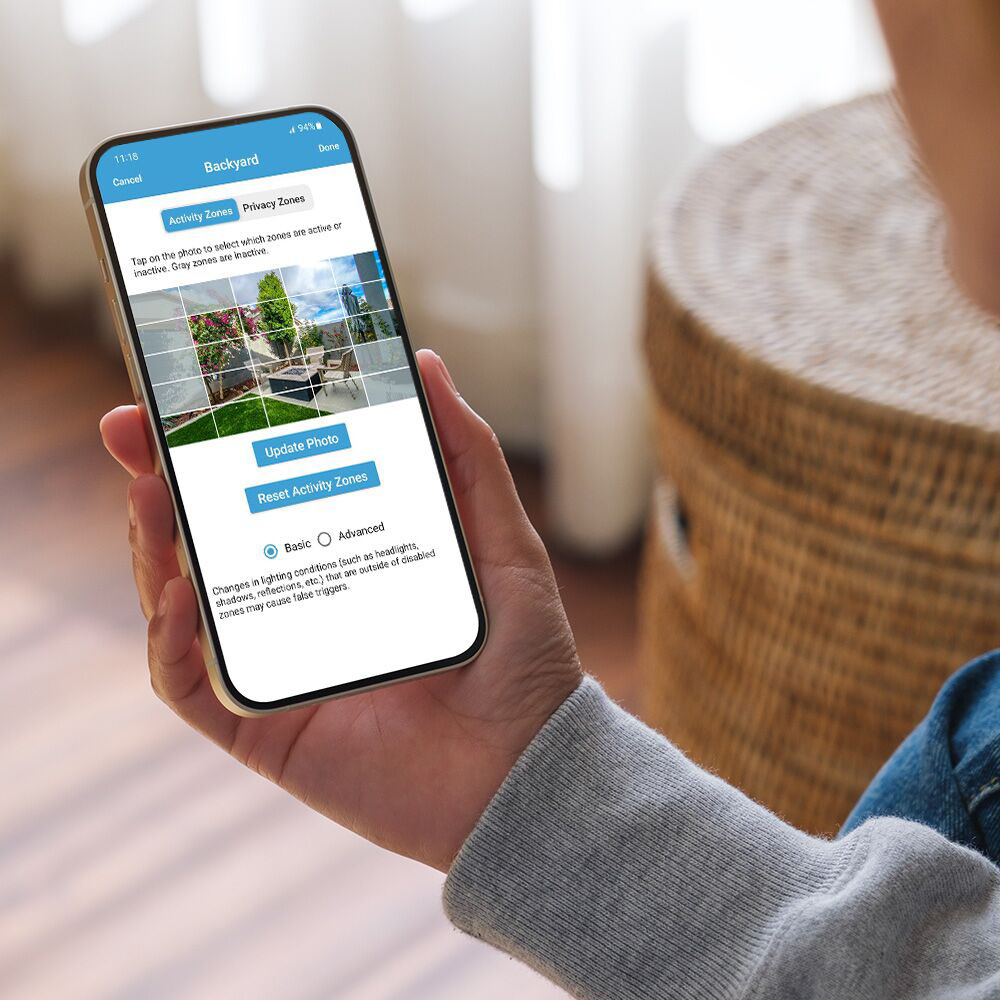
A:AnswerA mobile device is needed to use the Blink app where you can access your Blink cameras and system settings.
Compatible devices: iPhone or iPad with iOS 14 or higher, Android phone or tablet with Android 9 or higher, and Fire Tablet with Fire OS 7 or higher.
If you have a Sync Module 2, you can store up to 256GB of video files on a removable USB drive. You can view the video files on a computer by removing the USB from the Sync Module and inserting it into your computer.
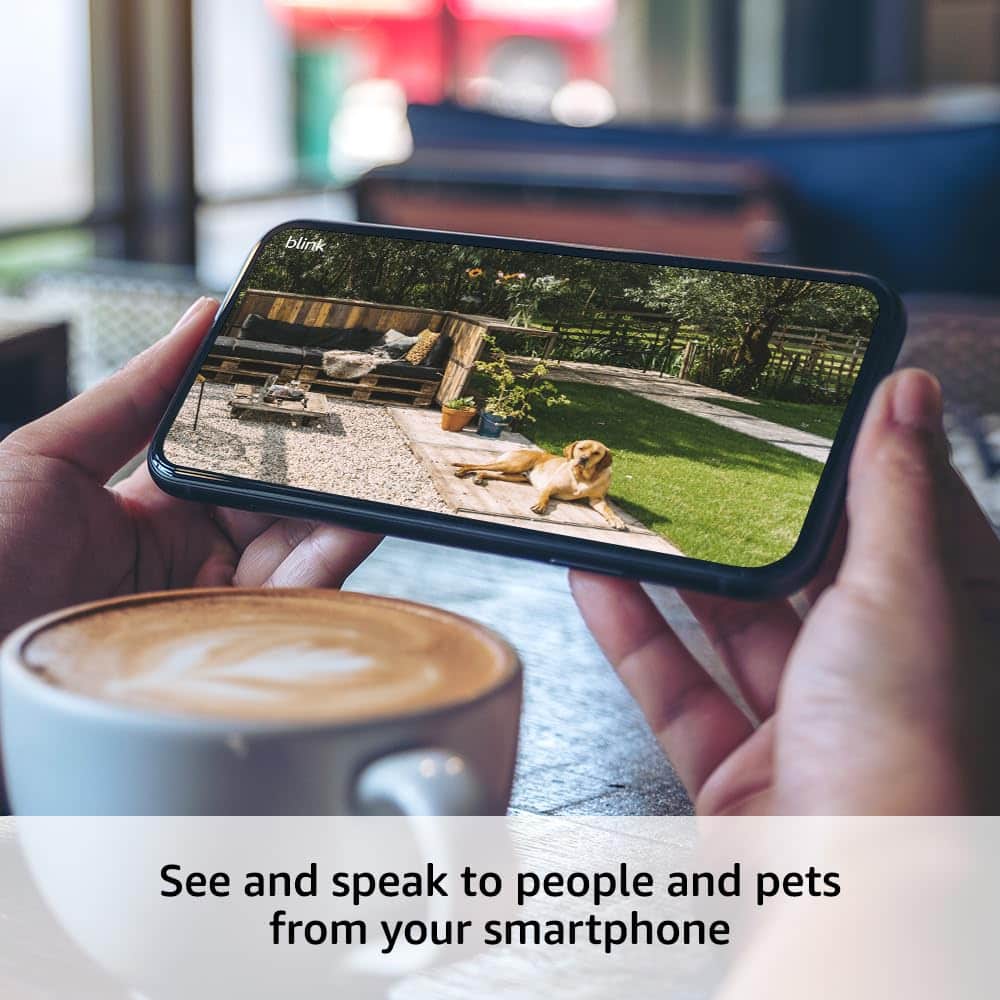
A:AnswerThe Outdoor 4 camera does have a speaker and microphone, allowing two-way audio. You can perform a live view from the Blink app, and hear and speak to whomever is at the camera.
A:AnswerYou may absolutely use an Outdoor camera indoors. The Indoor cameras of course are not rated to be weather resistant which is why they should only be used indoors, but the Outdoor devices are safe to use in both environments day and night. One important detail to note is that Blink devices are not designed to detect motion through glass or screens. As long as the camera is not directly behind either, it will work perfectly indoors, too.
A:AnswerYes, my 3 cameras at one house use one synch module and the 2 cameras at the other house another module and all are on same app and cloud subscription. Paying for the subscription becomes more cost efficient the more cameras you add. And locations.