A:Answer Hello,
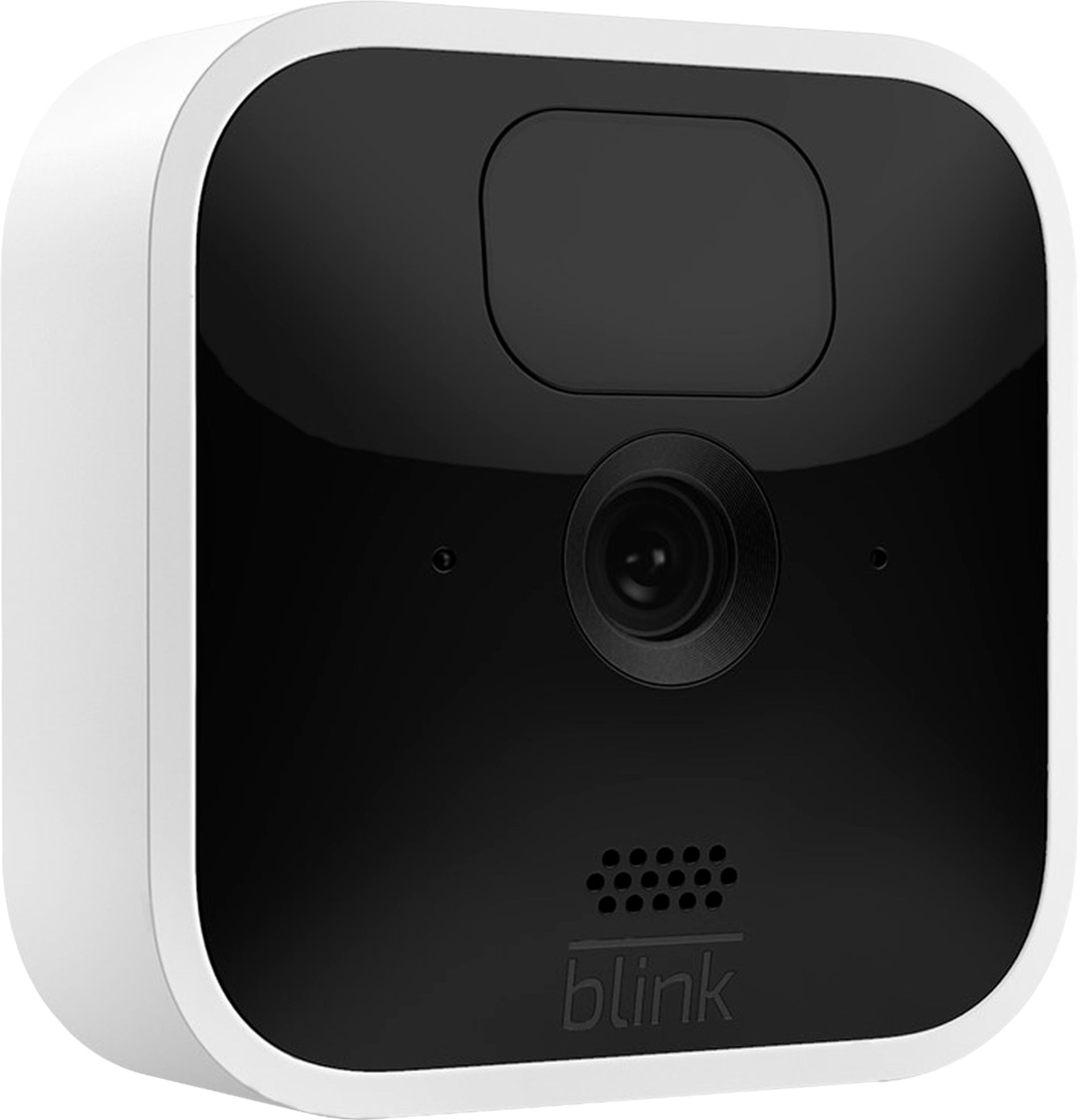
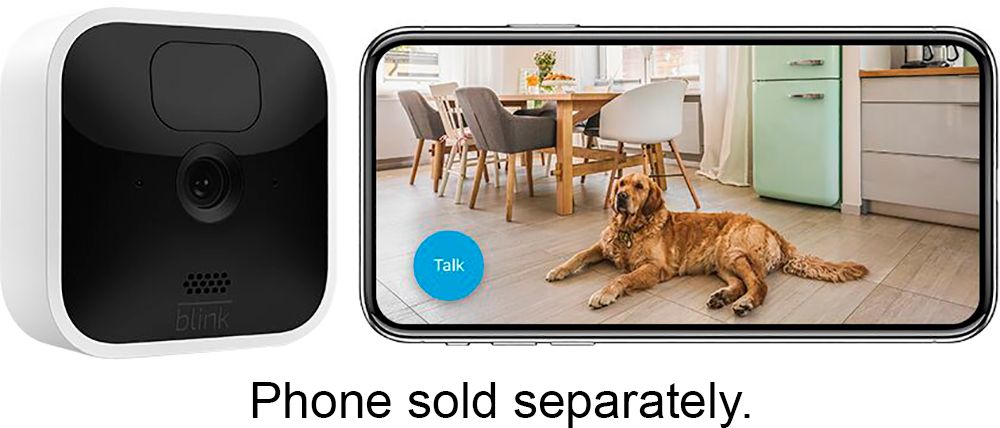
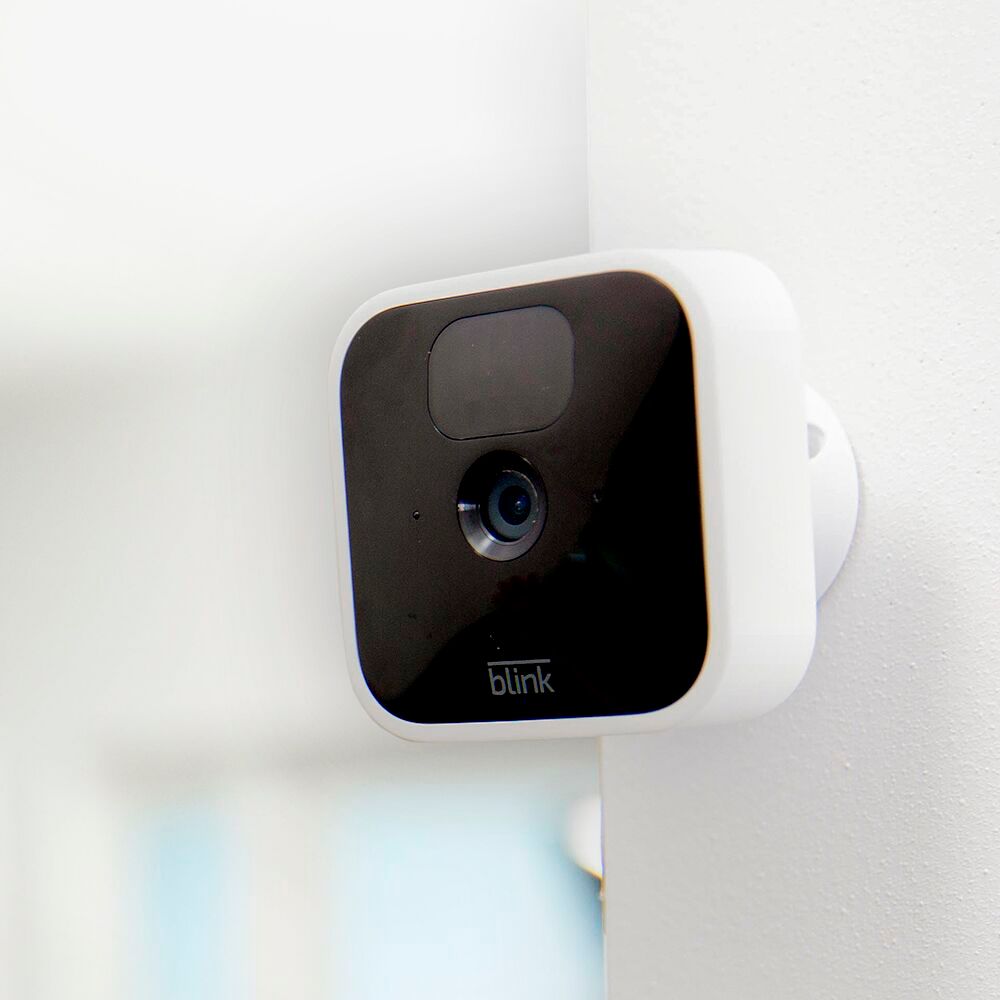
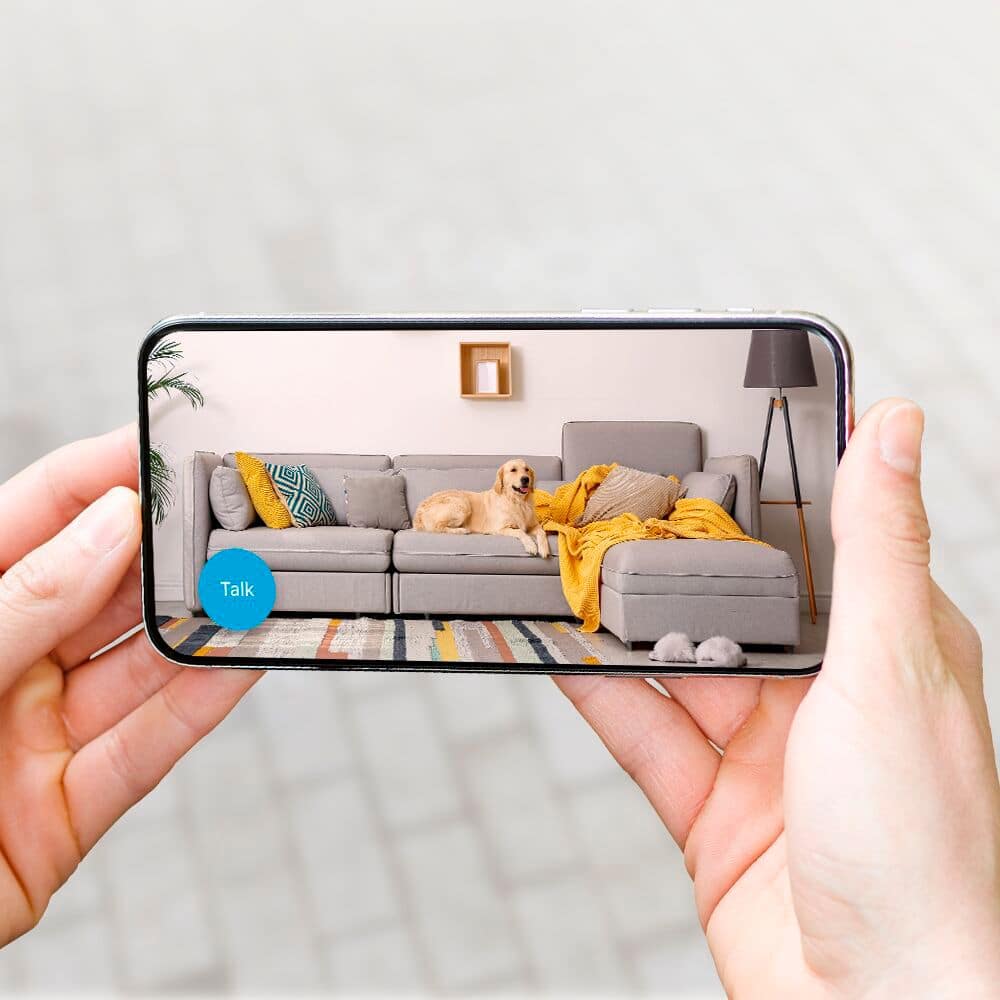
Blink Devices are made for ease of use in both setup as well as app functionality. The Blink Indoor can be set up within minutes using the QR Code that comes in the box. The Code in the box will direct you to set up a new account as well as download the Blink App. Once the app is downloaded, and you input your sign in and password, there is a code on the back of the camera which you scan and will add the device to your app. Once that's complete, your off and running! I just recently set up a Blink Mini indoor camera for my parents, the entire process took about 5 minutes. I think it took more time positioning the camera correctly to get the right view than it did to set up the device.
I hope this helps!