A:AnswerCloud storage won’t get full but if you don’t want the subscription You will need a usb drive not a SD card
I believe any usb drive will work recommended at least 128gb depending how much traffic, size of video and videos you want to keep
A:AnswerThe Blink cameras have a field of view of 110 degrees - in the daytime, they provide enough visibility to identify an individual’s facial features that is 20ft away, recognize a person that is 32ft away, and beyond that depends on exact lighting conditions. At night, they provide visibility up to 20ft away depending on exact conditions. The range of the motion sensor is up to 15-20ft depending on exact conditions.
A:AnswerThe Blink system would theoretically work In Africa assuming you got the correct power adapter, however we do not currently offer a local server to support the system. This means that you could suffer from poor performance, lag time issues, and quickly draining battery life as a result. This would void the warranty as well.
You are able to adjust your camera settings, view video clips, receive notifications, and access live view through the App on your compatible mobile device from anywhere as long as you have a WIFI or cellular connection. This is important to note for your cellular data plan, watching a five second motion clip without WIFI connection will use about 750KB of your data plan.
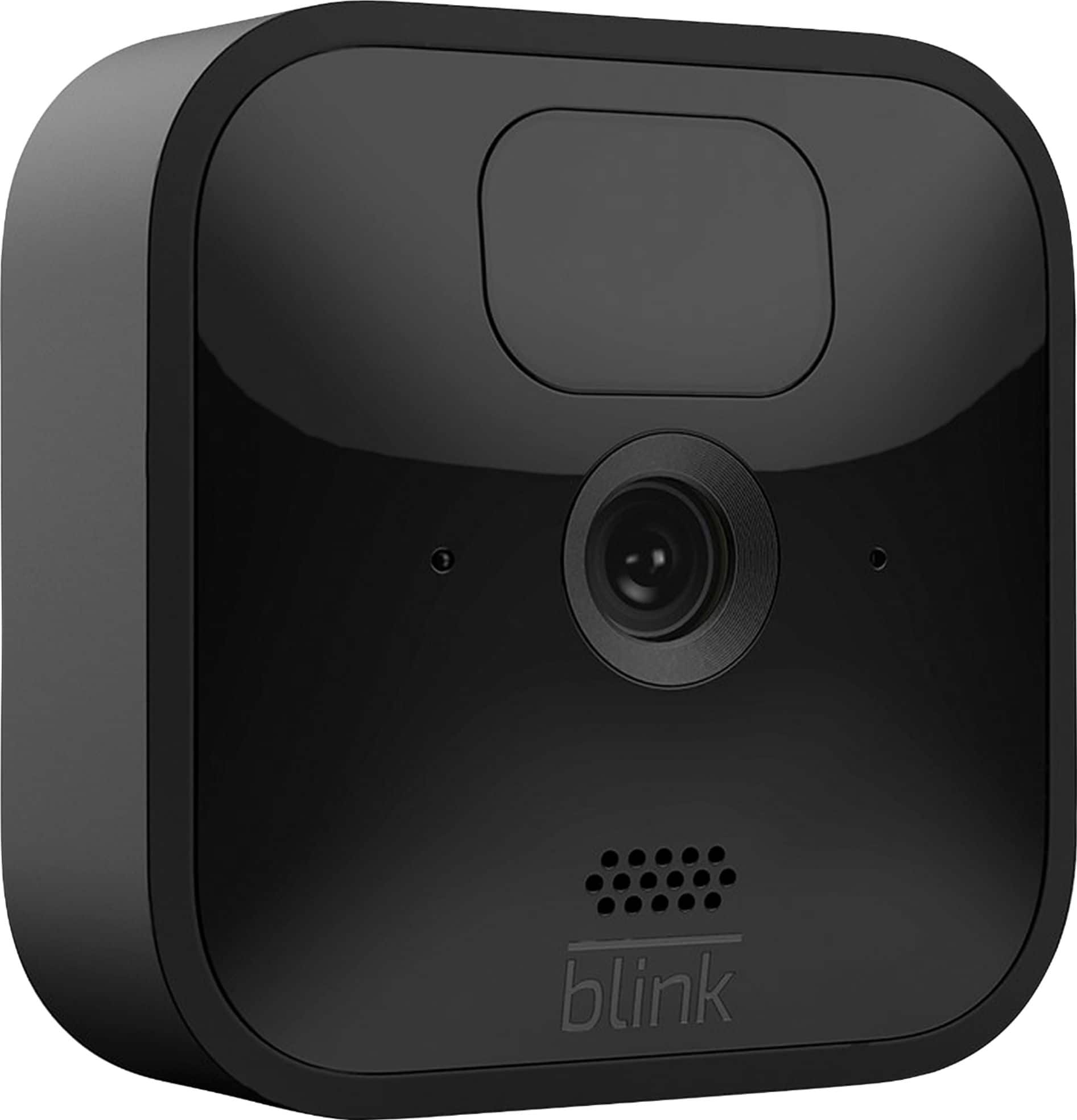
A:AnswerThe Blink Indoor and Blink Outdoor cameras can not reliably detect motion on the other side of glass. Some users have placed cameras facing out a window or through a glass door to use the Live View option. A Blink Indoor and Blink Outdoor camera looking through glass will react to the near side of a pane of glass, so it will not be activated by motion beyond that to create clips when in the Armed state.
A:AnswerYou are able to use the Blink Outdoor cameras inside if you wish. You can have up to 10 Blink devices per sync module as long as they are all within the 100ft operating range of the sync module in any direction. The cameras on the sync module can be in any combination.
You are also able to set-up and access separate Blink Systems from the same account by using our multi-system support feature.
A:AnswerShould you wish to place your Blink cameras anywhere other than a flat surface we do ship each camera with a mount and mounting hardware screws. Note the use of the included screws will create two holes in the surface.
A:AnswerBlink cameras can't operate offline and require a 2.4 GHz Wi-Fi Internet connection. One important reason is because cameras use Wi-Fi to send images and notifications. Blink systems minimally require a high speed connection of at least 2 Mbps upload speed.
A:AnswerPlan on having a reasonably strong wifi connection and placing the included dongle closer to the cameras than you would expect for as optimum of performance as you're gonna get. Hope this helps.
A:AnswerYes, you can split it up between locations but you will need an additional sync module as this will be the hub of your system that connects to your home WiFi.
A:AnswerYou are able to adjust your camera settings, view video clips, receive notifications, and access live view through the App on your compatible mobile device from anywhere as long as you have a WIFI or cellular connection. This is important to note for your cellular data plan, watching a five second motion clip without WIFI connection will use about 750KB of your data plan.
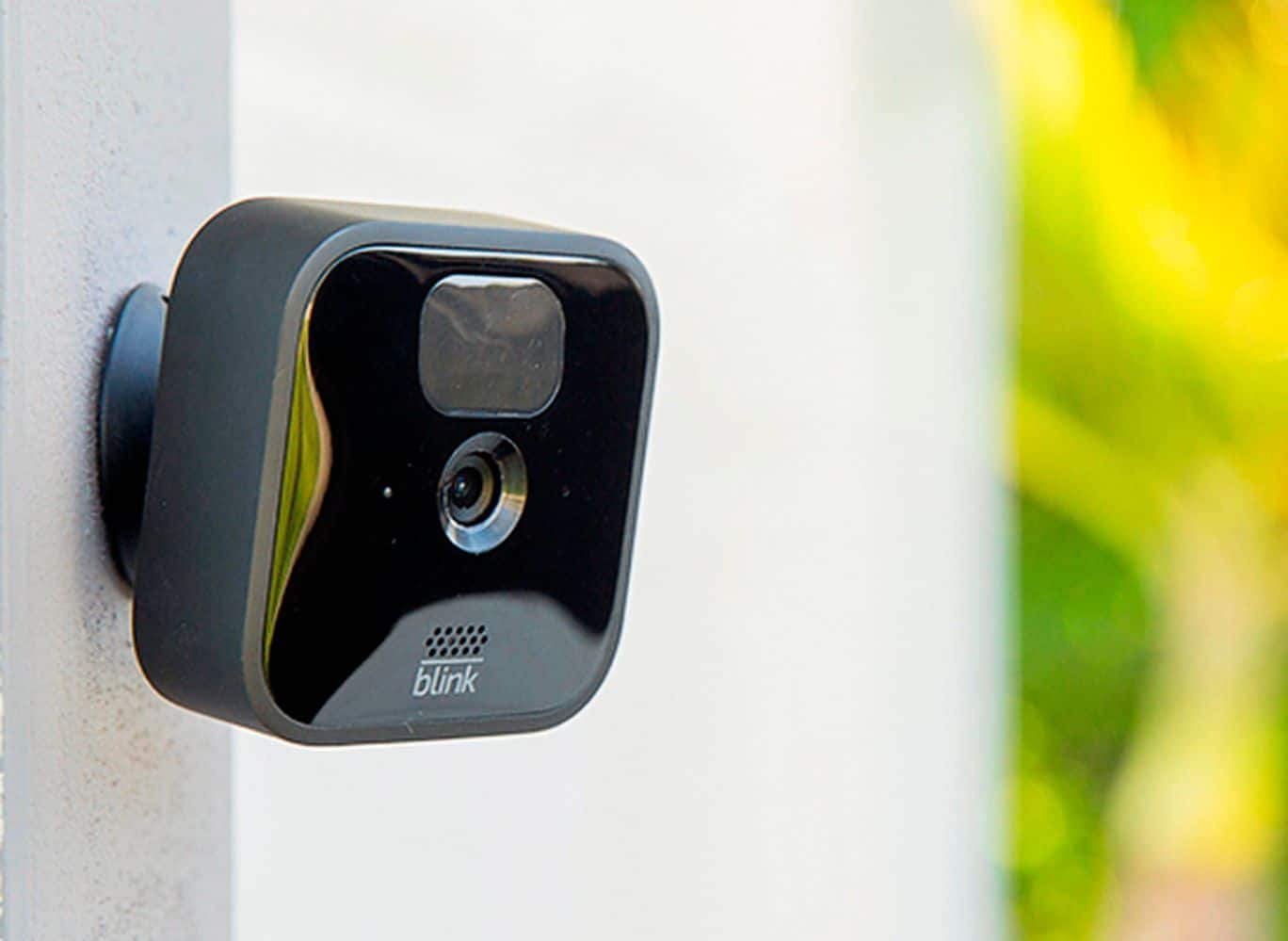
A:AnswerYou would have to remove the battery cover from the camera to change the batteries. The batteries that are shipped with the Blink cameras are not rechargeable and we do not recommend using rechargeable batteries as they may cause issues with the cameras.
A:AnswerYou can not currently access your Blink system from your computer, but purchase of newer cameras and the Sync Module 2 allows you to store up to 256 GB of files on a removable USB drive. The drive can be removed and used with your computer to view the files.
The Blink APP contains all camera and system settings, camera scheduling, and clip sharing functions.
A:AnswerYou may want to try removing the batteries for a few seconds and then reinserting them to see if this helps to resolve the issue however if you continue to have trouble, please kindly reach out to us directly so that we may better troubleshoot, support.blinkforhome.com