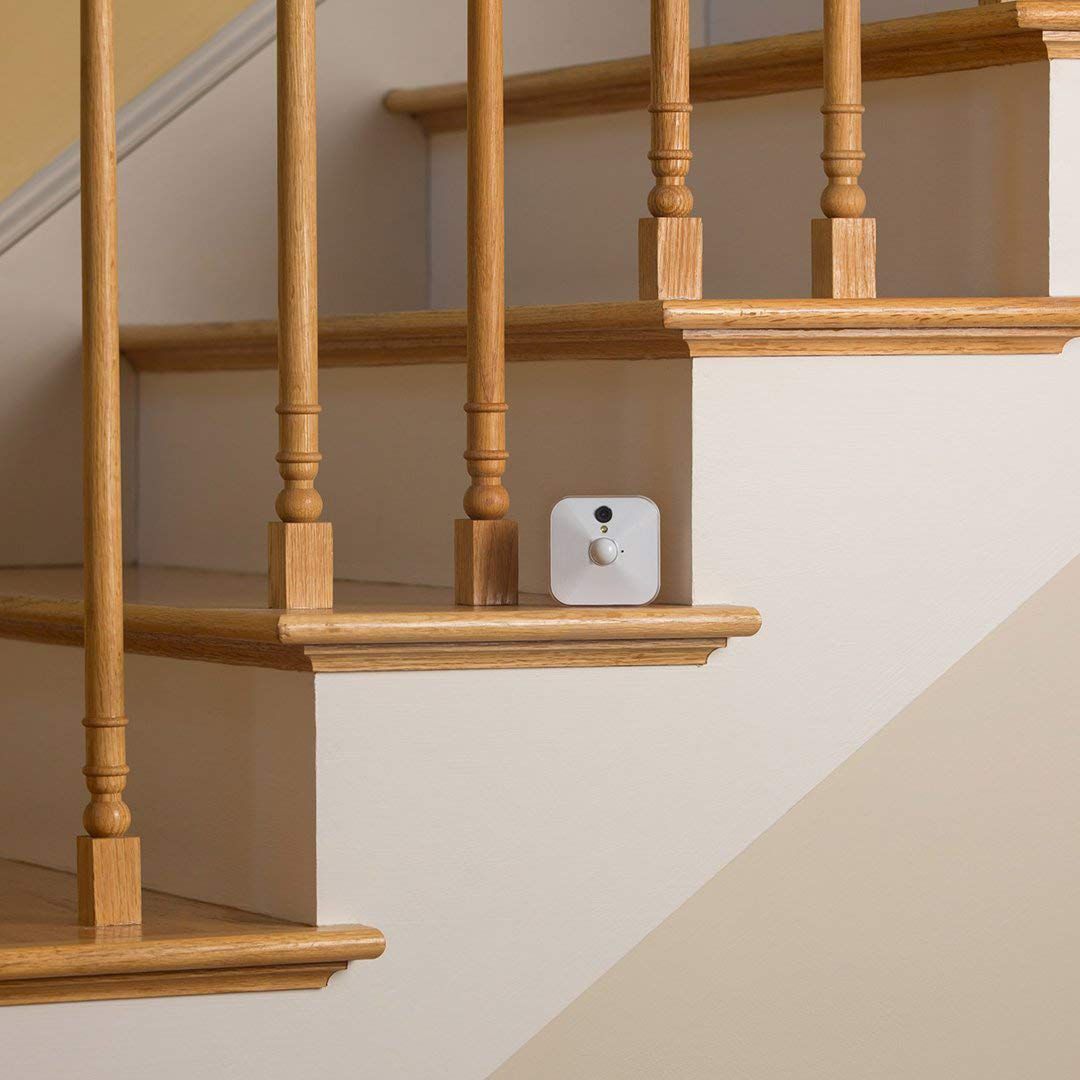
A:AnswerYes, The Blink Indoor camera will work with your existing Blink XT, or XT2 System as it uses the same sync module. You can have up to 10 Blink devices per sync module as long as they are all within the 100ft operating range of the sync module in any direction. The cameras on the sync module can be in any combination.
A:AnswerThe Blink cameras, when armed record clips based on motion detection only and send a notification to your compatible mobile device. It would be up to the user to view the motion clip and contact local authorities if needed.
A:AnswerWe do ship each camera with mounts and mounting hardware. You are able to set-up and access separate Blink Systems from the same account by using our multi-system support feature.
A:AnswerThe Blink cameras are shipped with two non-rechargeable AA 1.5v Lithium batteries and they’re easy to replace when the time comes. Simply slide open the battery compartment, take out the old batteries, and insert the new set. Blink camera batteries should be replaced by Energizer Ultimate 1.5v Lithium AA batteries or the equivalent. Note: Avoid using AA Lithium Ion or Li-ion batteries as these will carry a higher voltage and may cause issues with your camera. You also want to avoid Alkaline based and rechargeable batteries, as they may cause issues with your camera.
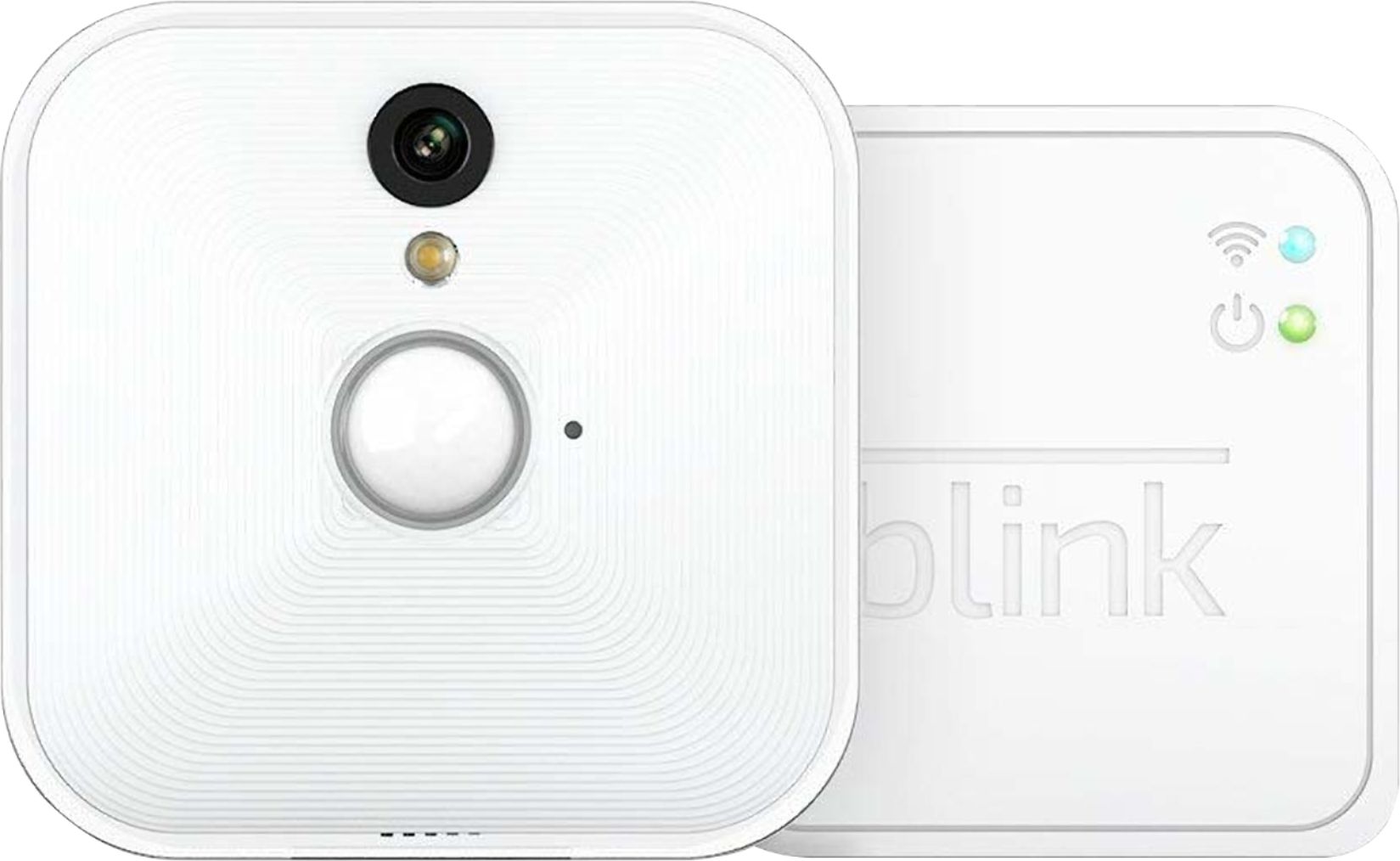
A:AnswerThe Blink cameras themselves do not make any noise or have an alarm when motion is detected however they will send a notification of the motion detection to your compatible mobile device.
A:AnswerThe camera responds to motion. You get an alert on your device when motion trips the camera to come on. Or you can look at what the camera is seeing via the app on your device.
A:AnswerI would think that all you’d have to do is make two different accounts for each set of systems but I’m sure you can use the application for both.
A:AnswerYes you can put this in your window or even outside if it is covered like a porch with no water hitting it. My parents put it outside under an area where nothing will hit in a corner and every time someone comes to the door it goes off. They love it. Also you can add the blink app to any devices and you just make sure you use the same username and password per device. Don’t make a new account. Once that’s done it’s simple and all cameras will go off with motion or turn each one off individual. Set up was a breeze!
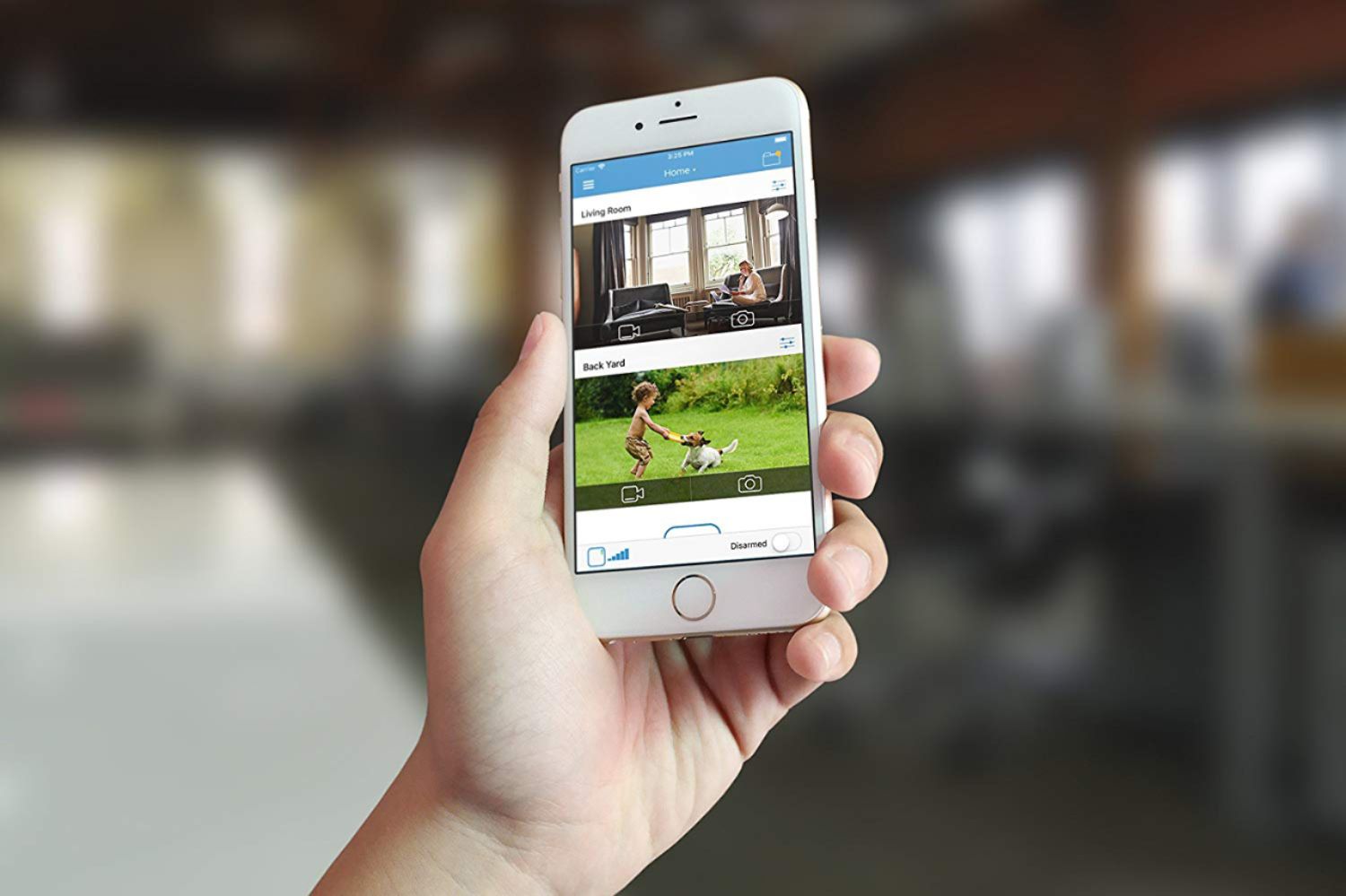
A:AnswerYou would arm and disarm your Blink cameras as well as access the live view feed from within the Blink Home Monitor APP from your compatible mobile device.
A:AnswerYes, actually I have it working together with no issues. You can either incorporate the cameras to the same system as the xr2 or create a separate system in the app
A:AnswerThe Blink App is currently compatible with any iOS devices running version 10.3 or higher, Android devices running version 5.0 or higher and Fire OS mobile devices, running software version 5.1 or higher