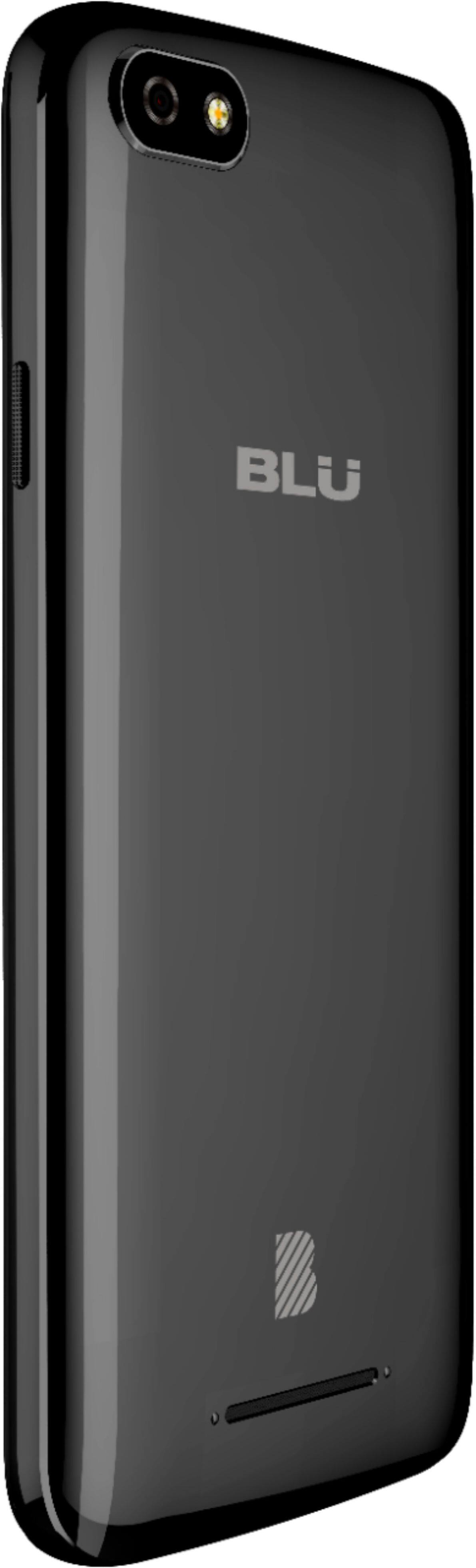
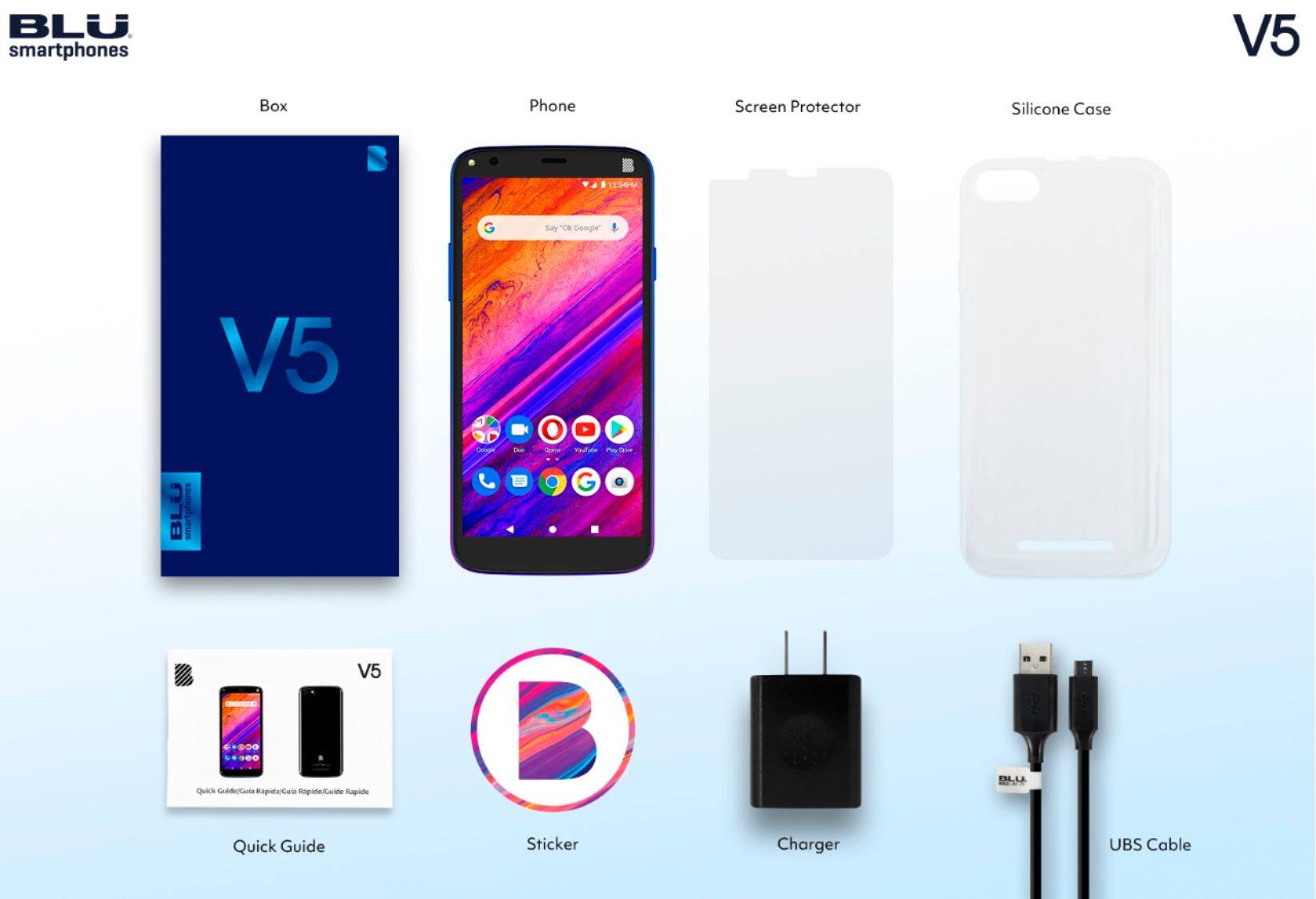
A:AnswerThis device will work on existing Cricket accounts. If you are signing up with a new Cricket account, it may not work. Check with Cricket if you are setting up a new account.
A:AnswerUnfortunately, this device do not offer the option of Miracasting. To verify if your equipment has the Casting option, verify that your Smart TV offers this option with its respective application. Like, for example, YouTube, Hulu, Netflix. Both the Smart Tv and the equipment must be connected to the same Wi-Fi network.
A:AnswerYes. All our devices are tested with T-mobile networks in order to ensure compatibility with all GSM networks in the US! However, we recommend contacting consumer cellular for compatibility.
A:AnswerAt this time, our devices do not support HD voice on an AT&T line. However, our devices are unlocked and will work with most GSM networks that support unlocked devices. We recommend following our social media pages, for updates regarding future support of VoLTE/HD Voice on the AT&T network!
A:AnswerYes. All our devices are tested with T-mobile networks in order to ensure compatibility with all GSM networks around the world! We recommend contacting the carrier in Pakistan to confirm compatibility.
A:AnswerUnfortunately, our devices do not offer the option of Screen Mirroring. To verify if your equipment has the Casting option, verify that your Smart TV offers this option with its respective application. Like, for example, YouTube, Hulu, Netflix. Both the Smart Tv and the equipment must be connected to the same Wi-Fi network.
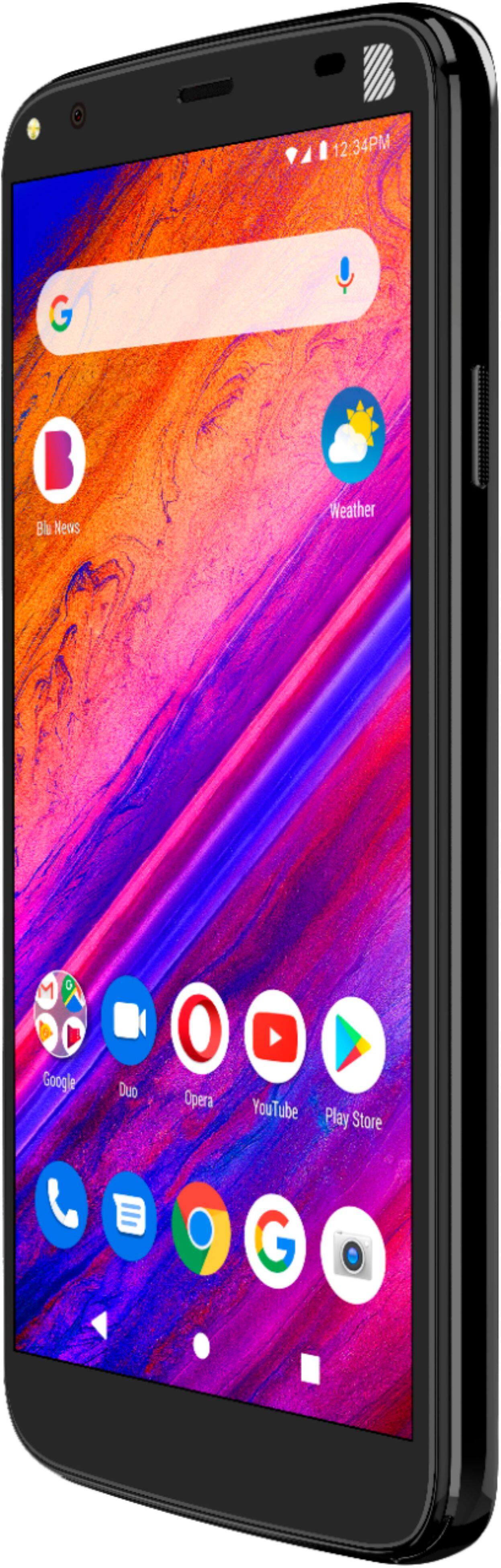
A:AnswerUnfortunately, we do not have your IMEI number. All our devices are tested with T-mobile networks in order to ensure compatibility with all GSM networks in the US!
A:AnswerYes. Our devices are tested with T-mobile networks to verify compatibility with GSM networks all around the world. We recommend contacting your local providers for compatibility.
A:AnswerAll our devices are tested with T-mobile networks in order to ensure compatibility with all GSM networks around the world! It's also always a great idea to verify the bands your network is using to make sure you get the right coverage.
A:AnswerYou will see a cast button on the top of the media application of your choice. However, if you are not seeing it, please go to settings>Google>Device connections>toggle media controls for cast device.