






Black Friday is hereShop new DoorbustersShop now

Skip to content
Gift Ideas
26 Cypress St
Williston, VT 05495
Open until 9 pm
Find Another Store
Main Content

Questions & Answers

Your price for this item is $69.99
The comparable value price is $119.99
Page Showing 1-18 of 18 questions
  • QuestionHow far away from my phone can I be with this headset?

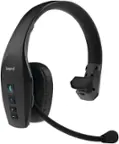
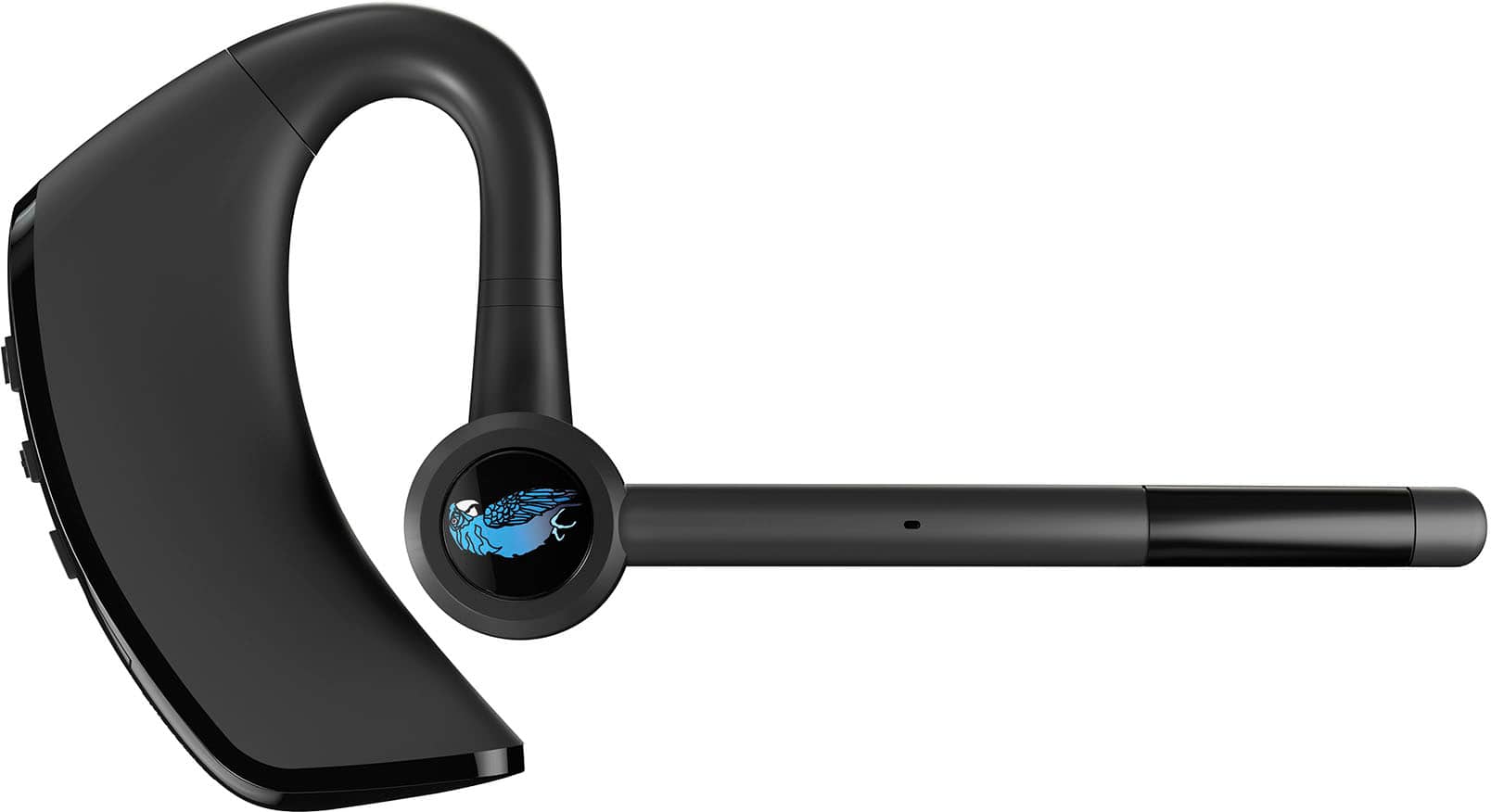
    • Answer The BlueParrott M300-XT SE has a wireless range of up to 300 feet (100 meters).
    This question and answer was generated by AI based on customer and product data.
  • QuestionWhat is the battery life of this BlueParrott headset?

    • Answer This BlueParrott headset provides up to 14 hours of talk time on a single charge.
    This question and answer was generated by AI based on customer and product data.
  • QuestionIs the BlueParrott button customizable?

    • Answer Yes, you can customize the BlueParrott button to mute calls, speed dial, or use Push-to-Talk.
    This question and answer was generated by AI based on customer and product data.
  • QuestionCan I use this headset with multiple devices?

    • Answer Yes, this headset can be paired with up to 8 devices and supports 2 simultaneous connections.
    This question and answer was generated by AI based on customer and product data.
  • QuestionDoes this headset have noise cancellation?

    • Answer Yes, the BlueParrott M300-XT SE features 2-microphone technology that blocks out 80% of background noise.
    This question and answer was generated by AI based on customer and product data.

  • QuestionWhat is the difference in the m300-xt then the m300-xt se ?

    Asked by Anonymous.

    • Answer Noise cancelation isn't as good,and the battery doesn't hold as long

      Answered by Bigtee71

  • QuestionIs this compatible to use with eye glasses?

    Asked by Bones.

    • Answer Hello Bones - Some users have experienced discomfort while others have found success while wearing glasses with the BlueParrott M300-XT. We recommend making your purchase on the official BlueParrott site to take advantage of the 100-day money back guarantee if you are not satisfied with your decision.

      Answered by Jabra

  • QuestionDoes it have a mute button?

    Asked by Hankey.

    • Answer The mute functionality does not work with Microsoft Teams, Zoom, or Skype though. Major disappointment!

      Answered by Jeetu

  • QuestionEarpiece doesn't want to work today. What does the flickering red and blue lights mean?

    Asked by Anonymous.

    • Answer Hello there, did you double check the earpiece to make sure it is fully charged.

      Answered by MrsT

  • QuestionIt doesn’t seem to be very loud listening to callers. Is there a way to adjust the volume more?

    Asked by KimS.

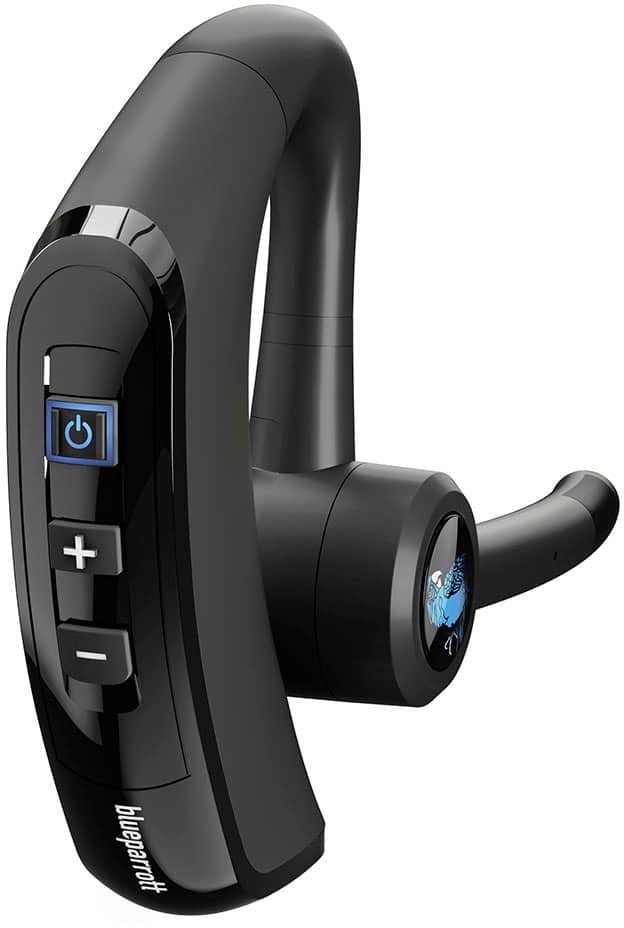
    • Answer there are 3 ways to adjust the volume. On the headset itself, the plus and minus buttons control volume. The volume buttons on your phone adjust the earpiece, when connected. Also if you download the BlueParrot you can control the volume and get additional status updates on your earpiece.

      Answered by fduncan68

  • QuestionWill this connect to a speaker to project sound/amplify voice

    Asked by Speaker.

    • Answer Hello Speaker - Thank you for your question. The Blue Parrott M300-XT SE is designed for connecting to smartphones and tablets for 2-way communication calls. We do not recommend connecting this to a speaker to present or amplify your voice. If you have any other questions, please contact our Support Team: https://bit.ly/3M3iQ7n. We are here for you!

      Answered by Jabra

  • QuestionWILL THIS HEADSET PAIR WITH A 3 HANDSET AT&T ANSWERING SYSTERM DL72310?

    Asked by cdesparza.

    • Answer Hello, cdesparza - Thank you for your question concerning the BlueParrott M300-XT SE. For the best possible answer, we recommend reaching out to our BlueParrott Support Team through this link (https://bit.ly/3NhFxoq). They are here for you and more than happy to help!

      Answered by Jabra

  • QuestionDoes this pair with Panasonic cordless home phone?

    Asked by Missdith.

    • Answer Hello, Missdith - Thank you for contacting BlueParrott Support, and for your question about the BlueParrott M300-XT SE. For the best possible answer with your specific Panasonic phone, we recommend checking our Compatibility Guide (https://bit.ly/4j5ahaF) for the most up-to-date information. You can also reach out to our Online Support Team (https://bit.ly/3NhFxoq) if you have any other questions. They will be happy to help!

      Answered by Jabra

  • QuestionCan this device also be used to listen to music?

    Asked by Anonymous.

    • Answer Yes

      Answered by ChristopherW

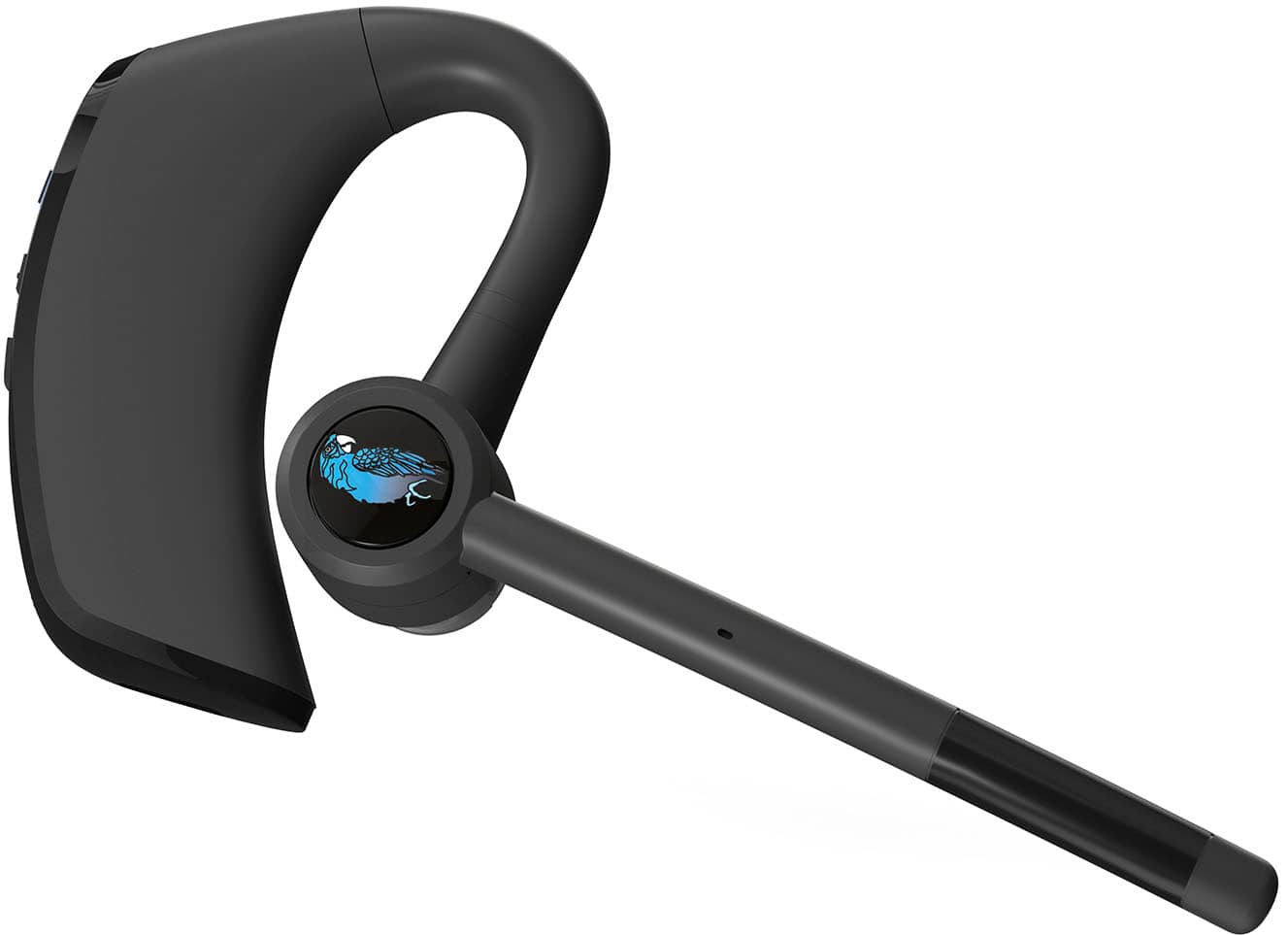
  • QuestionIs this headset only intended for use with the right ear?

    Asked by wdp2.

    • Answer No it can be use on either ear I change mine up all the time

      Answered by ChristopherW

  • QuestionDoes this headset work with a poly business phone?

    Asked by Anonymous.

    • Answer No, I got it working with a Cisco phone as well. It uses Bluetooth so it should be compatible with any Bluetooth device as a phone

      Answered by Logan

  • QuestionDoes this device announce calls

    Asked by Powa.

    • Answer Hello Powa, thank you for your question. The Blue Parrott M300-XT does not allow you to announce calls as they are incoming. We apologize for any inconvenience. If you have any questions, please reach out to us directly: http://www.blueparrott.com/support.

      Answered by Jabra

  • QuestionDoes this pair and work with laptops/desktops?

    Asked by Anonymous.

    • Answer Hello there, if your laptop or whatever device you are using, I think as long as it has Bluetooth it should pair with the device. Good luck, I hope it work for you.

      Answered by MrsT