Questions & Answers
- Model:
- OPC0748R
- |
- SKU:
- 6440425
Page Showing 1-13 of 13 questions
Q: QuestionDo you have to purchase an Adobe Suite type product to open and edit PDF files/documents?
Asked by HawaiianMaile.
- A:Answer With Neoreader However, you can take notes on top of the text You can add textboxes on the text You can modify the font size, to embolden the text, change the typeface, enhance the dark color of text, modify the line spacing, paragraph spacing, top/bottom margins, and left/right margins You can split view and have the screen showing two pages instead of one, you can have in one view one document open and in the other view a different document, you can have on one view the document and on the other view a blank notepad for taking notes, etc These sort of features When you long-press and drag through a sentence, you can highlight it in different tones, underline it , translate the selected text into another language, find more information about a selected word into the Wiktionary, have the Text-to-Speach feature on, etc These are the sort of features that can be used
Answered by Product Expert
Q: QuestionDoes it convert script to text ?
Asked by Anonymous.
- A:Answer I bought this unit because of poor eyesight. I have a Samsung galaxy tab s6 tablet but after 15-20 minutes of reading my eyes hurt. I am pleased with the purchase of Boox E ink. My eyes are now resting do not get tired. Of course, the work of all E ink tablets is specific, you have to get used to because of the screen update, but you save your eyes. Sorry for my English. Good luck to you!
Answered by Viktor
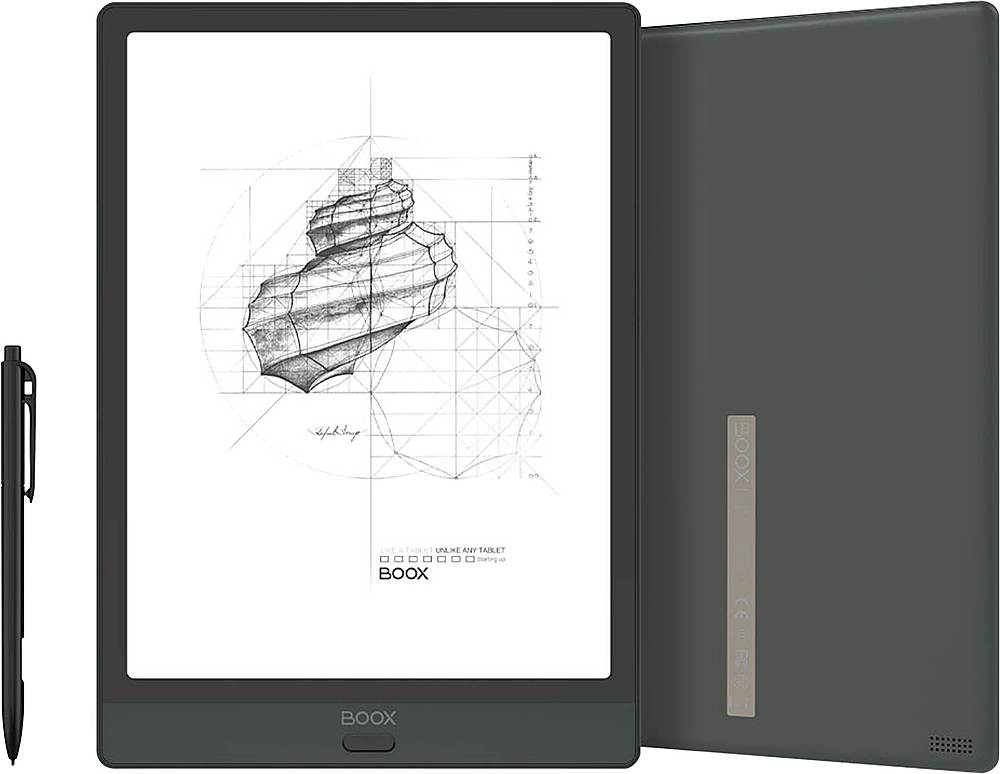
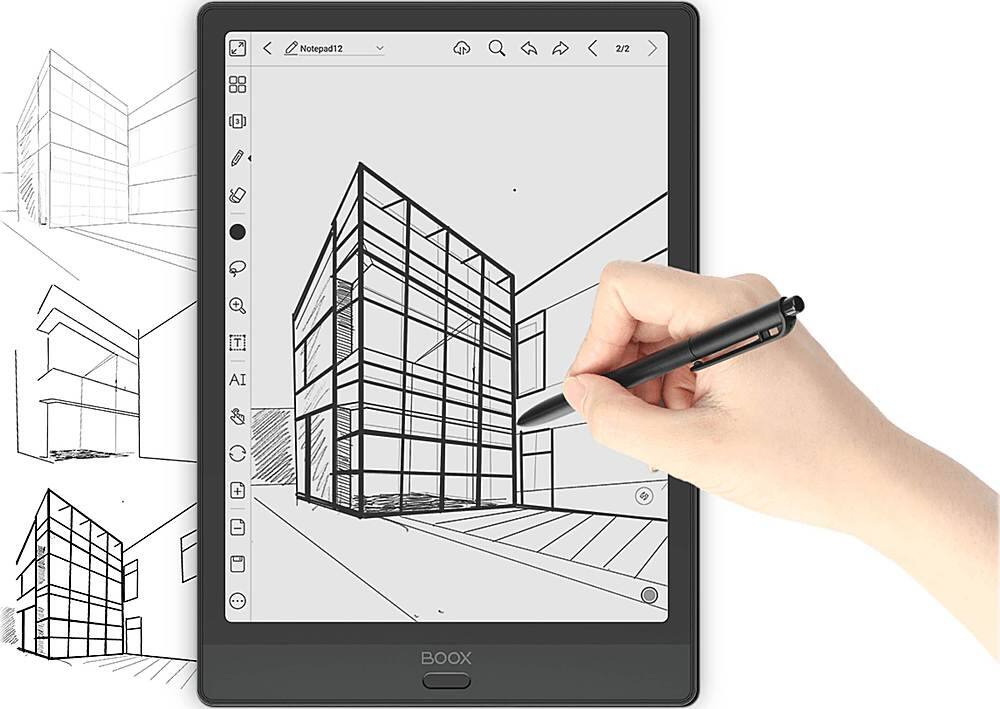
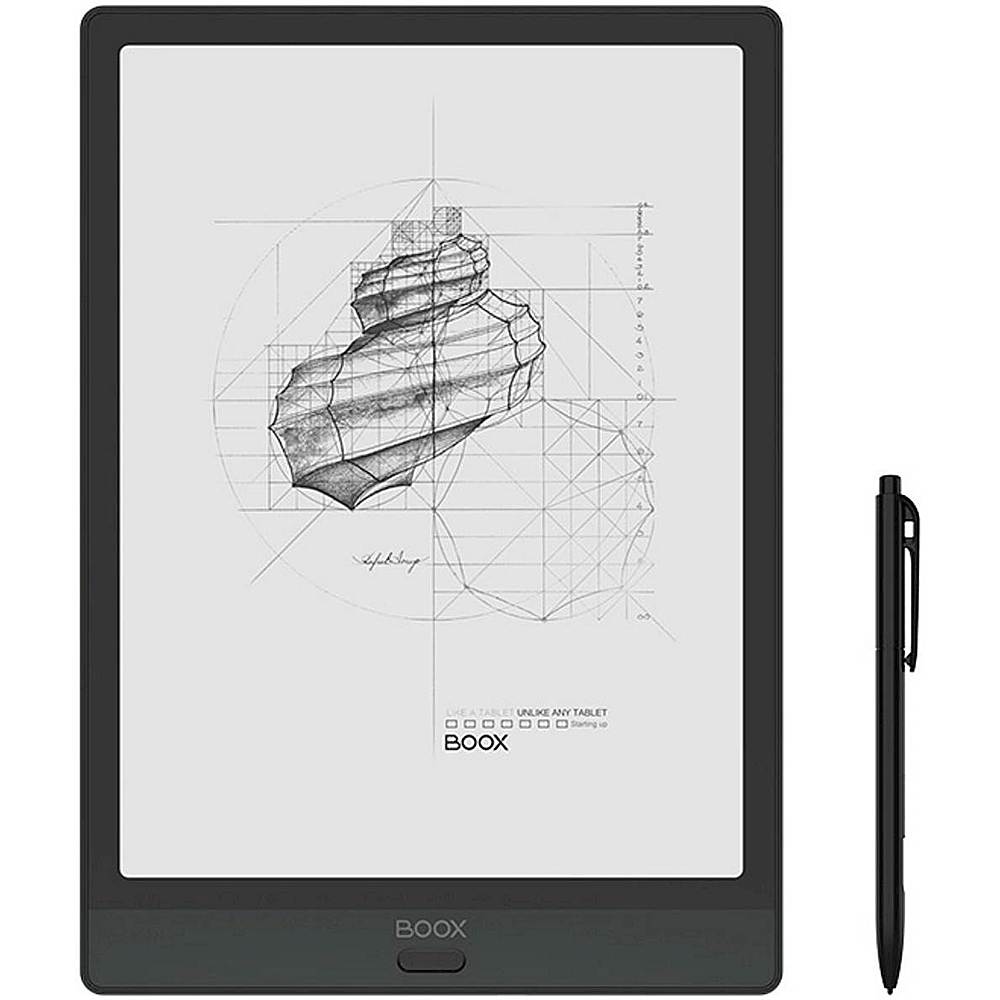
Q: QuestionDoes it come with the stylus that is displayed in the photo? I ordered from BestBuy and it came with a different stylus from the photo and it didn’t erase. I ended up returning it but I am wondering if I just happened to get a faulty one.
Asked by Patchy.
- A:Answer The Stylus’ depicted may not be the exact model because they update from time to time so the photo represents the likeness. You may indeed revived a faulty stylus which if happens in future, please let us know as soon as you can.
Answered by Product Expert
Q: QuestionCan you upload documents to it to fill out, have signed etc.?
Asked by Auctionman.
- A:Answer Yes.... You can upload PDF forms for example, then write on top of it, save it and transfer it again to your laptop or upload it to the cloud
Answered by Product Expert
Q: QuestionI am interested in this device's ability to convert text to speech. Can I import an epub book and have this note 3 convert the whole book in pub format to speech -1 step? Is there an android app that will do this? Do you offer a built in app to do this?
Asked by Interested.
- A:Answer When opening an EPUB eBook with the pre-installed App, NeoReader, there is the option of Text-to-Speech. There is a button (looks like a headset) that you can access from the NeoReader menu
Answered by Product Expert
Q: QuestionFew questions: (1) What is the complete CPU spec with its speed, cache etc, (2) What Android operating system version does it come with? and (3) Can the users apply Android updates directly themselves on the device?
Asked by qmt9.
- A:Answer 1) Qualcomm Snapdragon 636 processor, 433 Mbps , Cache 1.8. 2) Android 10. 3)Google play store can be set to auto update.
Answered by Product Expert
Q: QuestionCan you upload script to typed word documents
Asked by Student.
- A:Answer BOOX allows you to convert handwritten notes into text (typed words) through the AI conversion feature. Afterwards, you can interact with the converted notes by exporting them as a PDF or TXT file, or to share them as PDF or TXT via a QR code, via email, or other options that BOOX offer. If our answer is not solving your doubts, please elaborate a bit more your question.
Answered by Product Expert
Q: QuestionIs it compatible with Apple IOS?
Asked by Jay.
- A:Answer Boox e-ink tablets are Android devices. They can run some of the same apps but ones designated for an Android systems.
Answered by Product Expert
Q: QuestionCan you download a weekly planner and calendar and change as needed to keep reminders up to date?
Asked by Wen2u.
- A:Answer If there is an Android app that suites your needs as far as weekly planners and calendar, it can be used on the device.

Answered by Product Expert
Q: QuestionCan boox-note3-e-reader-10-3-64gb download from the kindle store or Book Bub?
Asked by Bella.
- A:Answer You can download from the Kindle App directly and can access Book Bub through Google Play on Boox devices.
Answered by Product Expert
Q: QuestionWhat is the update policy on this device? How long will it get Android major version updates? How long will it get security updates?
Asked by Anonymous.
- A:Answer We will provide SW updates every 3-4 month where we fix bugs and add sometimes new features, languages, etc. As far as major Android updates, The Note 3 is currently and Android 10 model. With 11 just being released, we are not sure exactly when we will have the update.
Answered by Product Expert
Q: QuestionOn the official site the device comes with a case. Does the device come with a case from best buy as well?
Asked by Jack.
- A:Answer Boox official site will sometimes run independent specials.
Answered by Product Expert
Q: QuestionWhat's the return policy on the Boox Note3?
Asked by Screenshot.
- A:Answer Please refer to the Boox Warranty link. https://www.boox.com/support/warranty-boox Retailer warranties may vary so please confirm with your retailer as well.
Answered by Product Expert
Page 1, Showing 1-13 of 13 questions
Top Rated
- $329.99$329.99The price was $469.99
- $139.99$139.99The price was $149.99
- $299.99$299.99The price was $349.99
- $279.99$279.99The price was $329.99
- $949.00$949.00The price was $1,099.00
- $1,099.99$1,099.99The price was $1,299.99
- $1,499.00$1,499.00The price was $2,799.00
- $79.00$79.00The price was $99.99