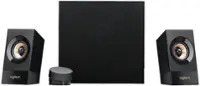
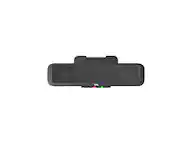
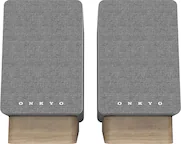
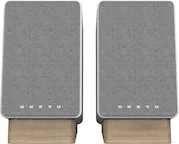
A:AnswerIf you connect a pair of headphones or another set of speakers to the same jack these speakers are plugged into, and the result still sounds bad, then you may have gotten a bad set of speakers. If the audio still sounds bad, it means you've got some issue with your PC. Maybe try rebooting, or double check the sound settings and make sure the audio is correct. Also, make sure you don't have a microphone that is on and feeding back into the speakers.
A:AnswerI would buy the Klipsch. If you are alright with the sub. My son has had two of these and wanted it replaced with the second one that was real old.
A:AnswerYou have 2 options, a "male to male 3.5mm cable", or a "male to female 3.5mm cable".
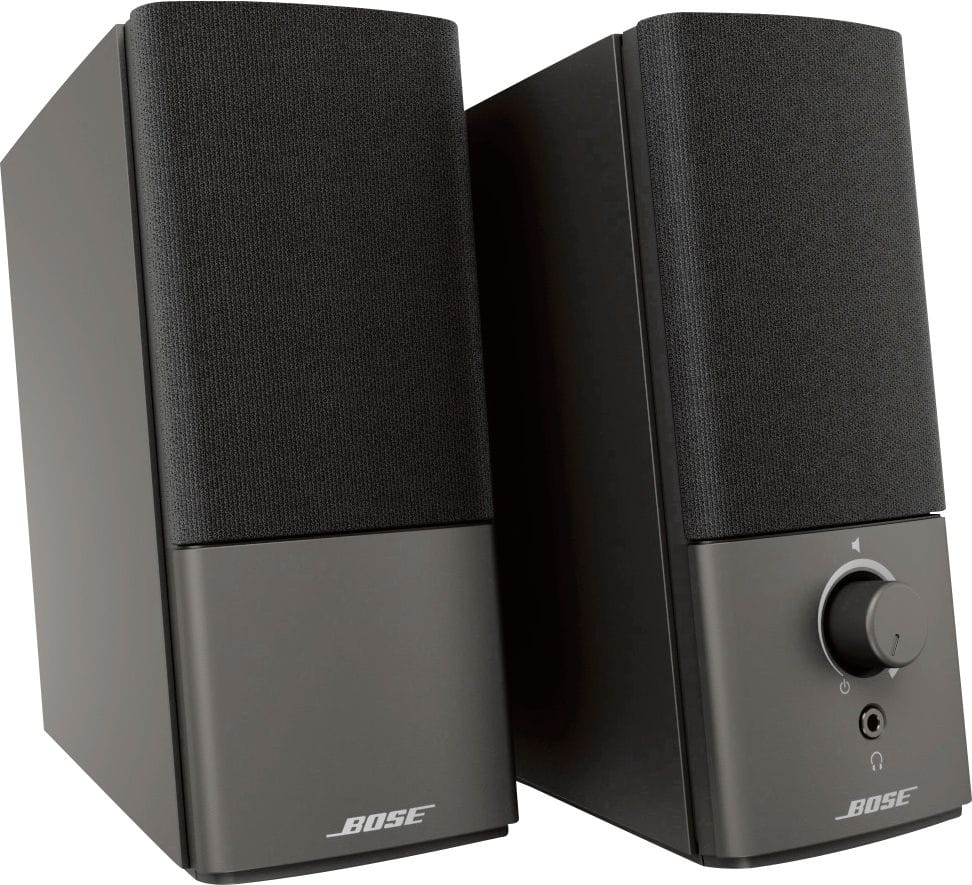
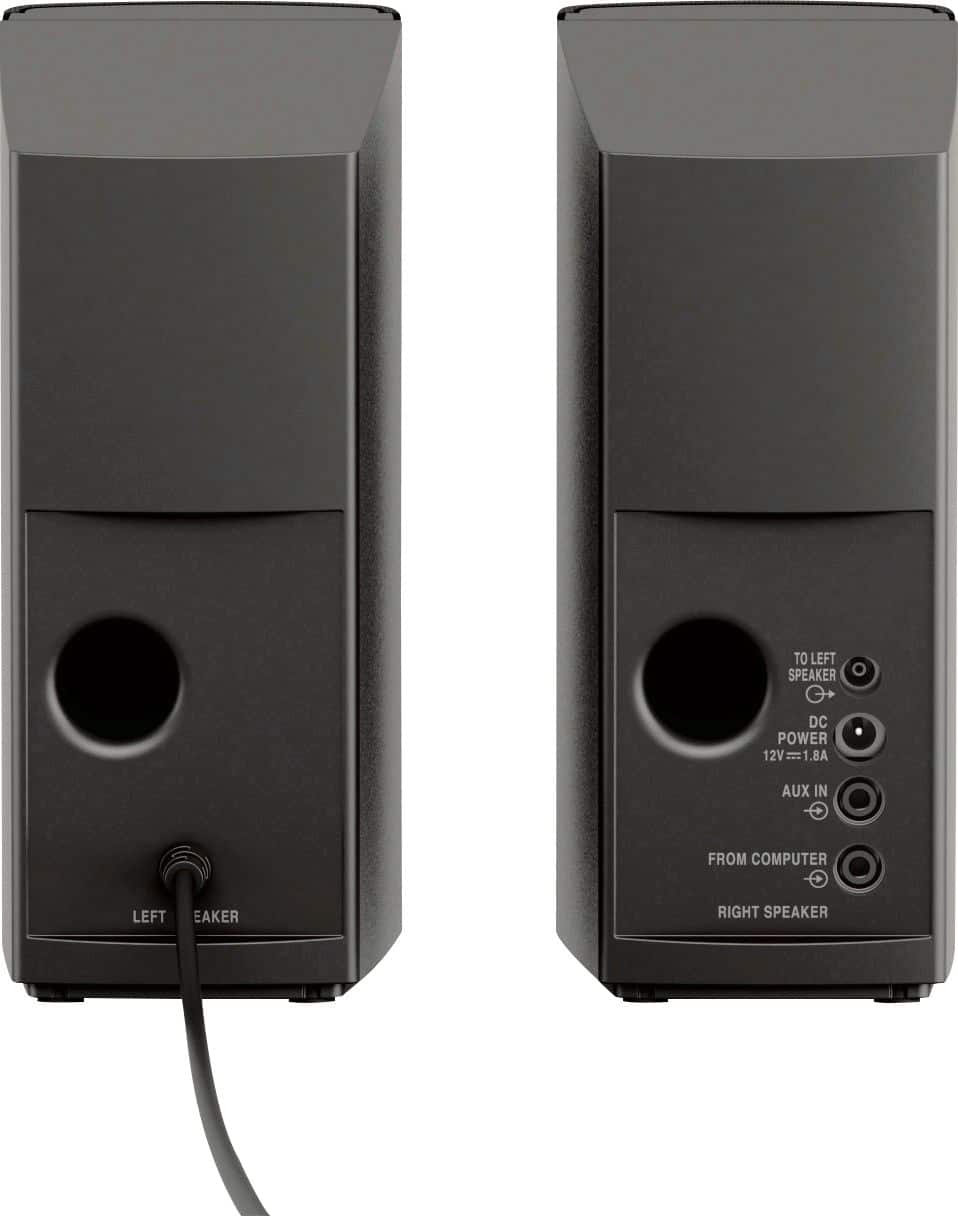
On many PC speakers, the audio cord is hard-wired into the speakers, so only option 2 would work. But these speakers actually have a input jack on the back, so the speakers come with the option 1 cable above. But it is only like 30 to 35 inches long.
So if you go with option 2, you can plug the included cable into the extender and get extra length. Or, go with option 1 and just get a longer version of the included able. Then you'll have a extra cable you can use to connect your iPod, phone, or tablet into the AUX port on the back of the speakers.
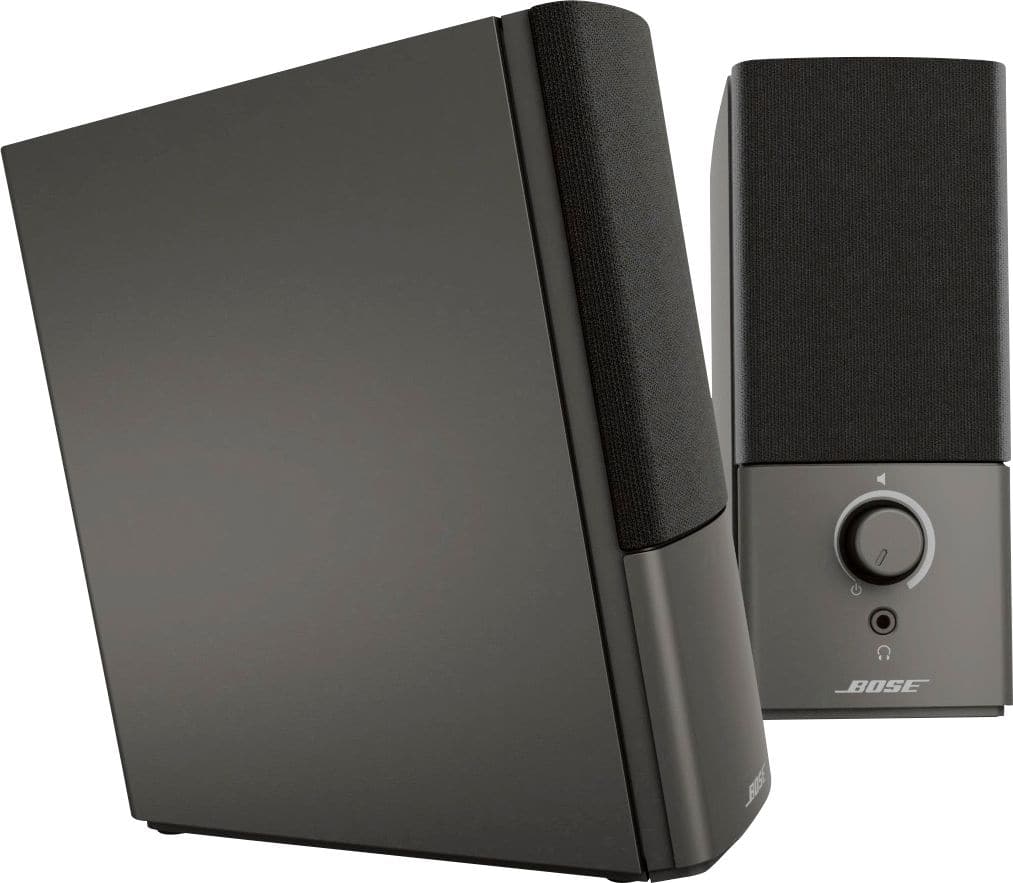
A:AnswerThe speaker system can connect to any device that has a 3.5mm output port or jack. So, if your receiver has a place to plug in a standard 3.5mm headphone, that should work.
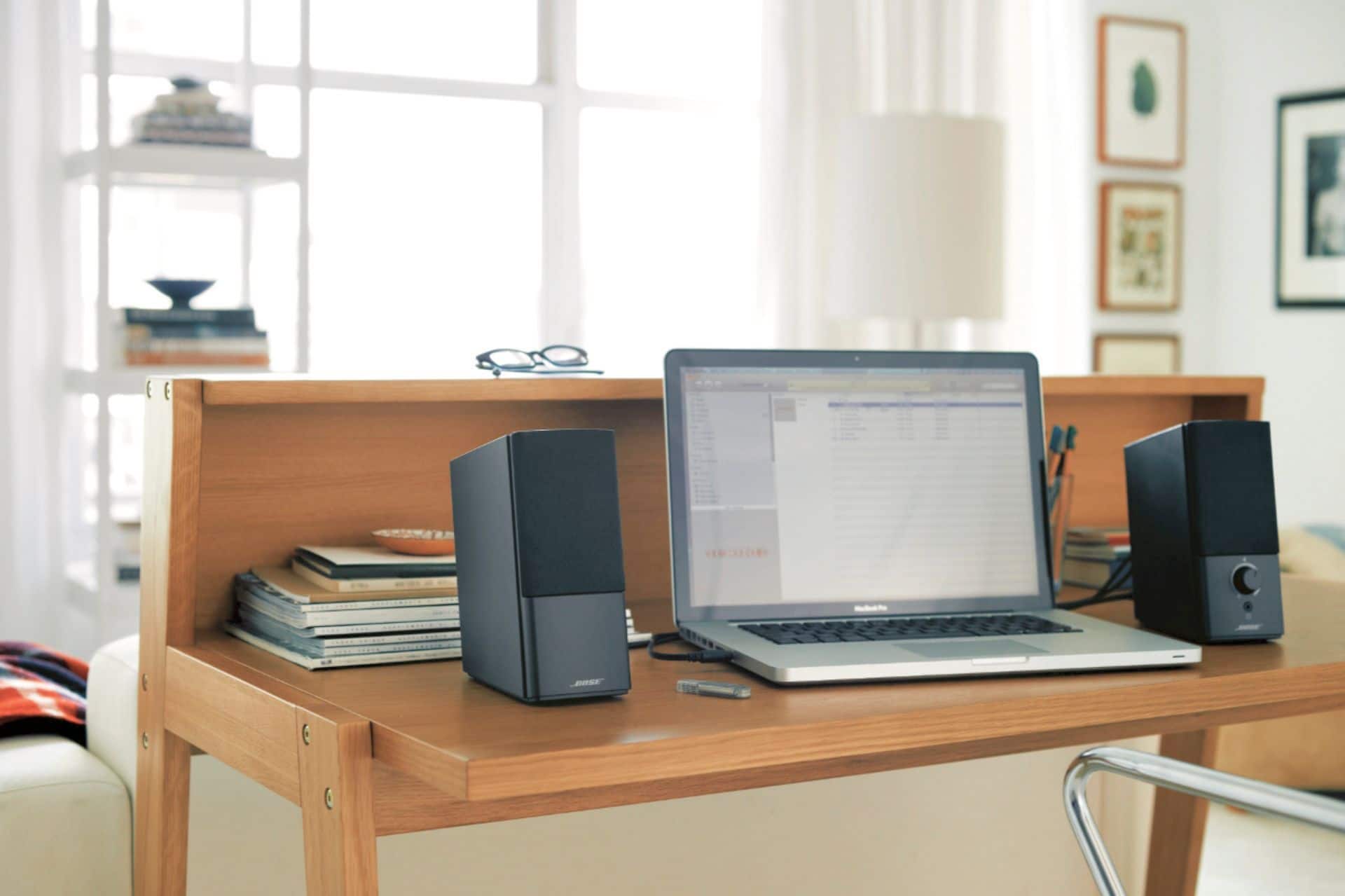
A:AnswerThere is no documentation on the wattage, though some have replied between 10-15 watts. If you are looking to be blown away, then these are not the speakers for you. Super clean and full sound with waves shaped to hear it easily around a small room, but again, I would not call them loud in any way. Sitting at the desk or walking around the room they are awesome, but I wouldn't use them for a large room or party.
A:AnswerPossibly. If the projector has a headphone jack, then definitely will work with out-of-the-box cables. If the projector has a different kind of audio output, then you will need to get an adapter or convertor that converts to 3.5mm. If it has RCA outputs, you'll need a cheap RCA to 3.5mm adapter ($3-10 range). If the projector only has digital outputs like optical or SPDIF, then you'll have to buy a more expensive digital to analog convertor ($15-30 range).
A:AnswerYes. I am using them at work through a Dell Lattitude hub, and at home through my Surface Pro 3 hub. I use the audio out on both stations using Bose stereo aux cable (supplied)
A:AnswerYes, if you also buy an RCA to female 3.5mm adapter. Or, a long RCA to male 3.5mm adapter. The included cable is a male to male 3.5mm 32 inch long cable.
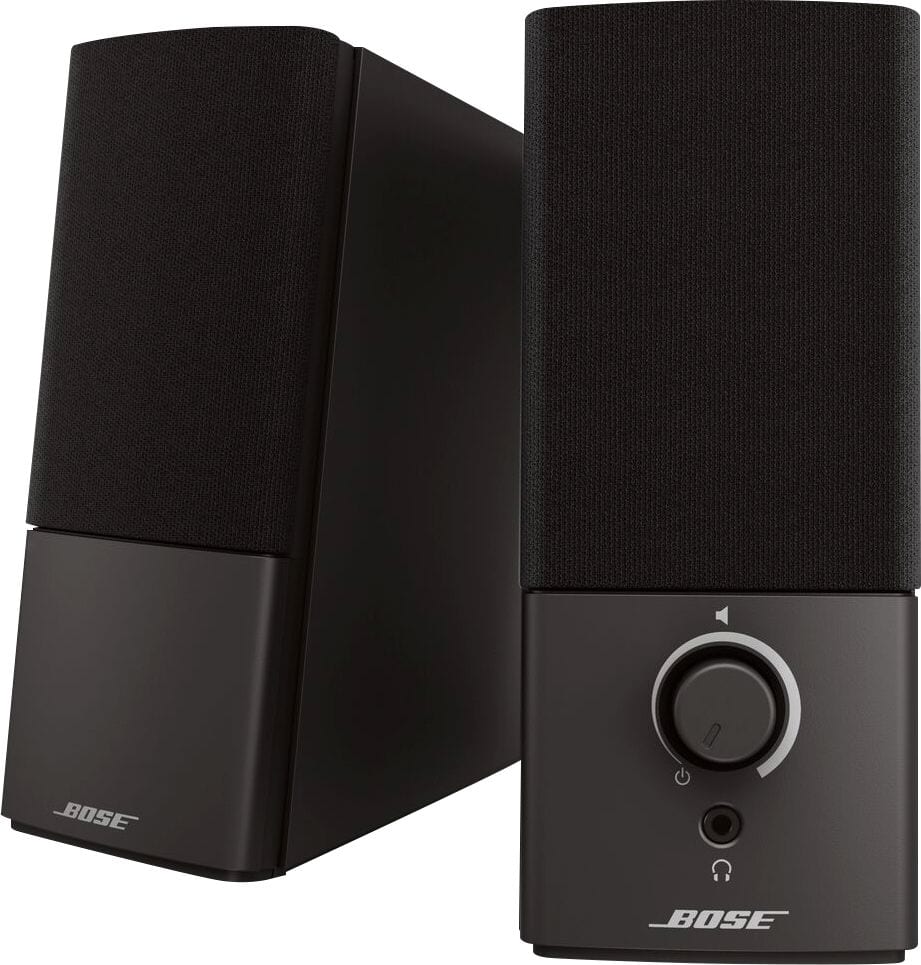
A:AnswerIt's just the 3 speakers outlet plug & headphone jack to plug into computer or any component that has a headphone jack. If not you may need audio cables.