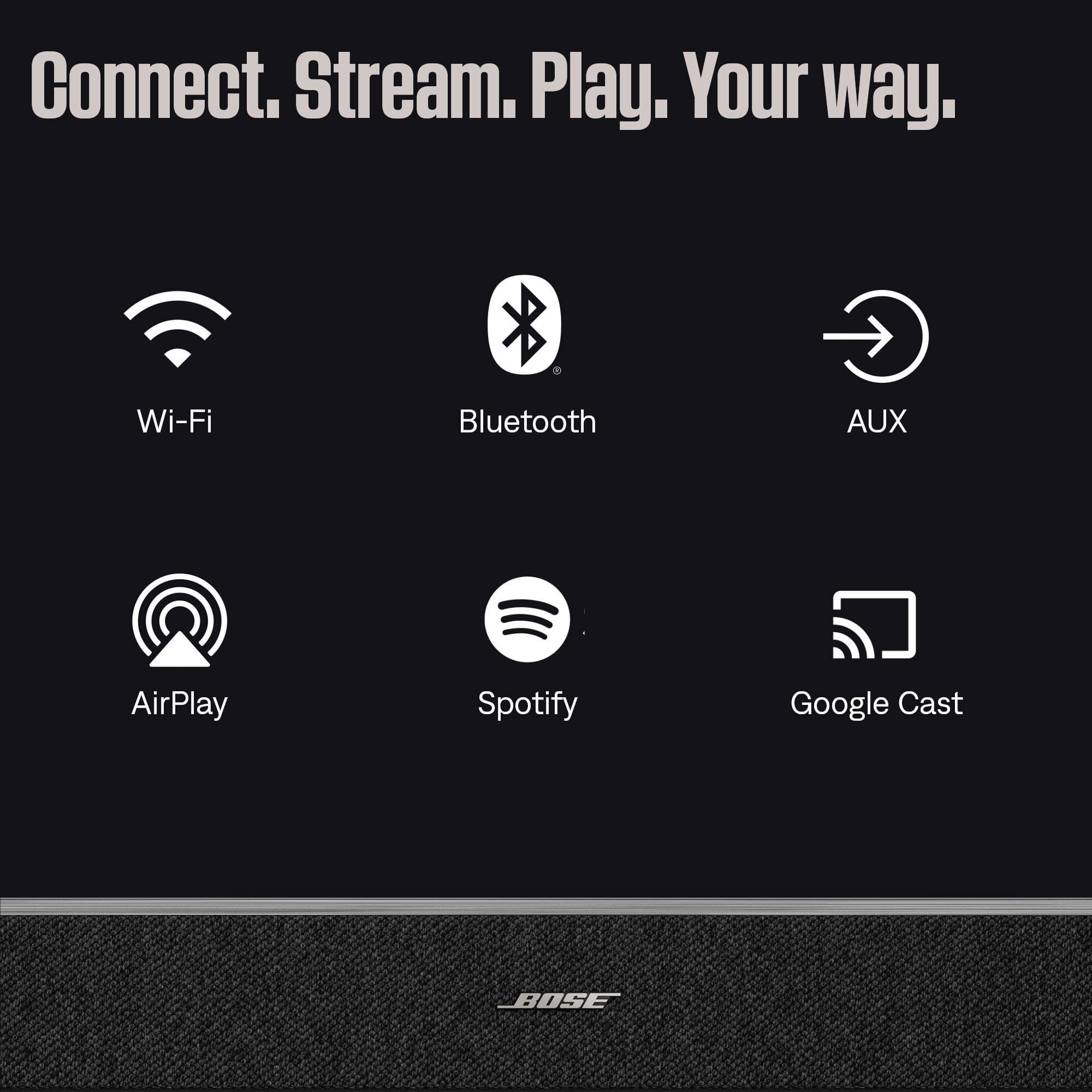
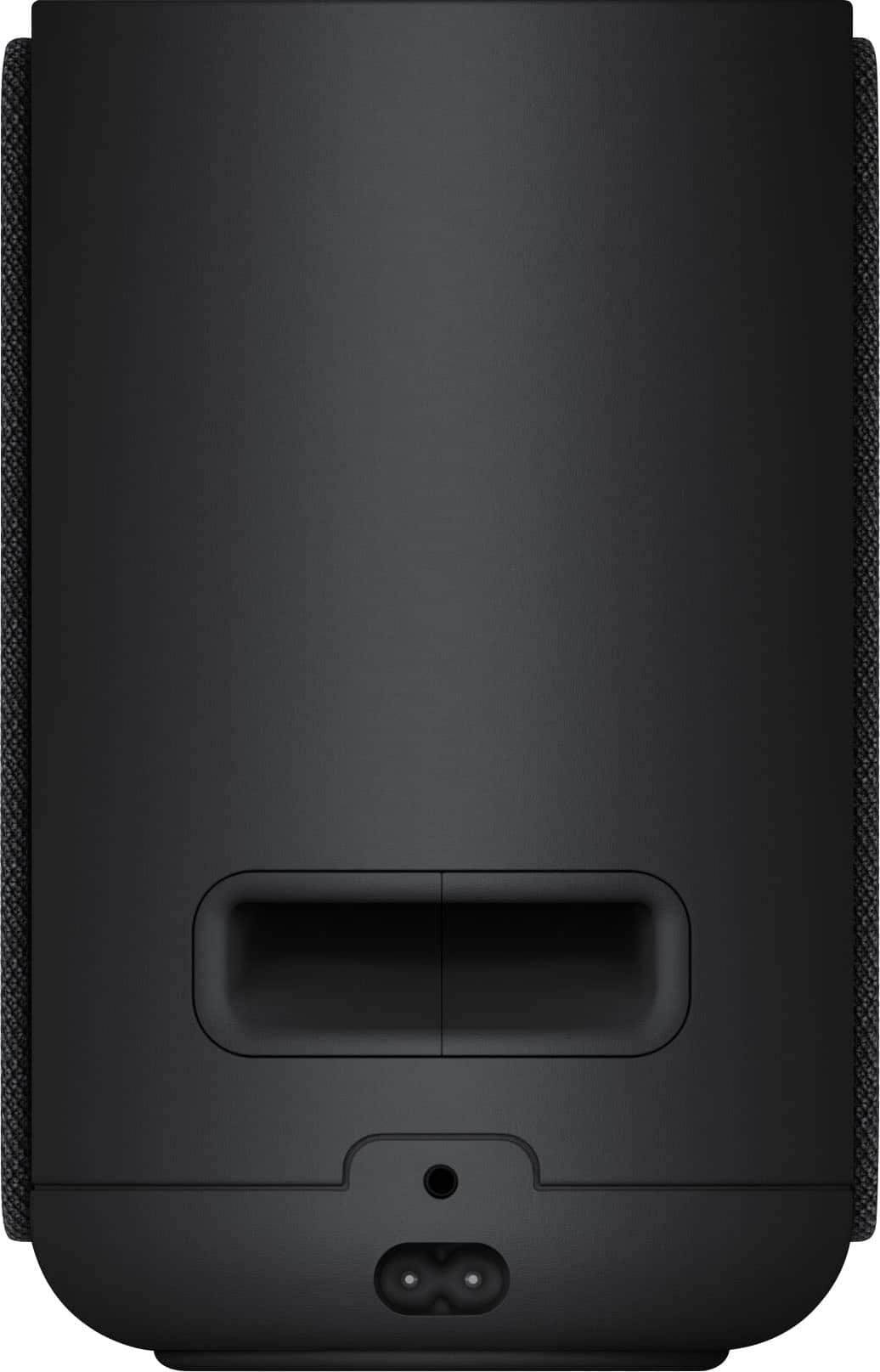
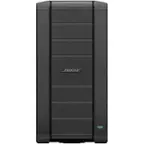
A:AnswerThe Bose Lifestyle Ultra Wireless Speaker does not use a USB‑C connector. Instead, it features a 3.5mm auxiliary jack for wired connections, along with Wi‑Fi and Bluetooth streaming support.
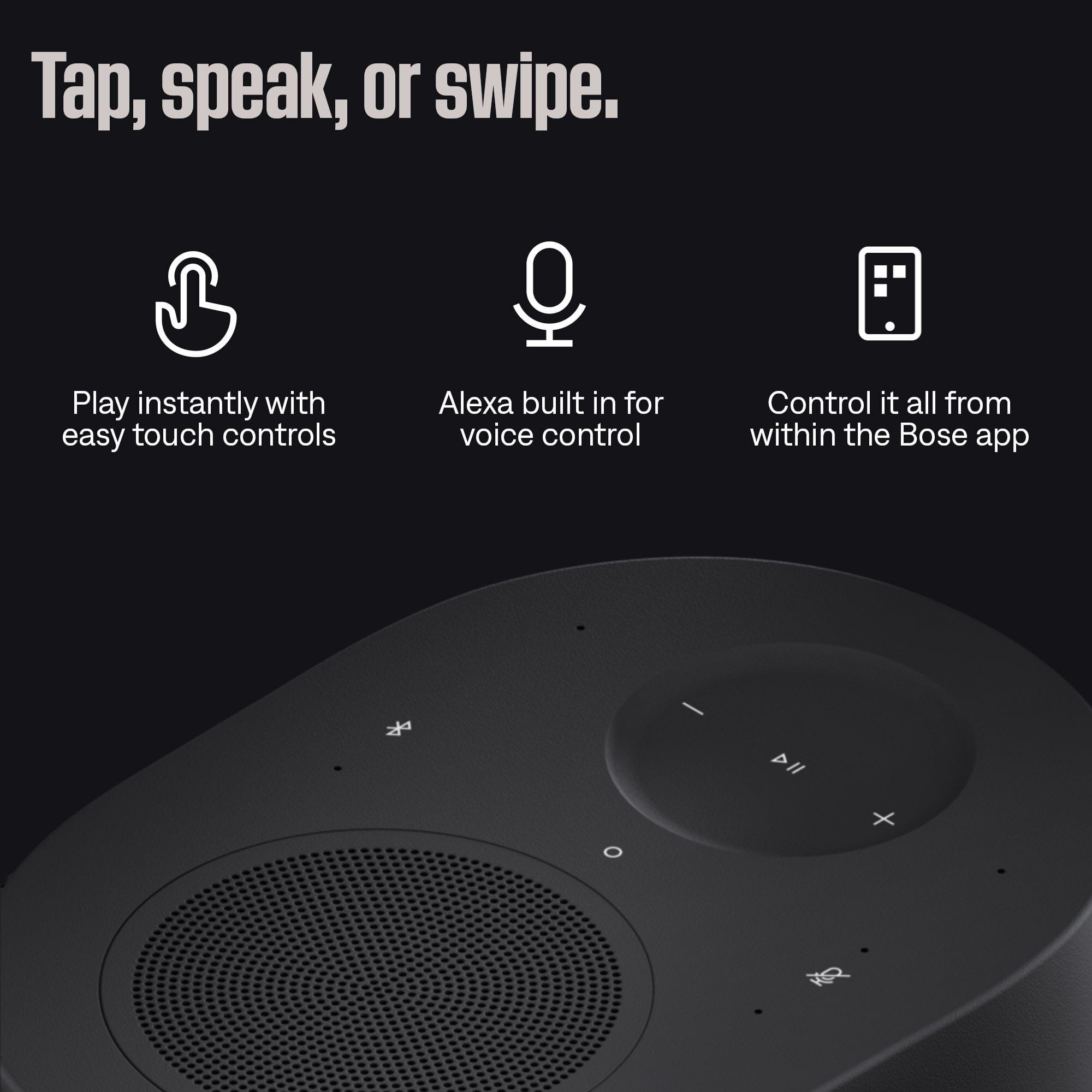
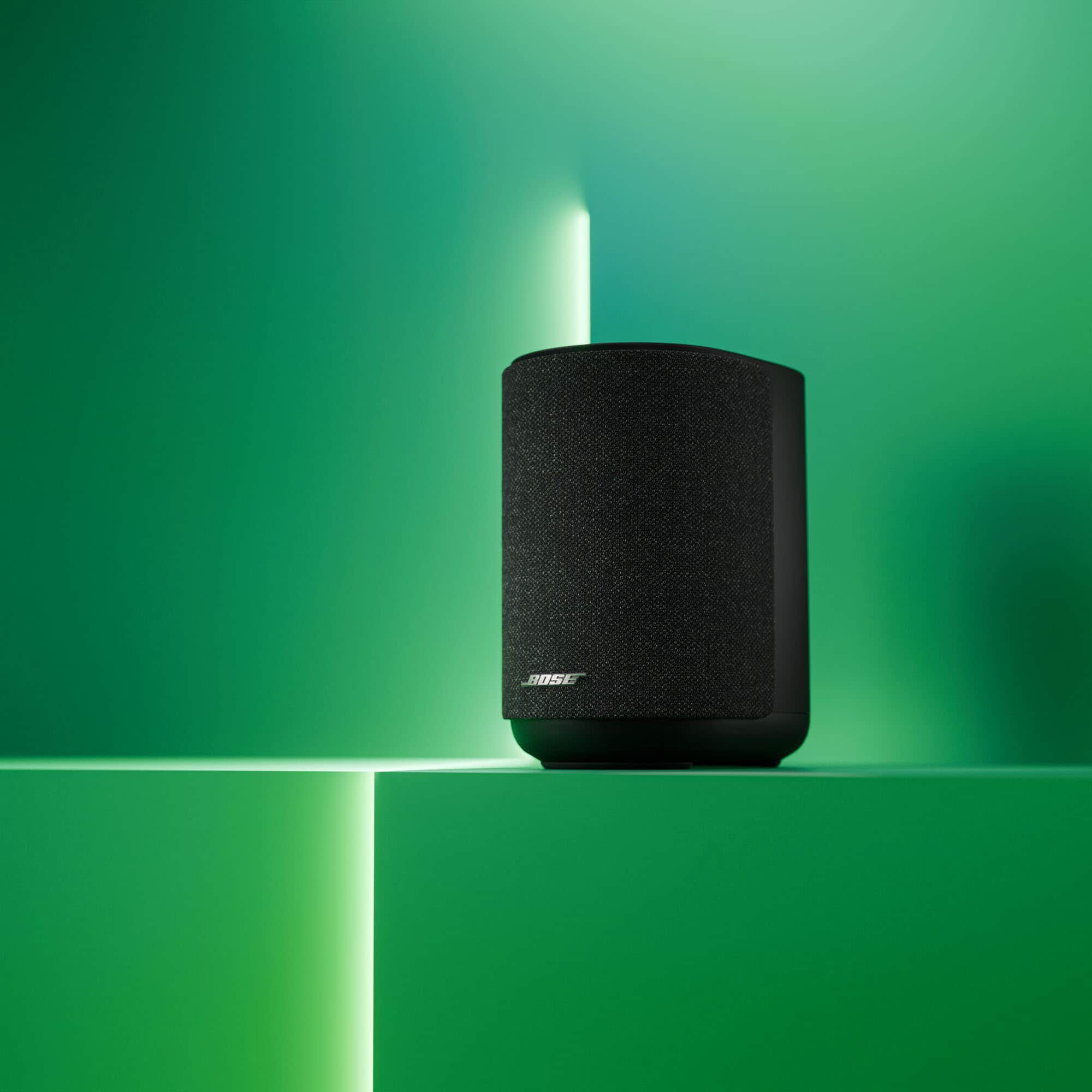
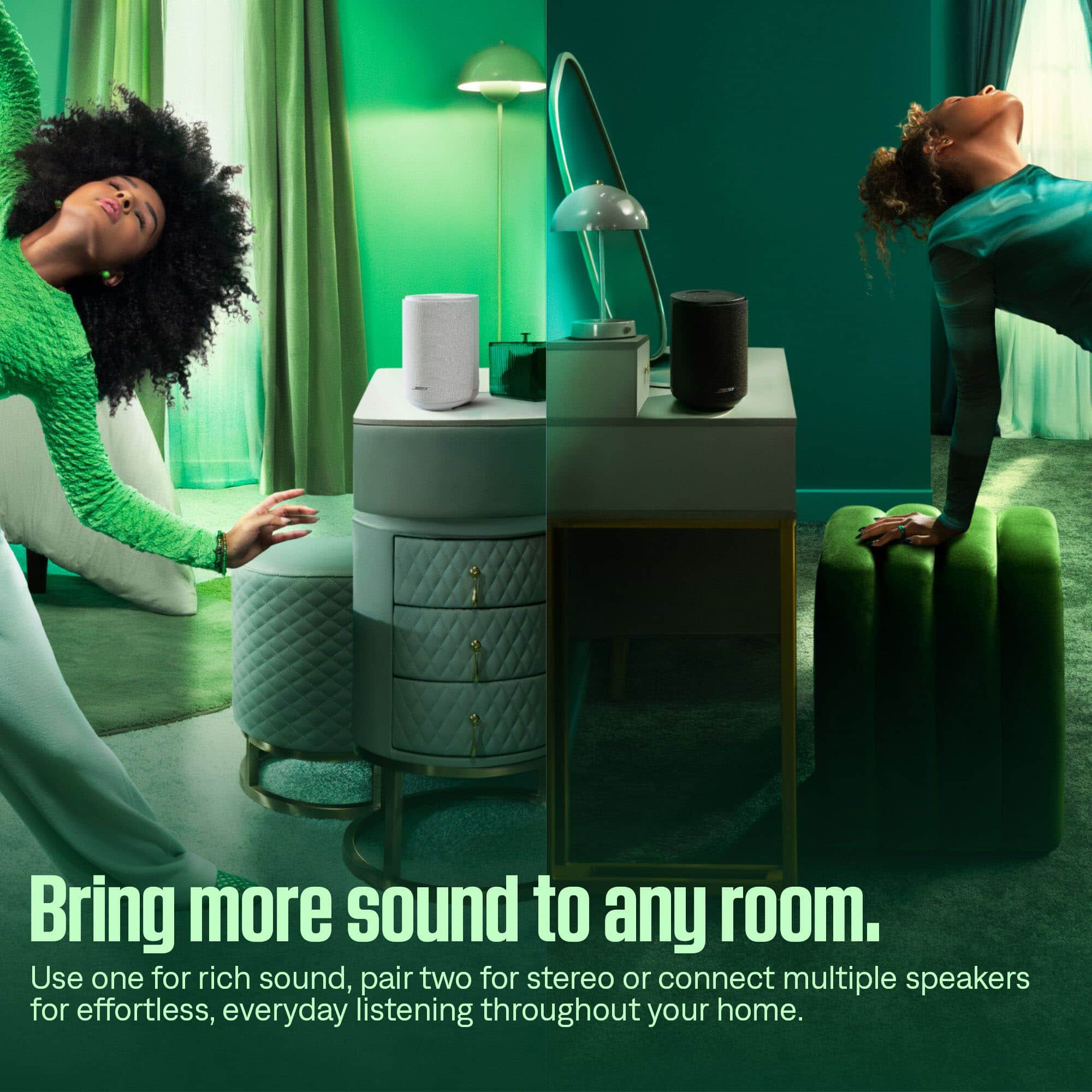
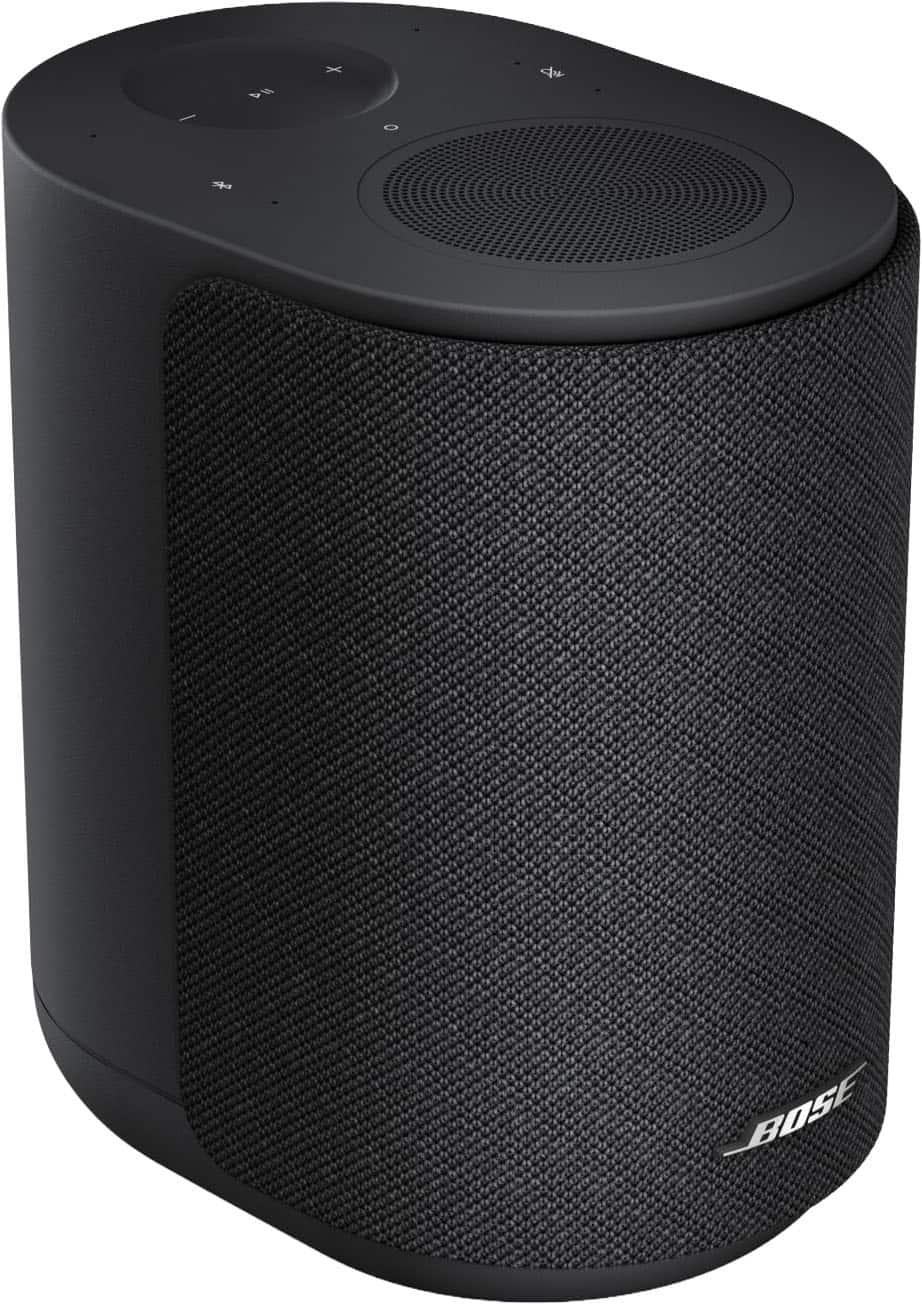
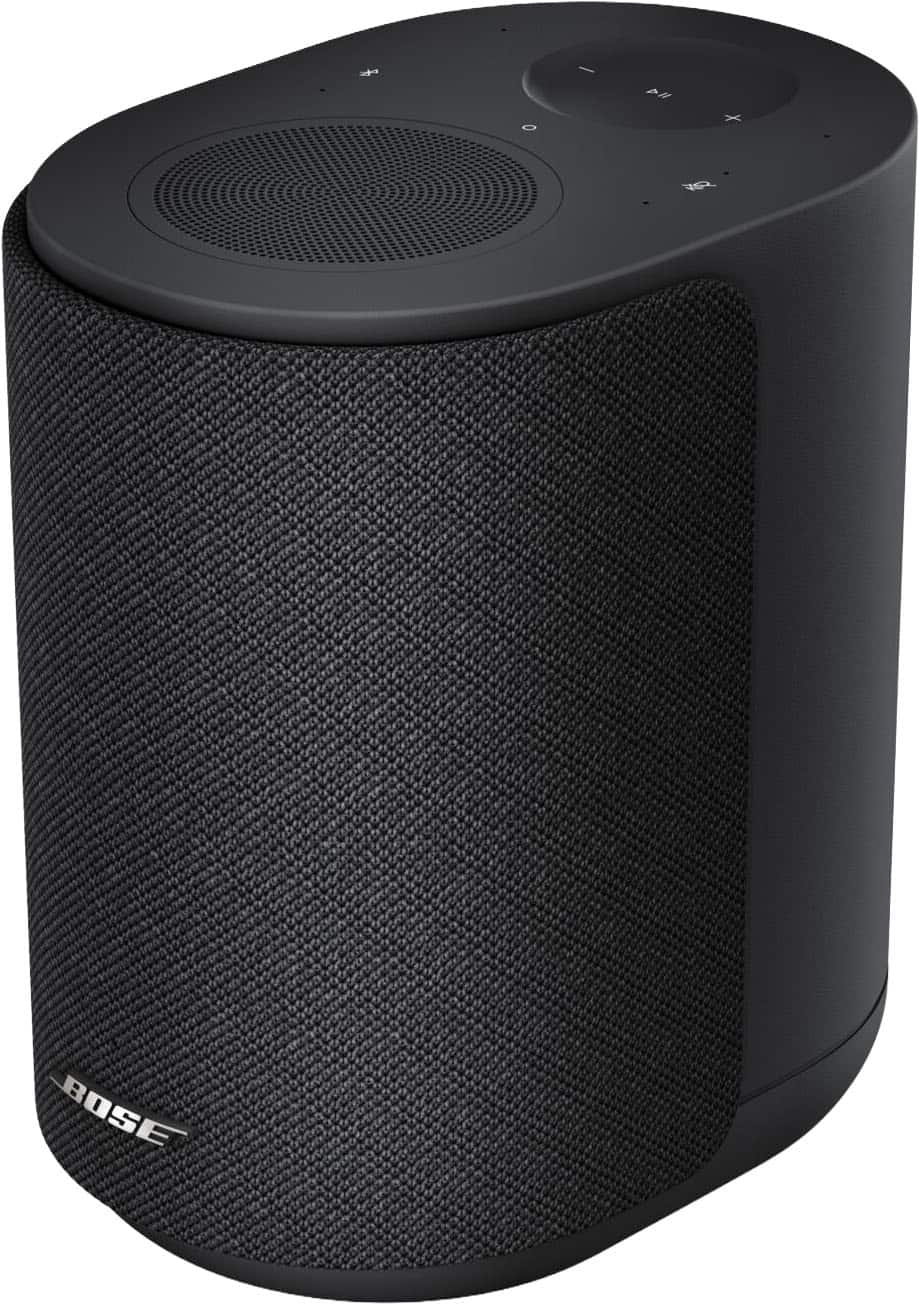
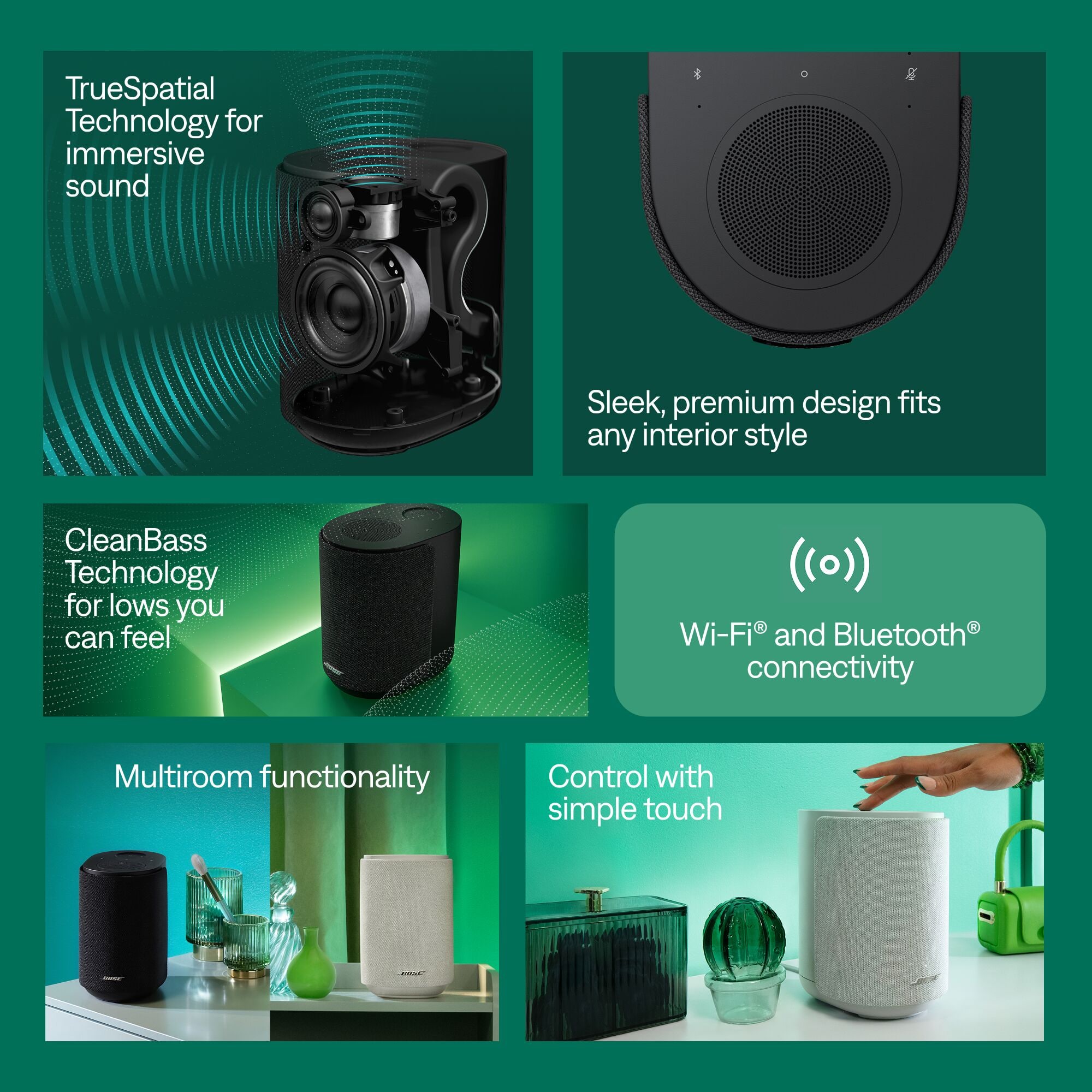
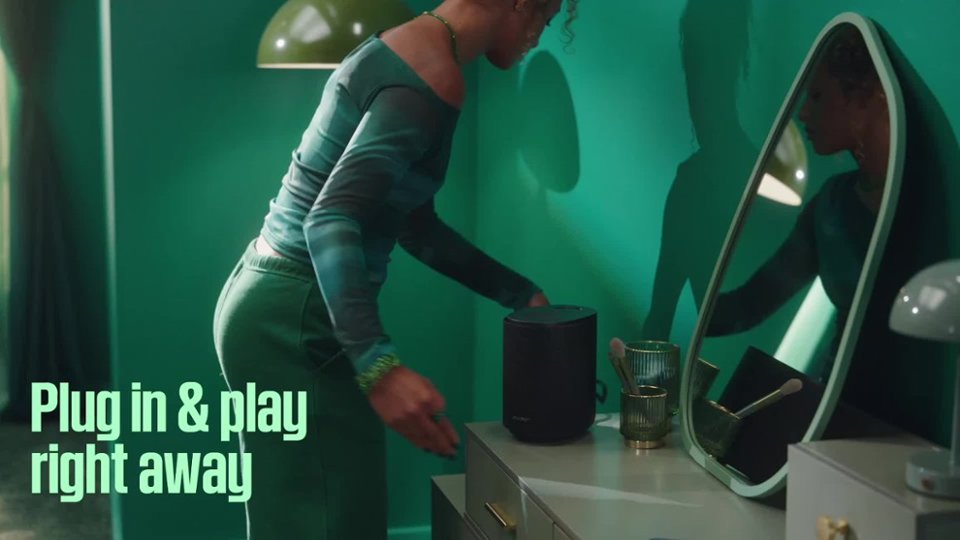
A:AnswerYes, the Lifestyle Ultra Speaker is small enough to fit almost anywhere in your home. It features a grille with textured knit fabric inspired by home furnishings, helping it fit naturally with almost any decor. Features like the built-in Alexa voice assistant help interacting with the speaker a breeze. Additionally, the speaker can be grouped together throughout your home with other speakers that also support Apple AirPlay or those supported within the Google Home app to create a multi-room, unified listening experience.
A:AnswerBose does not publish these specifications. The reason for this is that we believe such statistics do not add very much to an understanding of an audio product's acoustic characteristics and, even worse, can be misleading. Audio manufacturers make these measurements independent of industry standards, and in varying conditions. A better approach, we feel, is to listen to the product. We strongly urge you to make your own comparisons. Bose systems, including the Lifestyle Ultra Speaker, will surpass your expectations.
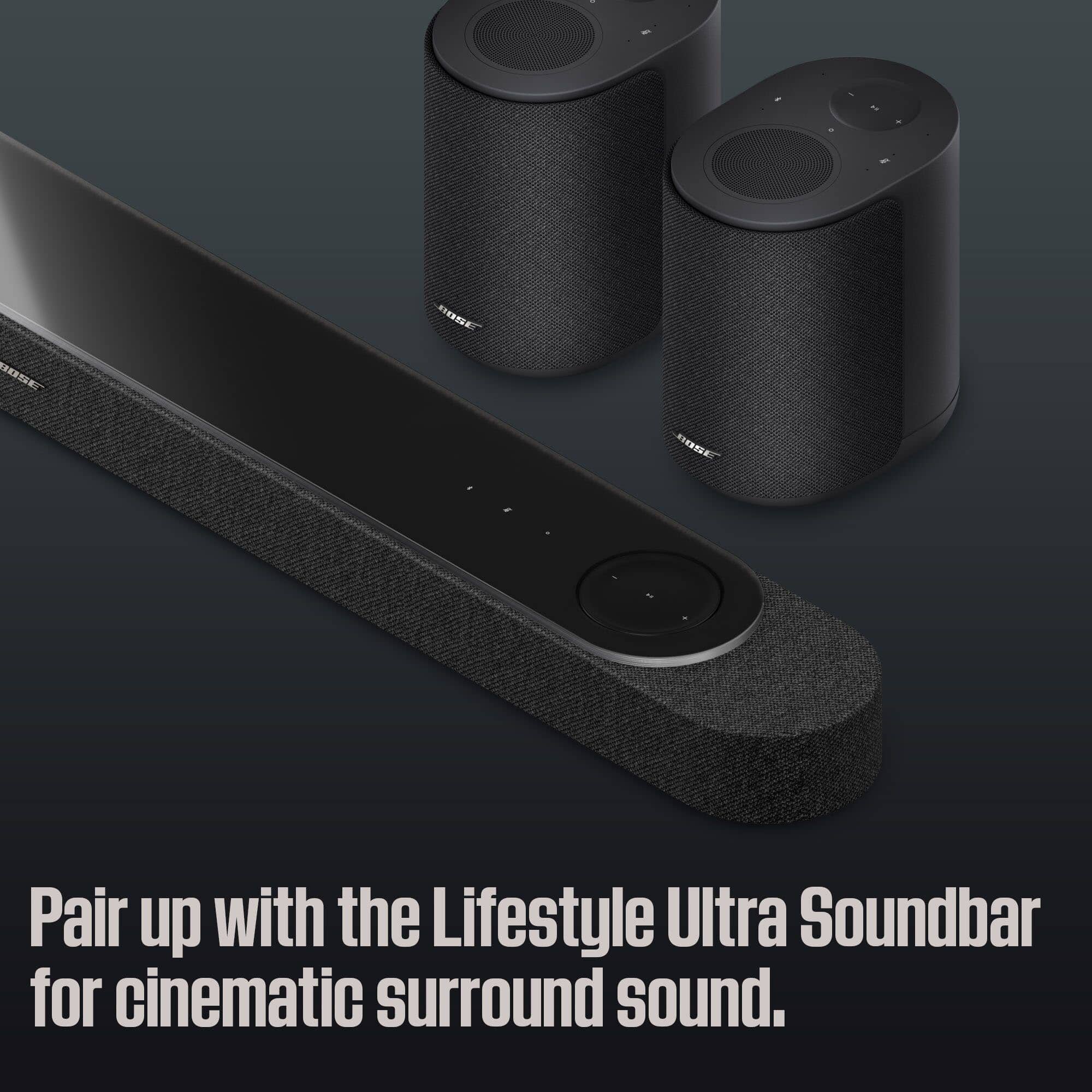
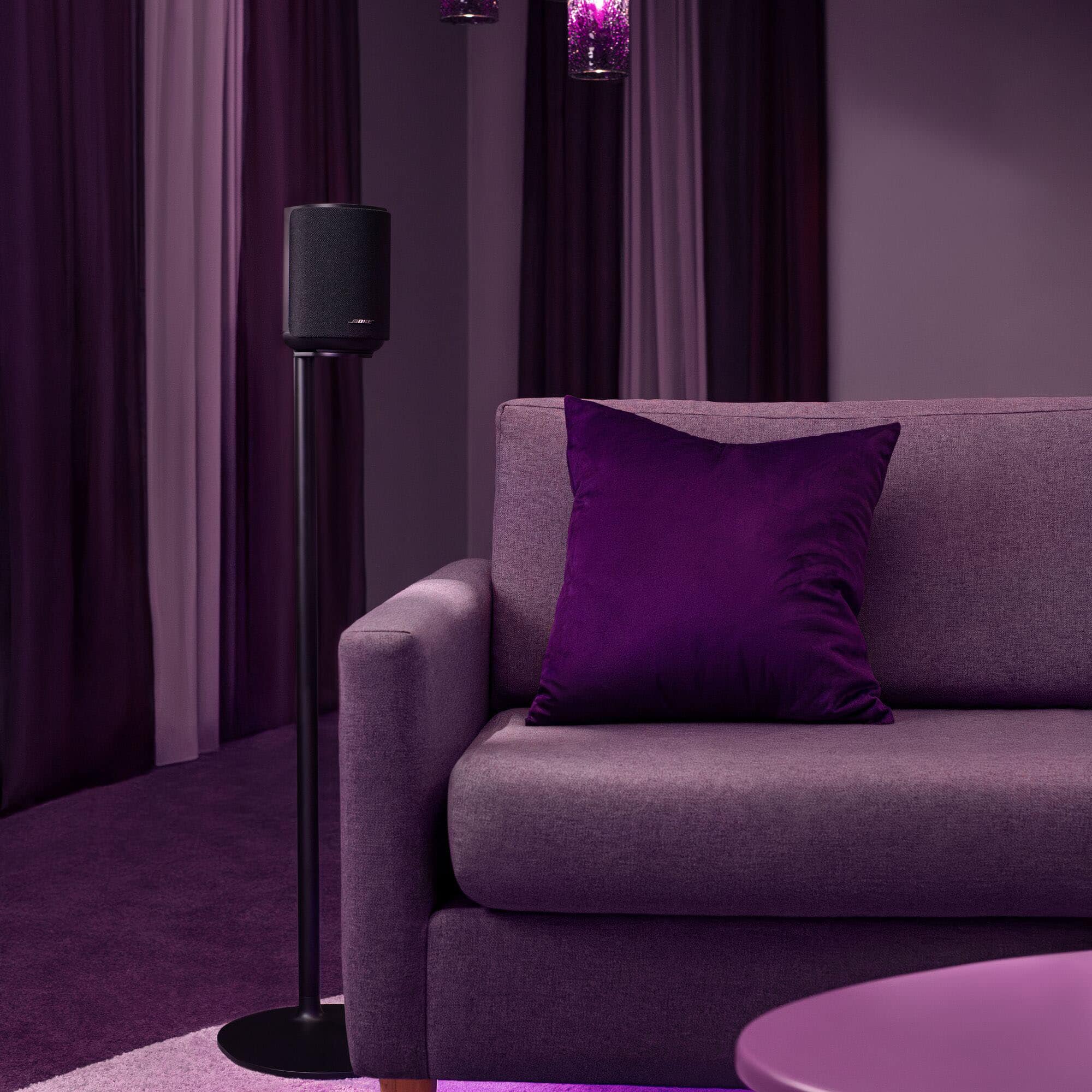
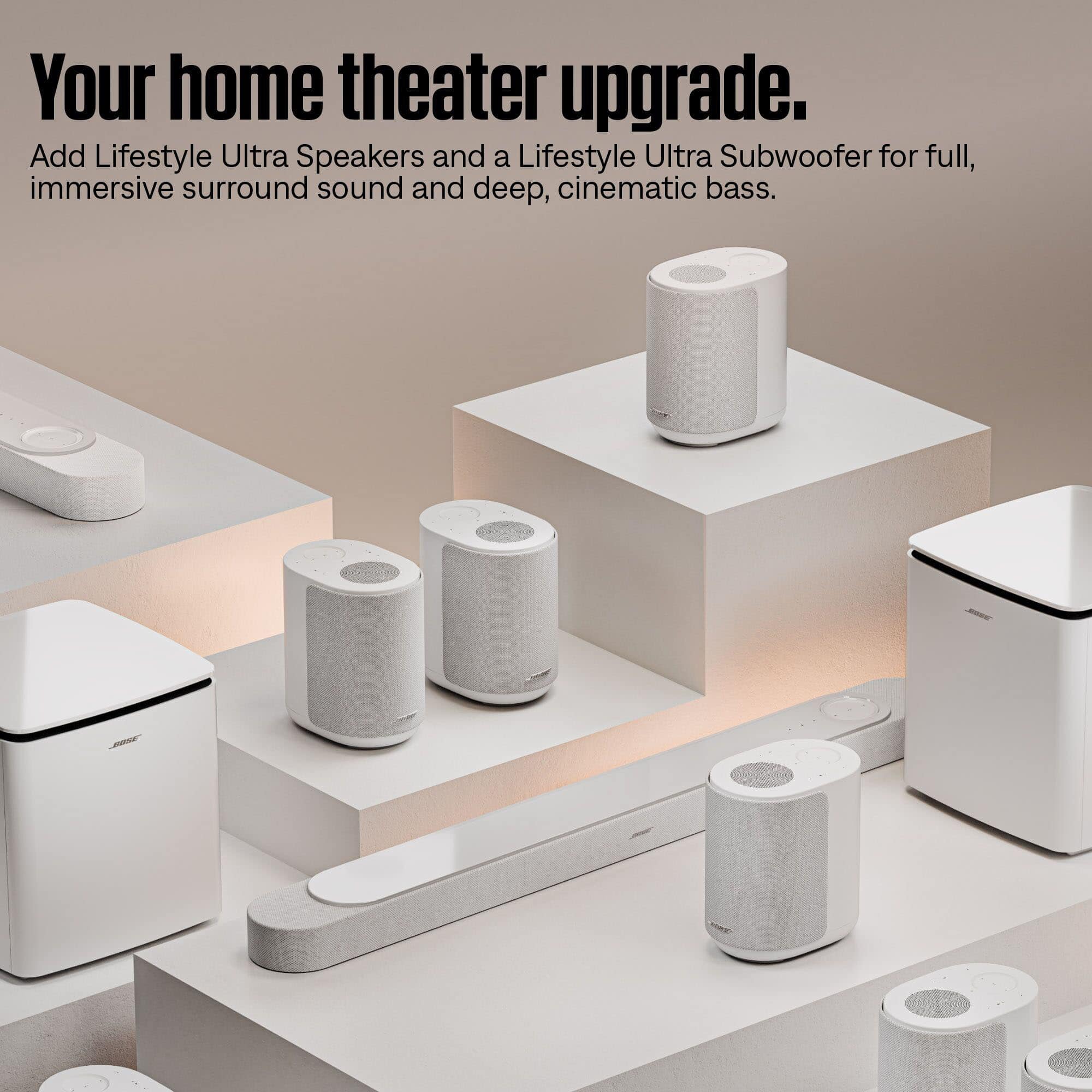
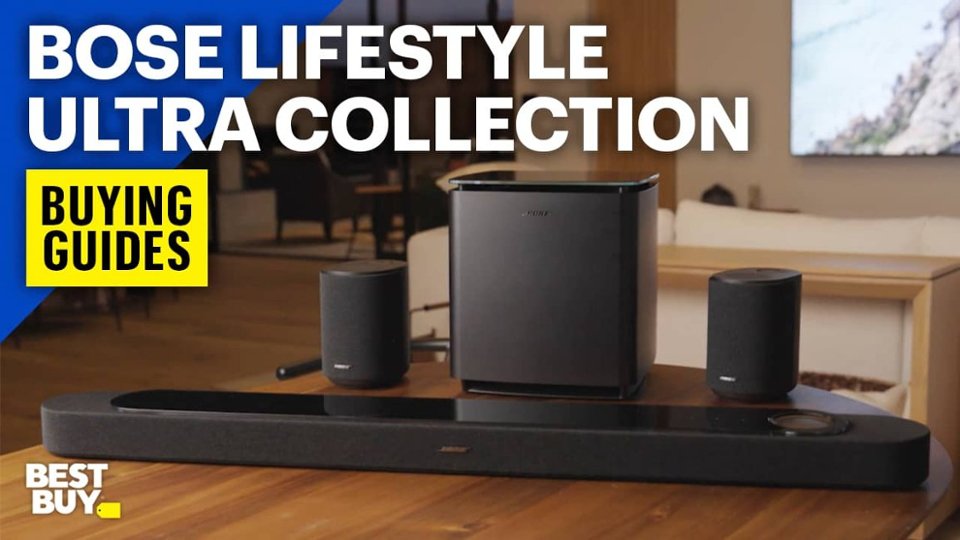
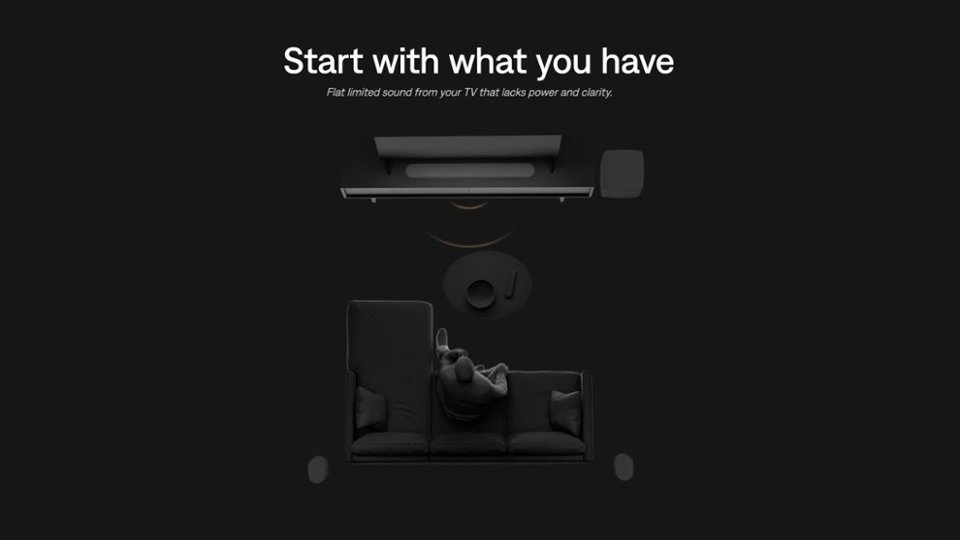
A:AnswerWhile the Lifestyle Ultra Speakers can also be used as surround speakers, this functionality is only supported when used in conjunction with the Lifestyle Ultra Soundbar. However, the Lifestyle Ultra Speaker can be used in conjunction with a SoundTouch 300 soundbar when using Wi-Fi sources including Apple AirPlay or Google Cast by grouping speakers together within the Google Home app, enabling you to stream audio throughout your home in multiple rooms as grouped speakers.
A:AnswerWhile we do not publish these specifications as they are not a reliable measurement of a product's real-world performance, the Lifestyle Ultra Speaker is designed to comfortably fill rooms with rich, enveloping audio.
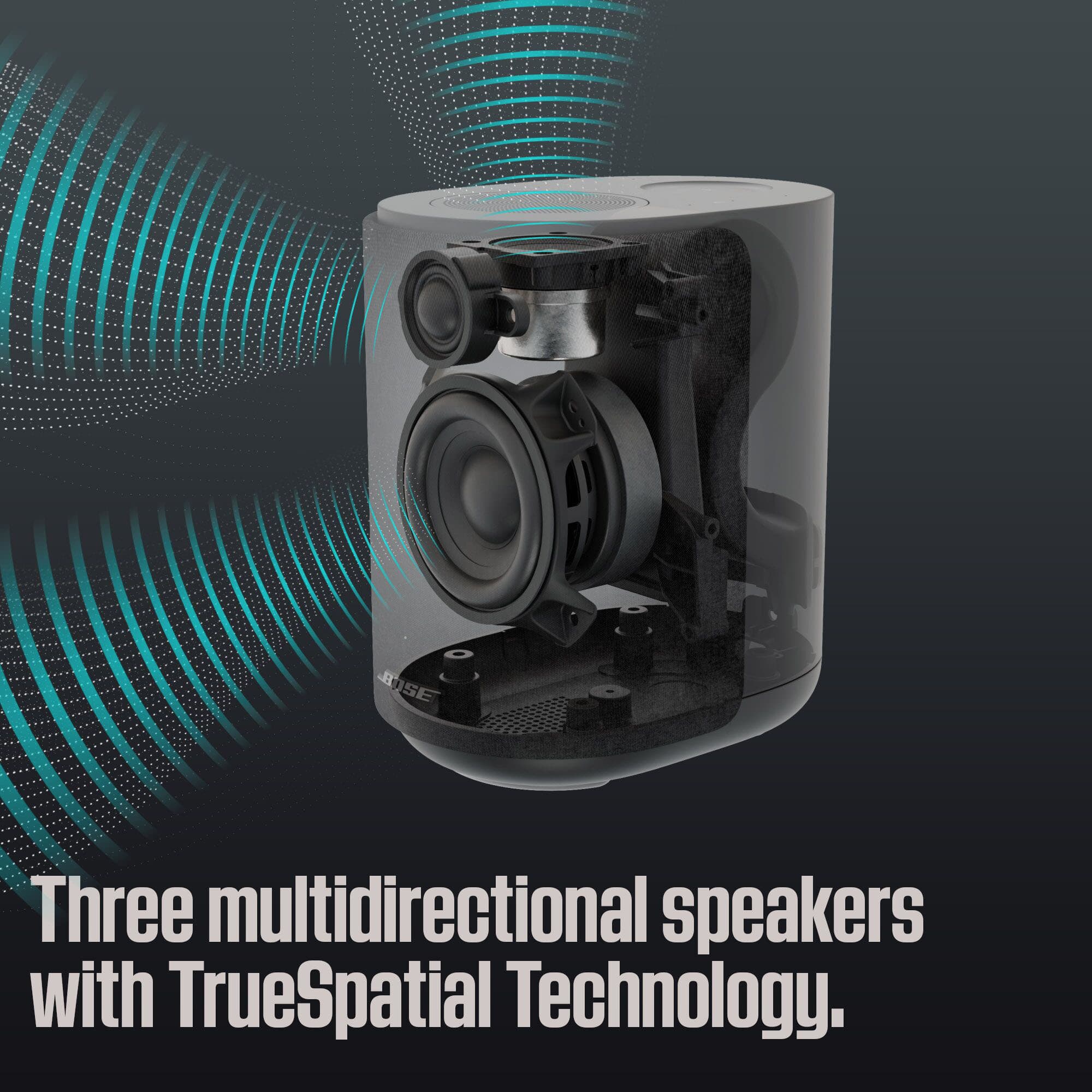
The speaker features three drivers: two front-facing and one up-firing, to project sound towards the ceiling and walls and back toward you, creating a broad soundstage uncommon for a single speaker. Additionally, CleanBass technology enables exceptional bass by combining the speaker’s woofer, a proprietary QuietPort acoustic opening, and advanced digital signal processing to deliver deep low-frequency sound. To experience it, visit your local BestBuy to try it out in person!
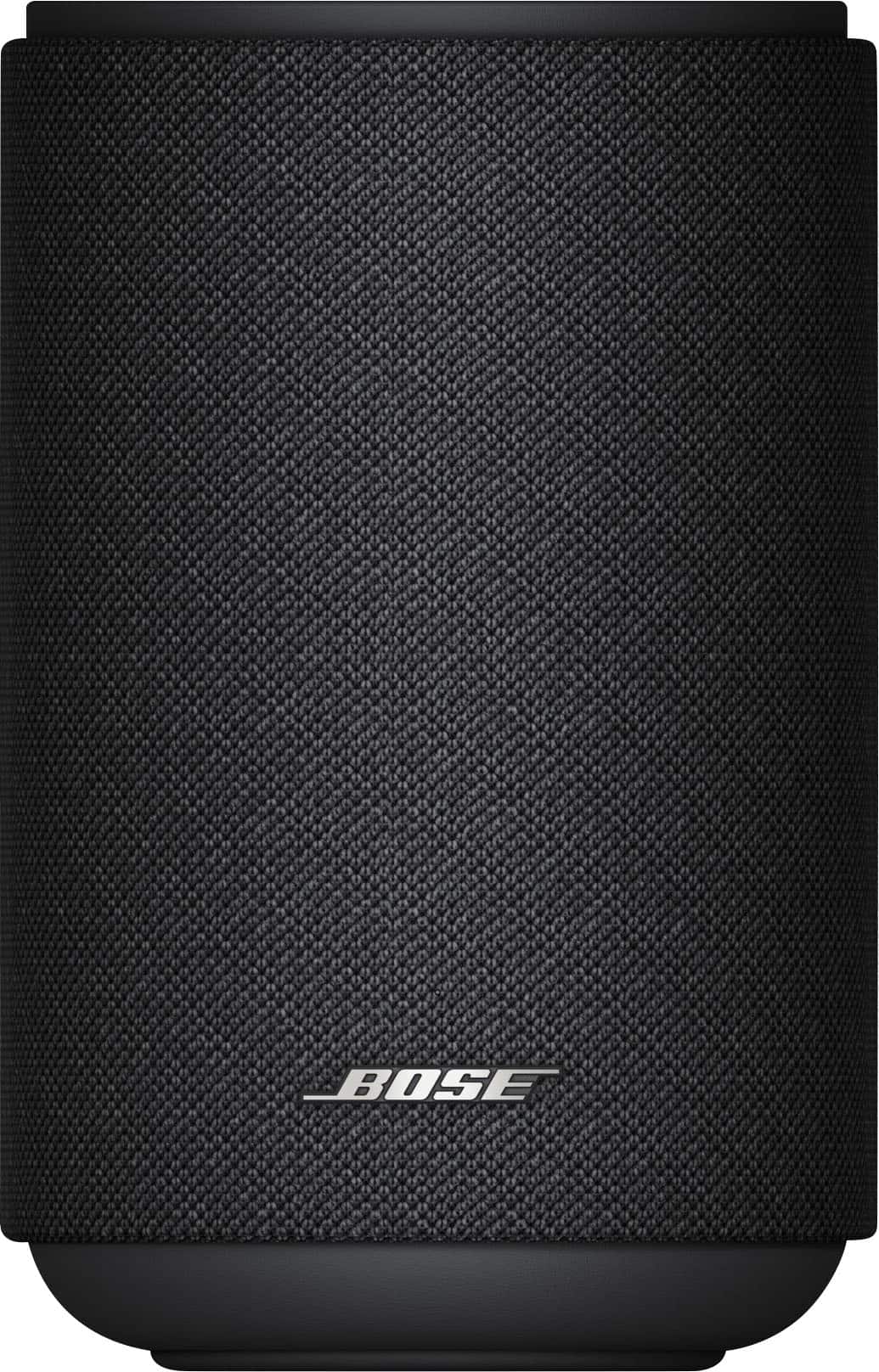
A:AnswerYes, two Lifestyle Ultra Speakers can be paired together at the same time. Using the Bose app, the speakers can be configured as a stereo pair. Additionally, the speakers feature a 3.5 mm auxiliary input, meaning they can be connected to devices like a computer, iPod, or turntable, to enable playback from wired sources, even when configured as a stereo pair.
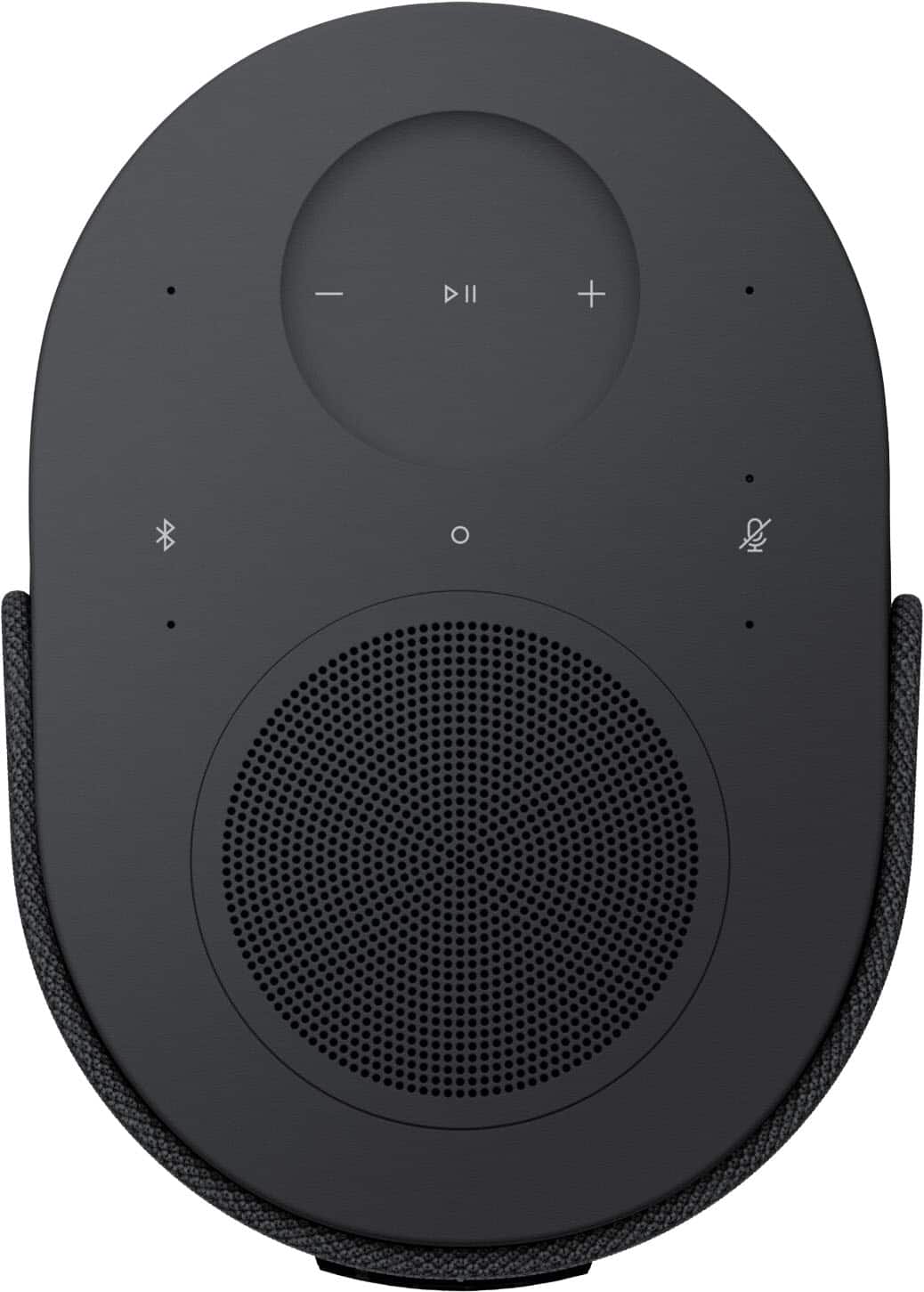
A:AnswerIn addition to Wi-Fi and Bluetooth connectivity, you can also connect a device like a CD player, iPod, or turntable via the 3.5 mm aux input at the rear of the speaker. To switch to the aux source, simply press and hold the play/pause button on the top of the speaker. The aux source can also be used with two Lifestyle Ultra Speakers configured in a stereo pair.
A:AnswerYes, you can connect two Lifestyle Ultra Speakers at the same time. In the Bose app, they can be set up as a stereo pair, where one speaker handles the left channel and the other handles the right, creating a wider, more immersive sound experience.
Alternatively, you can group multiple speakers from the Bose Lifestyle Collection for multi-room audio using Apple AirPlay or Google Cast, allowing the same music to play across different areas of your home.