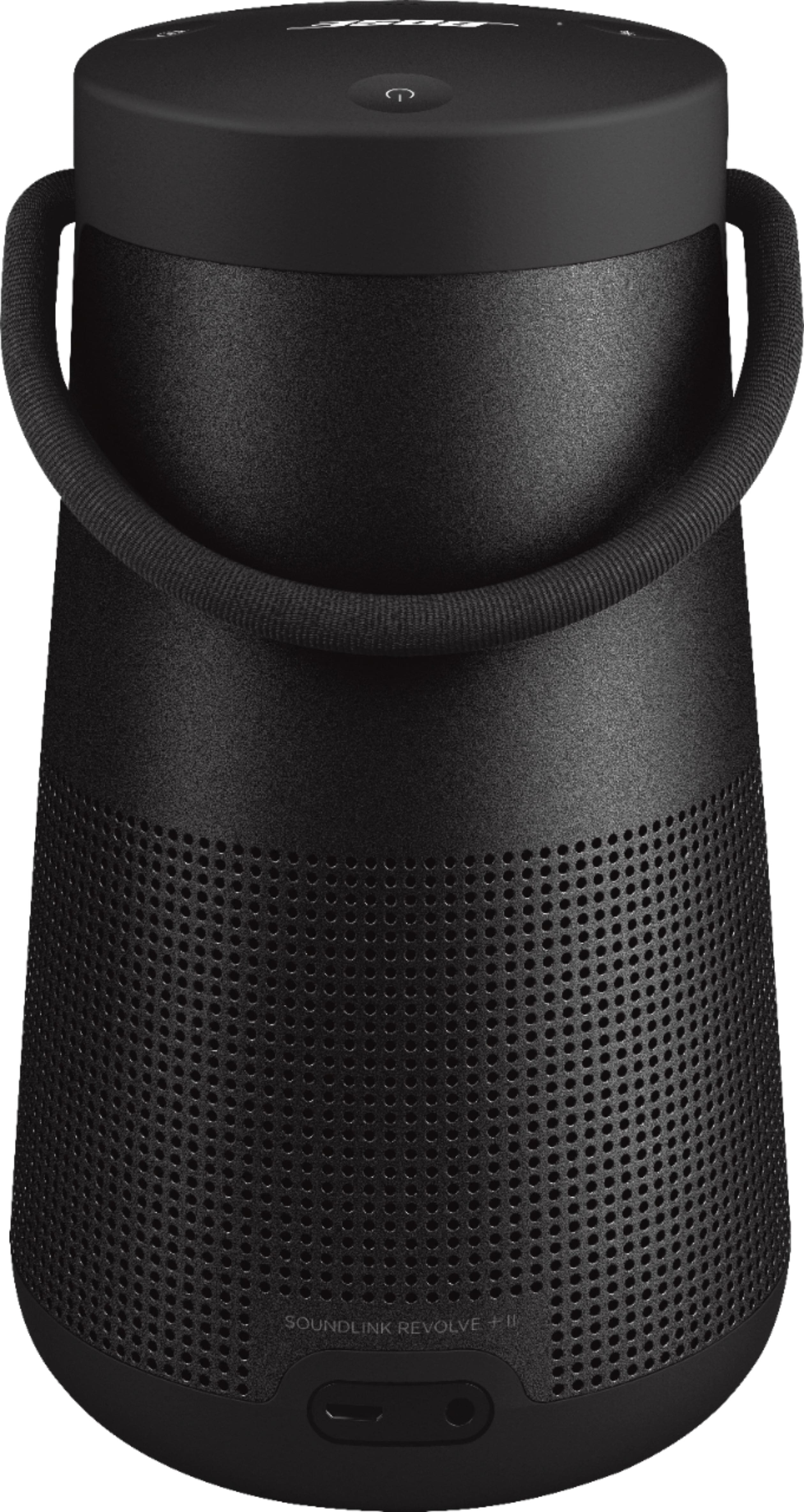
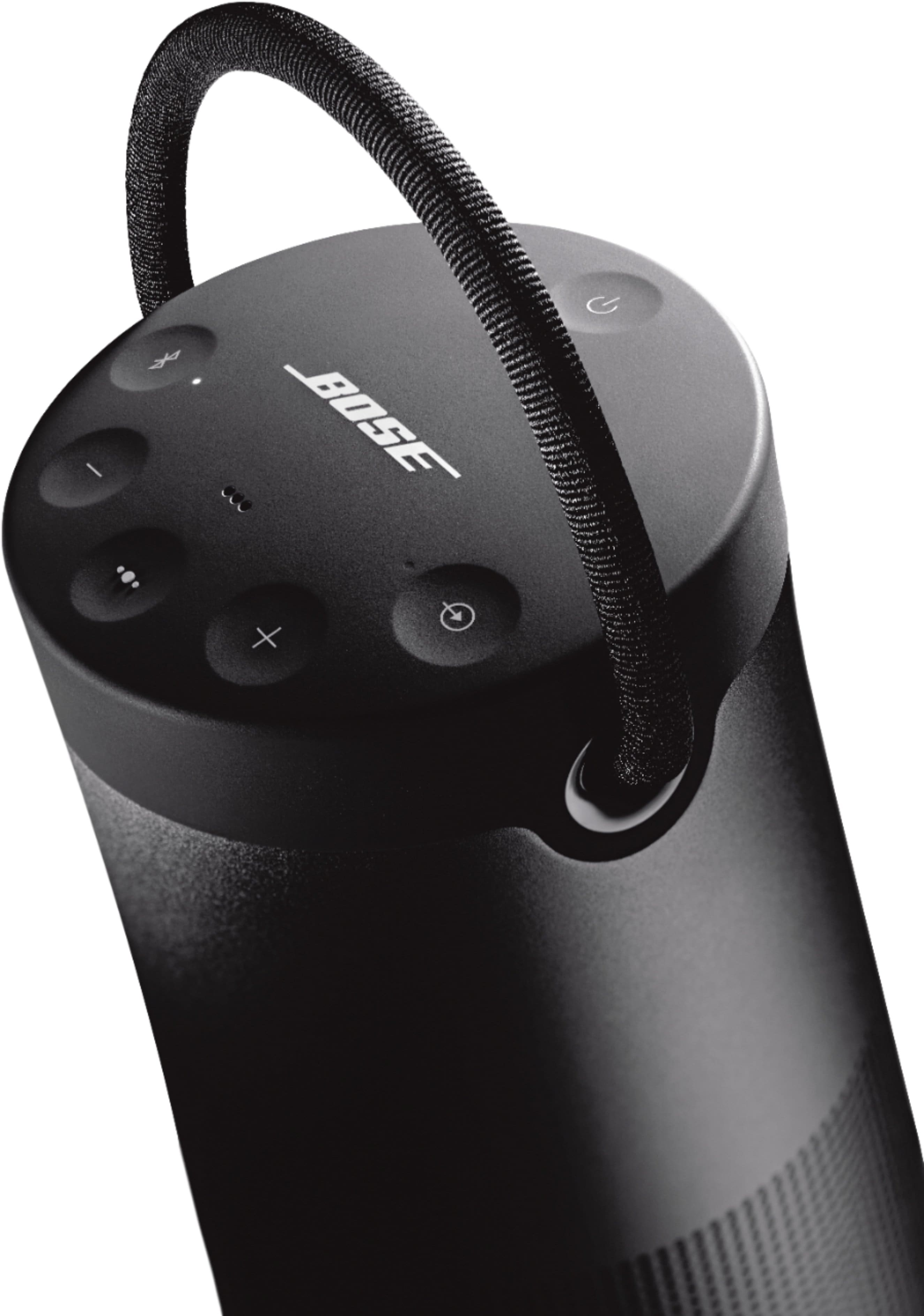
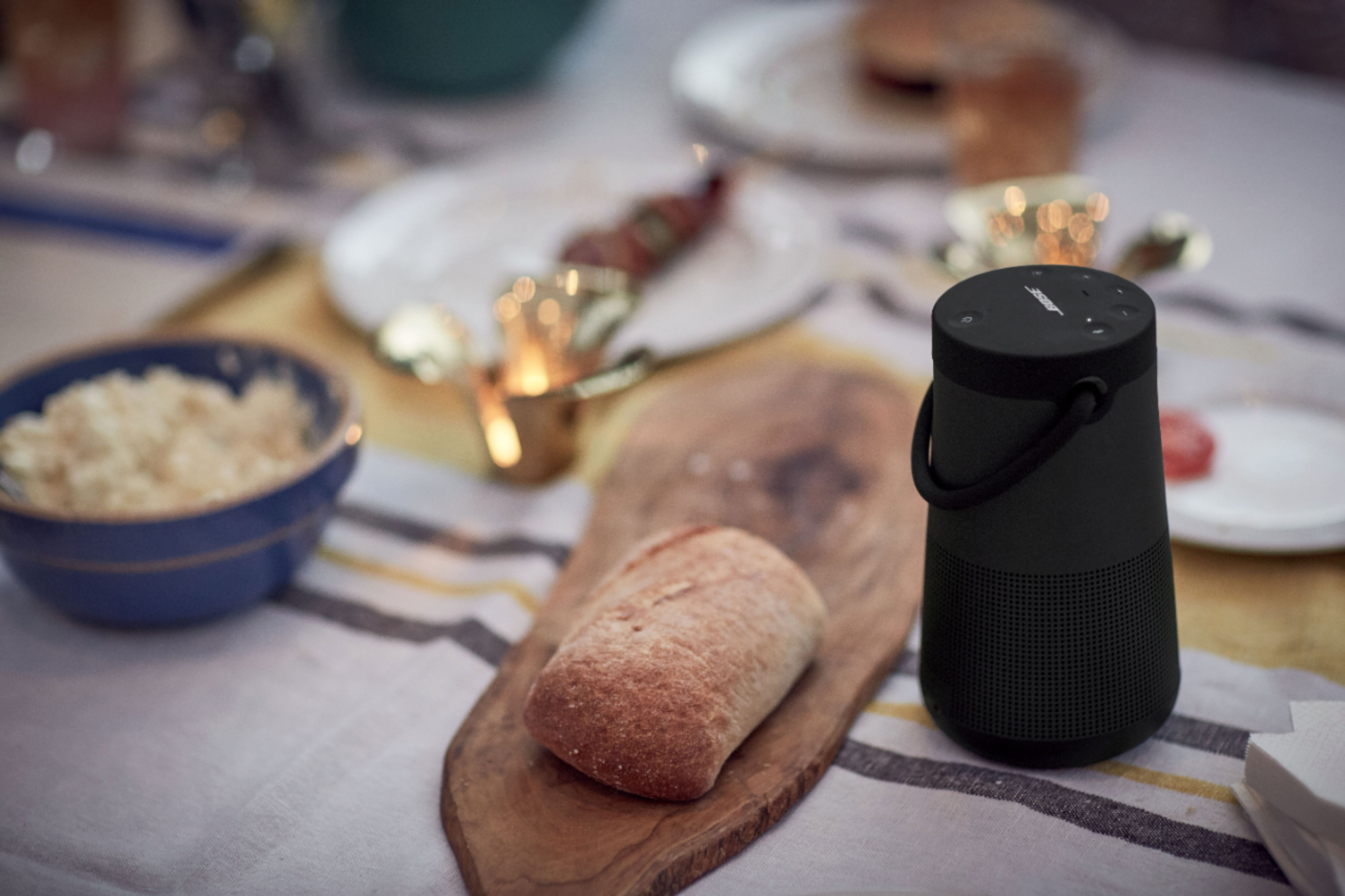
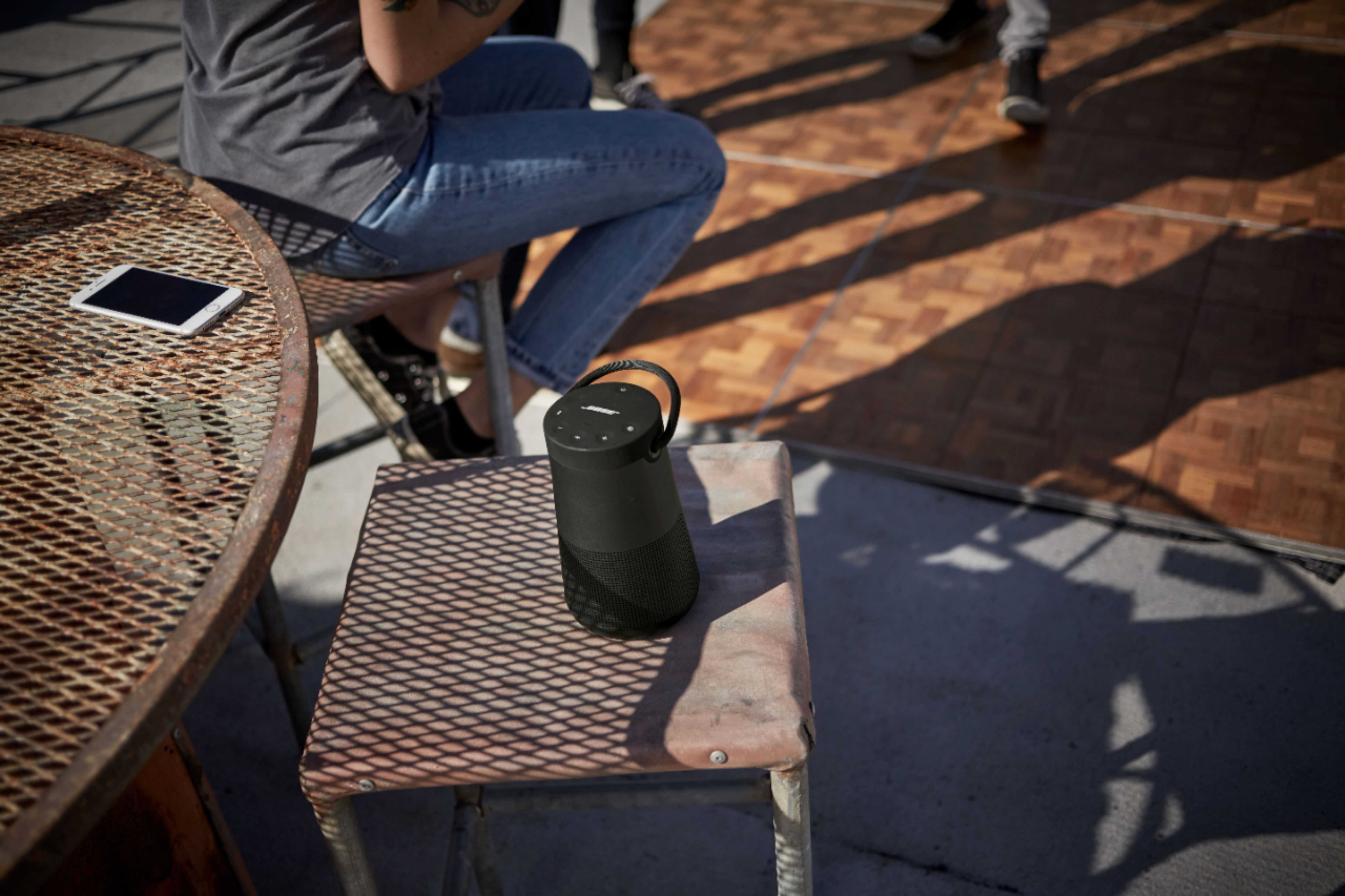
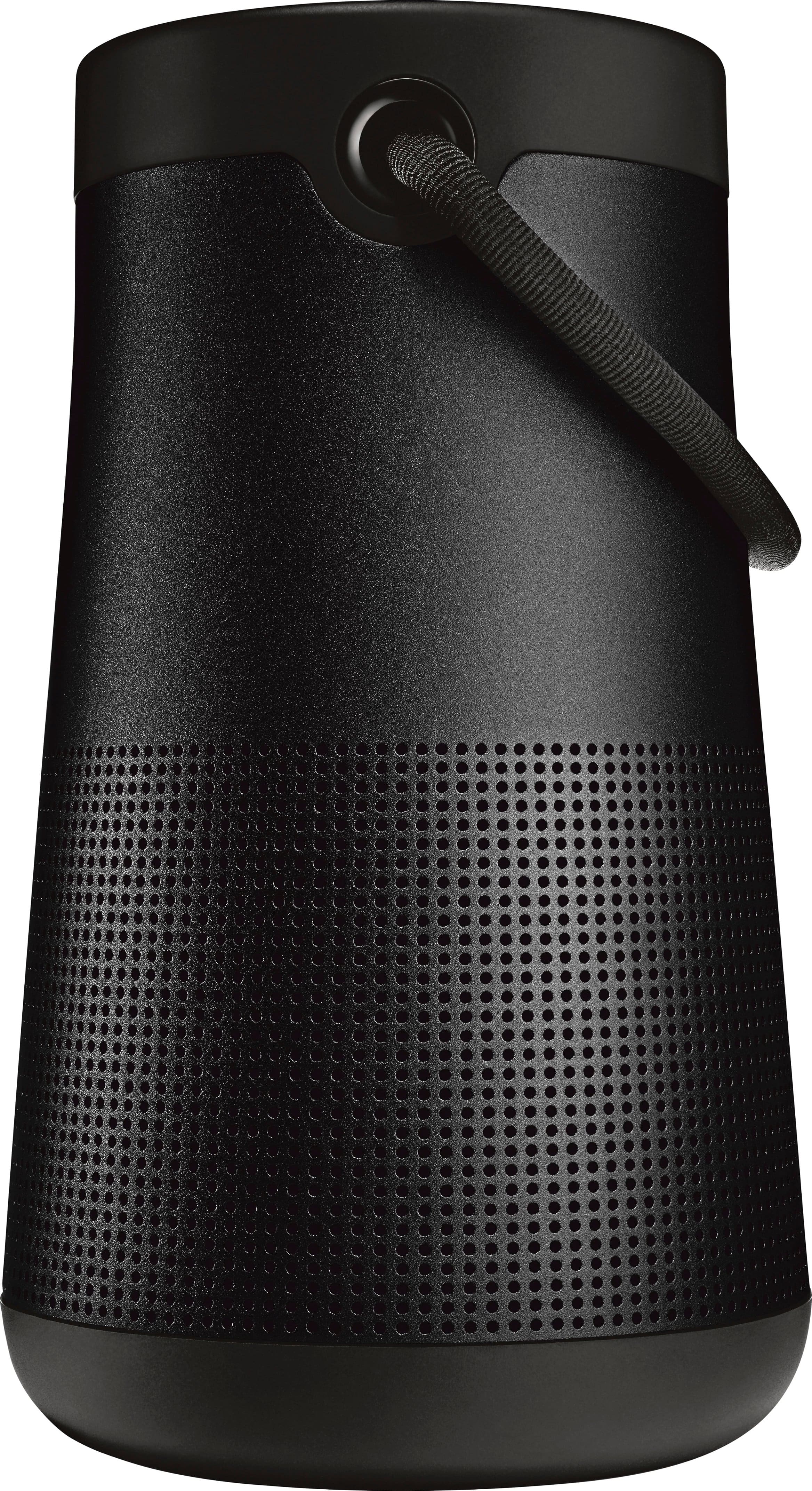

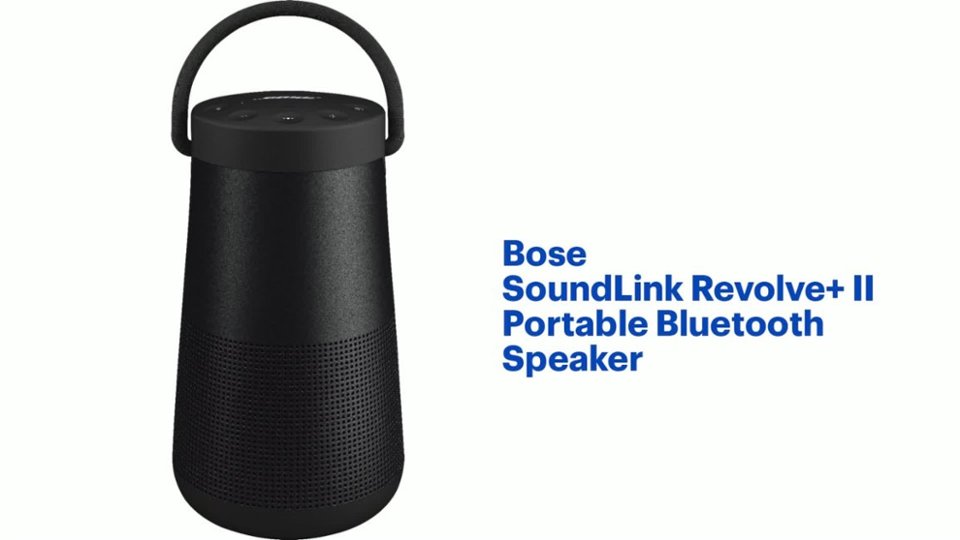
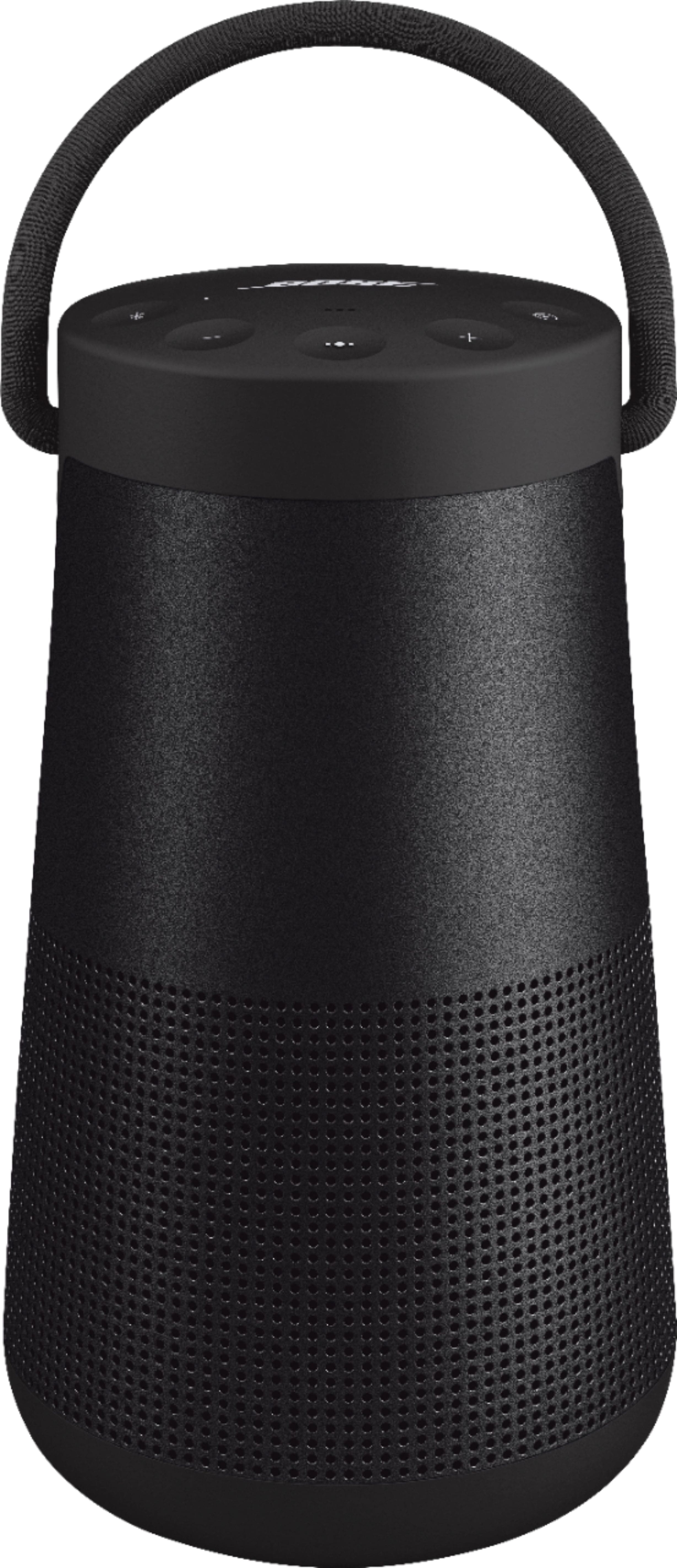
A:AnswerHello! The SoundLink Revolve+ II is larger and generates higher-volume, more room-filling sound than SoundLink Revolve II. SoundLink Revolve+ II also has a carrying handle to make portability easier given its larger diameter. SoundLink Revolve+ II has up to a 17-hour battery life, while SoundLink Revolve II has up to a 13-hour battery life. All other features are identical.
A:AnswerBose does not publish this information, partly as a speaker's performance shouldn't be measured by wattage alone. We always recommend purchasing the speaker and seeing if you like it. If you're not completely happy, please contact our customer support team, so we can assist up to and including a refund. Regards, Fiona M. - Bose Customer Support
A:AnswerTo connect the speaker with your Echo Show 10, you can use either the 1/8" (3.5 mm) AUX connection on the back of the Soundbar, or connect via Bluetooth if the Echo Show 10 supports external Bluetooth audio devices.
A:AnswerIf you want a Revolve speaker that doesn't have a handle, you can check out the SoundLink Revolve II, the smaller version of our SoundLink Revolve+ II speaker.
A:Answerit's charged using a USB - C cord, and there's also a charging dock, which I highly recommend, however the charging dock does not come with a USB cord, I assume Bose figures you'll use the USB cord and their charging block to either charge the speaker, or the dock.
A:AnswerHi, Cyn! The SoundLink Revolve+ II Speaker does not have built-in equalization controls for bass or treble. However, you can adjust the EQ settings on your connected device, if available. We recommend making small adjustments and testing the sound to see what works best for you. Please note that large changes can affect volume and may cause distortion or crackling.
If having adjustable bass is important to you, you might consider the Bose SoundLink Max Speaker, which offers more flexibility and powerful sound performance. We’re grateful you chose Bose!
A:AnswerGreat question! Yes, you can pair your Bose SoundLink Revolve+ with a SoundLink Revolve II using Party Mode or Stereo Mode.
Here’s how it works:
Both speakers support Bose SimpleSync, which allows them to play audio together from the same source.
You can activate Party Mode to play the same audio on both speakers simultaneously.
Or, switch to Stereo Mode for left/right channel separation perfect for a more immersive sound experience.
To set this up, use the Bose Connect app, which guides you through pairing the two speakers and choosing your preferred mode.
If you need help with the setup or want to explore how to get the best sound from your paired speakers, feel free to message us directly we’re happy to walk you through it
Gem - Bose Customer Support
A:AnswerHi there! Great question. Although it might be a good feature, the Bose Wave AWRCC1 system isn’t built to connect with other speakers, even when using a Bluetooth adaptor. However, some of our newer models, like the SoundLink Max, do support speaker-to-speaker connectivity. Sophie - Bose Customer Support