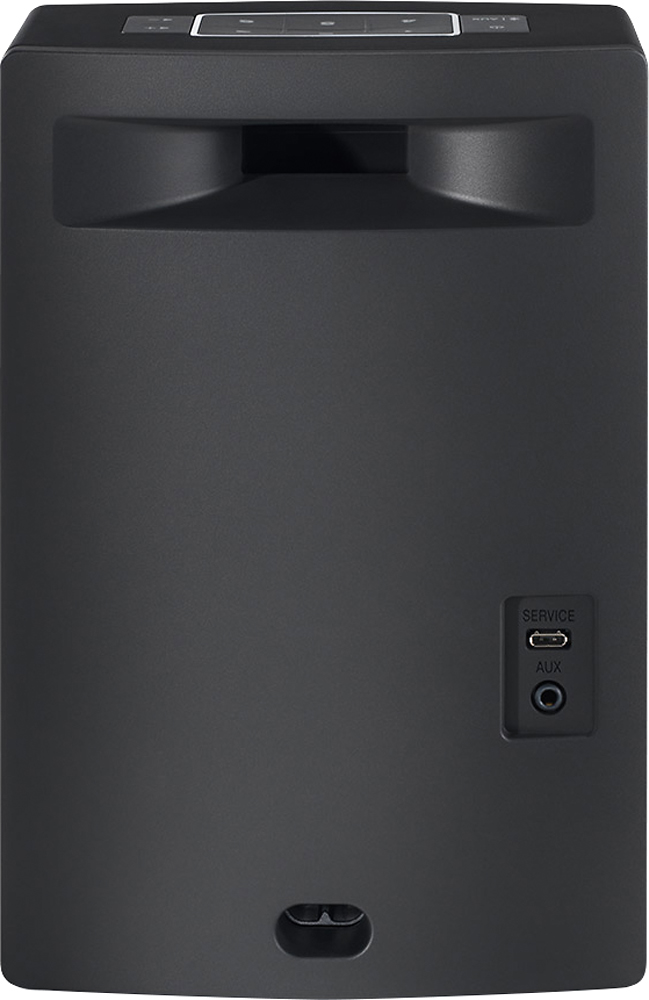
A:AnswerIf your iPod has Bluetooth wireless technology built into it, you'd be able to connect wirelessly with this speaker. If it doesn't, you can still connect it to the auxiliary jack with a simple 3.5mm audio cable.
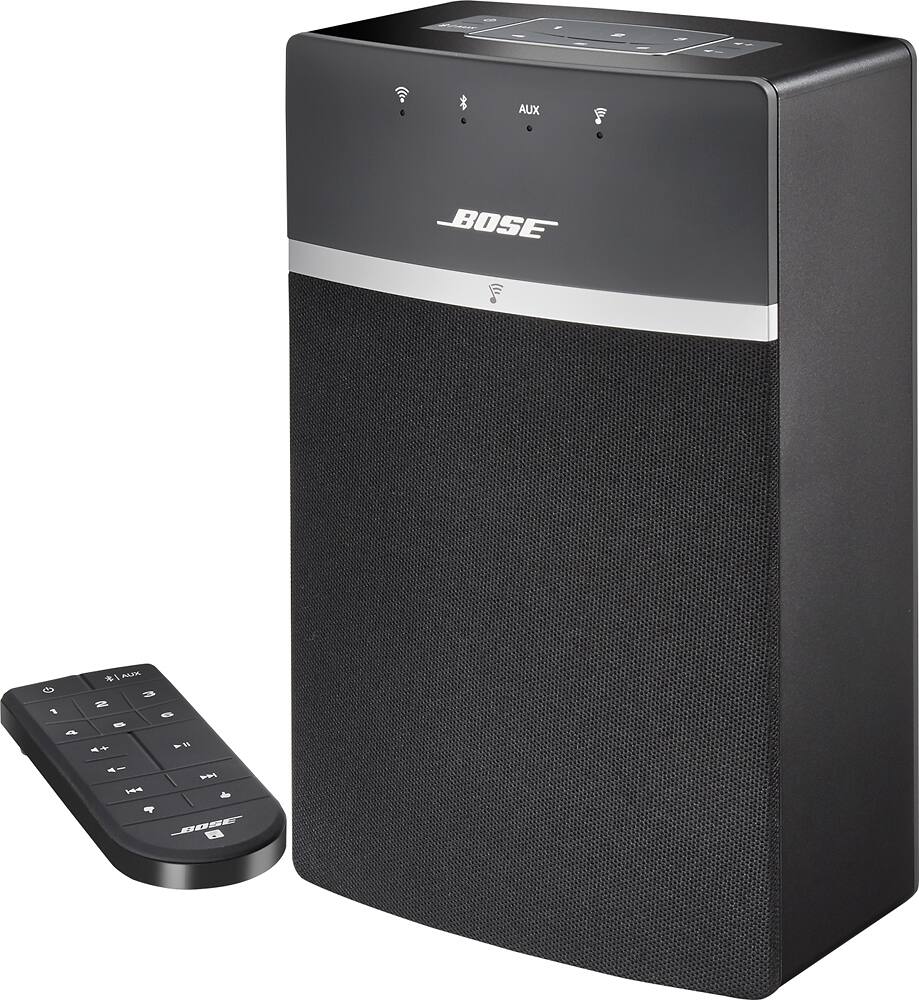
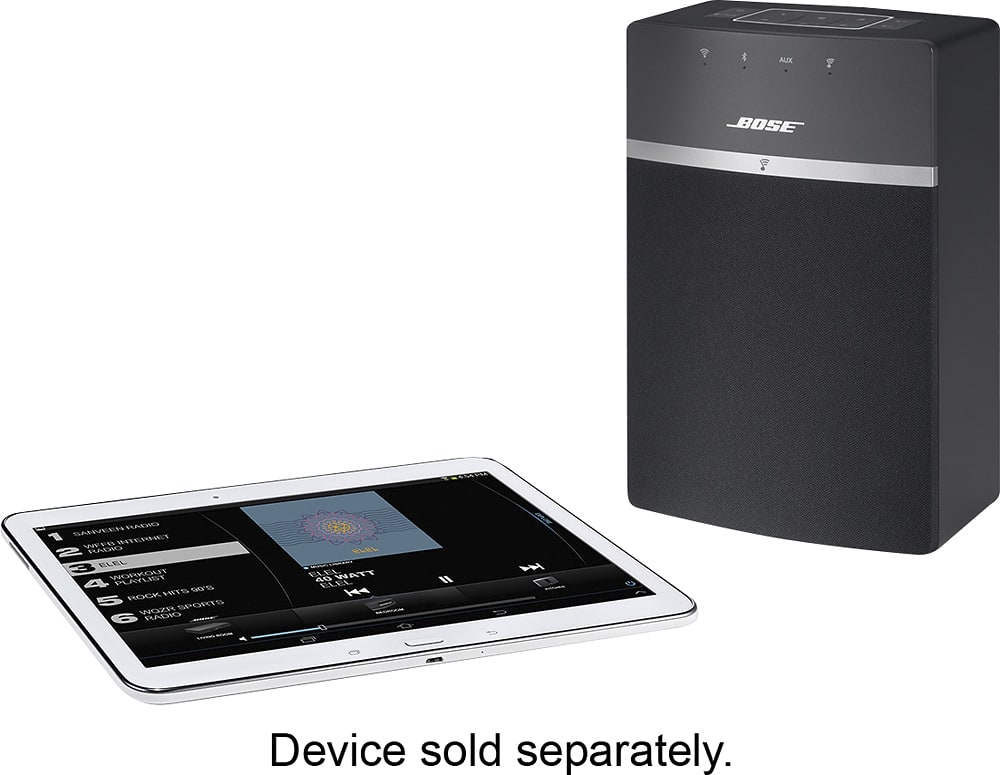
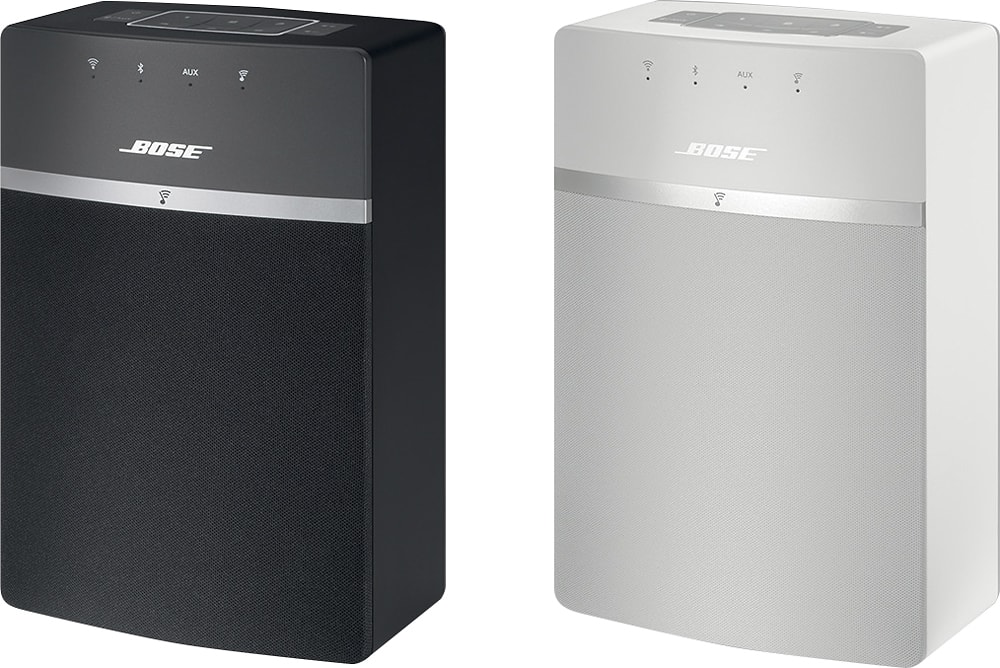
A:AnswerHi there. Thank you for the question. The SoundTouch application is compatible with Android phones, so you can absolutely use your Android phone with the SoundTouch 10 system. Also, the SoundTouch 10 is available in both black and white.
A:AnswerIf you are using this for a TV i would not recommend the 10 because the spectrum of sound does not sound as defined as the 20. I use the 10 as a PC speaker and had to do alot of config on my PC EQ to get the sound balanced. The 20 has MUCH more balance out of the Box and can cover a much better spectrum of sound which would be better for TV/Movies.
A:AnswerHi, Thanks for the great question. The phrase "Wireless" refers to how it connects to your WIFI and how it can connect via Bluetooth. It still needs to be plugged into AC for power. Have a great day!
A:AnswerThanks for your question. The SoundTouch 10 is part of an integrated family of speakers and sound systems that makes playing music wirelessly throughout your home easier. SoundTouch gives music lovers direct access to millions of songs through music services, Internet radio stations and their stored music library. While it cannot have an MP3 player connected directly to the USB port, users can connect it directly to an existing home Wi-Fi network or via Bluetooth and start enjoying music wirelessly in any room.
A:AnswerHello Dimples. Thank you for the question. Sirius satellite radio is not currently available as a source in the SoundTouch app. However, you could connect your satellite receiver to the SoundTouch 10 by using the AUX input on the back or by connecting wirelessly via Bluetooth. With Bluetooth rebroadcast, you would even be able to rebroadcast that Bluetooth audio through your other SoundTouch speakers throughout your home. Thanks!
A:AnswerHi RF, thank you for your question.
I can confirm that this speaker can be connected to a smart TV as long as the TV is a Bluetooth transmitter. We do not recommend connecting in this way as Bluetooth for audio for Video can cause sync issues .
A:AnswerIt's wifi and Bluetooth connected. With Bluetooth, about 40ft max. With wifi, you could reach up to 150ft from the router depending on the router. With a cd player, it wI'll have to be connected via cable unless it's connectable with one of those two options
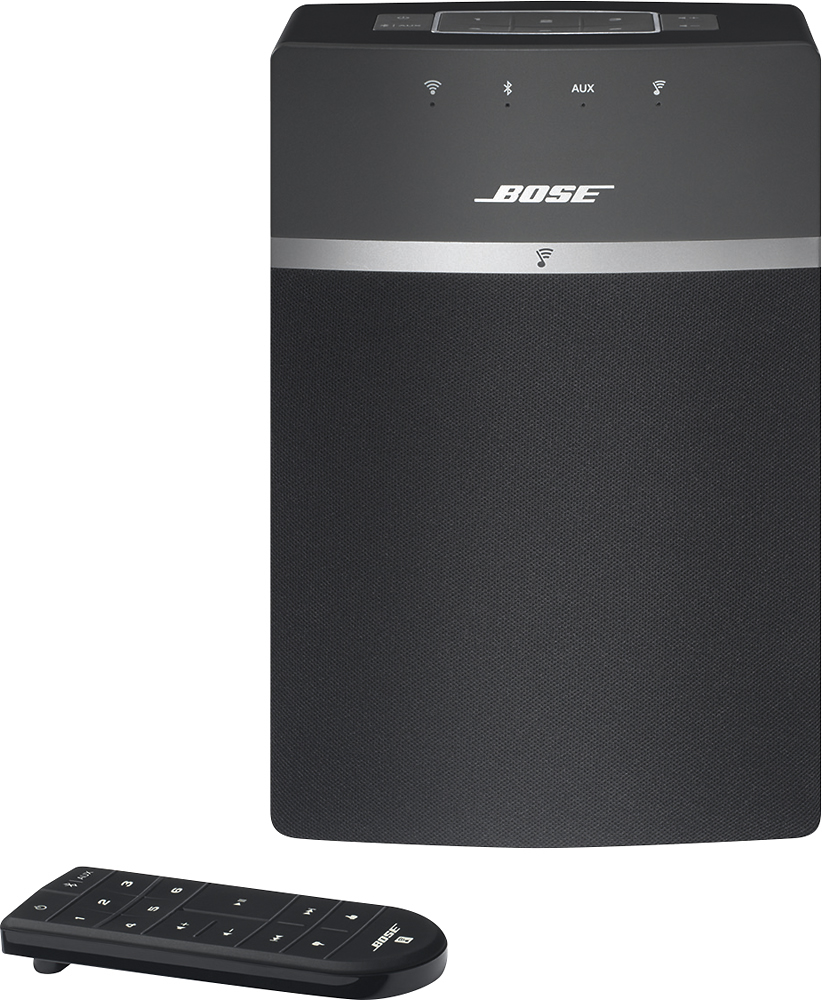
A:AnswerGreat question, I'm glad you asked. Bluetooth is a one to one connection, so it is not possible to use Bluetooth to stream to multiple speakers at the same time.
A:AnswerHi Newuser, Thank you for your question. The service port is for set up and software updates and diagnostics. We would not recommend charging your phone through it.