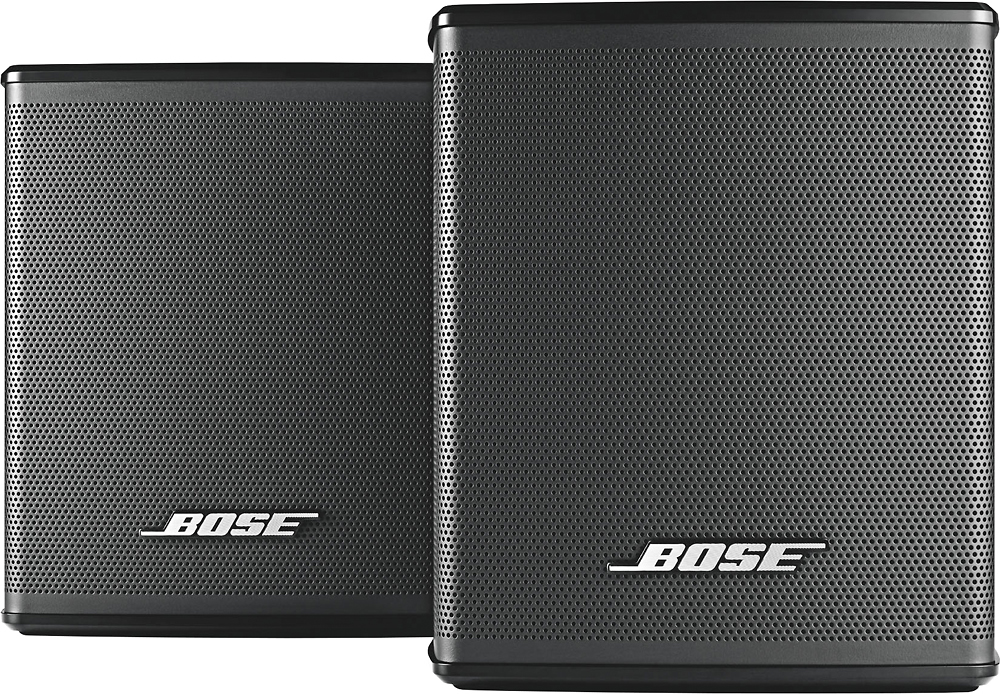
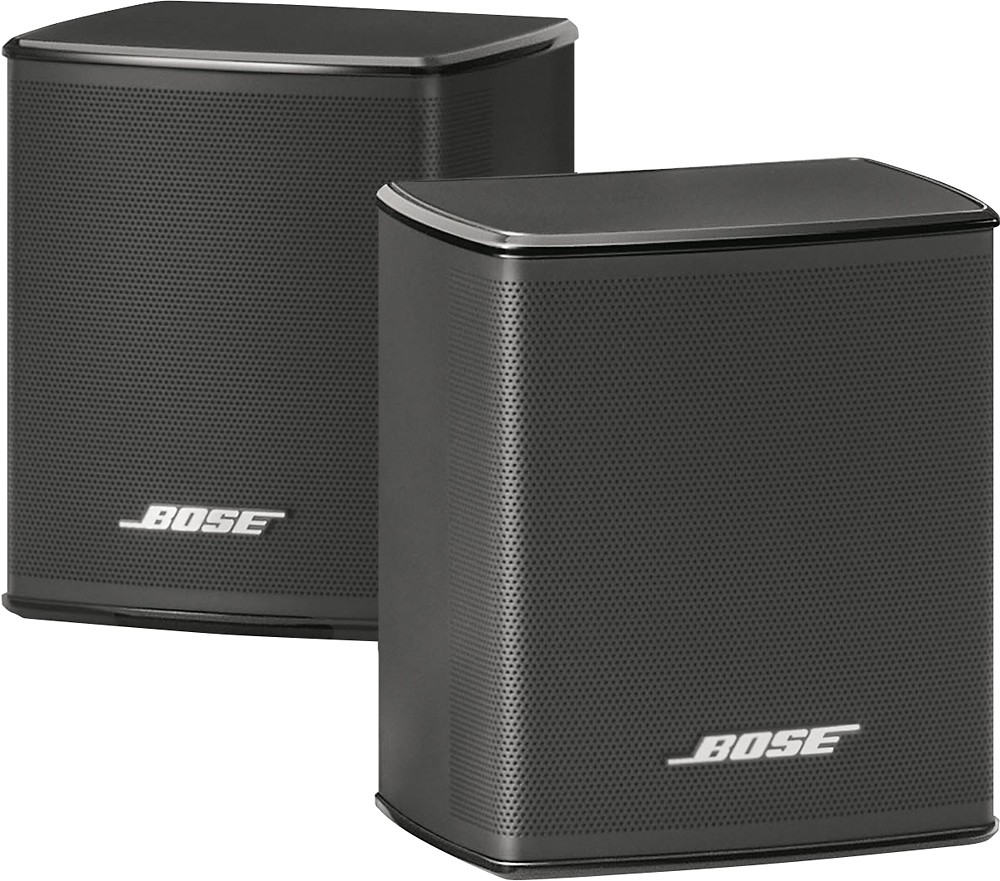
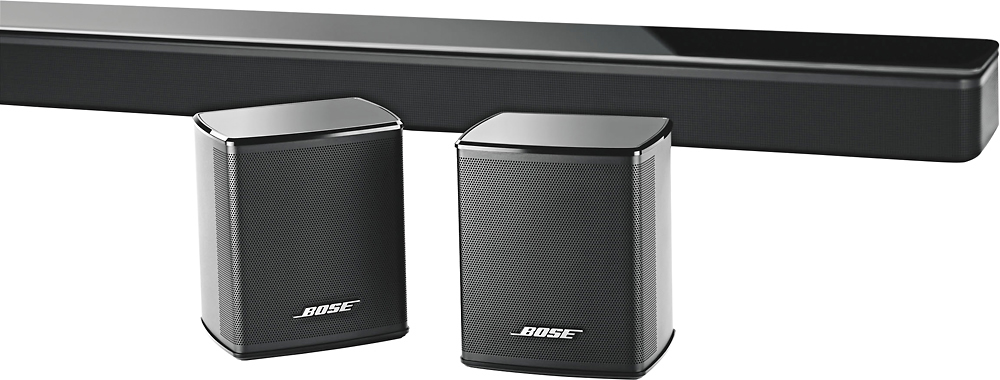
A:AnswerThe Bose wireless surround speakers will not work with your system as "wireless", but only wired. These work with the Bose soundbar and with the Bose app on your phone for set up and adjustment. I would recommend calling to the staff @ Best Buy for a better solution.
A:AnswerHello! Thank you for your interest in our Soundbars and speakers. The Solo-5 Soundbar is not compatible with these or any of our modelled surround speakers. These speakers are designed with our Soundbars (300, 500 and 700) and Lifestyle systems in mind. If you're after a soundbar comparable to your Solo-5 with the option for accessory surround speakers, we would recommend that you look into our Soundbar 500, or visit a store at your convenience!
A:AnswerHello Functionality,
The Surround Speakers do not work by themselves. You will need to use them with the SoundTouch 300, Soundbar 500 or the Soundbar 700.
A:AnswerThe Surround Speakers are not directly compatible with third part devices. These speakers are specficially designed to be used with the SoundTouch 300 Sound Bar, Soundbar 500 and Soundbar 700 systems. You may be able to input audio from your record player to the Soundbar which will in turn send audio to the connected Surround Speakers.
A:AnswerHello, thank you for your question. The volume for the Surround Speaker will mirror the volume of the Soundbar 500 or Soundbar 700 that they are connected to. You can slightly adjust the surround volume levels by using the Bose Music application on a mobile phone or tablet, when connected to the Soundbar 500 or Soundbar 700.
A:AnswerHello there!
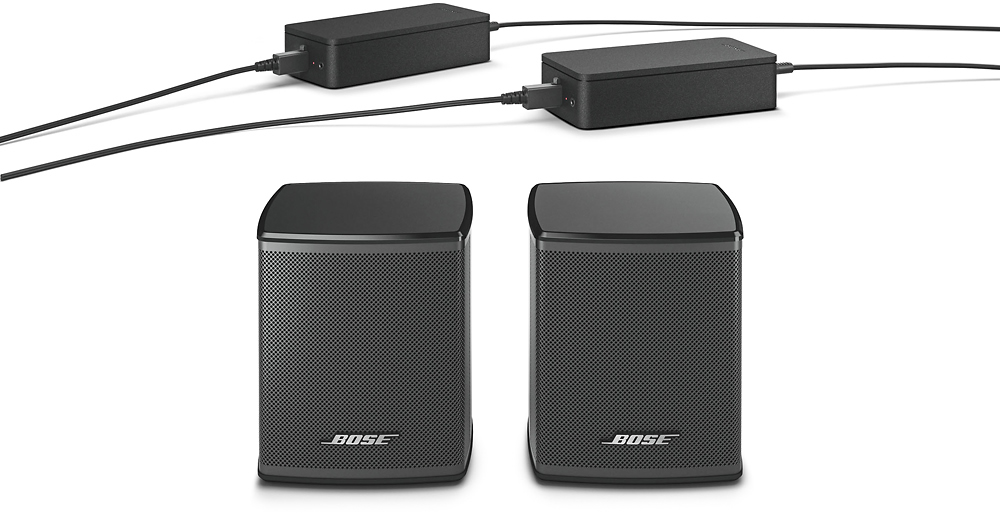
We can confirm that the SoundTouch 300 Soundbar is compatible with the Bass Module 700 and the Surround Speakers. The Surround Speakers are setup in the same way as the Bass Module was, which for the SoundTouch 300 is to plug these into power, press the "SoundTouch" button on the Bose remote, then press and hold "7" until the far right indicator starts blinking white, to which the Soundbar will pair with the surround speakers. Please ensure that one of the receiver boxes is set to "L" and the other to "R" to receive the correct audio.
We hope this helps!
A:AnswerHello!
The Wireless Surround Speakers are designed for use with either the Soundbar 500, Soundbar 700, or SoundTouch 300 Soundbar.
As noted by the other user, we do not recommend attempting to use these speakers with any device that isn't one of the Soundbars listed above, including your computer.
We would instead advise that you look at our Companion speaker line (e.g. companion 50) speakers if you would like to connect to a computer!
We hope this helps you make a decision that you are happy with!
A:AnswerHello!
Thank you for your interest in our Surround Speakers.
At the current time, only 2 Surround speakers can be paired to the Soundbar 700. When these are paired, the Soundbar itself will act as the front middle, front left and front right channels, whilst the surround speakers will act as a rear left and rear right. The Bass Module(s) act on a separate channel (The 1/2 in 5.1 or 5.2), so you can add more than one of these to a system.
We hope this helps answer your question!
A:AnswerI have a Bose 700 Sound Bar connected to a Bose Bass Module 700 and Bose Surround Speakers 300. Not all audio transmits to the surround speakers, but when it does the volume appears low even when set to the maximum setting. Perhaps this is the limitation of the system.
A:AnswerHi Giuseppe,
Thanks for your question.
The Wireless Surround Speakers are designed to connect to be used with the SoundTouch 300, Soundbar 500 and 700. They are not designed to be used by themselves.
A:AnswerHello, thanks for taking the time to ask a question regarding the Surround speakers!
We can confirm that these speakers are intended to be plugged into the receiver boxes, which is in turn plugged into a power outlet, as these speakers do not hold a charge.
We hope this answers the question!
A:AnswerIm almost positive you cant, but for what your trying to spend, your better off getting a true surround sound system, and probably save a few bucks doing so. Then you'll have the ability to and any components you want, with no issue at all
A:AnswerHi Chap, Thank you for your question. You cannot use these speakers as stand alone. They were designed to be used with our Smart home and SoundTouch 300 SoundBars and will only connect to them.