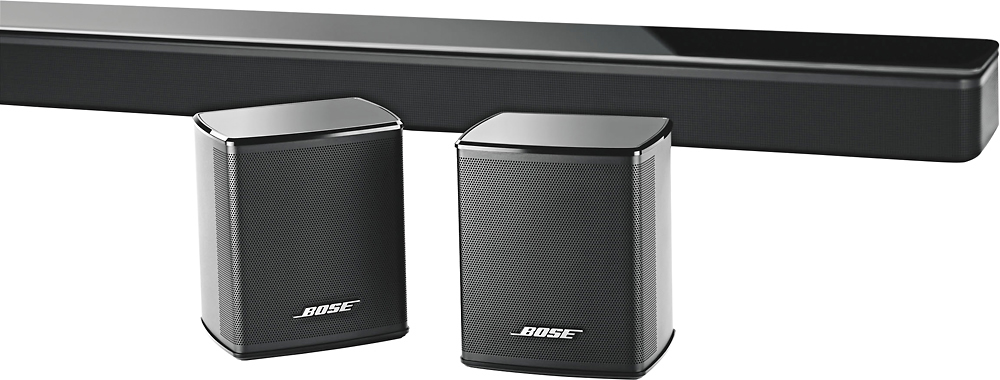
A:AnswerNo these are rear speakers to add on for left and right rear sound when paired to sound bar. Need to buy sound bar separate and required for these speakers to work
A:AnswerHello Grady,
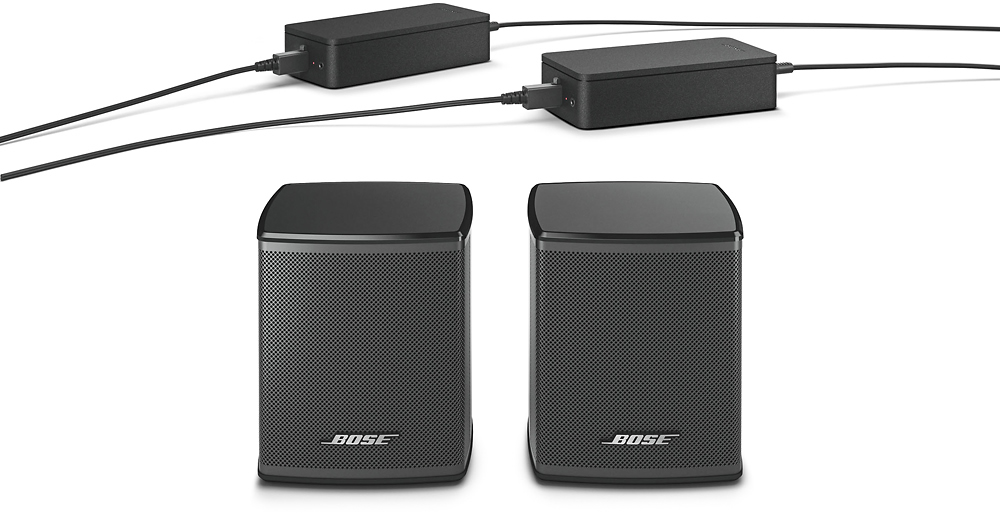
Thank you for the question. We can confirm that the connection between the rear speakers to the media console is wireless. The AC adapter cable length cannot be shorten.
Thank you again,
Mohsin - Bose Support
A:AnswerHello Oldgold, thank you for your question. Yes, the Surround Speakers are compatible with the UFS-20 Series II floor stands. Have a great day! Best Regards, Greg - Bose Support
A:AnswerHi, Chito.
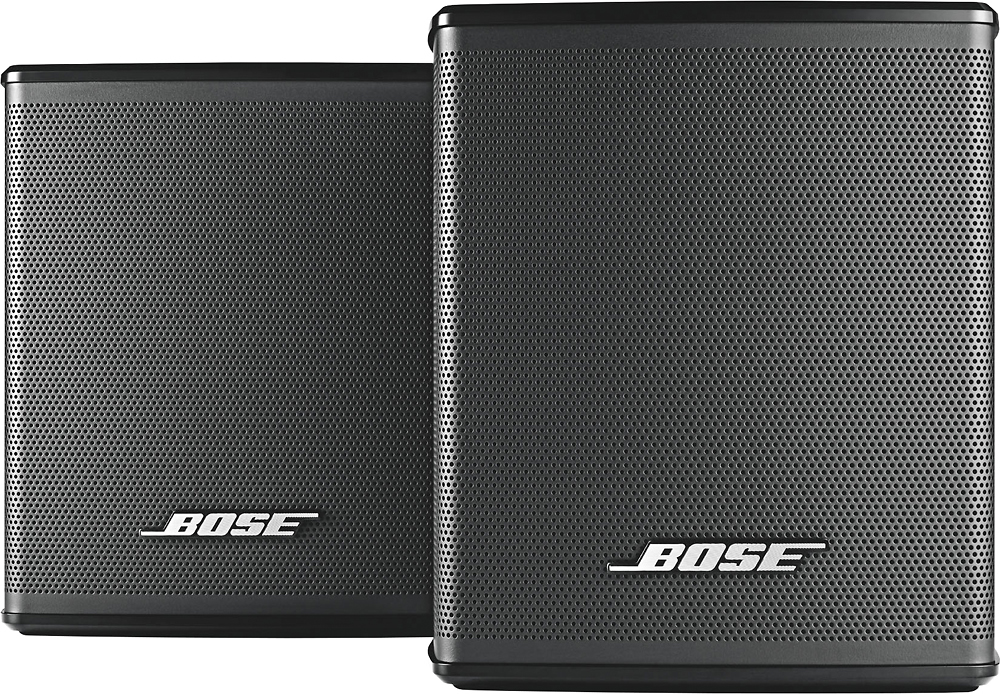
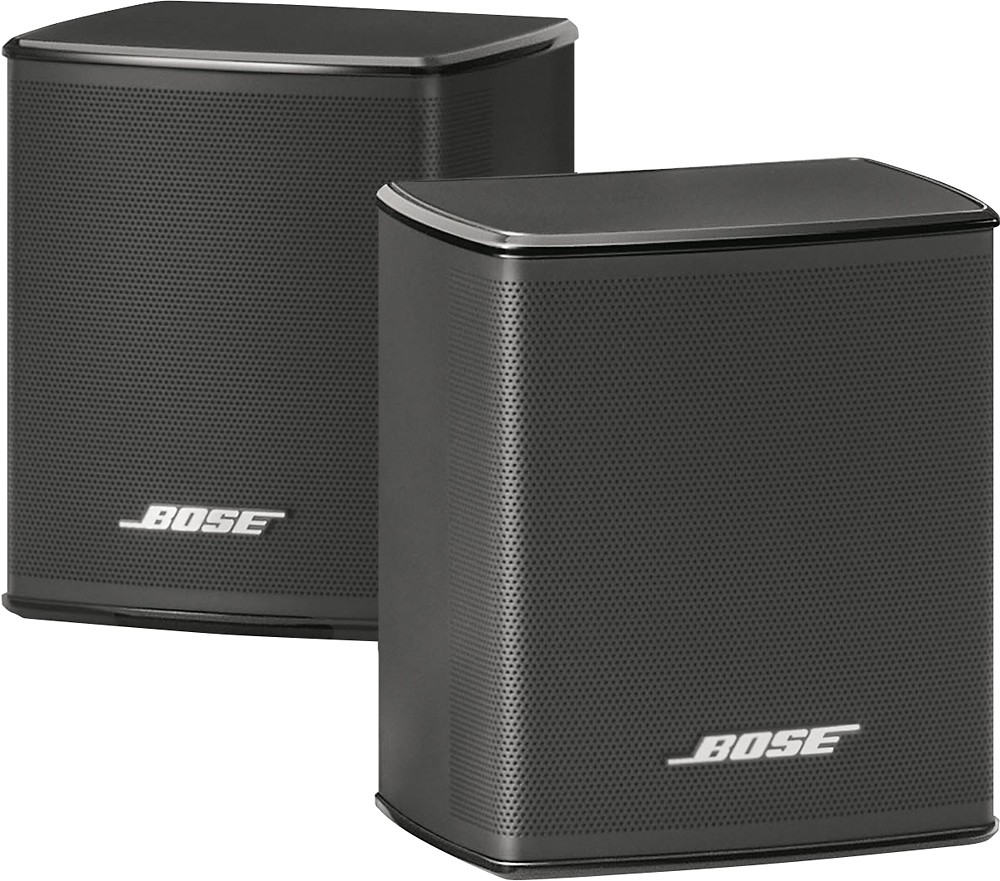
Thank you for your interest in the Virtually Invisible 300 wireless surround speakers! These speakers will pair with your SoundTouch 300 soundbar and Acoustimass 300 bass module to create an incredible 5.1 surround sound experience. Enjoy your movies, and have a great day!
Jesse - Bose Support
A:AnswerThank you for your question, Eddie! The Virtually Invisible 300 surround sound speakers are specially designed to pair with the SoundTouch 300 soundbar. They are not compatible with any other system or 3rd party receivers. Kind regards. Ashley - Bose Support

A:AnswerHello Mark77! Thanks for your question regarding the Virtually Invisible 300 wireless surround sound speakers. We recommend the using the authorized brackets to mount the speakers. We have brackets available that will allow you to mount them to your walls. They are required to be plugged into power and include a thin cable that runs from the speaker to the power adapter that plugs into the wall. The wall brackets can be seen here https://bose.life/2CBDDNU and here https://bose.life/2x5SYk2. We hope this helps! Best regards. Ashley - Bose Support

A:AnswerHello! Thank you for your question. To adjust the volume settings of the Virtually Invisible 300 wireless surround sound speakers, you'll want to download the SoundTouch app. Within the app you will want to choose the menu icon in the upper left. Then, you will want to choose "Settings" > "Speaker Settings" > and select the system to adjust. From the Speaker Details screen, select "Audio Settings". Under "Surround Level" or "Center Level," use the left and right arrows on either side of the level bar to adjust the level. If you should need additional assistance, please feel free to reach out to our technical support team in your region. Have a great day! Ashley - Bose Support

A:AnswerHello, Bruce. Thank you for your question. We're glad to help. The Virtually Invisible 300 wireless surround speakers are engineered specifically to be enjoyed as rear speakers for the SoundTouch 300 soundbar. As another customer mentioned, the SoundTouch 300 soundbar itself will produce the front left, center, and front right audio channels. If you are interested in setting up a new home theater system, our support team would be happy to answer any additional questions at 1-800-367-4008. They are available M-F 9 AM to 9 PM Eastern. Thank you, and have a great day! Jesse - Bose Support
A:AnswerHello, Laligam. Thank you for your question! Speaker cable is available through our support team to physically connect your Lifestyle 600's rear speakers to the front media console. Please contact our team at 1-800-367-4008 for further assistance. They are available M-F 9 AM to 9 PM Eastern. Thank you, and have a great day! Jesse - Bose Support
A:AnswerHello, Bob. Thank you for your interest in the Virtually Invisible 300 surround speakers. Just to provide some clarification, the VI300 are currently compatible with one product, the Bose SoundTouch 300 Soundbar. The speakers include a wall adapter to receive power, and then they wirelessly receive audio signals from the SoundTouch 300. For the best advice in putting together your home theater system, we'd recommend reaching out to our tech support team at 1-800-367-4008. They are available M-F 9 AM to 9 PM Eastern. Thank you, and have a great day! Jesse - Bose Support
A:AnswerHello Alejandro, thank you for your question. The SoundTouch 300 system is able to receive a Bluetooth signal, it is not capable of transmitting Bluetooth. Have a great day! Best Regards, Greg - Bose Support
A:AnswerHello there! The Virtually Invisible 300 surround sound speakers are designed specifically to pair with only the SoundTouch 300 soundbar. If you wish to add additional speakers to your Wave SoundTouch IV, we recommend a speaker from our multi-room collection such as the SoundTouch 10, 20, or 30 wireless speaker. Have a wonderful day! Ashley - Bose Support