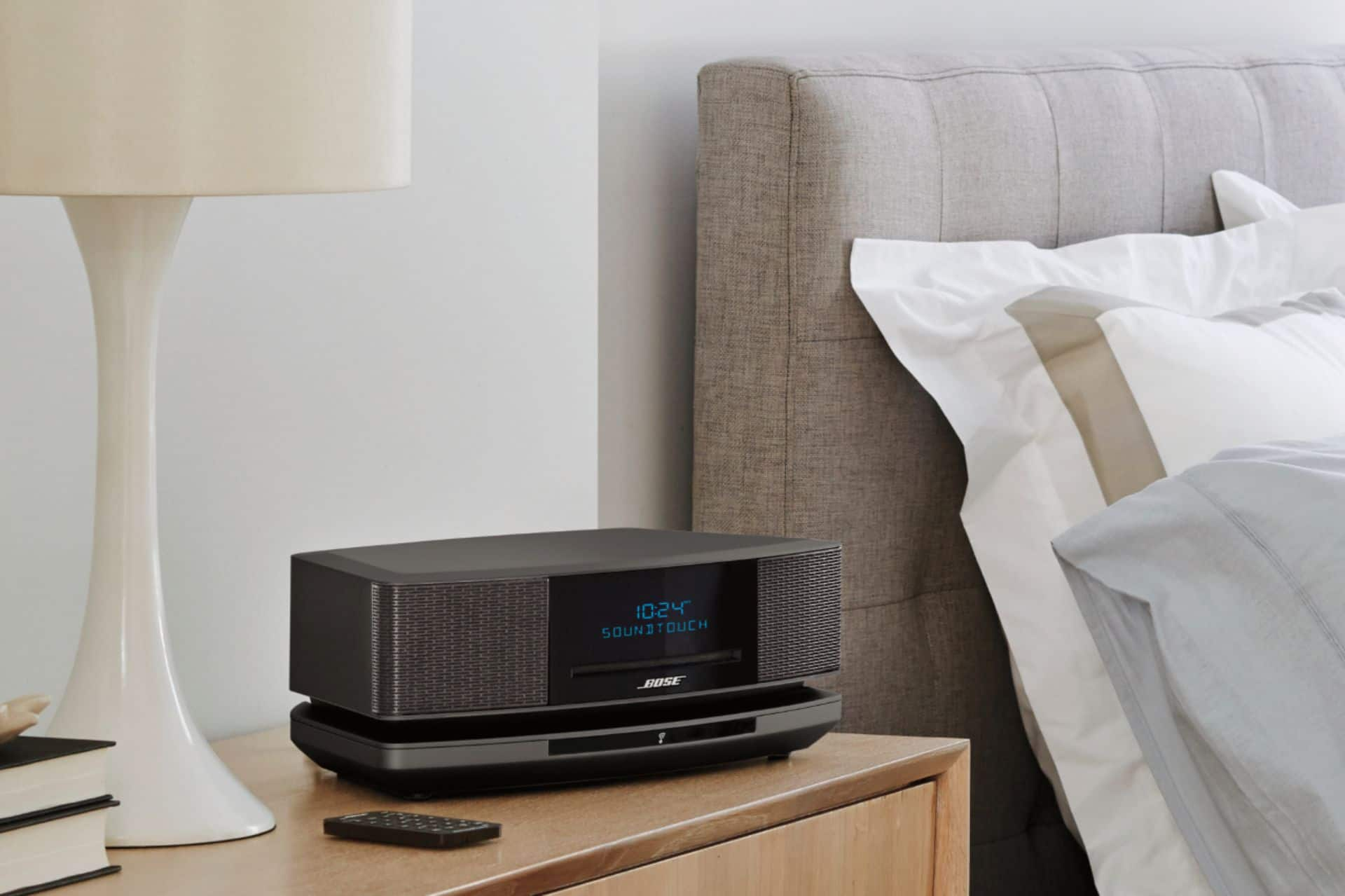
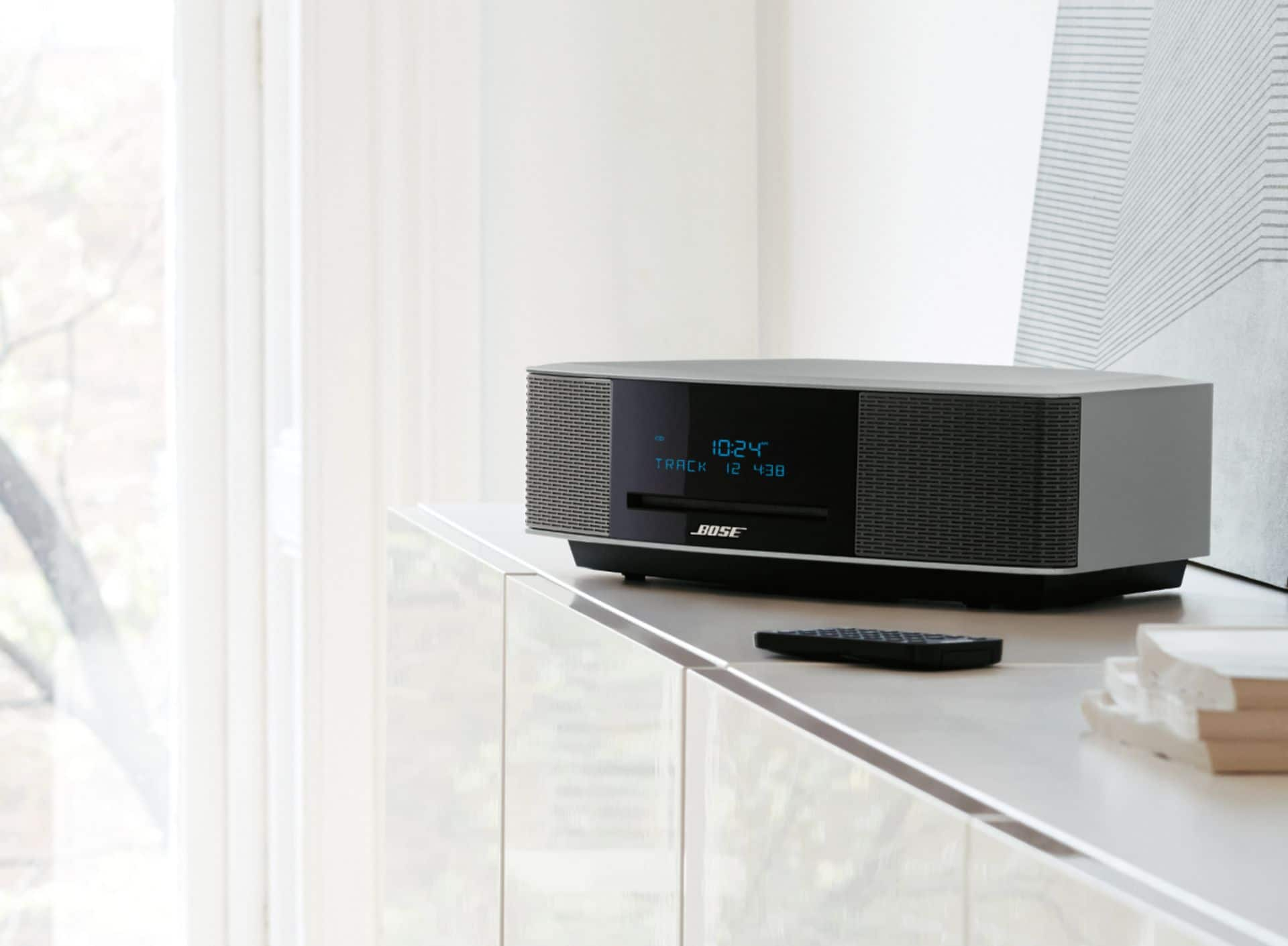
A:AnswerThank you for your inquiry. You could certainly use these devices, but you will need to use a stereo-RCA (red/white) to 3.5mm adapter. The USB ports cannot be used for audio/media playback. These should only be used for setup and software update purposes. We hope this helps! - Brian
A:AnswerIf this system was just a radio/cd player I would pay perhaps $150 for it. However, the system is suppose to operated with your wifi which gives you access to the music on your PC. The pedestal to make this part work doesn't work. Therefore, $599 or even $499 is way too much for this system.
A:AnswerHi Izzy4,
Thank you for asking this question. You can attach a SoundTouch Wireless Link Adapter to your Wave Music System III to stream music from your home WiFi or Bluetooth enabled devices.
Hope that helps! Thank you
A:AnswerHi, That's a great question. There is no Bose Multi-CD changer accessory made for the Wave Music System IV. But, the system does have an auxiliary input. You can connect any external CD changer that can connect to a 3.5mm audio port. Have a great day!
A:AnswerHi, That's a great question. There is no Bose Multi-CD changer accessory made for the Wave Music System IV. But, the system does have an auxiliary input. You can connect any external CD changer that can connect to a 3.5mm audio port. Have a great day!
A:AnswerWe would like to learn more about the difficulties you are experiencing and work with you to find a resolution for this issue. Please contact us at 1-800-379-2073. We are open Mon. – Fri., 9 AM – 8 PM EST.
A:AnswerThank you for your inquiry; we are happy to help! Here is a link to the Owner's Guide for our Wave SoundTouch Music System IV http://bose.life/2wGPBPG. To turn alarm 2 on or off, you will want to press the '2' button in the Alarms section at the bottom of your remote. Note: Alarm 2 is on when a time with a '2' icon next to it appears on the right side of the display. We hope this helps!
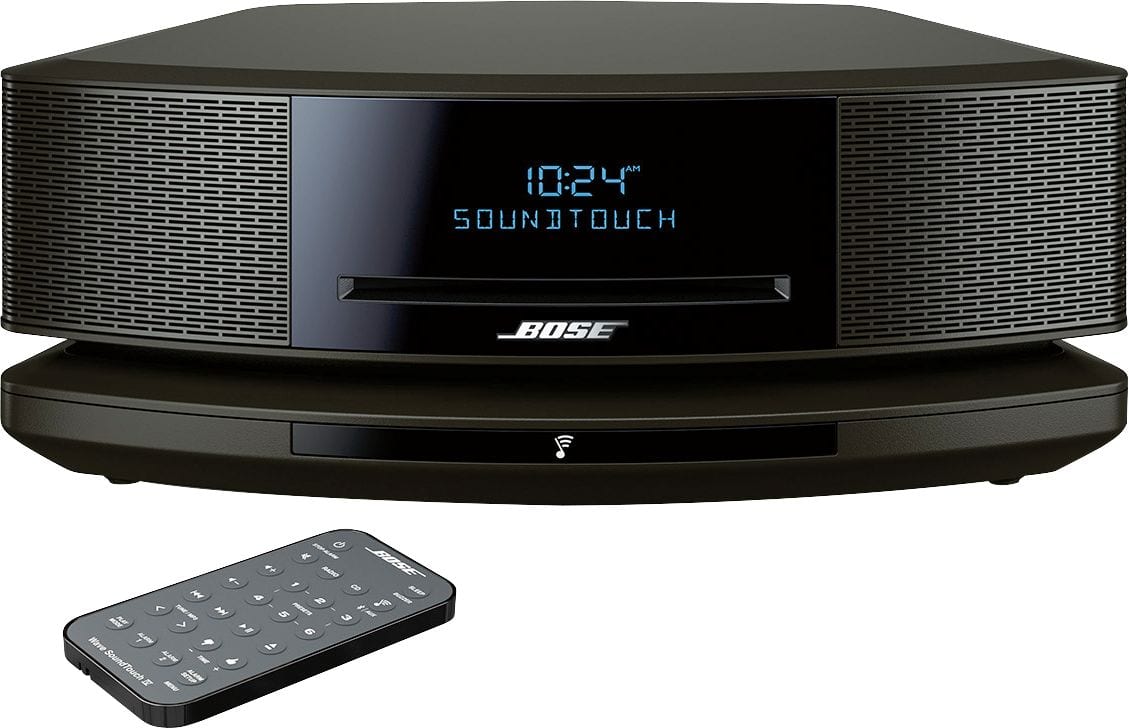
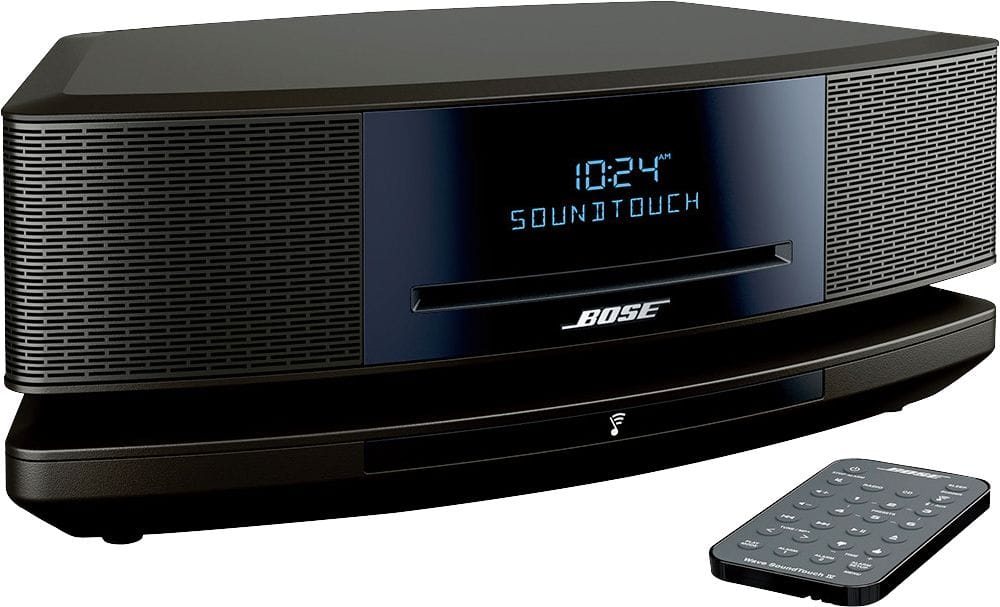
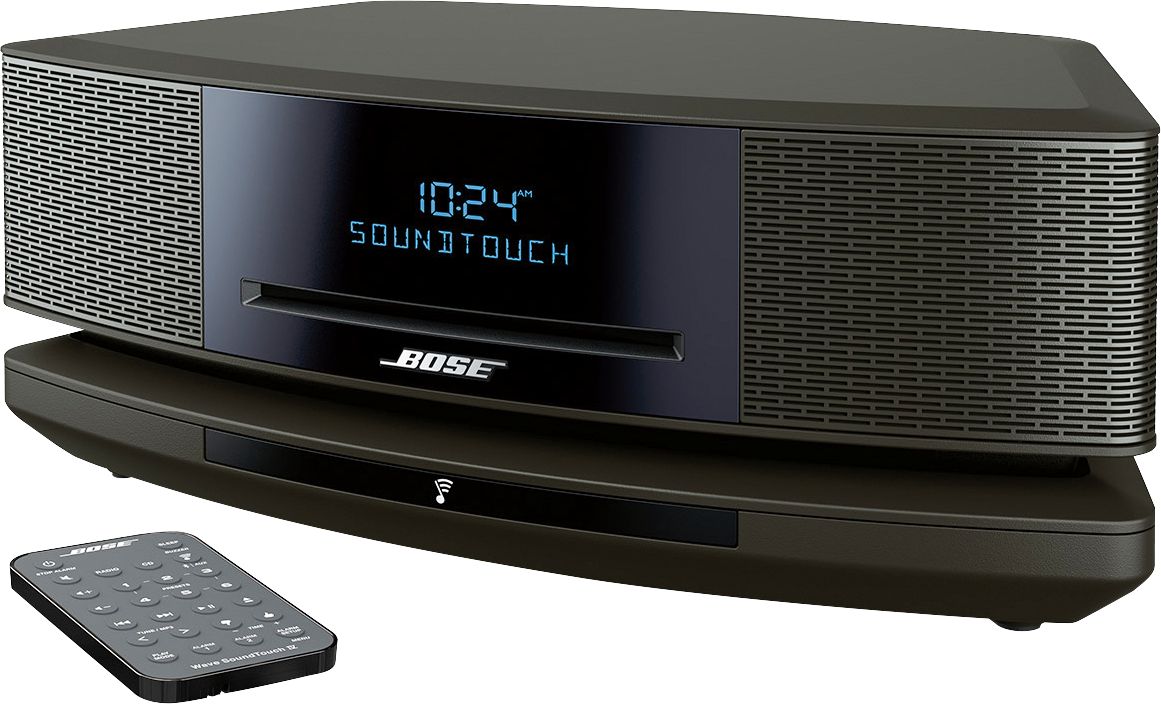
A:AnswerThank you for your inquiry. Absolutely! The Wave SoundTouch Music System IV has a built-in AM/FM tuner. You will also have the ability to stream thousands of radio stations from around the world using SoundTouch music services (requires a connection to your home Wi-Fi/Ethernet network). We hope this helps!
A:AnswerHi AnnaMarie. We'd recommend reaching out to your local Bose Technical Support Team by phone. Regional contact information can be found at https://global.bose.com. After selecting your region, navigate to the top-right corner of the page and select 'Support'. Then, scroll to the bottom of the page and select 'Contact Us'. Best regards!
A:AnswerHello Jell, thank you for asking this question!
Pressing the Play Mode button on the remote lets you cycle through the options. For instance, Shuffle Disc, which will play all tracks once in random order.
Hope that helps!
Thank you
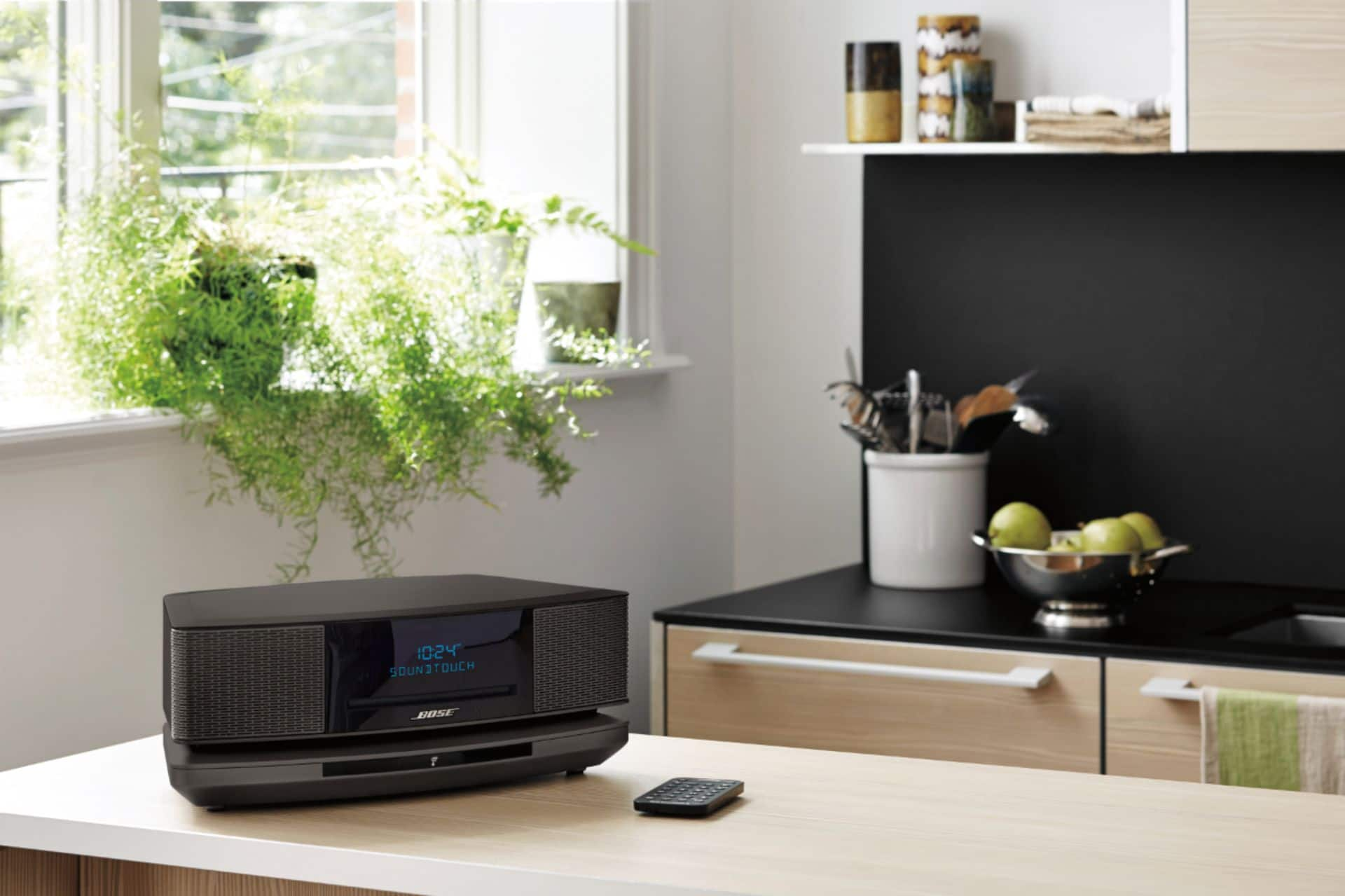
A:AnswerI would not recommend placing this unit inside any cabinet due to the sound coming out of the front AND the back. The sound needs at least a foot or two to "bounce" around and fill the room with that wonderful Bose sound. I have mine sideways on the table, which allows the sound to mix perfectly, as expected.