A:AnswerYes, the Brother DS740D machine is able to scan to editable text. Below is an FAQ that will show you how to do it:
https://help.brother-usa.com/app/answers/detail/a_id/152720
A:AnswerYes, this is compatible with Windows 11. The cover is fairly thin, but it works well. The cover is not for fragile items though. It is so you can put it against the wall and save space. With the cover closed it goes straigt out the back. With it open it goes in and come out the top.
A:AnswerThe Brother can only scan a 2-sided document that is up to 8.5 inches x 16 inches. A document 28 inches in length would be to long to scan 2-sided.
A:AnswerThe Brother DS740D does not support Wi-Fi or Bluetooth scanning. A similar model that does support scanning with Wi-Fi would be the DS-940DW. This model doesn't support Bluetooth but has the Wi-Fi direct feature which will allow you to print wirelessly from a mobile device without a router similar to Bluetooth.
A:AnswerThe recommended paper for the Brother DS740D are:
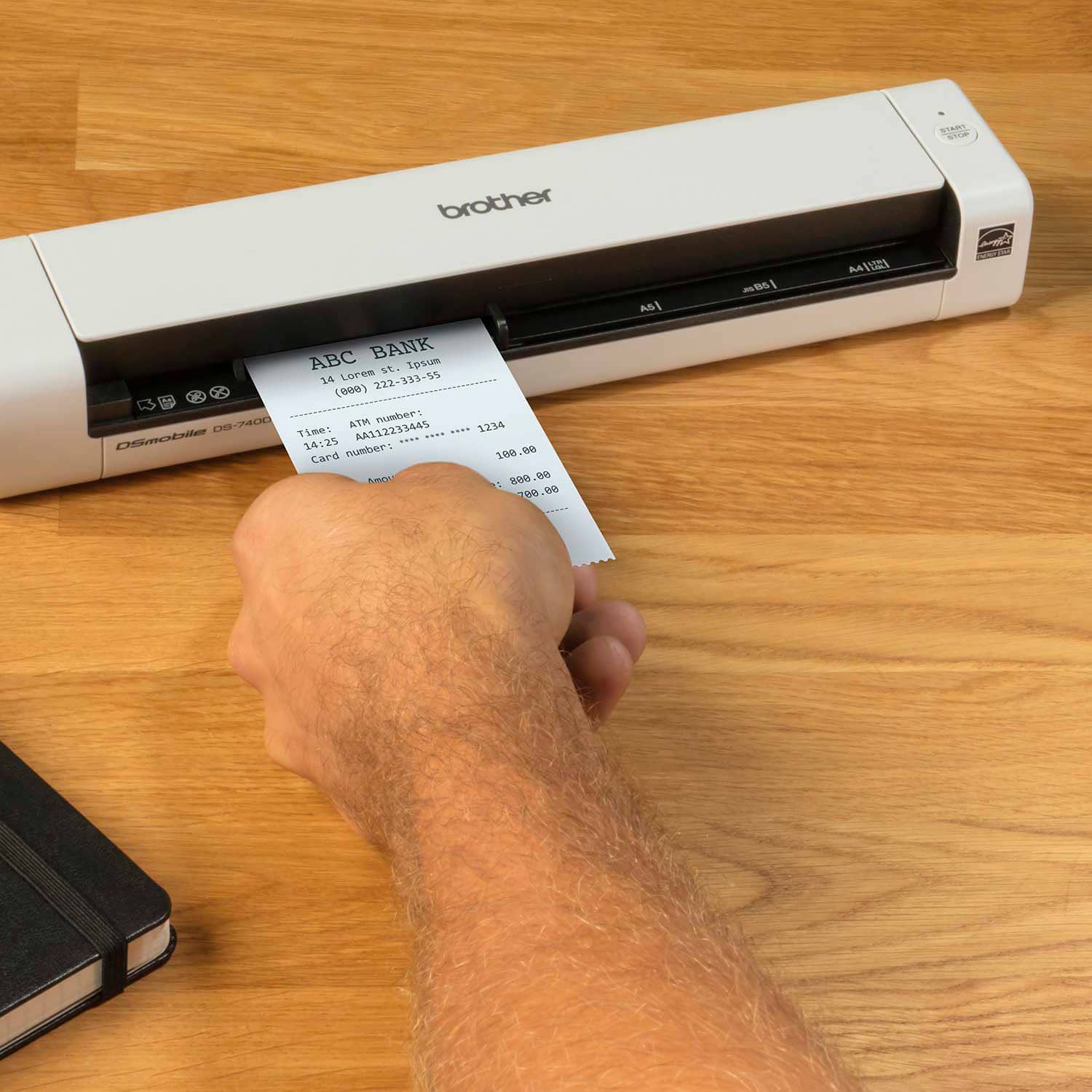
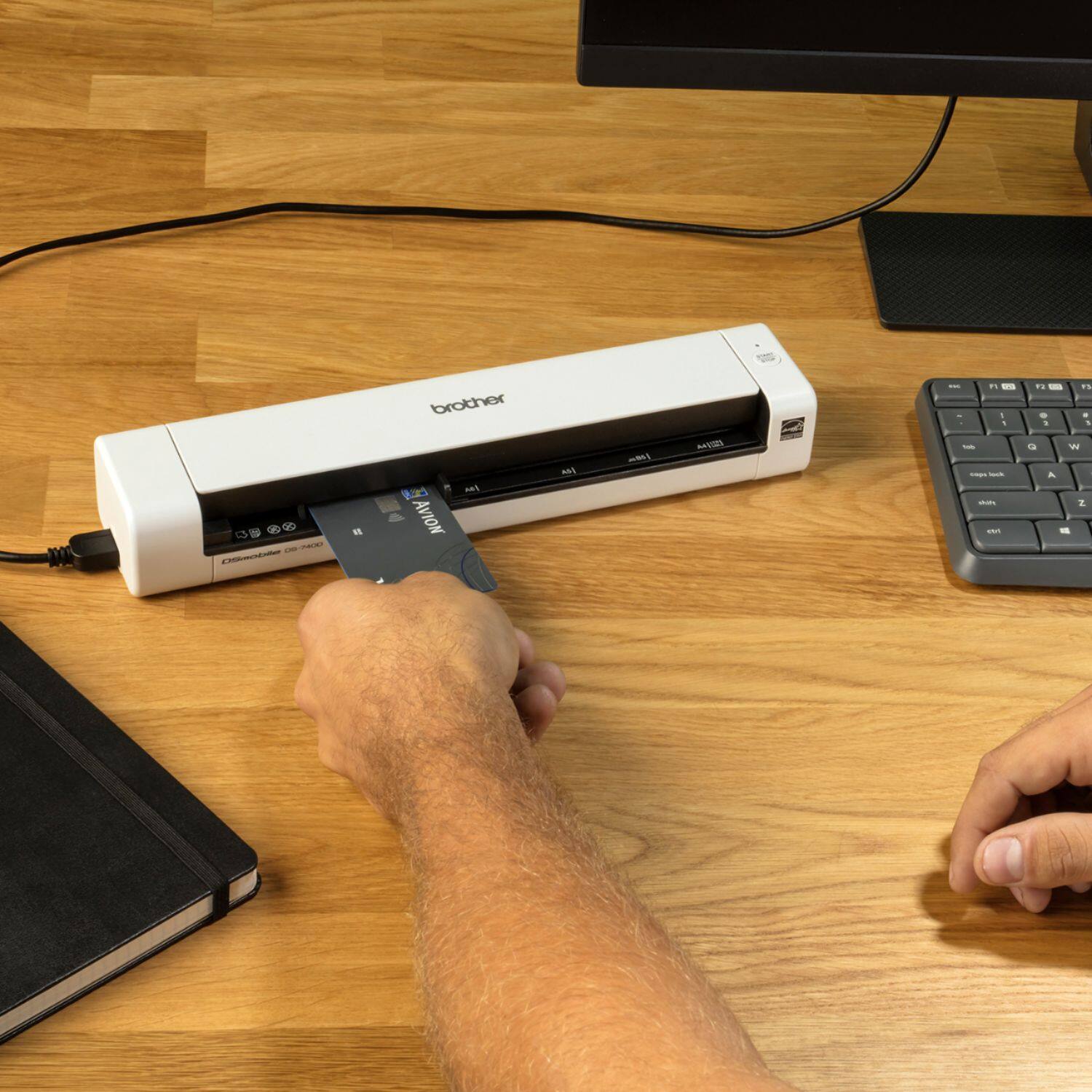
Paper Type Photo, Paper, Card (embossed), Business Card, Receipt
Document Size: DSmobile DS-740D/DSmobile DS-940DW:
Single-sided Scan
3.4 in. x 2.0 in. to 72 in. x 8.5 in. (86.4 mm x 50.8 mm to 1828.8 mm x 215.9 mm)
2-sided Scan
3.4 in. x 2.0 in. to 16 in. x 8.5 in. (86.4 mm x 50.8 mm to 406.48 mm x 215.9 mm)
Output Guide
4.13 in. x 2.91 in. to 11.69 in. x 8.5 in. (105 mm x 74 mm to 297 mm x 215.9 mm)
Below is a link with the specification for the Brother DS740D.
Answer Link: https://support.brother.com/g/b/spec.aspx?c=us&lang=en&prod=ds740d_all
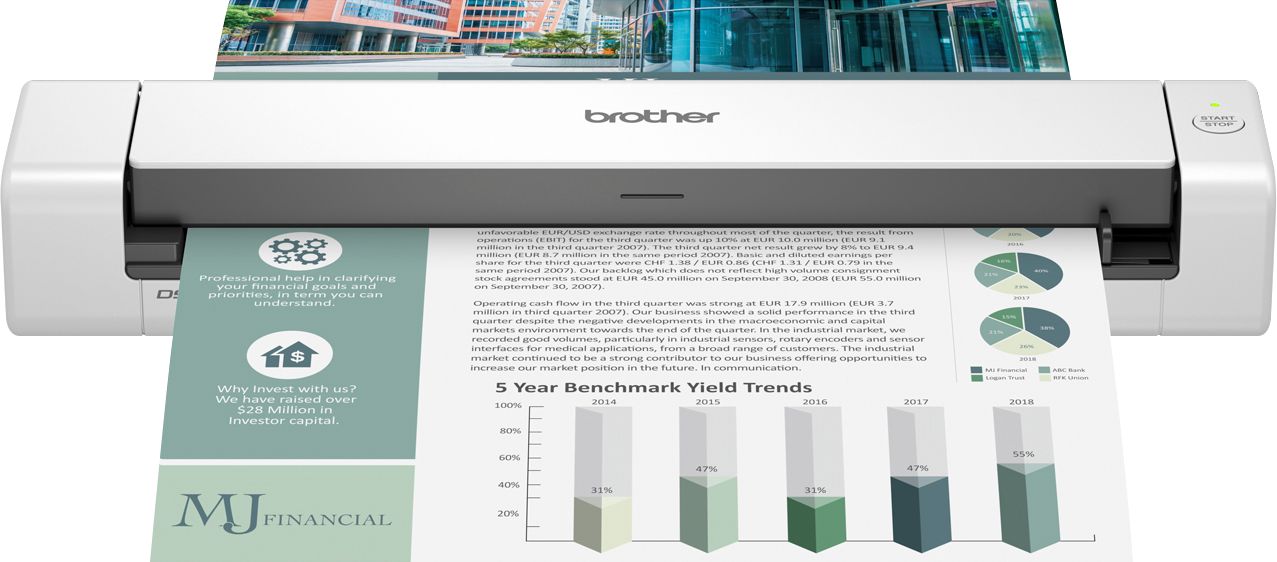
A:AnswerThe Power Source for the Brother DS-740D is USB bus-power. The Brother DS-740D needs to be plug in via USB to the computer in order to get power.
Below is a link to the specifications to the Brother DS-740D.
Brother DS-740D specifications: https://support.brother.com/g/b/spec.aspx?c=us&lang=en&prod=ds740d_all

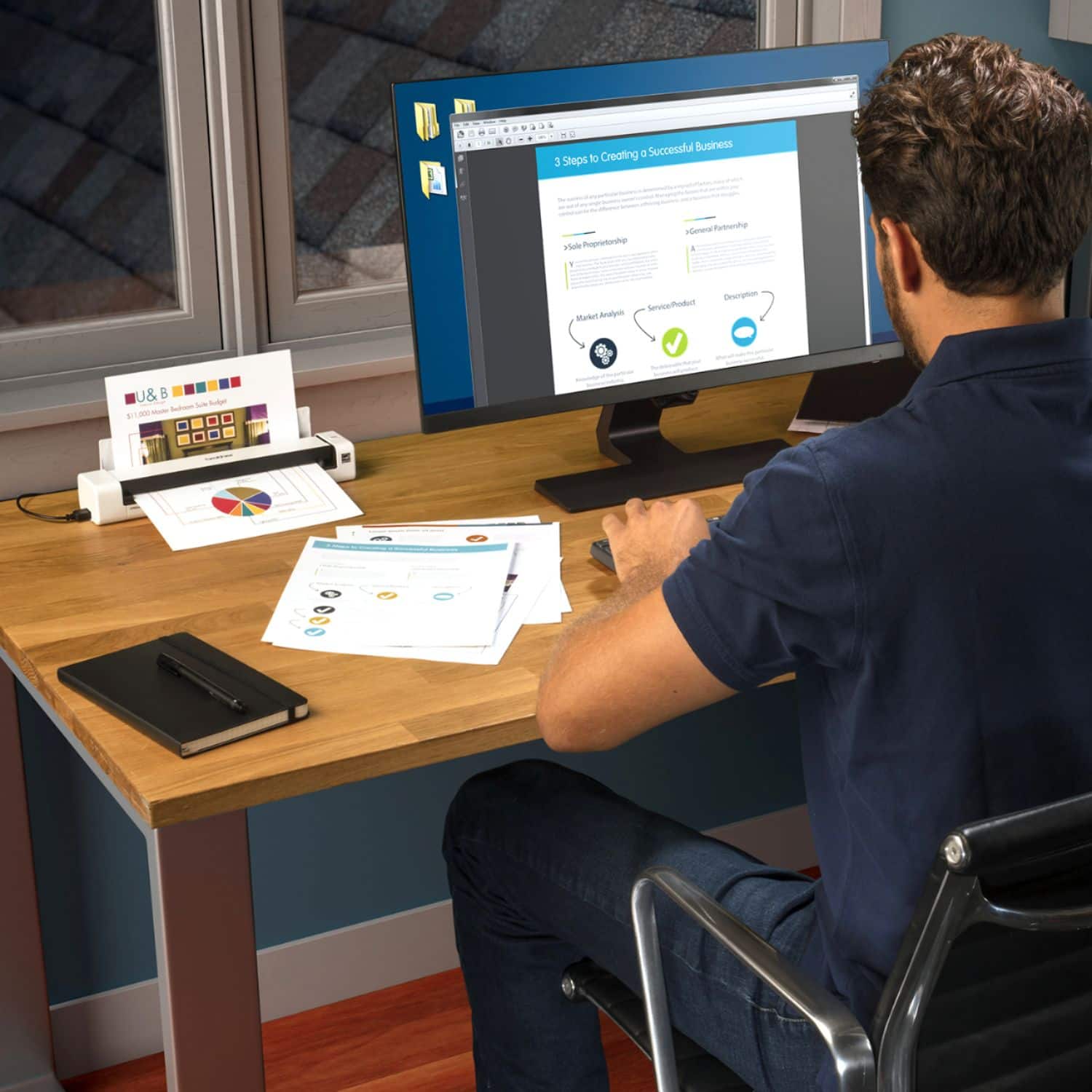
A:AnswerNo, the Brother DS740D is not able to scan with mobile devices. The Brother DS740D is only able to be used with computers, Windows and Mac via USB Cable.
A:AnswerThe Brother DS740D software includes a TWAIN compliant scanner driver, which allows you to scan directly into hundreds of software applications that support TWAIN scanning.