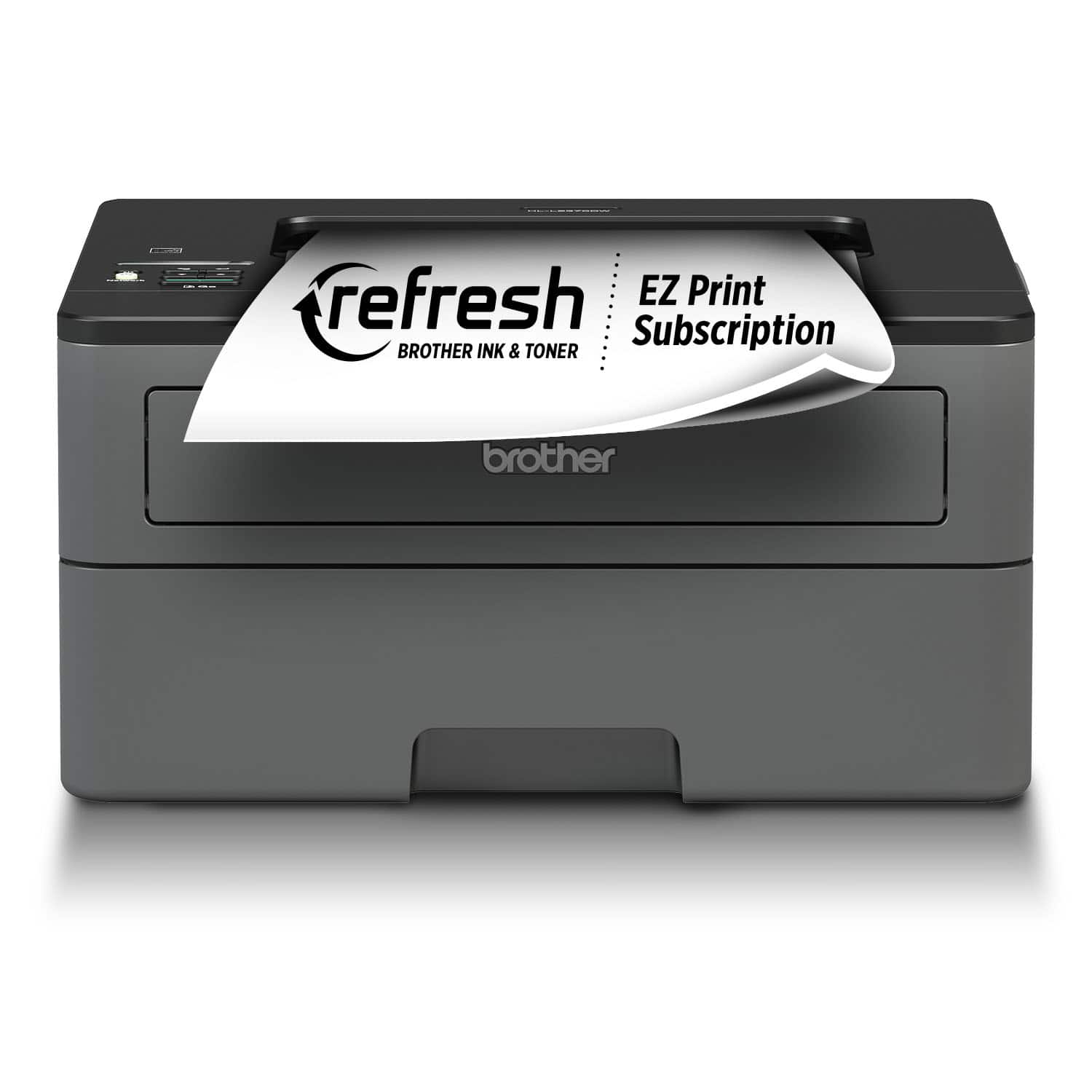
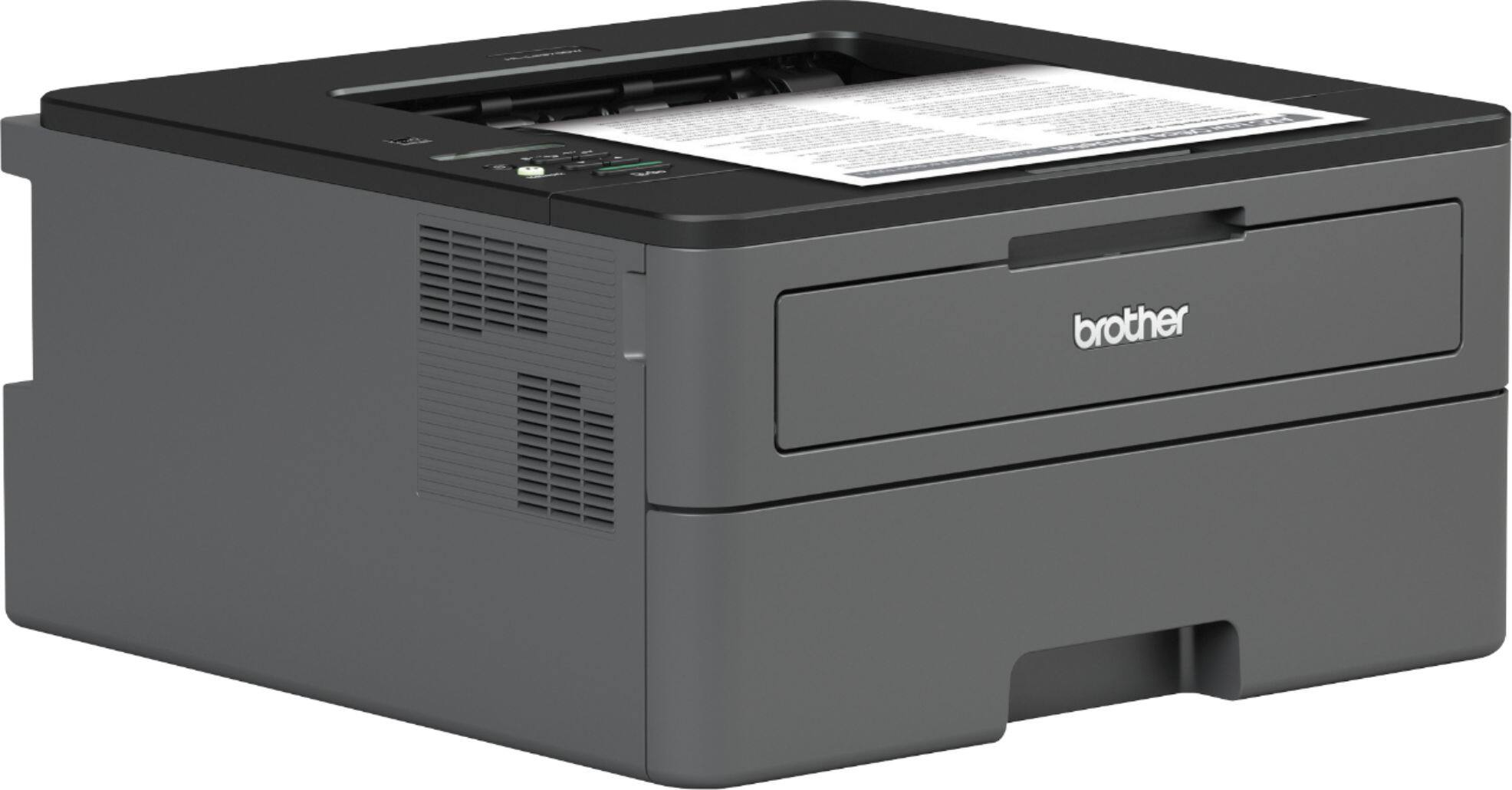
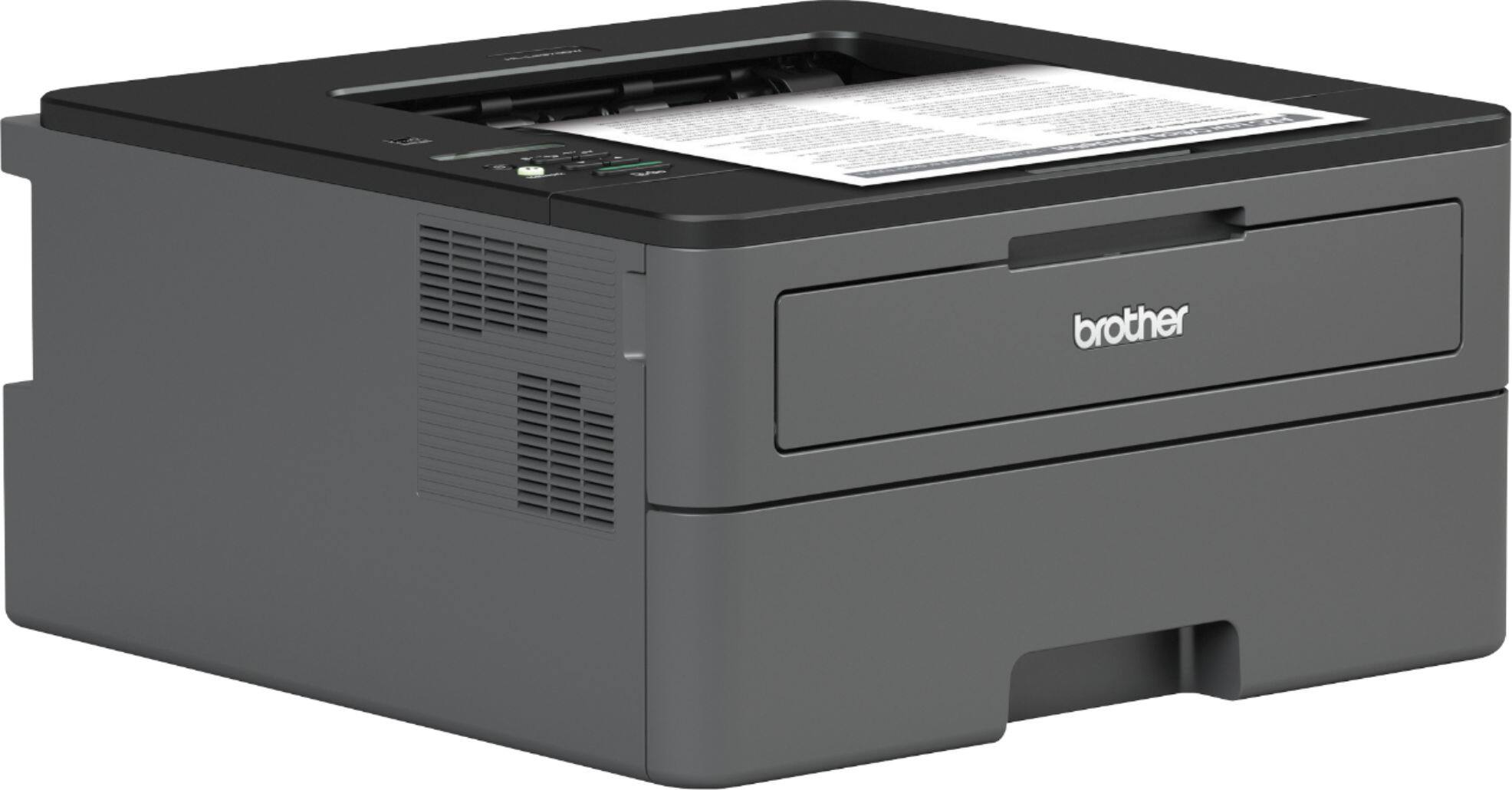
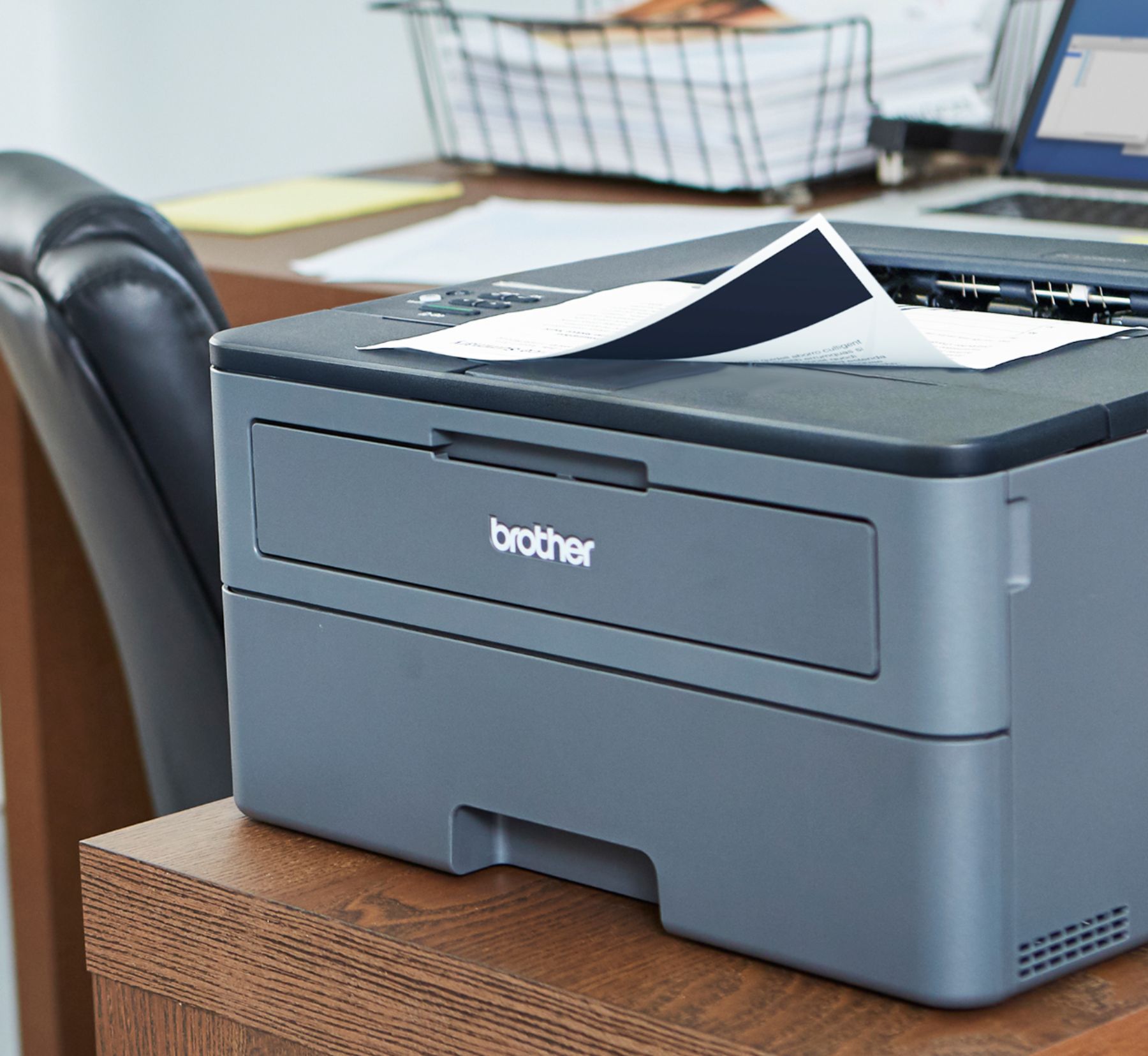
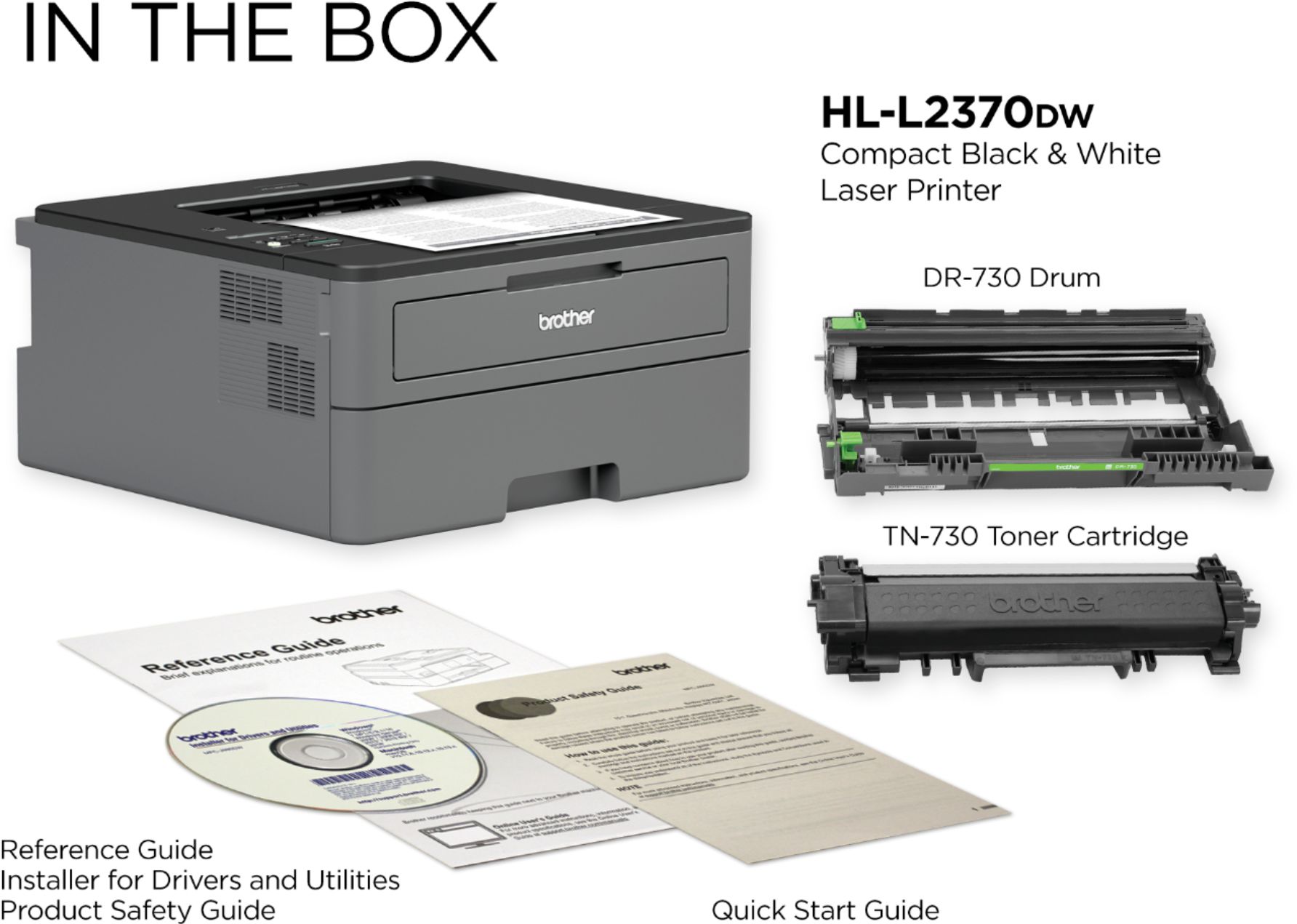
A:AnswerThe Brother HL2270DW machine works with Brother TN420 Standard Yield and/or TN450 High Yield toner cartridge. The Brother HLL2370DW machine works with Brother TN730 Standard Yield, TN760 High Yield and TN770 Super High yield toner cartridges.
A:AnswerWe are sorry to hear that your Brother HLL2270DW machine is not working properly. We know this is frustrating. We would love to hear from you with details to be able to get your machine up and running again. Our Brother Customer Support Team is on stand-by to provide quality products and service to our customers via online, email or live chat: www.brother-usa.com/brother-support
A:AnswerNo, is not necessary to replace the drum using your Brother HLL2370DW machine if the toner needs to be replaced. The machine will display a replace drum message at the moment that a new drum is needed.
A:AnswerThe Brother HL-L2370DW printer does not automatically enroll to the auto-fulfillment service. We have many helpful resources on our support website with step by step instructions on how to enroll. For better assistance, feel free to contact Brother Customer Service directly.
A:AnswerHere's a list of Mac OS that is compatible with the Brother HL-L2370DW.
https://support.brother.com/g/b/oslist.aspx?c=us&lang=en&prod=hll2370dw_us
A:AnswerNot directly. I did not see a connection for a phone line, just a USB connection. But, if you can get the fax to your computer, you can obviously print it.
A:AnswerThe latest version of drivers, software, and manuals for the Brother HL-L2370DW can be downloaded from the Brother Solutions Center at http://support.brother.com.
A:AnswerAccording to the manual, which is on-line by the way,
Power - 1,100 watts peak; 468 normal printing; 4 watts standby
Temp - 50-90 F
Humidity - 20 - 80%