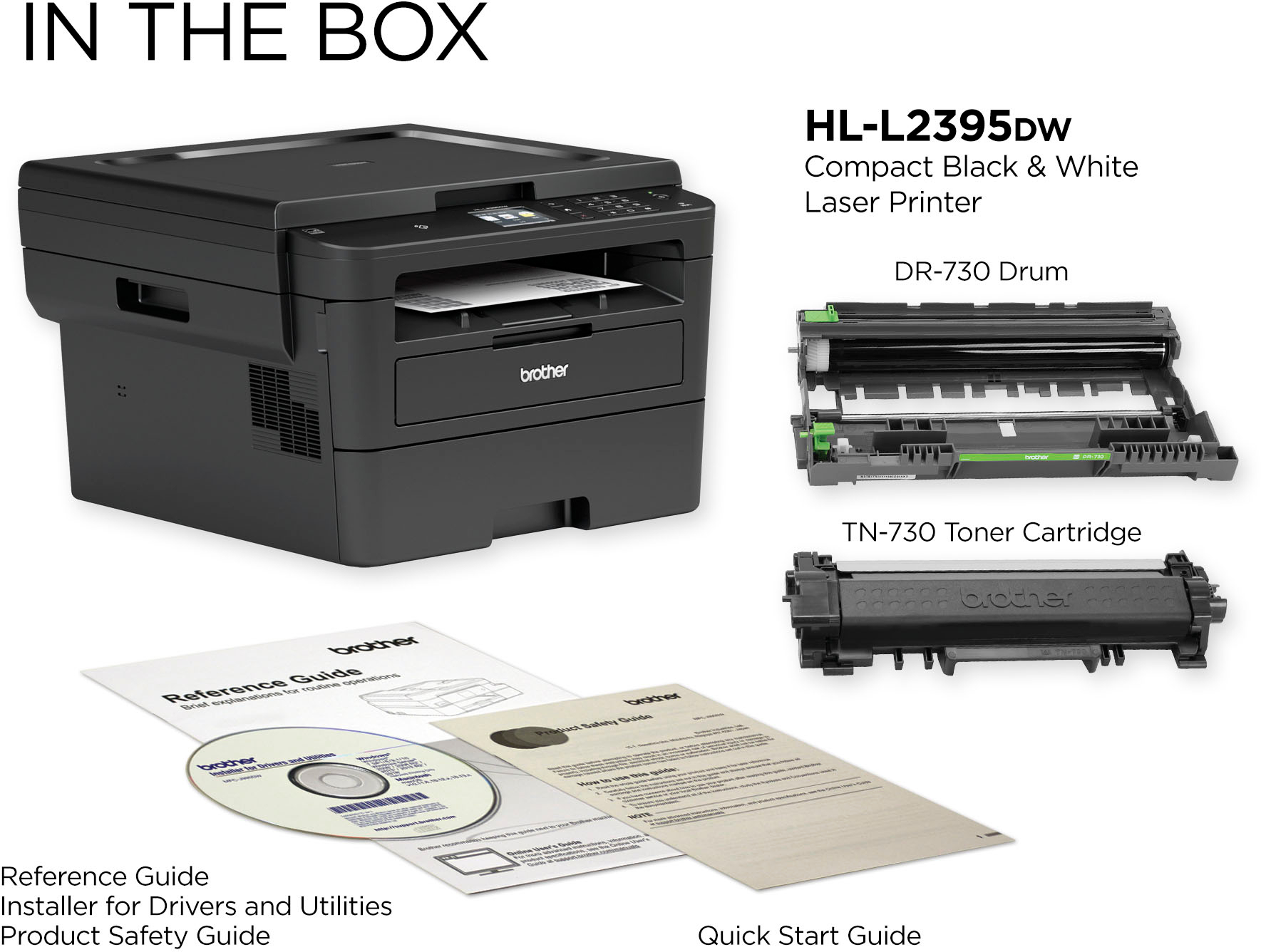
A:AnswerNo, but that's more an issue with Chrome OS, NOT this printer. That said, the networking on this printer is very solid. If you needed to use cloud-print, I don't think you'd be disappointed.
A:AnswerDear Anonymous;
Yes, there is an Ethernet port in the back. This makes it easier to connect if you don't have a good Wi-Fi signal.
All the best.
Consultant Brian
A:AnswerVista is not listed on the drivers page here: http://support.brother.com/g/b/downloadtop.aspx?c=us_ot&lang=en&prod=hll2395dw_us_as But you really should upgrade. You can take a chance and hope a Windows 7 driver will work.
A:AnswerThe Brother HLL2395DW machine will work with the OS listed here:
https://support.brother.com/g/b/oslist.aspx?c=us&lang=en&prod=hll2395dw_us_as
The print feature is supported using Google ChomeBook, you can check it at:
https://help.brother-usa.com/app/answers/detail/a_id/174303
A:AnswerSeveral articles are already on the net addressing this issue. 1 of them will explain how to install using the printers internal IP address, another recommends using a USB cable to a PC. Or you could configure the printer using a network. Also it is WIFI enable with latest operating systems, turn it on (WIFI feature) on the printer and the PC should find it. Even my 7 yr. old tablet finds it. I own and already tested my Chromebook so I'm ready. See support.google.com: Migrate from Cloud Print (CUPS). On Jan. 1st make sure to disable Cloud Print Service.