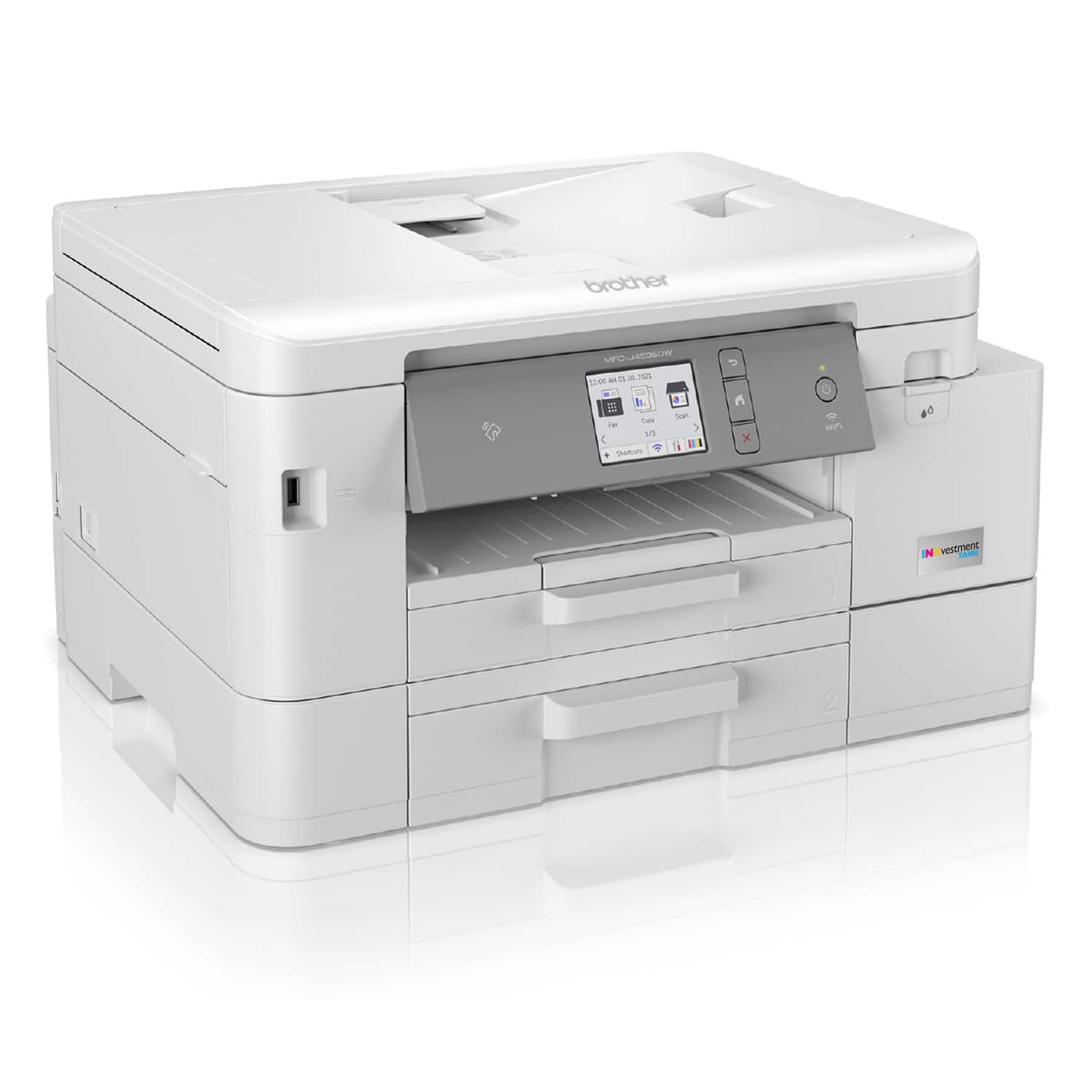
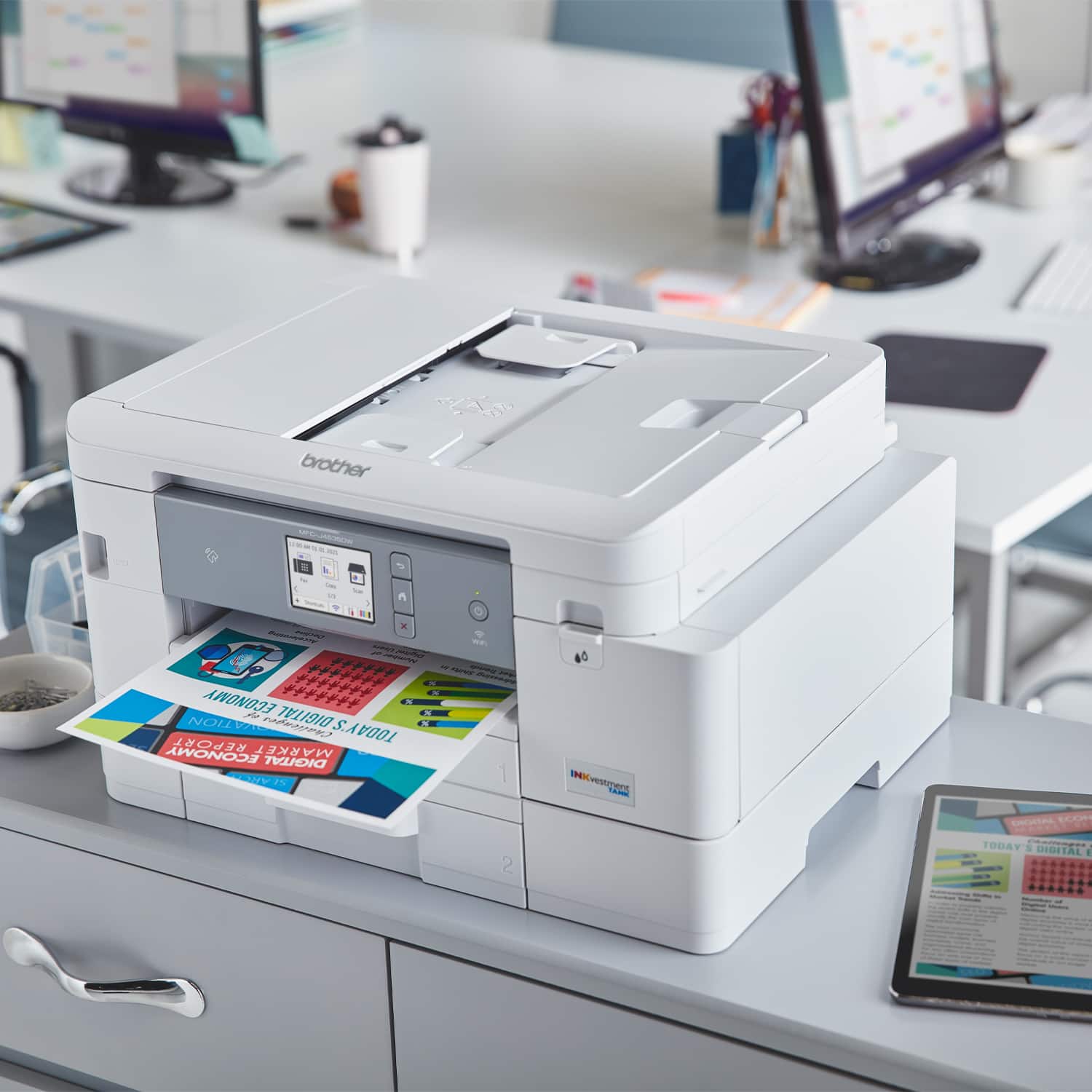
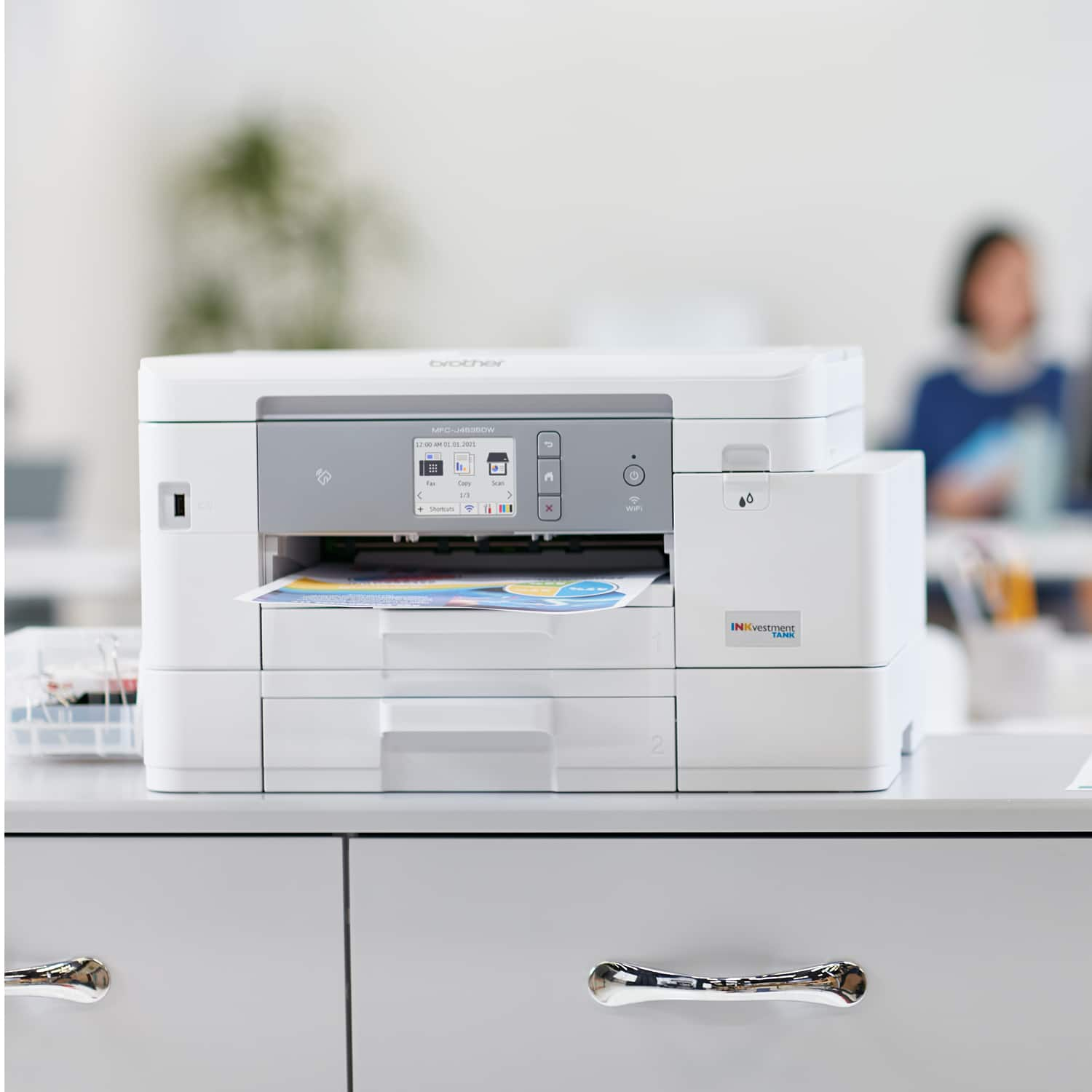
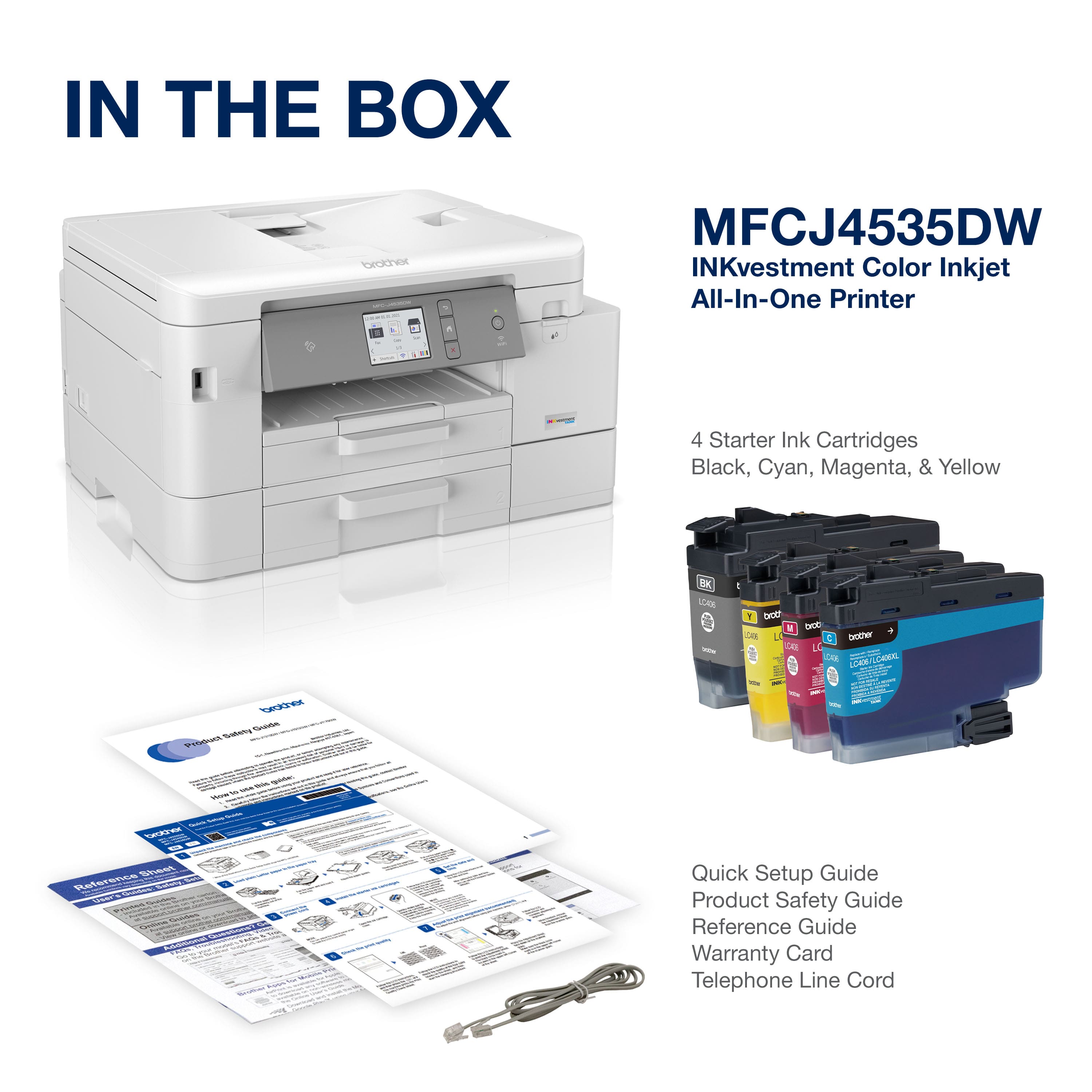
A:AnswerUnfortunately the Brother MFCJ4535DW machine is not able to handle 11x17 Ledger size paper. You can check the following models:
Brother MFCJ5845DW, Brother MFCJ6530DW, Brother MFCJ6545DW, Brother MFCJ6930DW.
A:AnswerUnfortunately the Brother MFCJ4535DW machine does not support WPA3 router security protocol. These are the Wireless Security Protocols supported:
SSID (32 chr), WEP 64/128bit, WPA-PSK(TKIP/AES), WPA2-PSK(TKIP/AES)
A:AnswerUnfortunately the Brother MFCJ4535DW machine does not support WPA3 protocol. The supported protocols are: SSID (32 chr), WEP 64/128bit, WPA-PSK(TKIP/AES), WPA2-PSK(TKIP/AES)