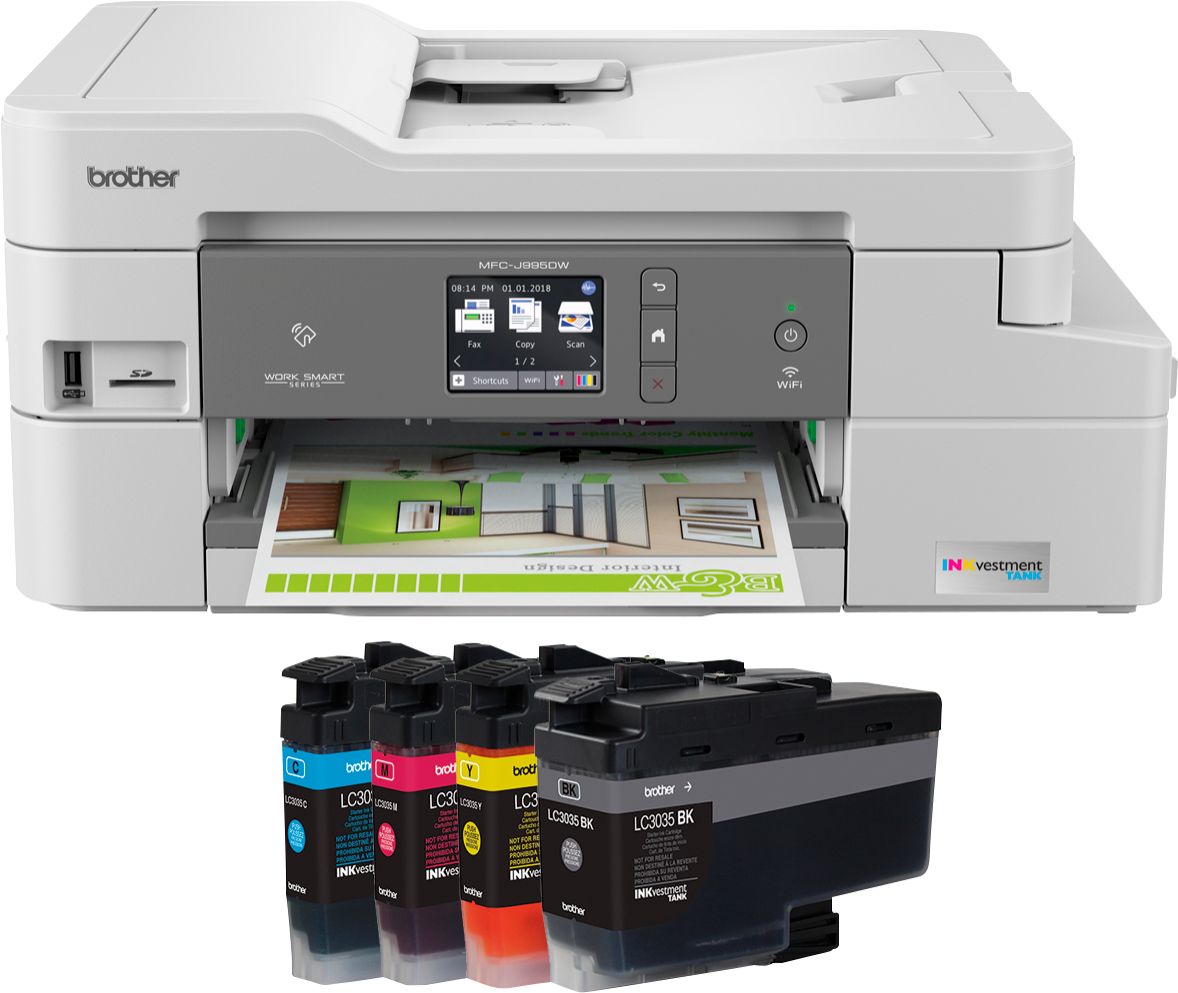
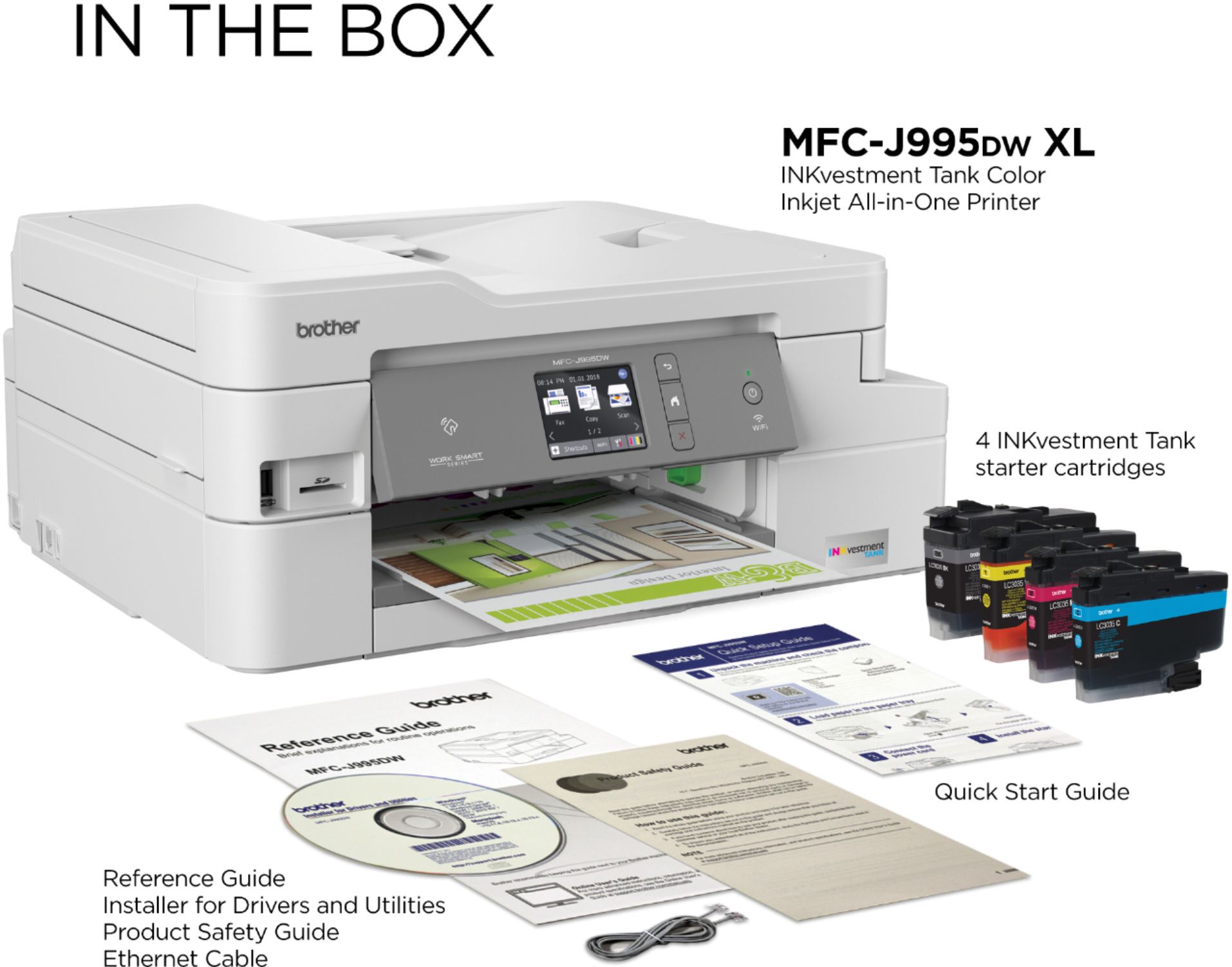
A:AnswerThe difference in the two machines are the ink that comes included with the printer. The XL model comes with 2 years worth of ink compared to 1 year for the non XL model.
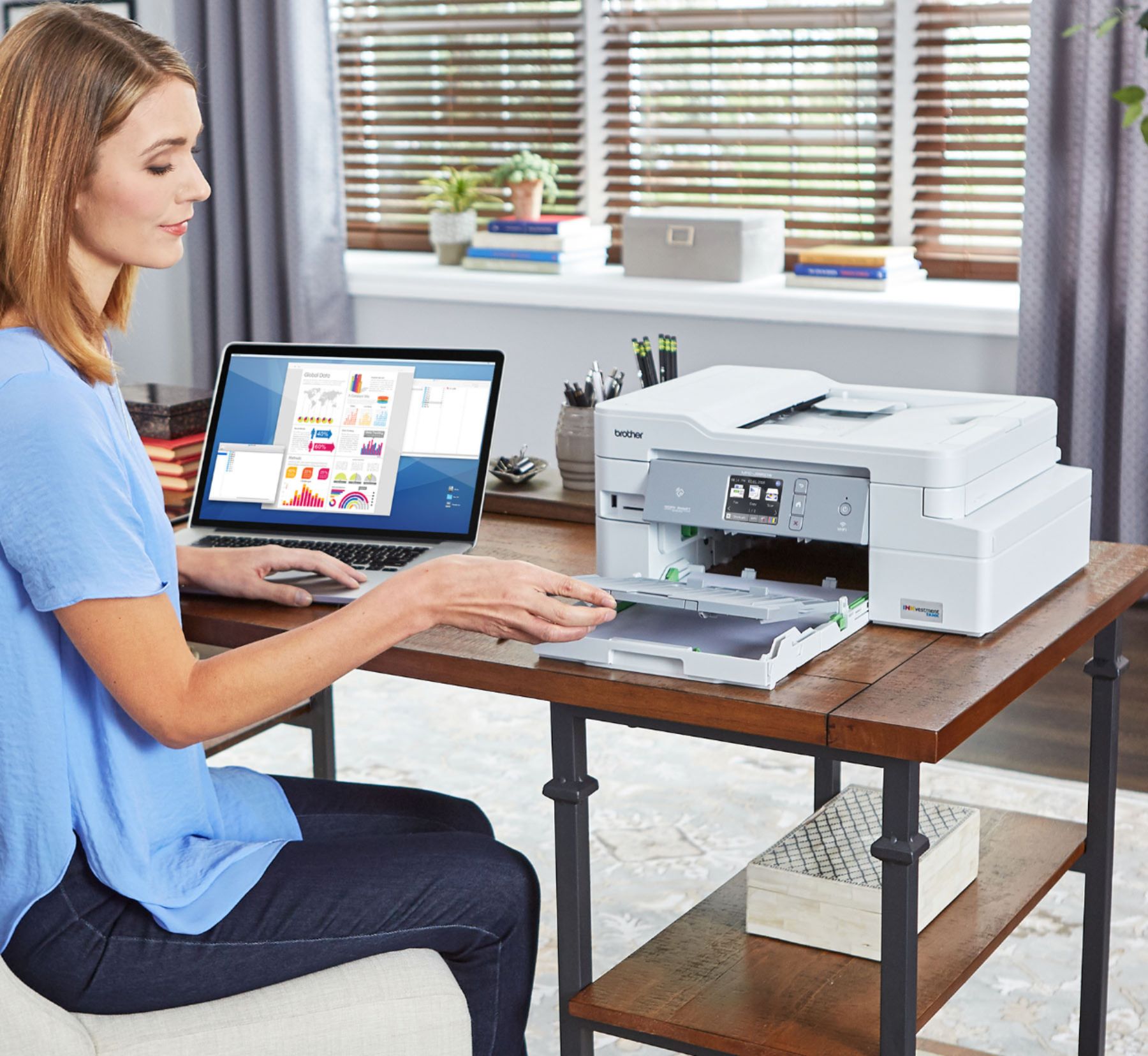
A:AnswerThe smallest paper size you can use in this machine is 3x5" from the manual paper tray and 4x6" from the paper tray. This printer will also handle #9 and #10 envelopes as well.
A:AnswerTo avoid ink drying, we recommend you keep the Brother MFC-J995DW connected to power. Your Brother machine will perform maintenance purges of the print head at regular intervals. The cleaning is to ensure consistent print quality and prevent damage to the print head. These purges remove any air or debris that may have gotten into the print head manifold. Your machine will use the minimum amount of ink necessary to perform this operation.
A:AnswerIt is not a photo printer and is not intended for photo paper. It does an adequate job of replicating photos but you'll not get high resolution results.
A:AnswerThis is based on average monthly print volumes of approximately 300 pages (70% black pages / 30% color pages) and approximate page yield in accordance with ISO/IEC 24711 using 12 cartridges provided.
A:AnswerThe font size using the Brother MFCJ995DWXL when printing from the computer is actually managed by the computer. You may need to adjust the setting in the program or application that you are printing from. If you continue to have issues, our Brother Customer Support Team is available to assist you direct: www.brother-usa.com/brother-support
A:AnswerWe do not offer support Chromebook or ChromeOS device, since our Brother machines are no longer compatible. Functionality is not guaranteed nor supported within this operating system.
A:AnswerHere's a link to assist with recommended paper thickness for the Brother MFC-J995DWXL.
https://help.brother-usa.com/app/answers/detail/a_id/156594
A:AnswerHere's the link to connect your machine to the PC.
https://support.brother.com/g/b/faqend.aspx?c=us&lang=en&prod=mfcj995dw_us&faqid=faq00100429_001