A:AnswerYes. I had a difficult time trying to install the WiFi feature after I set up my direct internet connection. Cancel that option and have had no issue with the direct connection to my internet and can print from any other PC directly.
A:AnswerI am using my Ipad to print stuff with my printer (Brother). I works very well and im also using the Brother app for scanning and to track my ink load. If it works on my Ipad, I am pretty sure it would work on any laptop or android app.
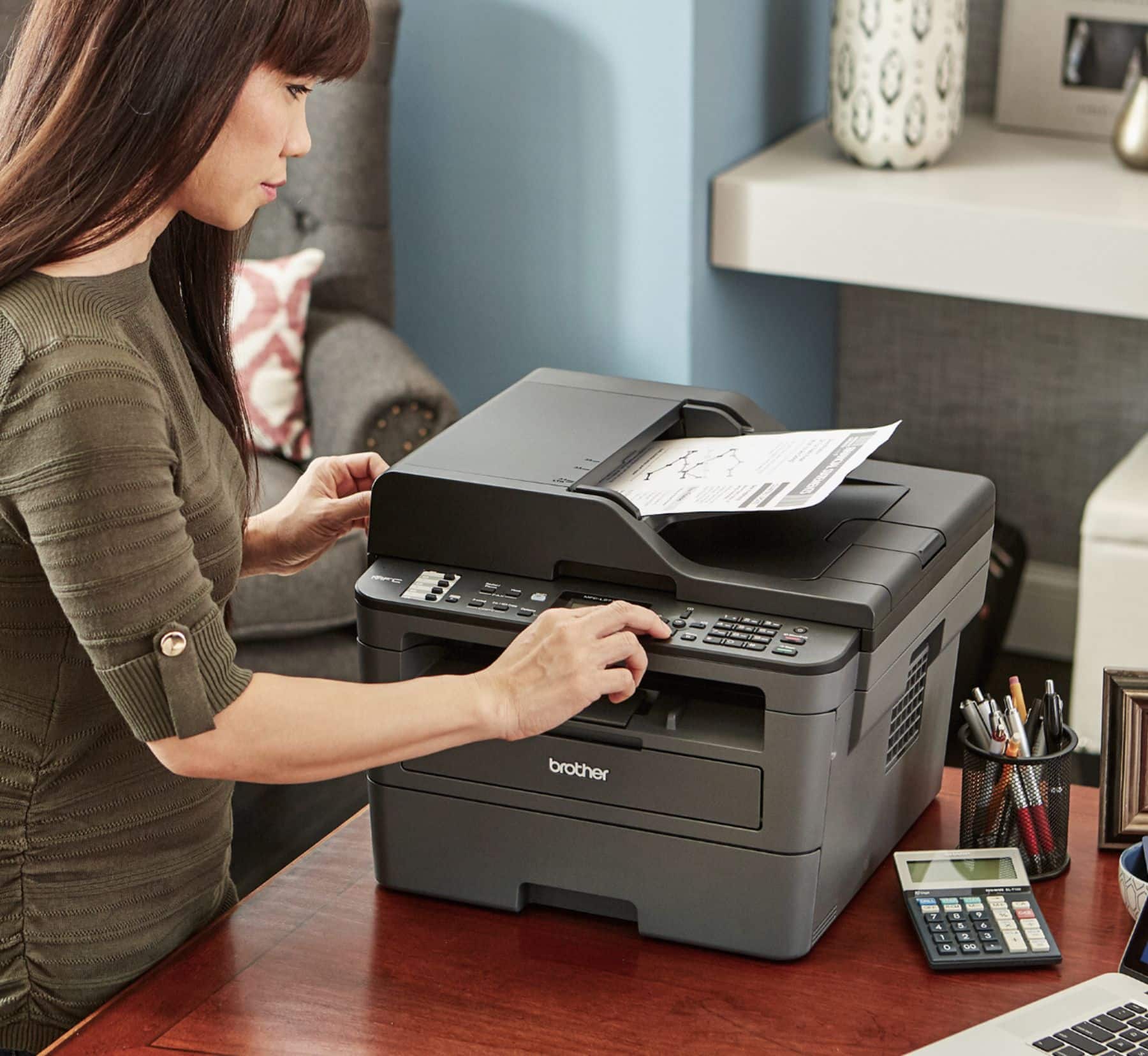
A:AnswerI have a Macbook Pro, 2017, and had no trouble setting it up, You have to be comfortable scrolling through menus, but there is nothing unusual about setting it up for a MacBook. Once you get the hang of scrolling through menus per the instructions, it's easy (and it's the same process that most devices use for setup). If you don't want to do that, there are models that make it even easier, that have prompts or other guides, but they will cost more.
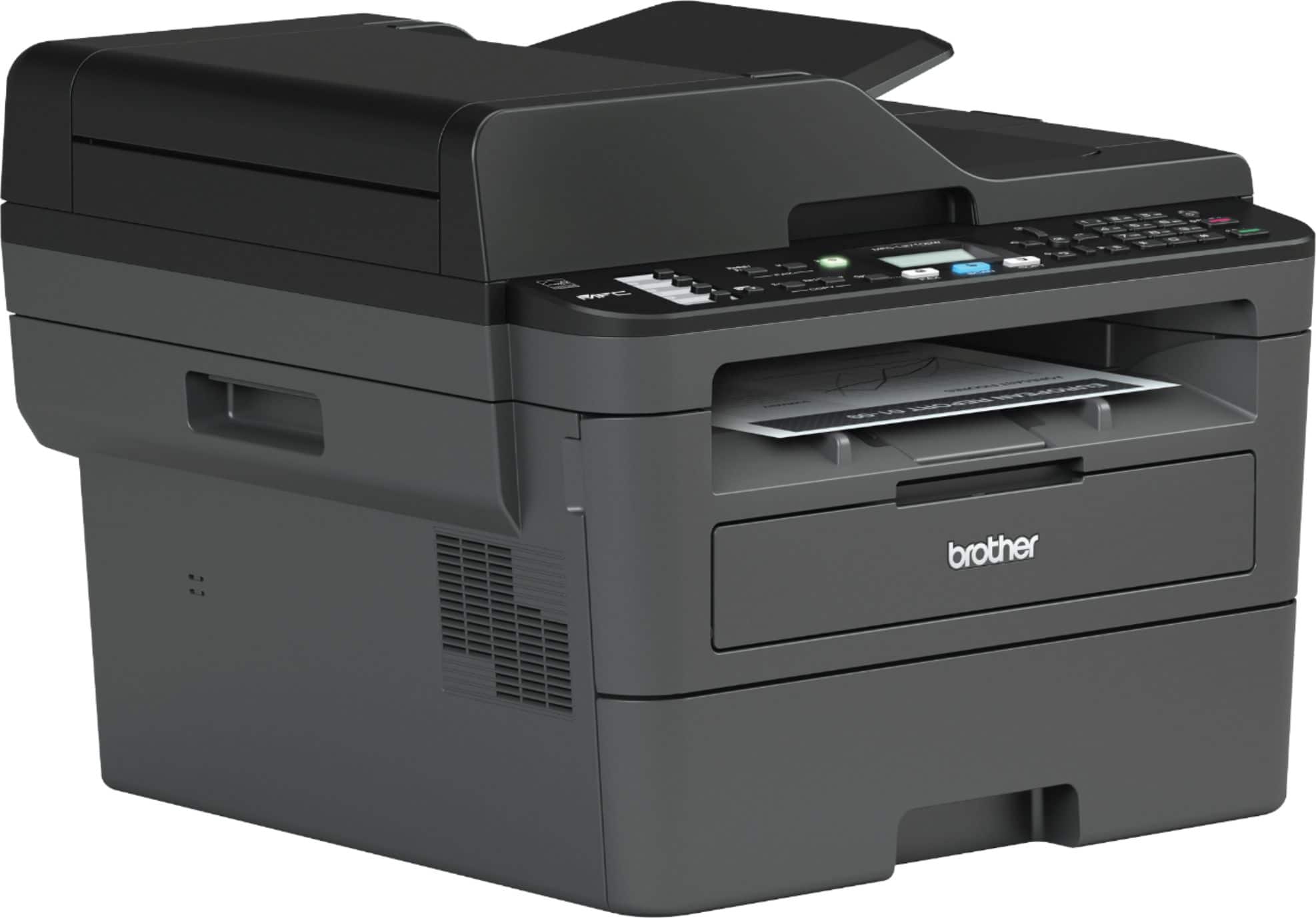
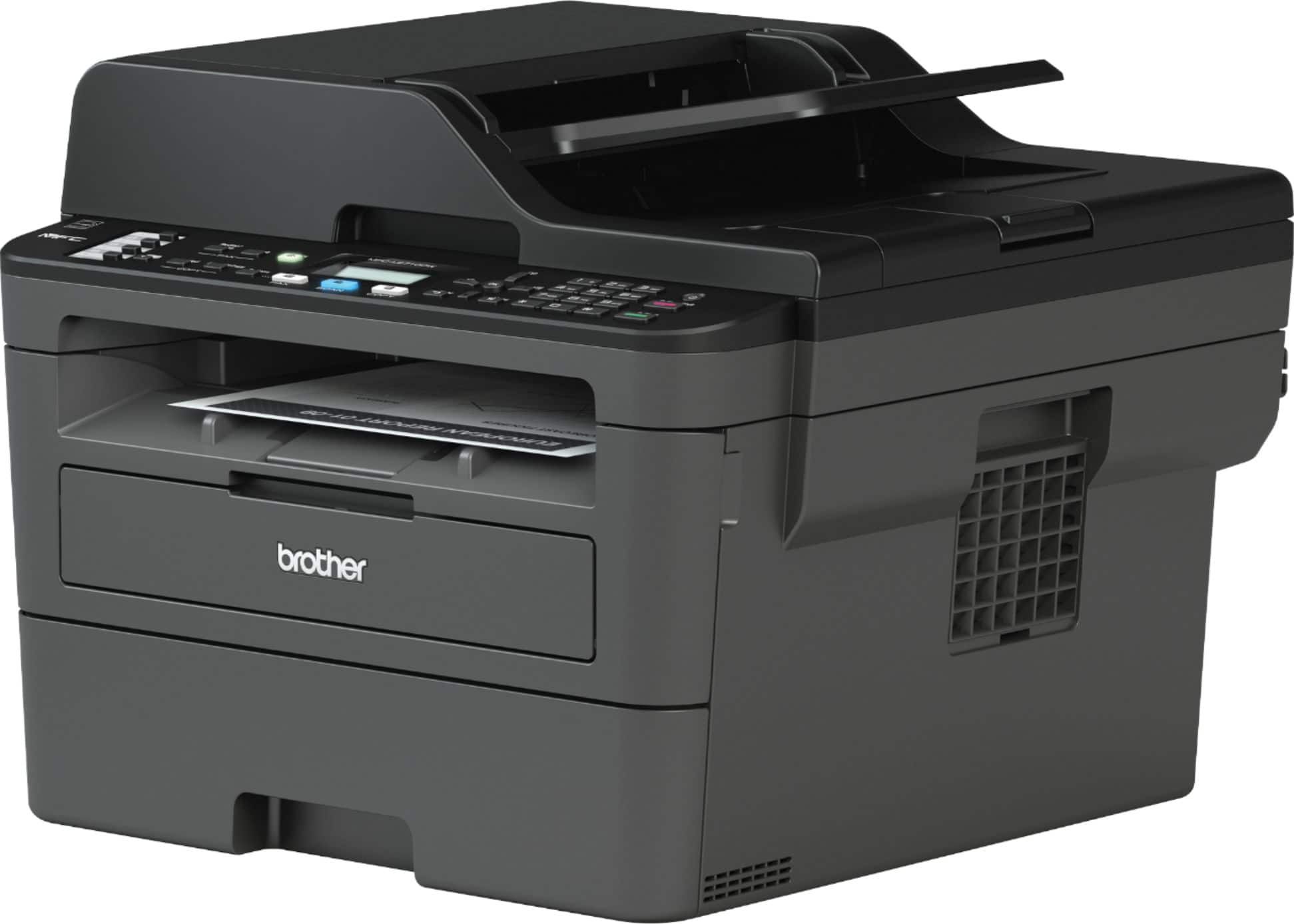
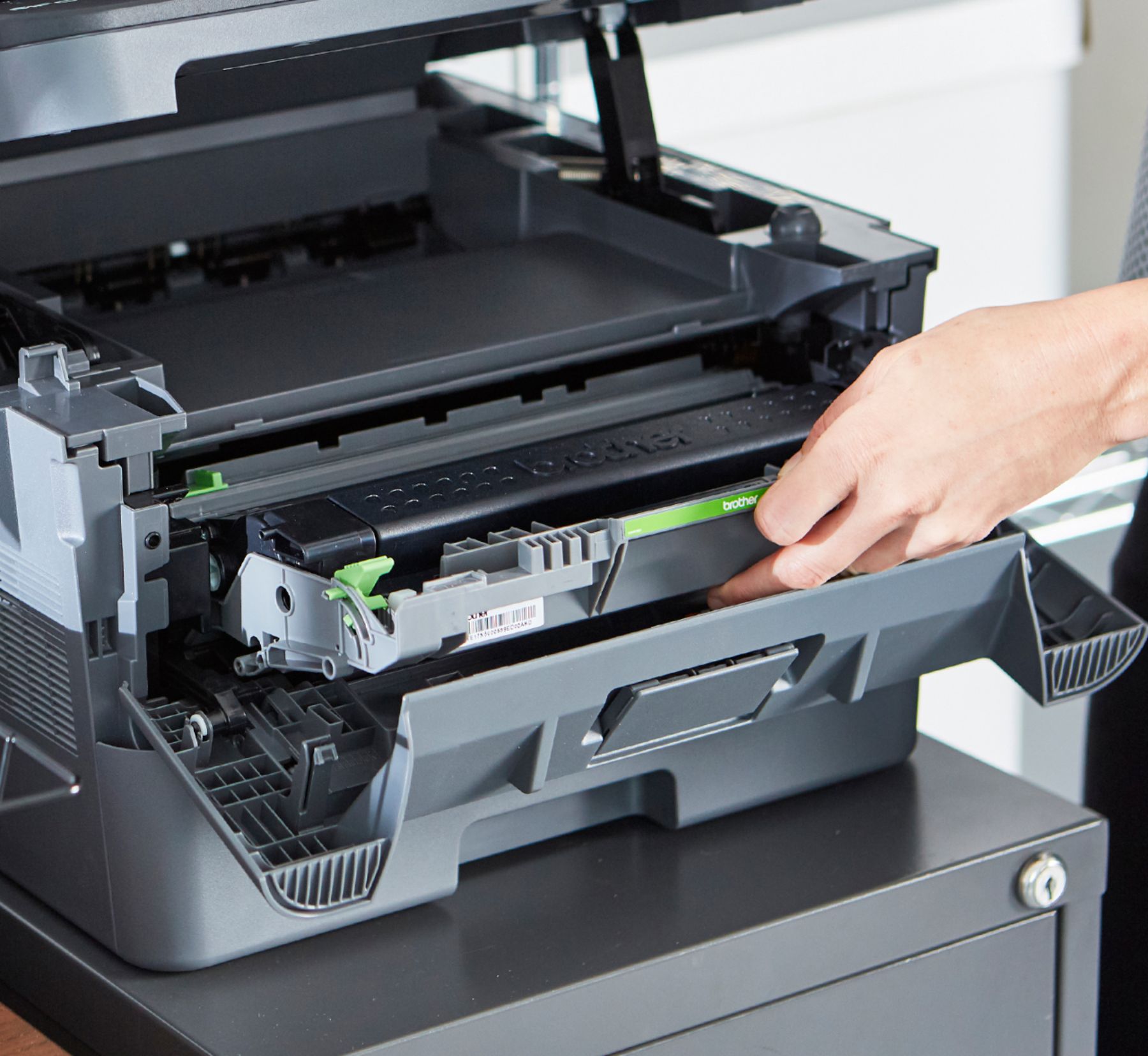
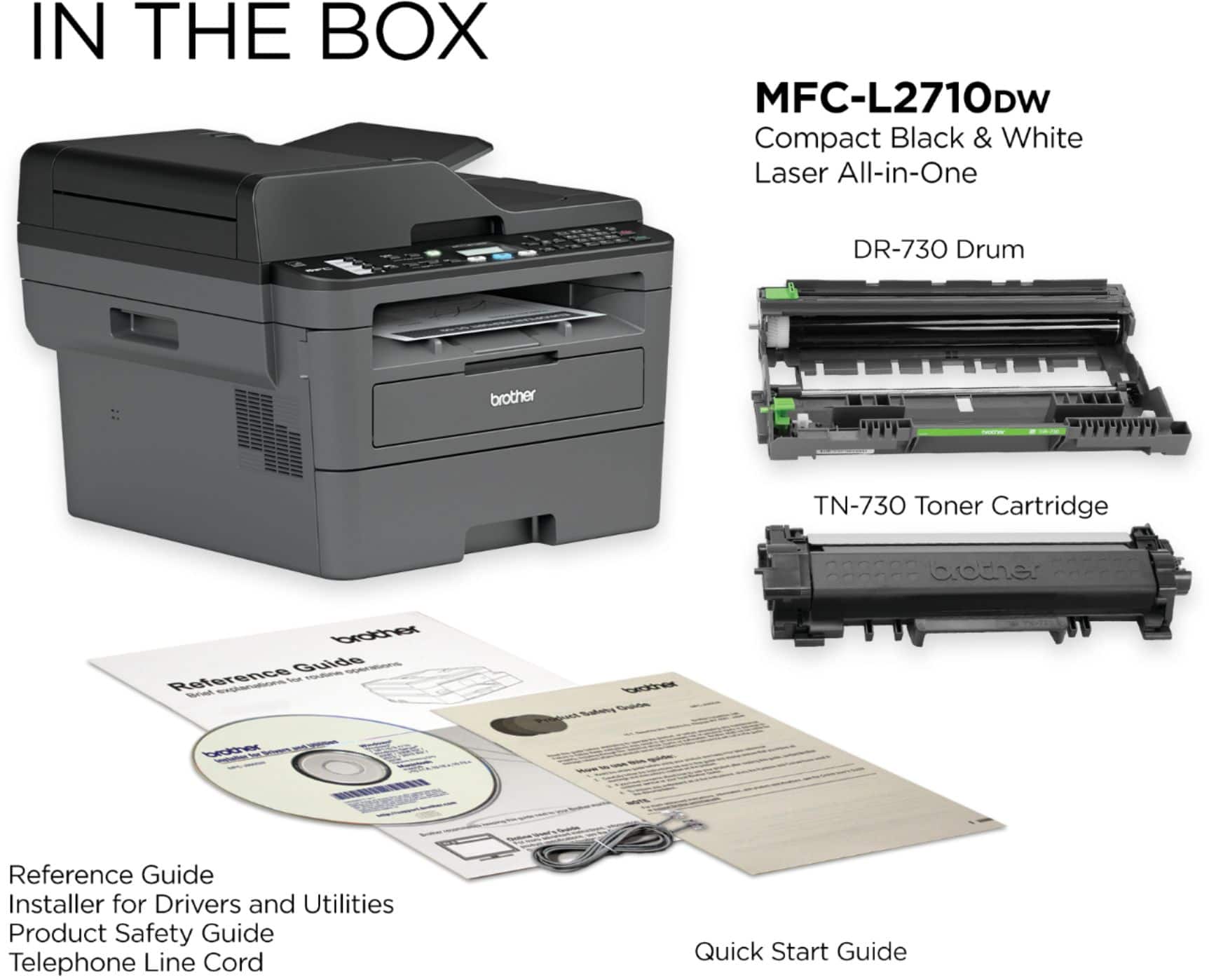
A:AnswerThere is no limit on replacing the toner cartridge in your Brother MFCL2710DW printer. You may need to replace it every time that the toner gets depleted.
A:AnswerHello Nick,
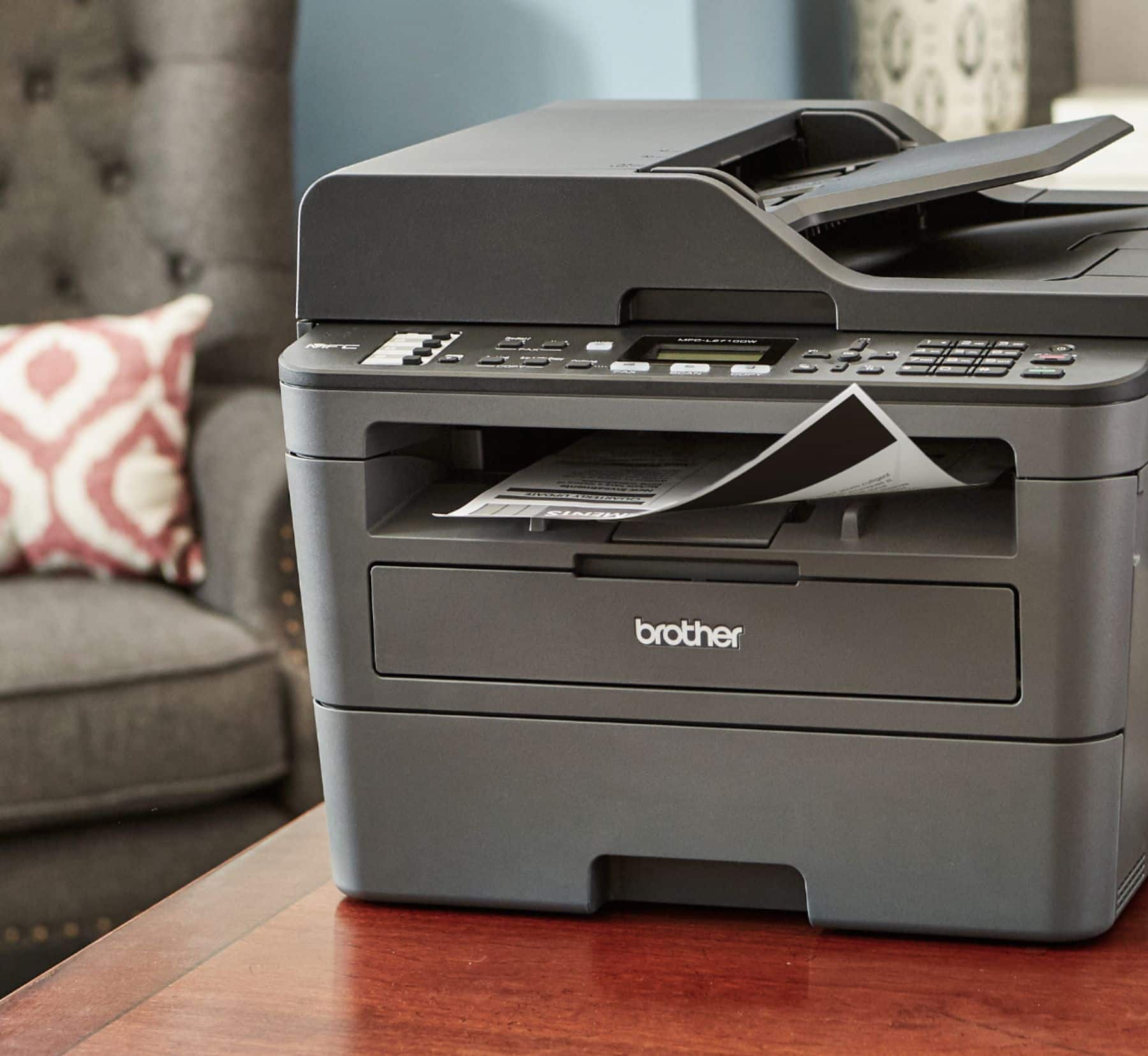
Yes. The Brother All-in-One has duel trays which include a feeder tray and ease of access in other options. I am transitioning careers and will need a printer that supports business and academic quick printing. So far this has met all my expectations and I'm looking forward to learning about other options. I am sure they will exceed my expectations.
A:AnswerThe Brother MFC-2710DW does not have a limit on how many computer can print to it, making sure all devices are in the same network, a software is needed in order to get the full capabilities of the machine, you will be also able to scan to email using the Internet connection by configuring the machine correctly, feel free to contact Brother customer support for further information at https://www.brother-usa.com/support
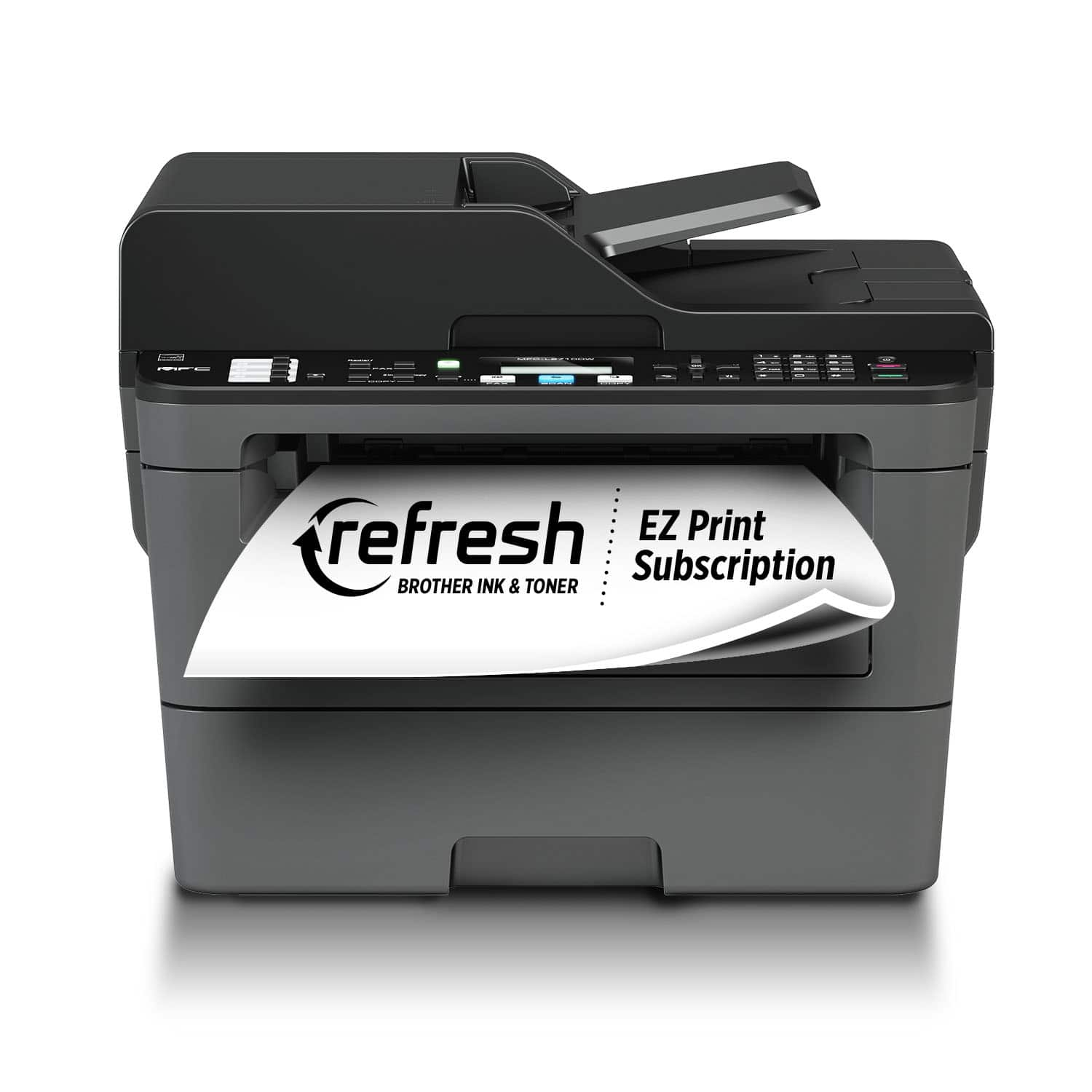
A:AnswerGray, black, and white are the one's I saw listed at the store I purchased it from. However, would go the the Brother website to see all options.