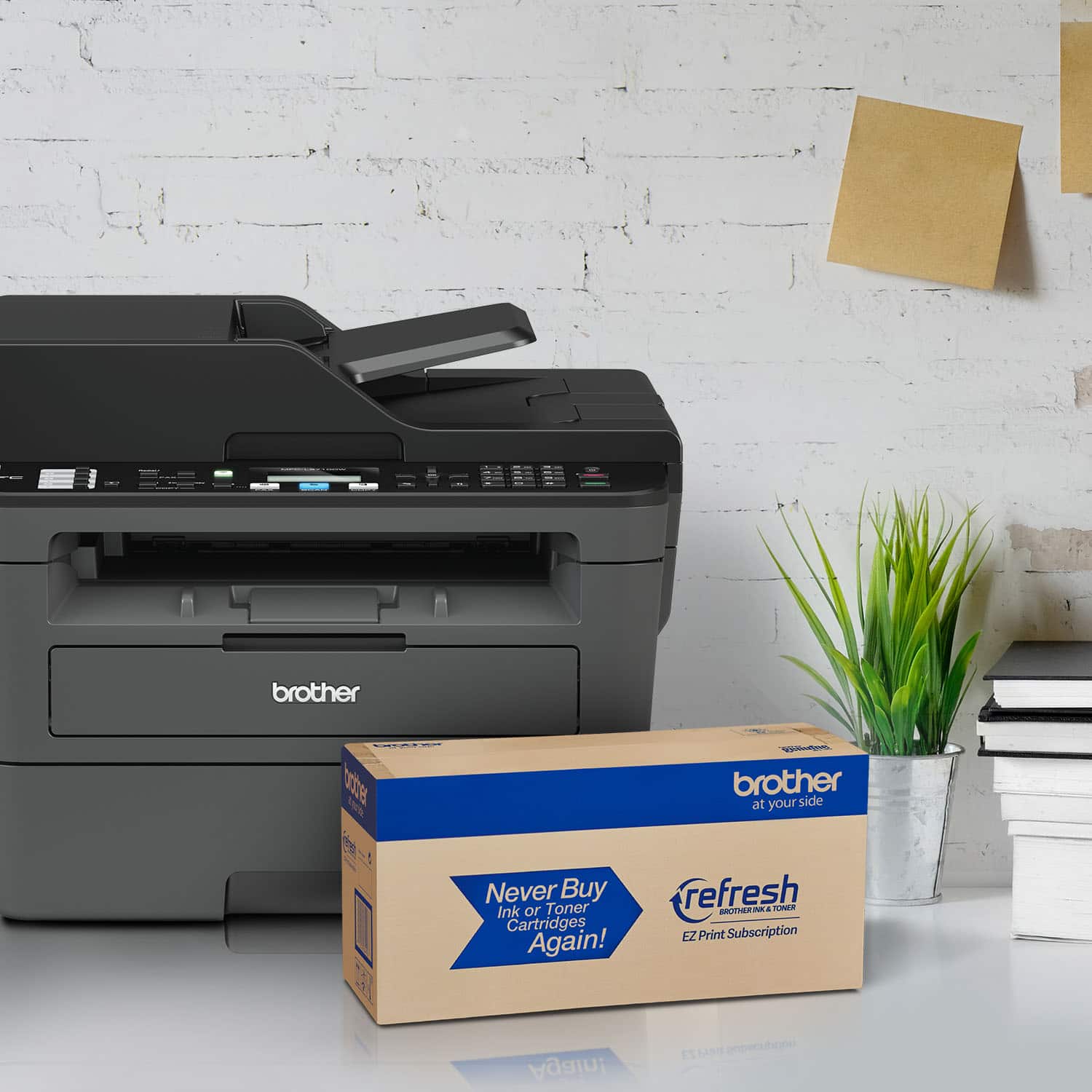
A:AnswerThe Brother MFC-L2710DW supports Distinctive Ring. Distinctive Ring is a service provided by your telephone company. For more information, feel free to contact Brother Customer Service directly.
A:AnswerWe understand that you are experiencing issues connecting your Brother MFC-L2710DW printer wirelessly and we'd like to help. We have many helpful resources on our support website which should assist. For better assistance, feel free to contact Brother Customer Service directly.
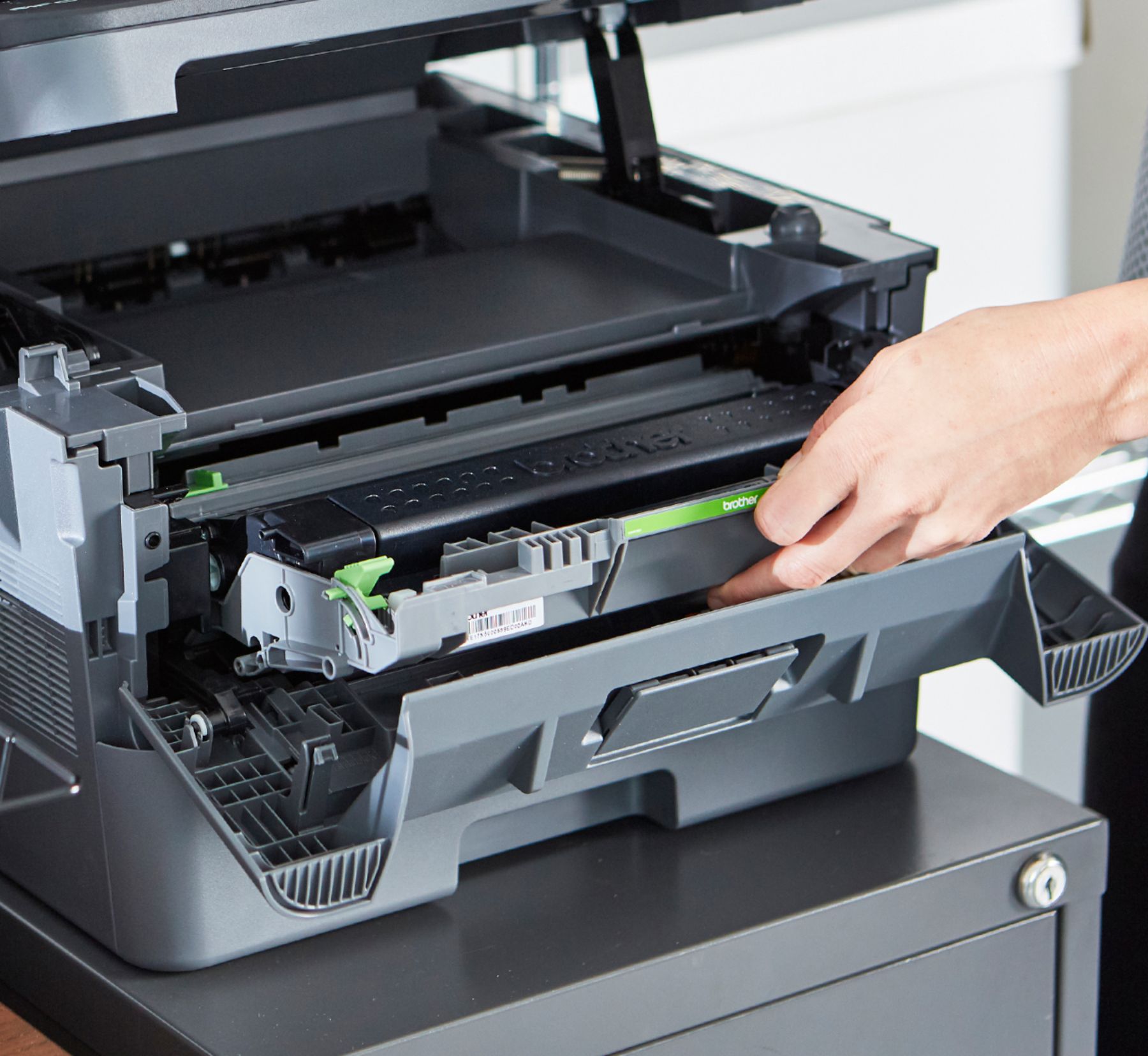
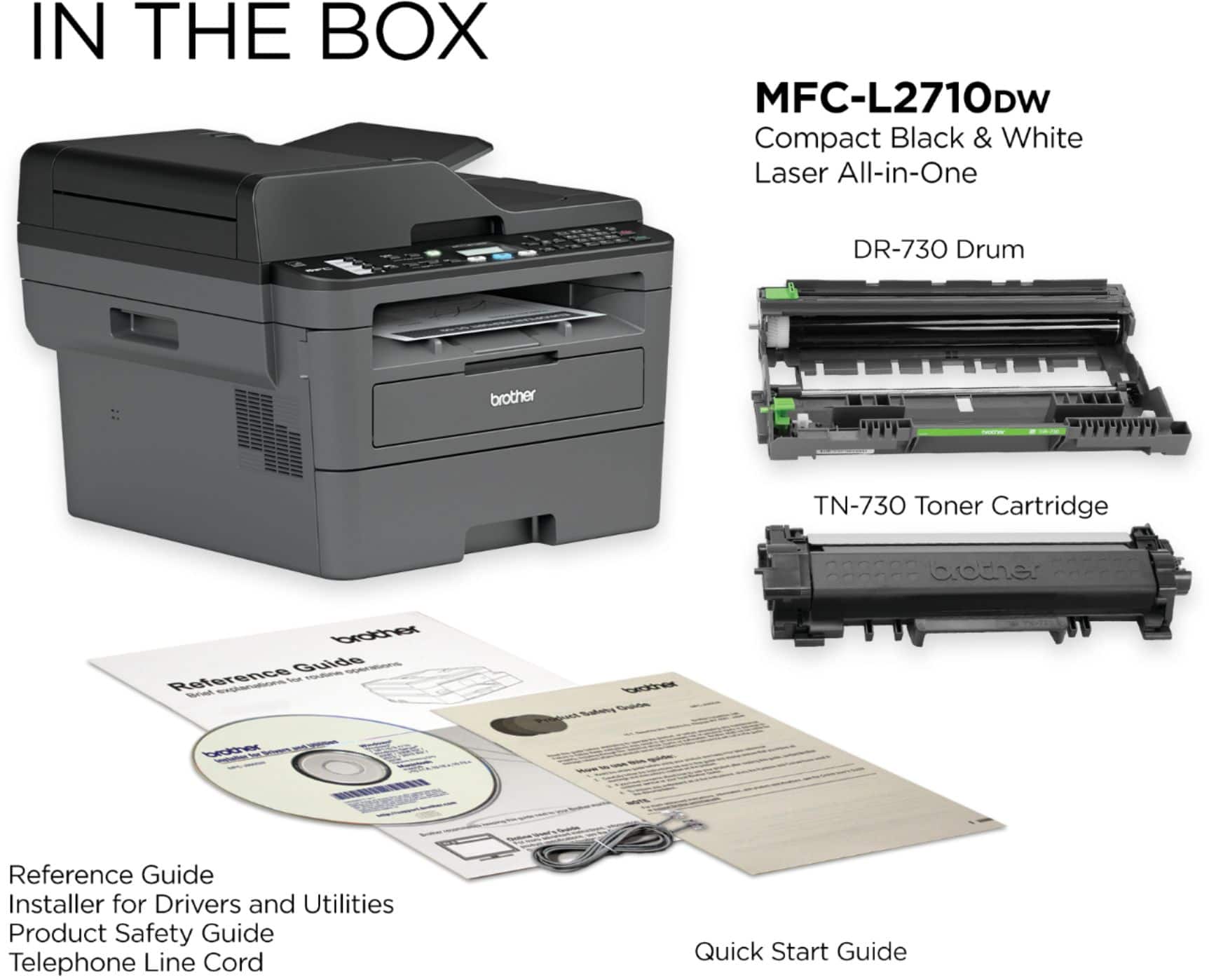
A:AnswerWhile third-party toner cartridges may work with the Brother MFC-L2710DW printer, we strongly recommend to use only Brother Genuine cartridges for optimal results. Using non-Brother supplies may affect the hardware performance, print quality and machine reliability. The Brother limited warranty may not apply to any problem that is caused by the use of third-party supplies.
A:AnswerThe Brother MFC-L2710DW printer is compatible with 64-bit operating systems. For more information, feel free to contact Brother Customer Service directly.
A:AnswerThe Brother MFC-L2710DW printer connects to Chromebook computers using Native Printing. Scanning is not supported. For more information, feel free to contact Brother Customer Service directly.