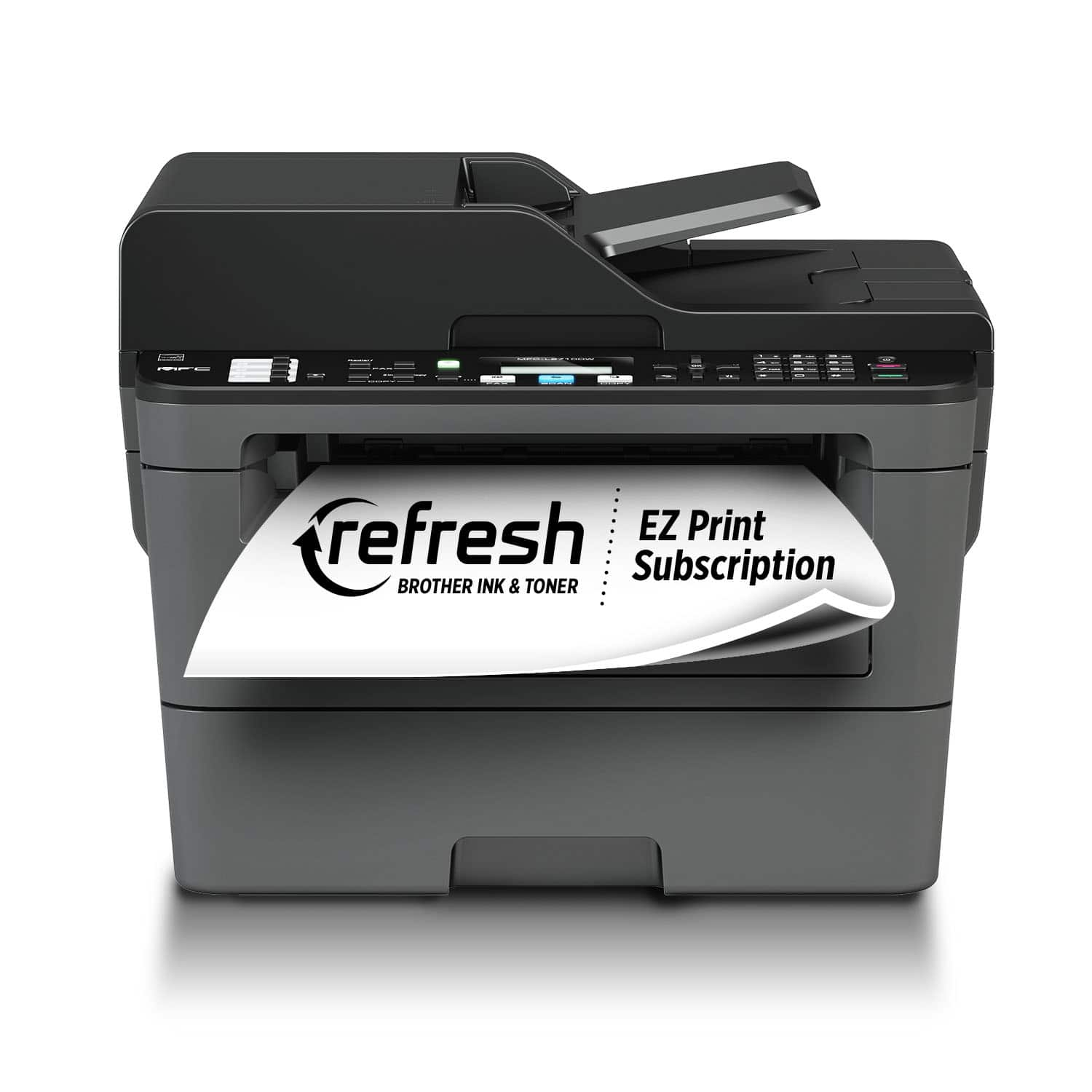
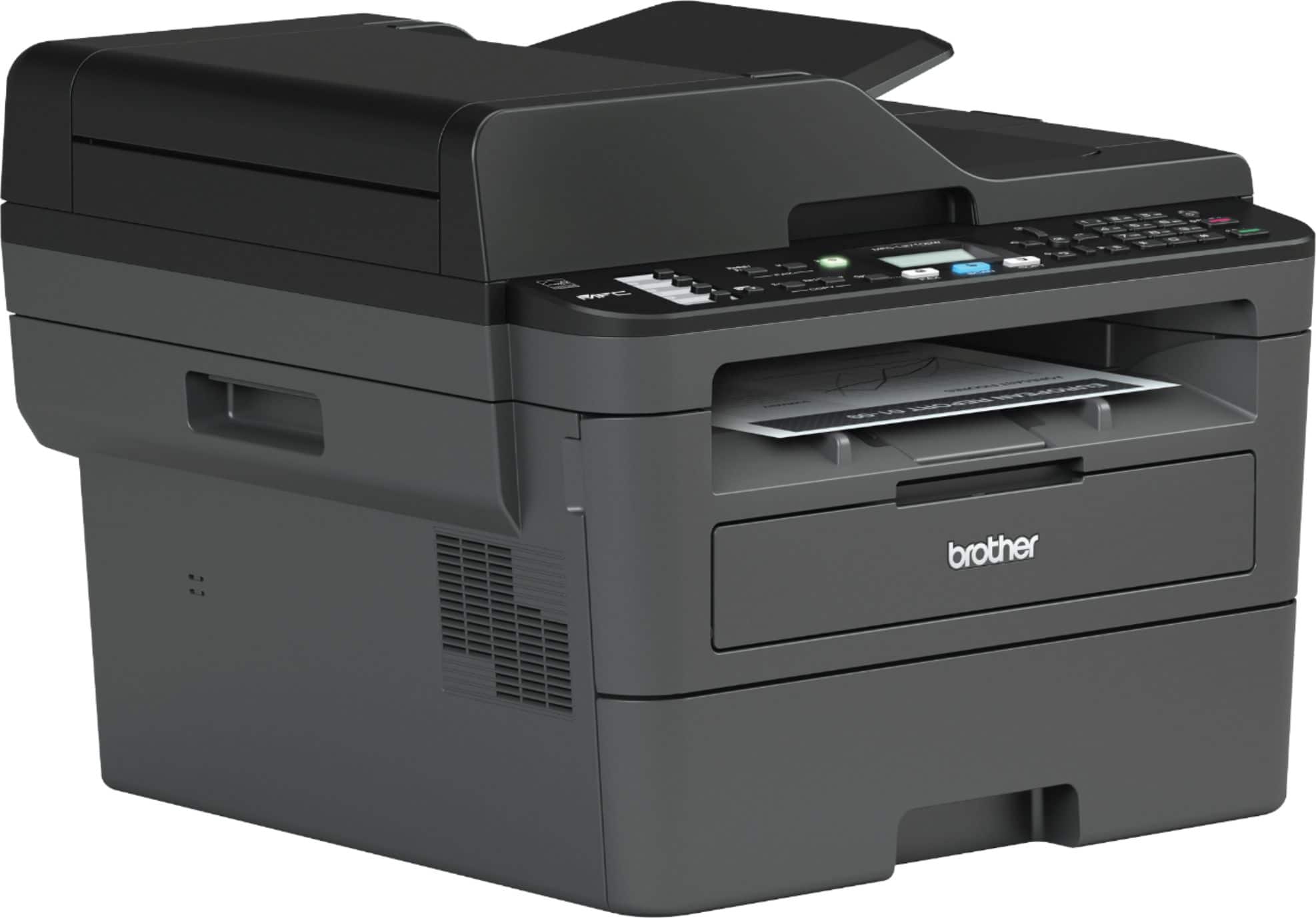
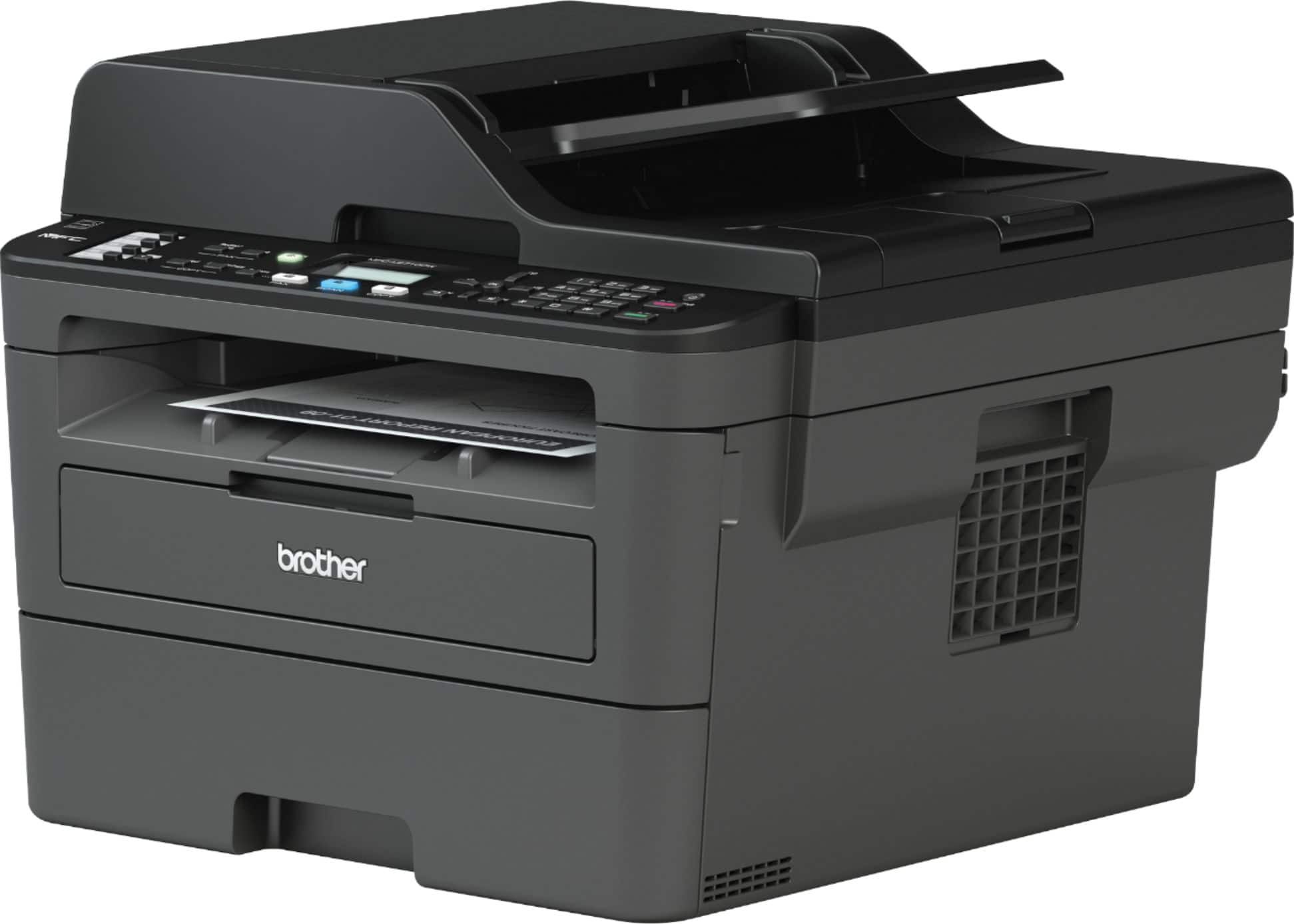
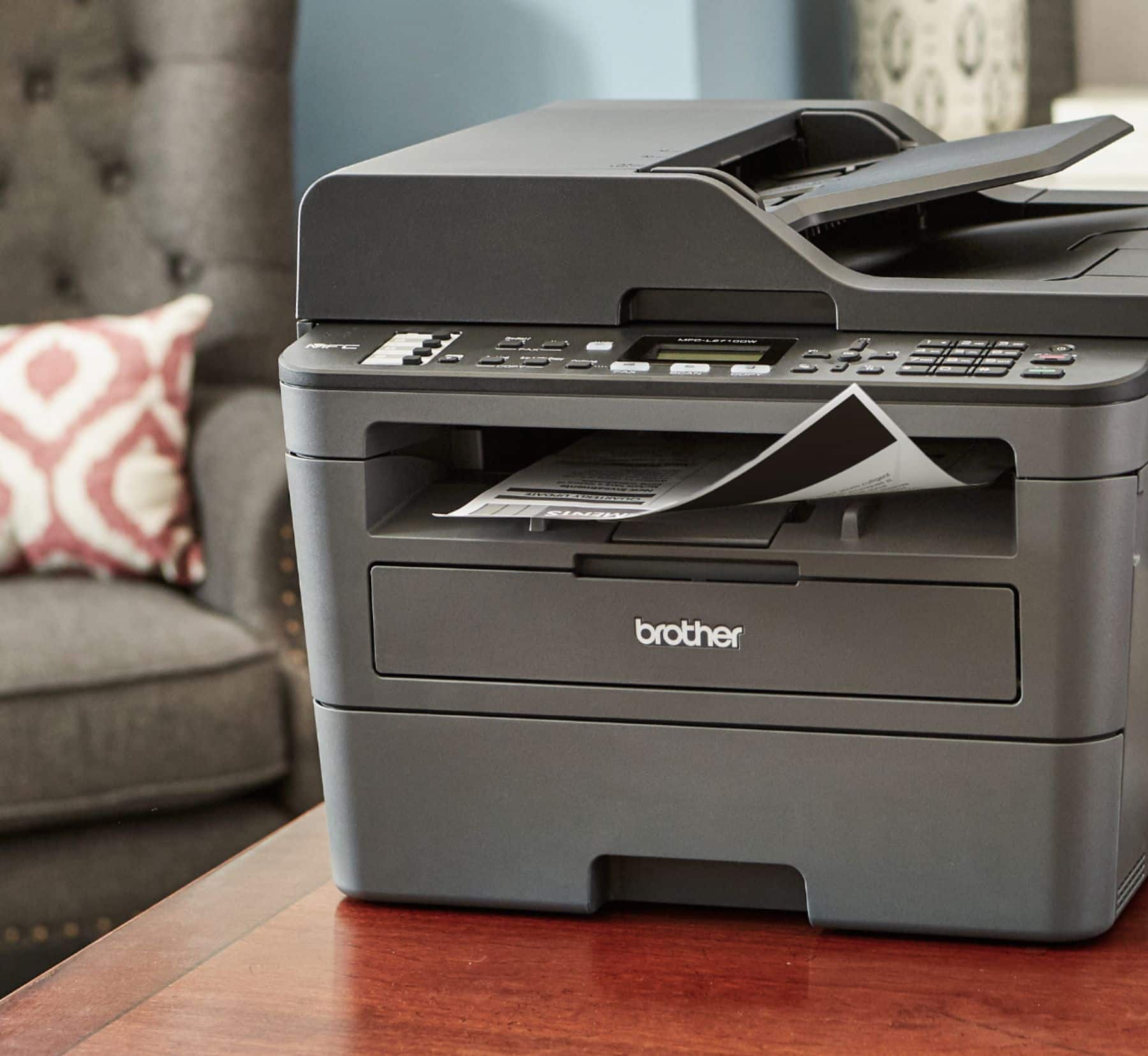
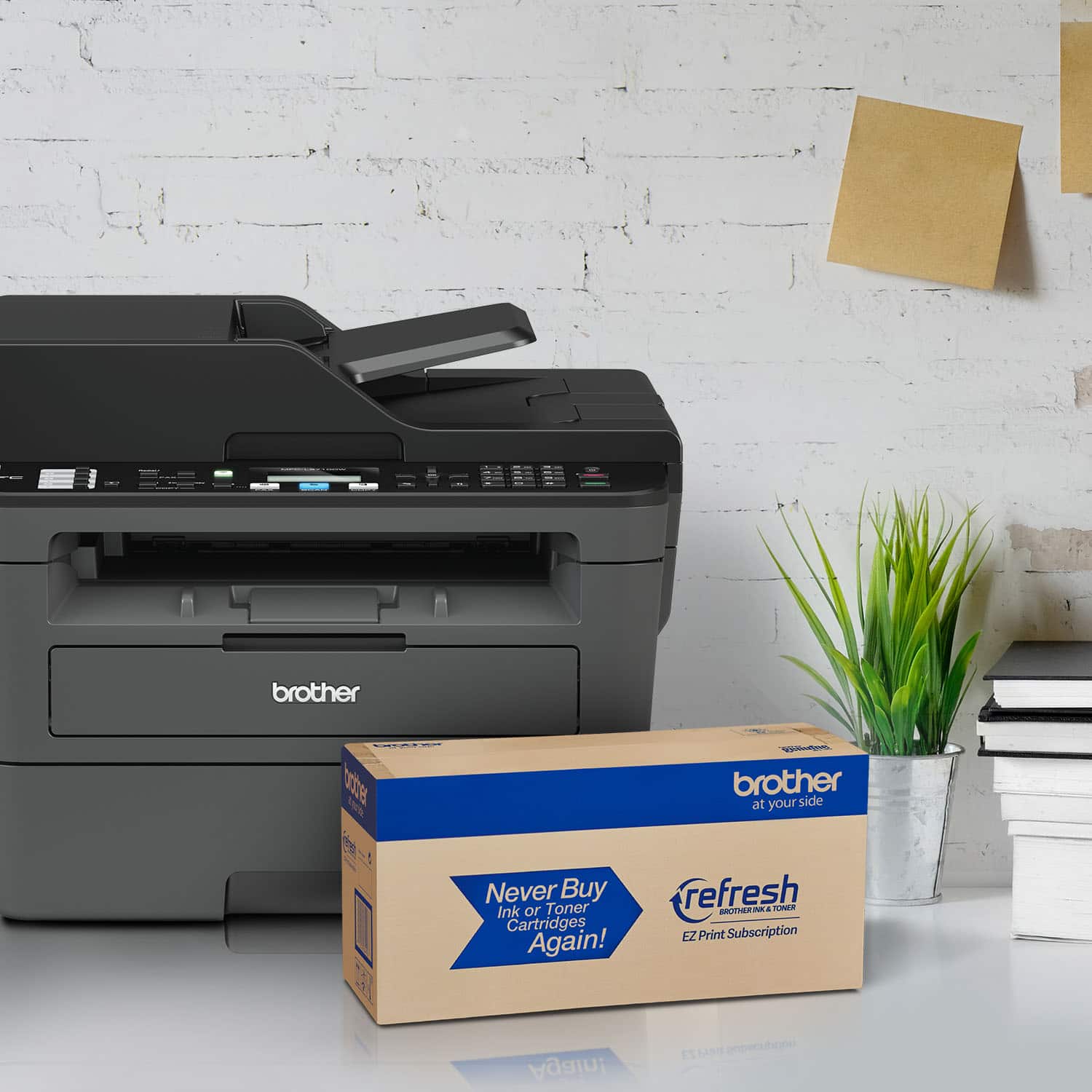
A:Answer Find something you want to print. Click Print to open the Print window. Go to Print Options. Once the new Print window opens, go to the Properties button next to the name of the printer at the top of the box. In the middle section of the new window that opens, you'll see "2-sided/booklet" — 2-sided is the default, but go to the drop down and click "None." Hope this helps.