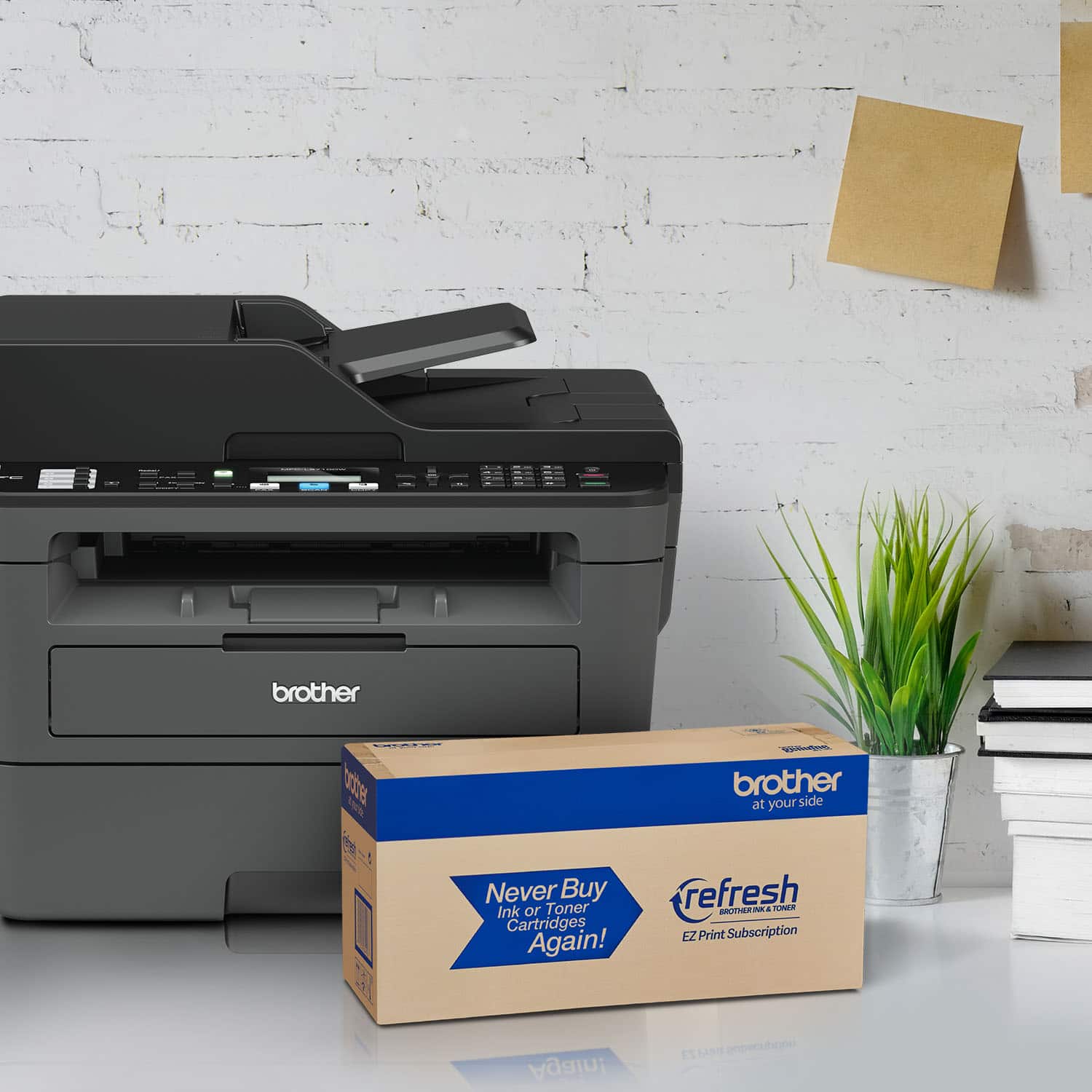
A:AnswerYes, a printed manual would be a Godsend. It's very difficult to sometimes figure out the words needed in order to get an answer when one has a question on the printer. You'd probably sell a helluva lot more printers (and other items) if you could state that a PRINTED manual came with whatever item. BTW, I recently purchased the MFC L2710 printer and I really like it -- much faster than my old printer. The only "defect" is that it always defaults to FAX. I know I'll never use the FAX part of it since I no longer have a land line. It would be oh so nice to look at a printed manual and find out how to default it to either copy or scan.
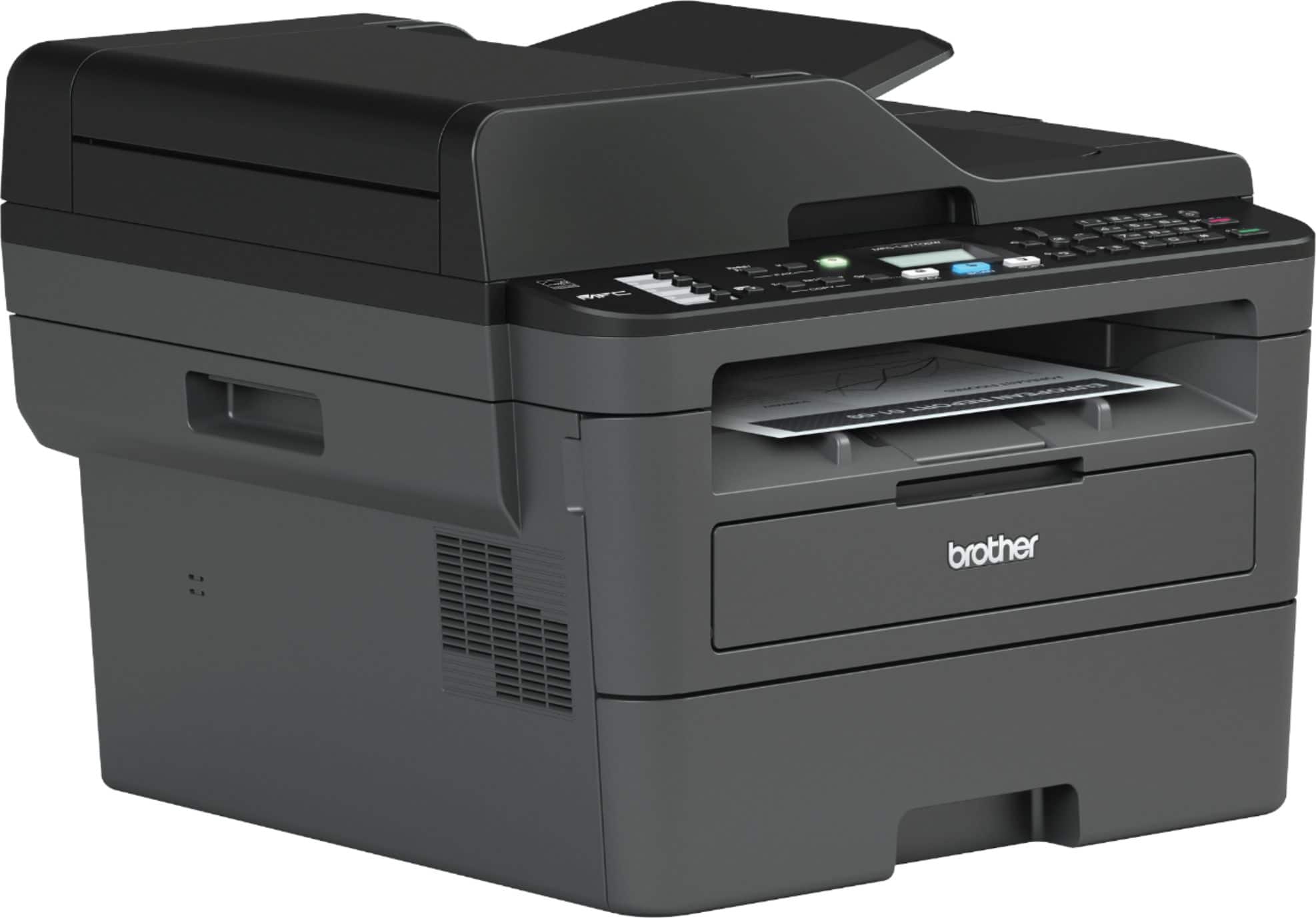
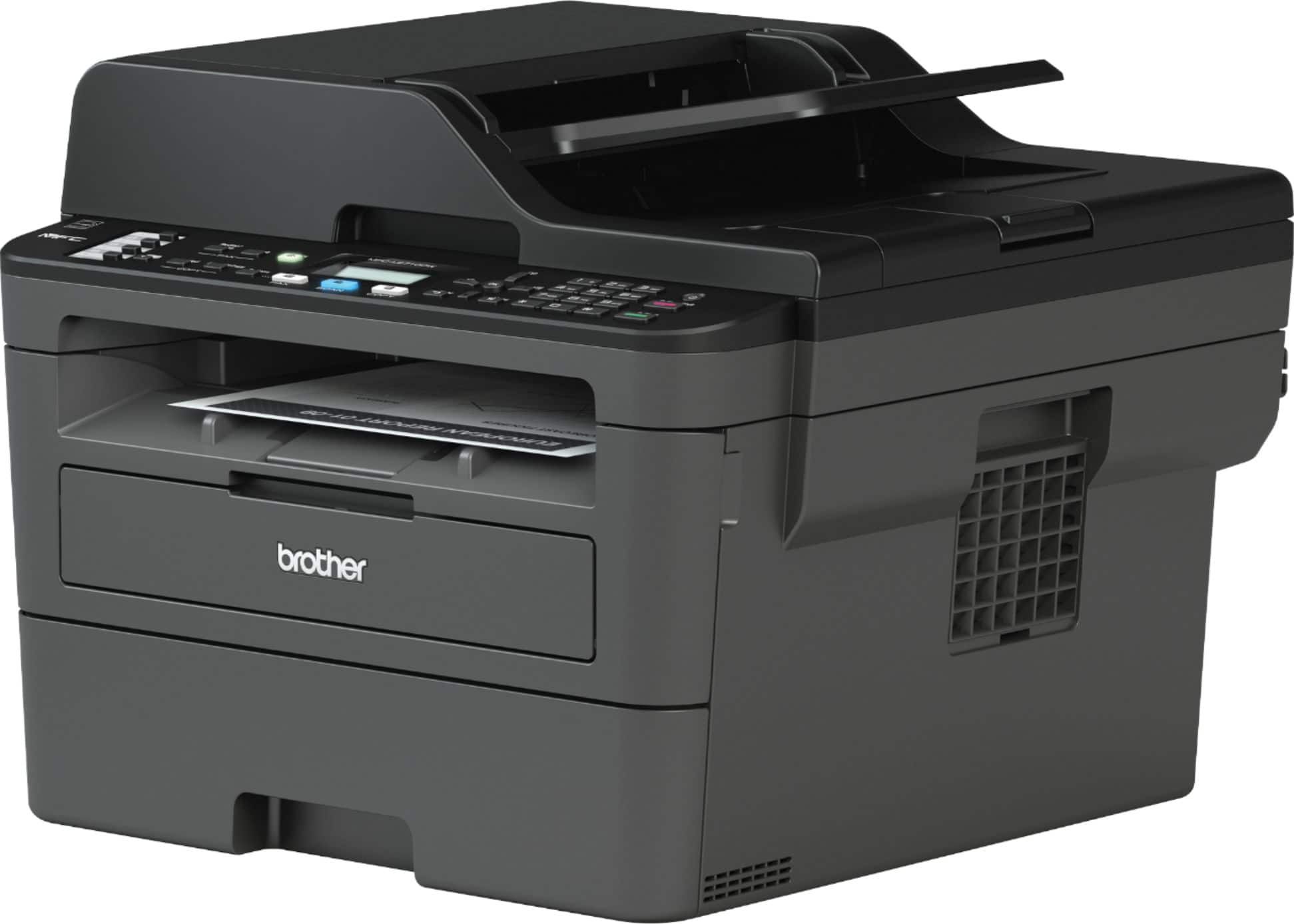
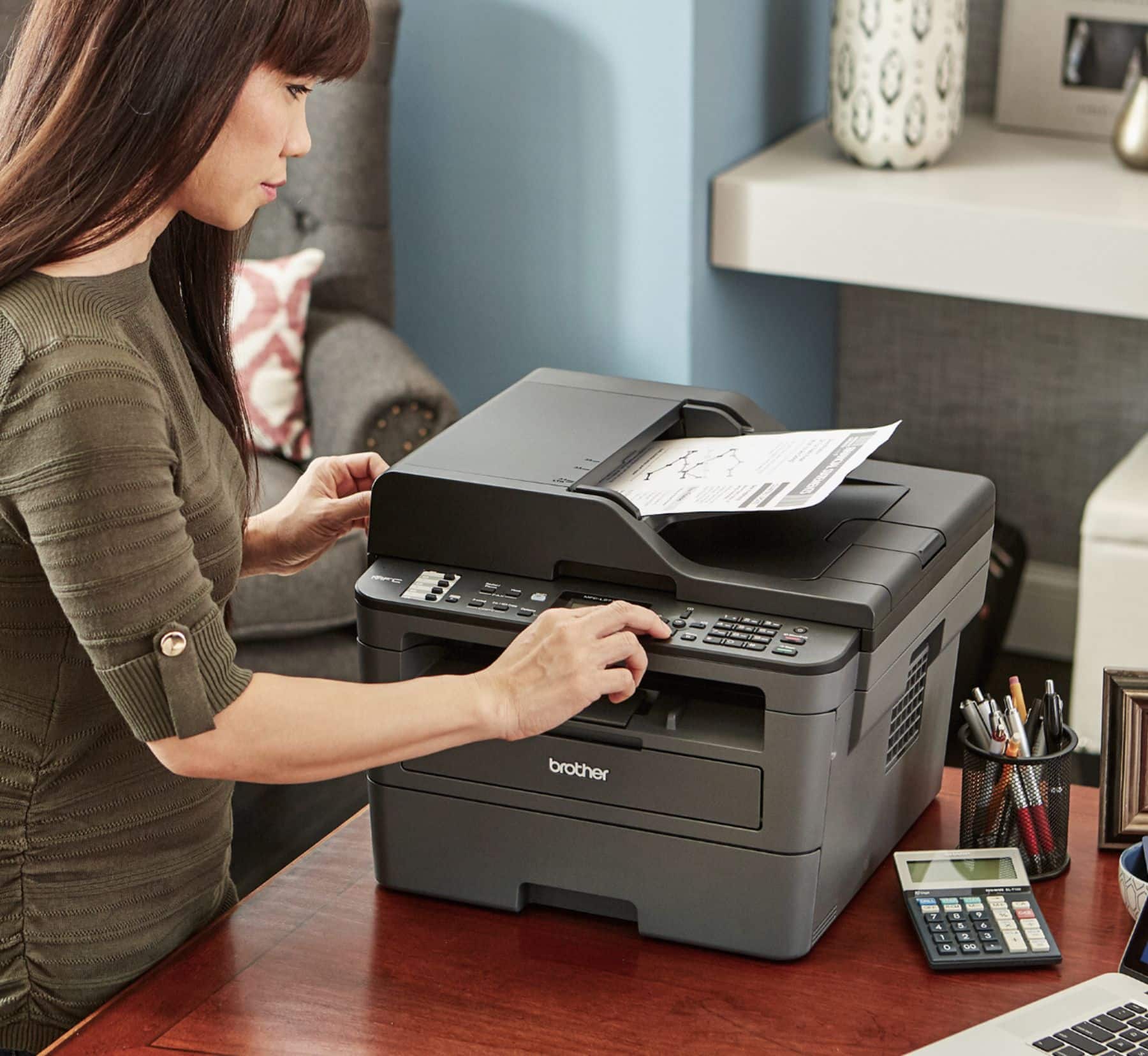
A:AnswerTo make a copy, place the document face up in the ADF or place document face down on the scanner glass. Press copy, use the dial pad to enter number of copies and press start.
A:AnswerThe Brother MFC-L2740DW offers single pass 2-sided scanning and copying from the Automatic Document Feeder. Its 2.7" display offers intuitive navigation and easy scanning to popular cloud services. These features are not available on the Brother MFC-L2710DW.
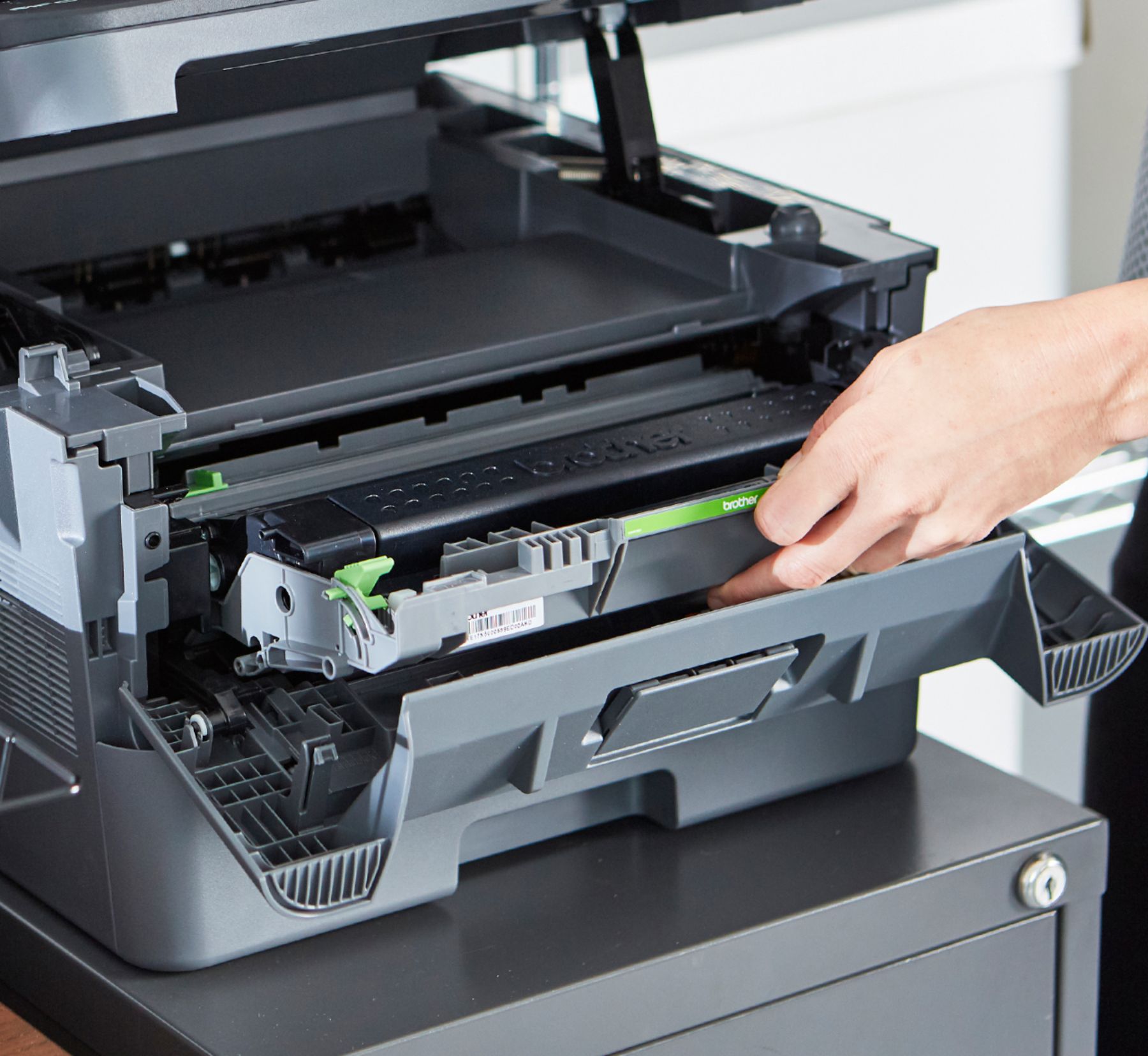
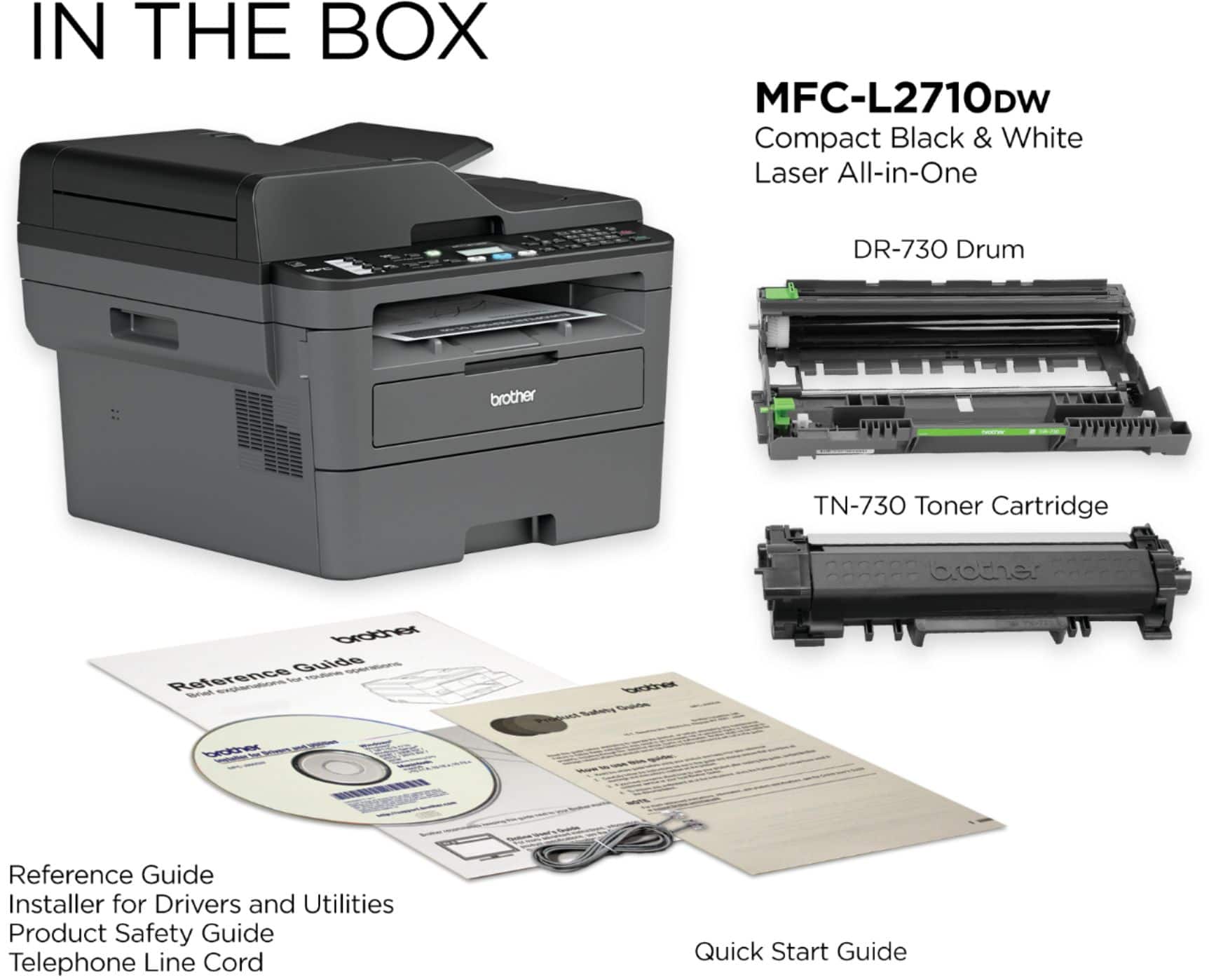
A:AnswerHere is an FAQ on how to replace the toner cartridge of the Brother MFC-L2710DW: https://help.brother-usa.com/app/answers/detail/a_id/152340
If you need further assistance, please reach out to Brother Customer Service directly at: www.brother-usa.com/support/mfcl2710dw
A:AnswerWe are sorry to hear that your Brother MFC-L2710DW is no longer working. We know this is frustrating. We would love to hear from you with details to be able to assist you, please contact Brother Customer Service directly at: www.brother-usa.com/support/mfcl2710dw
A:AnswerThis printer prints only in black and white. I chose it for that very purpose. we also have a old HP Inkjet in case we meed to print something in color. It is a great responsive and cheap to own printer. Good Luck & Hope I Helped
A:AnswerThe installation process of the Brother MFCL2710DW printer is easy and very user friendly. The drivers are available online for free at www.support.brother.com and also our Brother Customer Support Team is on stand-by to provide quality products and service to our customers via online, email or live chat: www.brother-usa.com/brother-support
A:AnswerPlease make sure your wireless network is setup correctly. Here is a link with steps. https://help.brother-usa.com/app/answers/detail/a_id/151952?R3ModelID=MFCL2710DW&_ga=2.81400343.1251311628.1604932534-708737750.1604067754