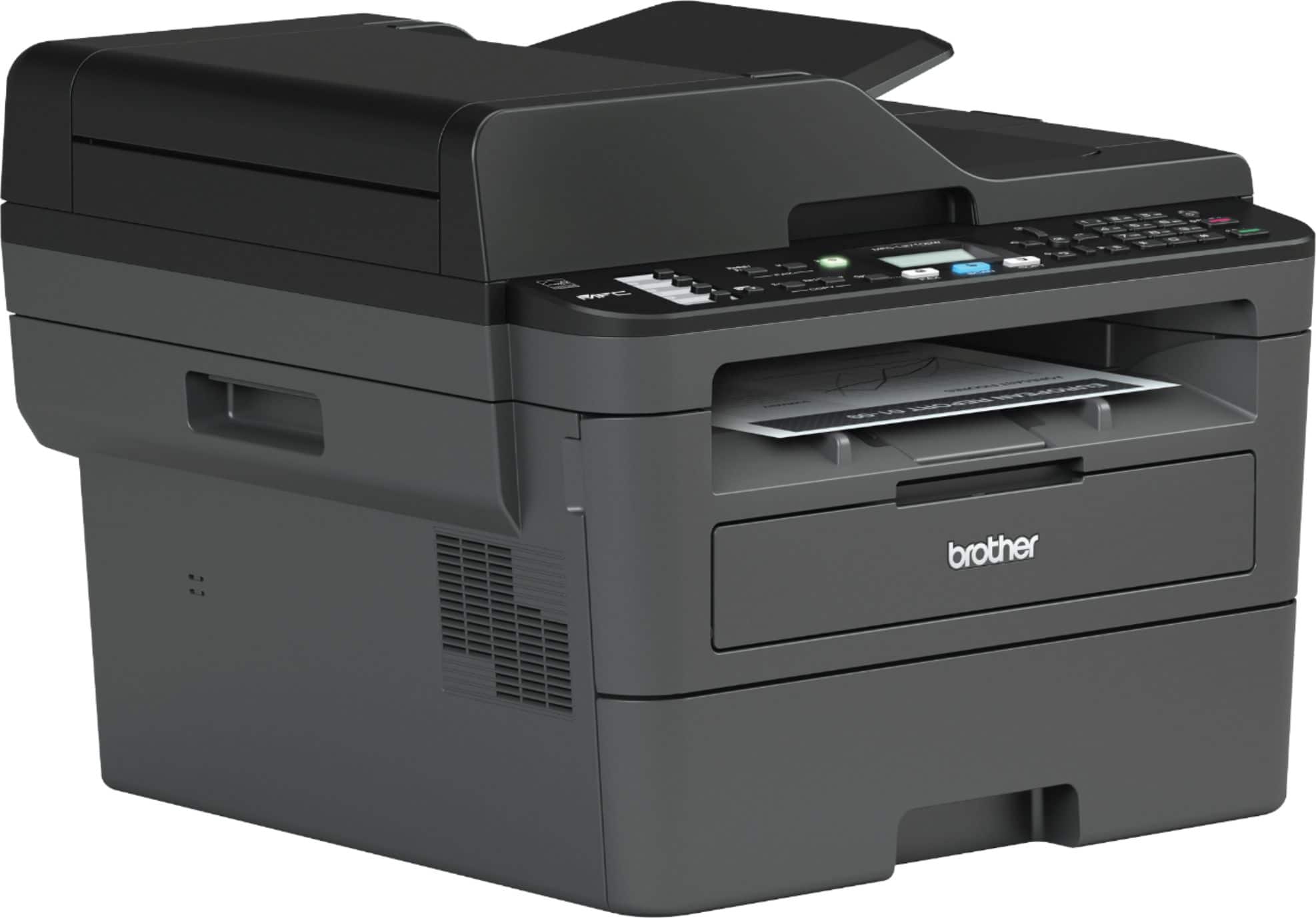
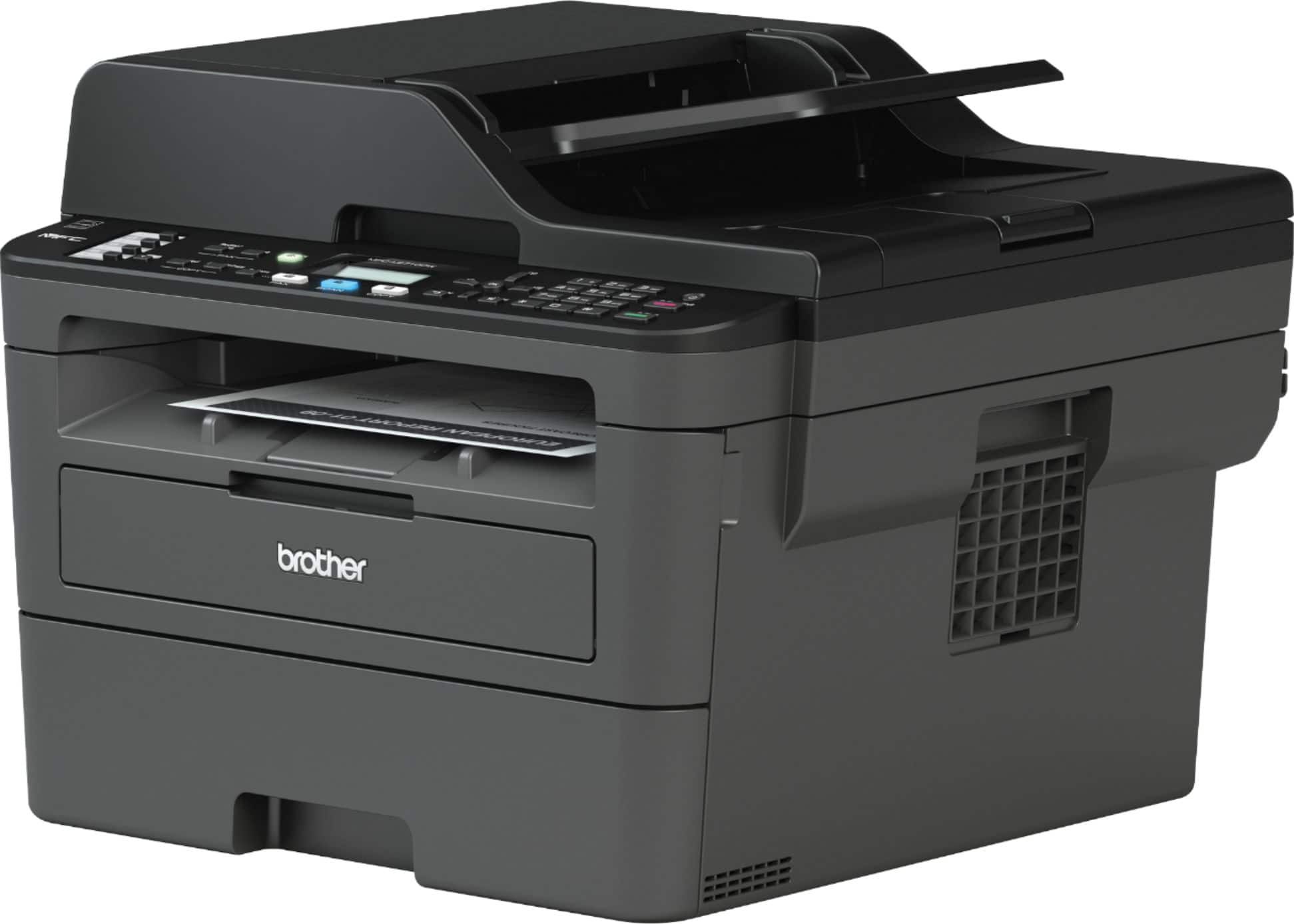
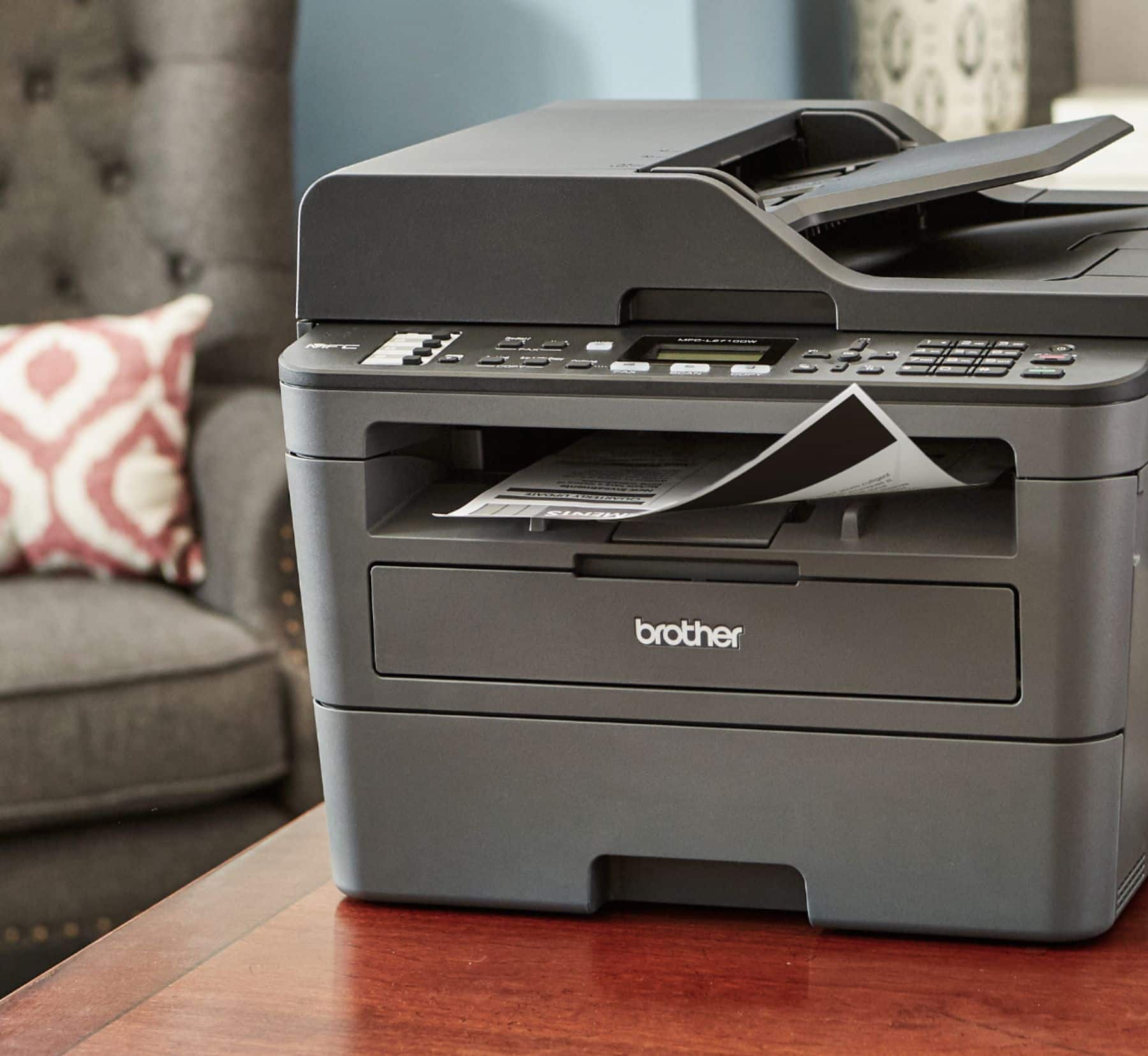
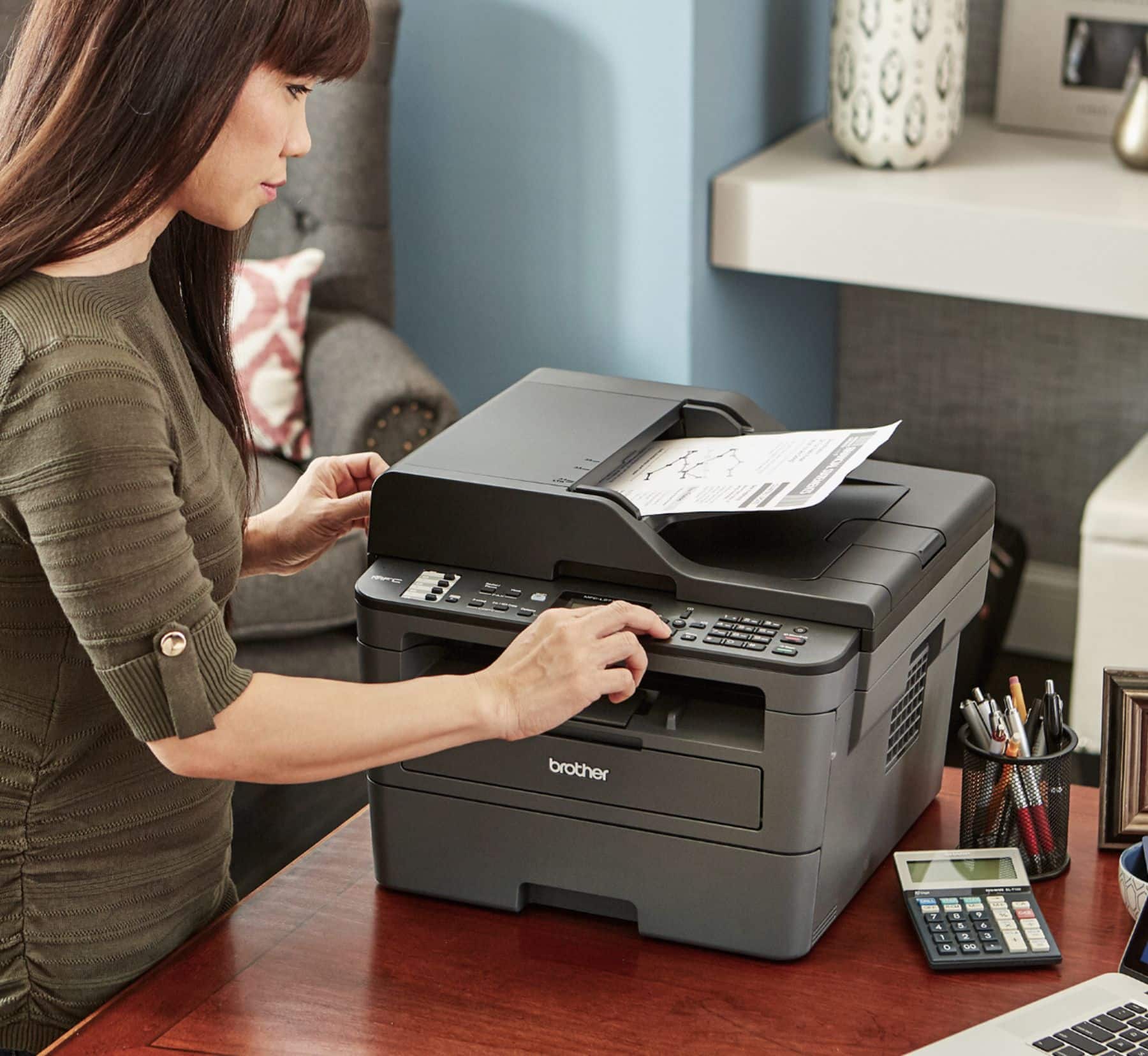
A:AnswerThe Brother MFC-L2710DW can't print larger than 8.5x11. You may want to look at the Brother MFC-J6930DW, which can print up to ledger size paper (11x17). Find it at https://www.bestbuy.com/site/brother-business-smart-pro-mfc-j6930dw-wireless-all-in-one-inkjet-printer-black/5714327.p?skuId=5714327
A:AnswerI believe the input is at least 75 pages, maybe up to 200 pages, I put in an inch worth of paper. I rarely put in less than 50 pages in the input tray.
I love the two sided print capability that saves paper but you can specify single side on the fly if you prefer
I am not sure what the input copy/scan feed limit is, it is probably more than 10 pages
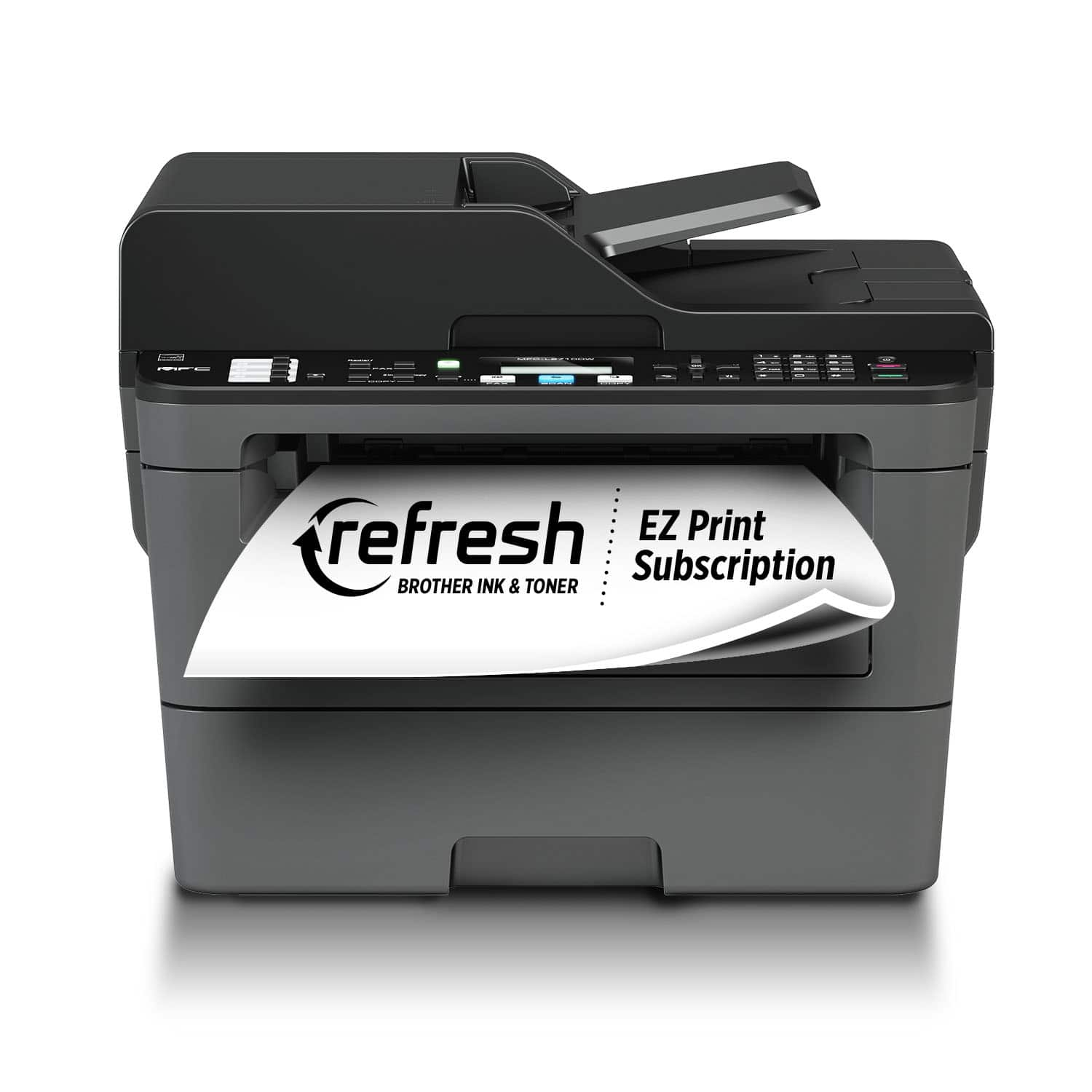
A:AnswerThis is a monochrome (Black & White) Laser Printer. This manufacturer makes a Color laser printer. Those printers have up to 5 different "colored" cartridges. The color printer as well as the "colored" cartridges are expensive.
Color laser printers are up to twice as much as monochrome laser printers
A:AnswerWe recommend using another computer that has a CD-ROM drive to transfer the contents of the installation CD to another media like a USB Flash Drive.
A:AnswerDistinctive Ring is a function of your MFC-L2710DW that allows a person with one line to receive fax and voice calls through two different phone numbers on that one line.
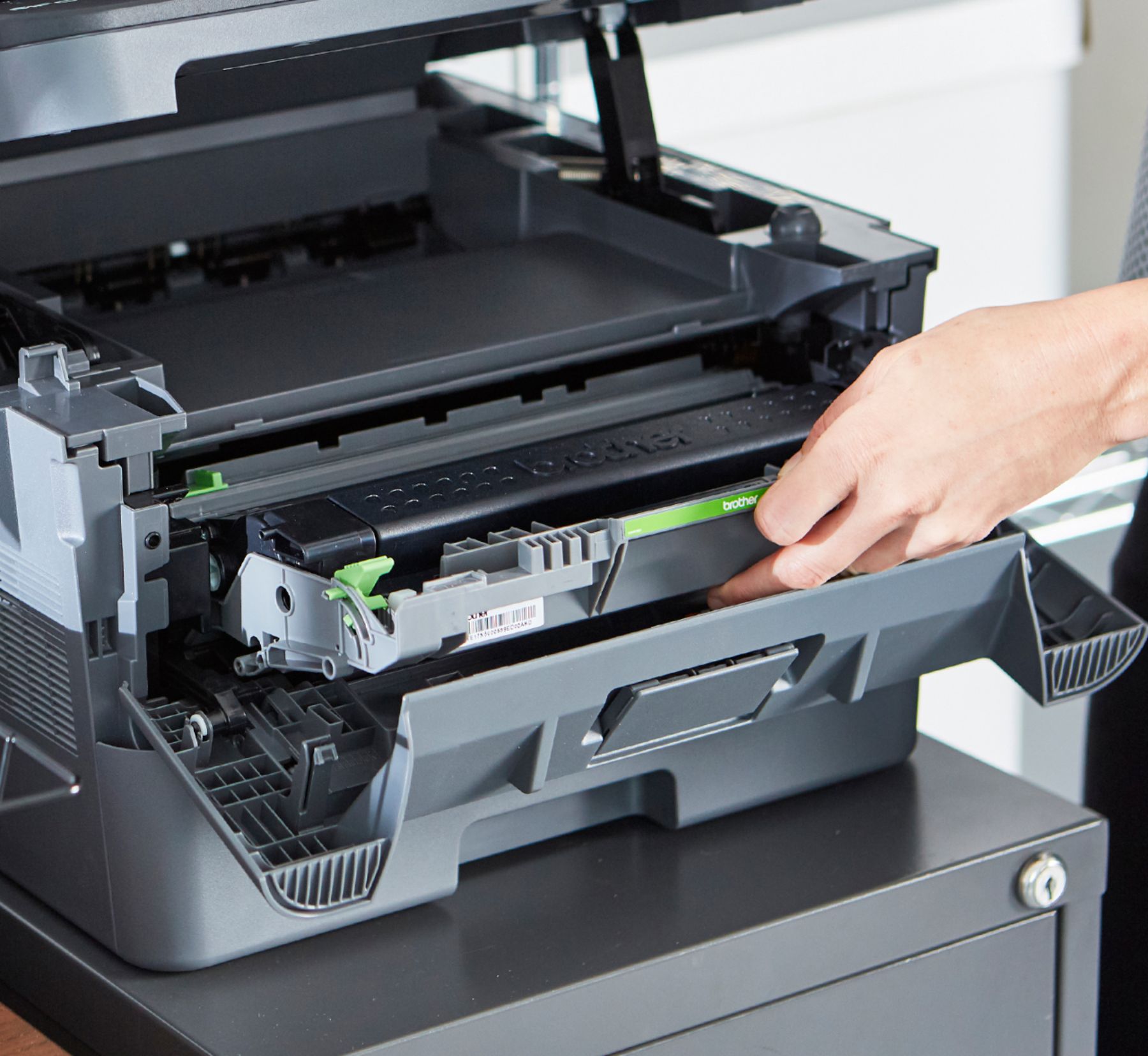
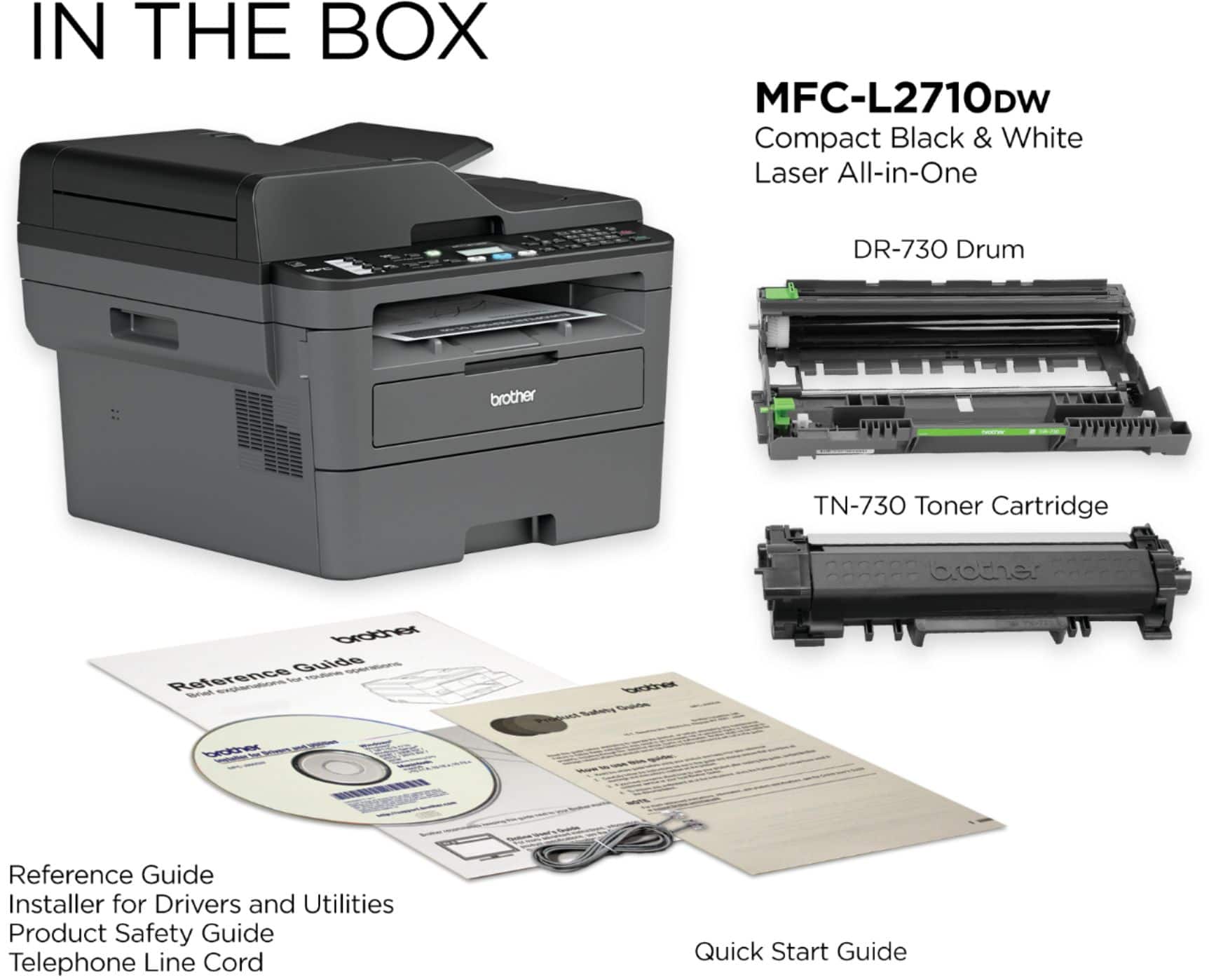
A:AnswerThe MFC-L2710DW uses TN730 standard yield toner or TN760 high yield toner and a DR730 drum unit.The dimensions for the MFC-L2710DW are 16.1" (W) x 15.7" (D) x 12.5" (H).