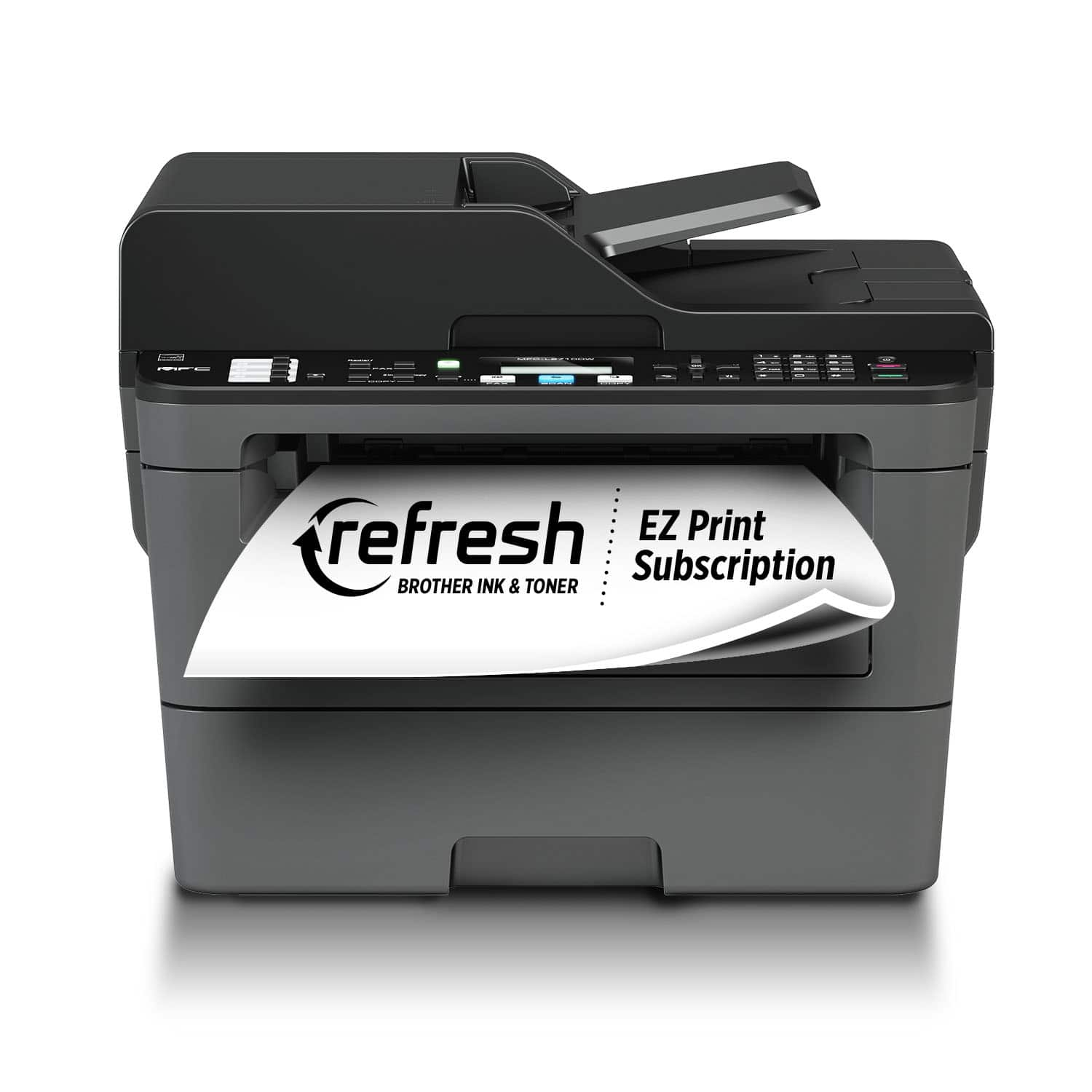
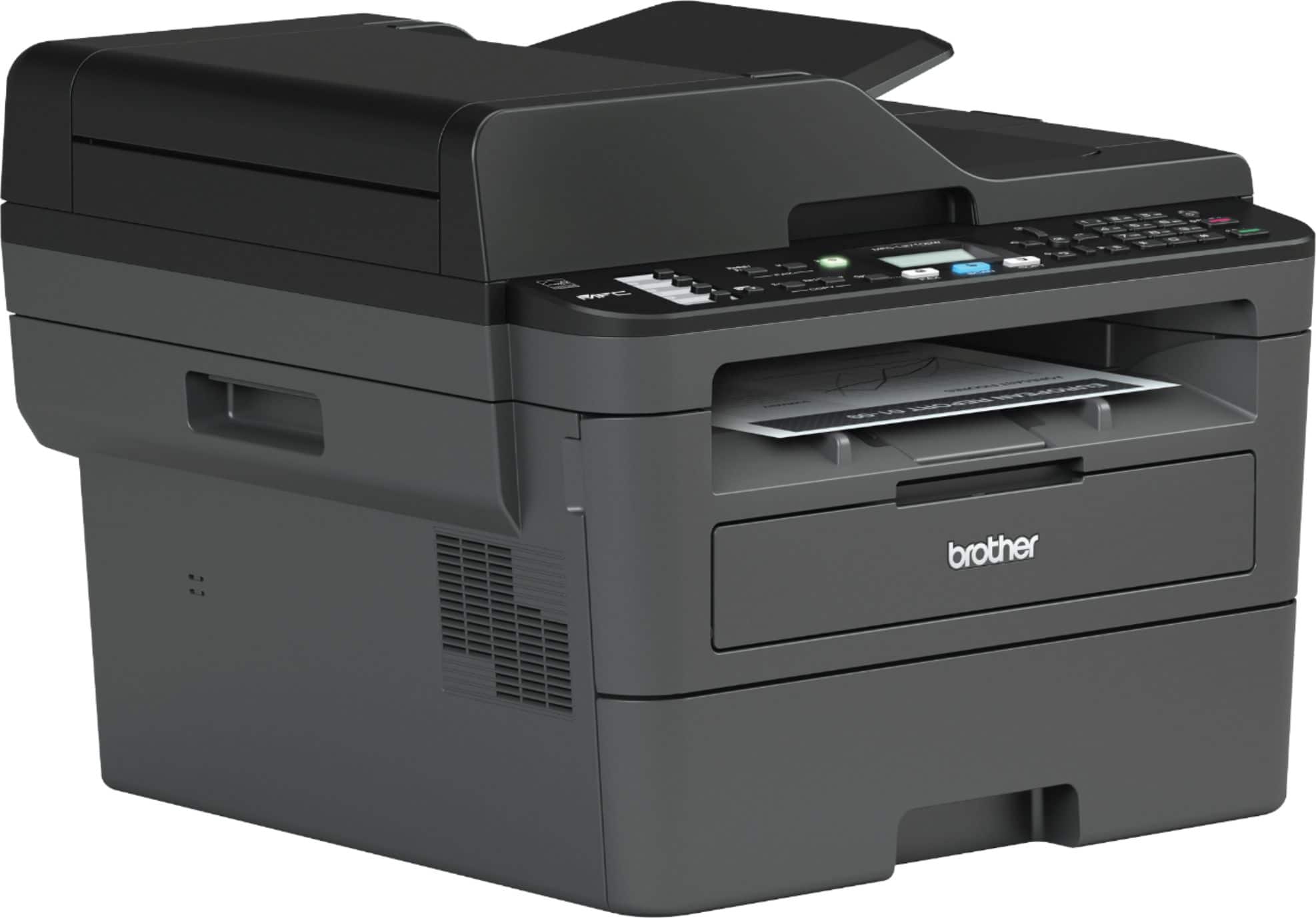
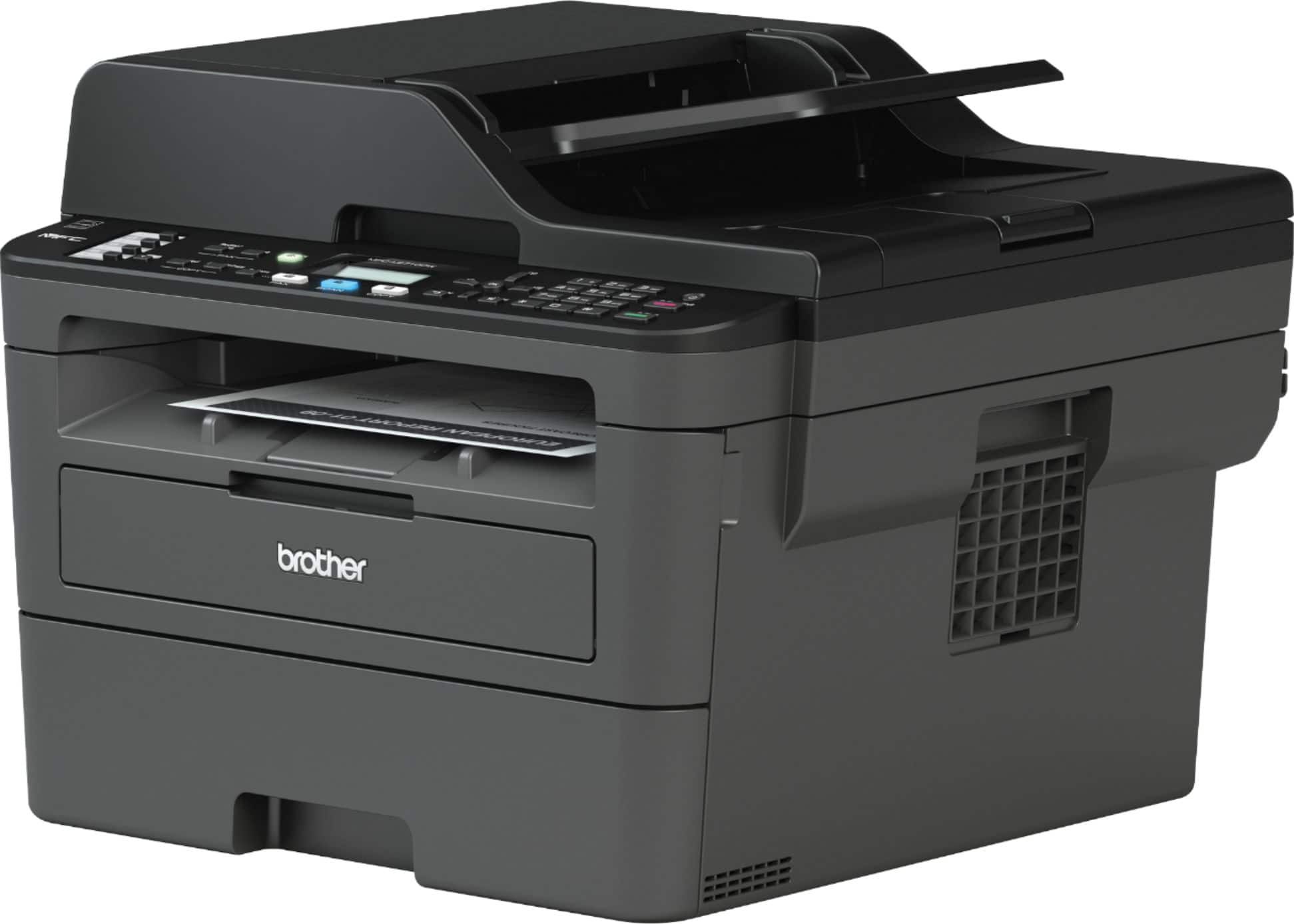
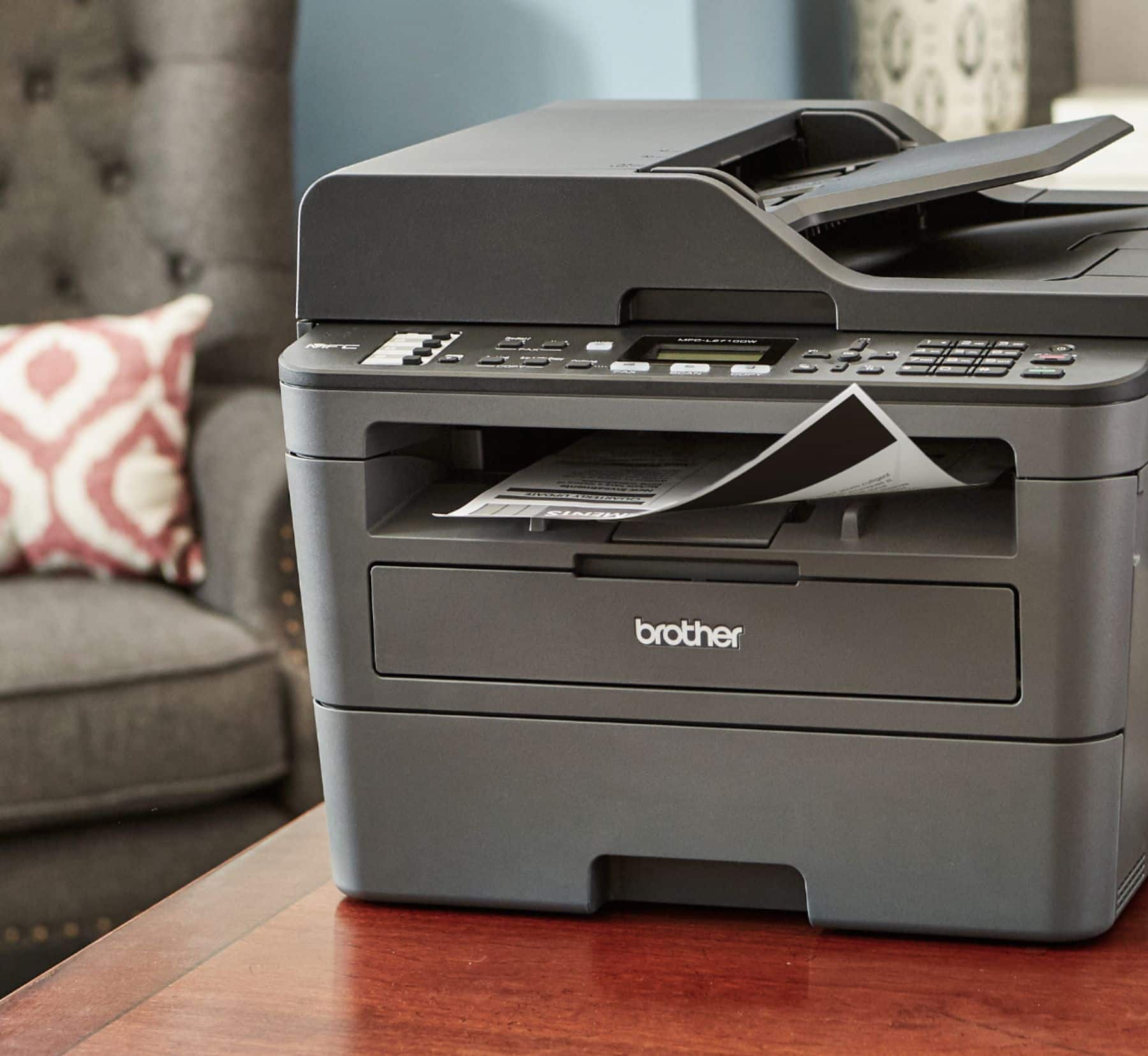
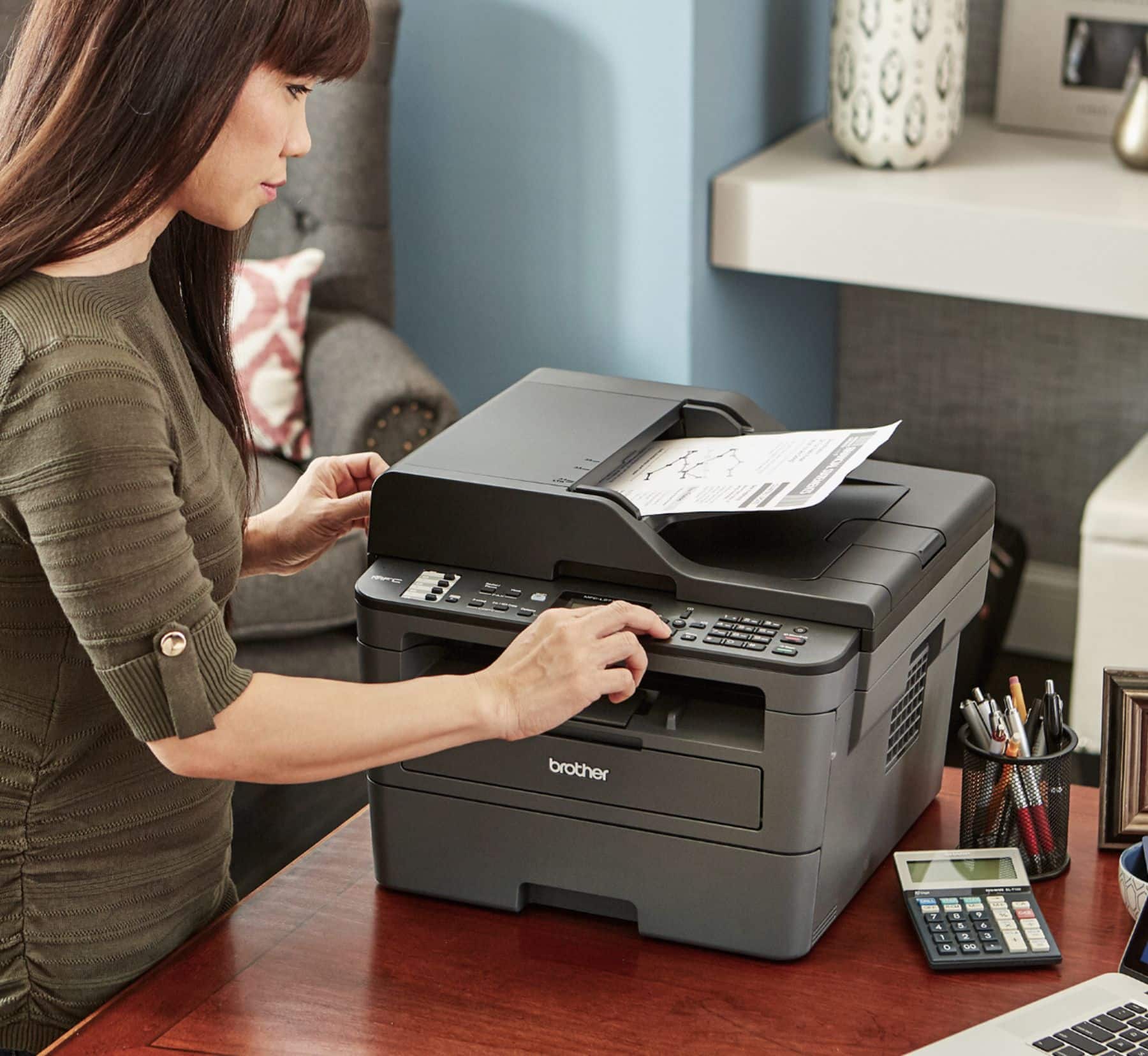
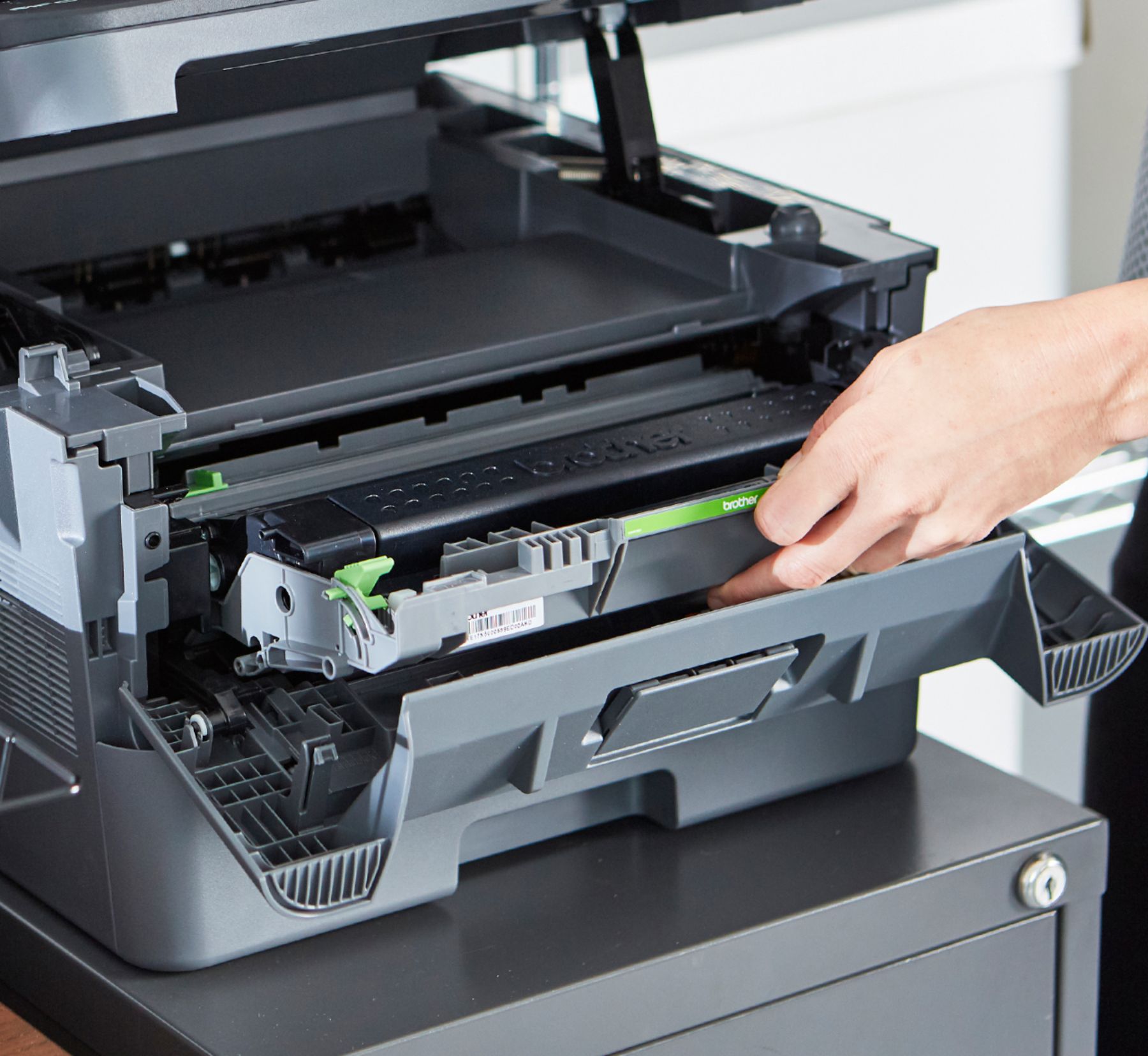
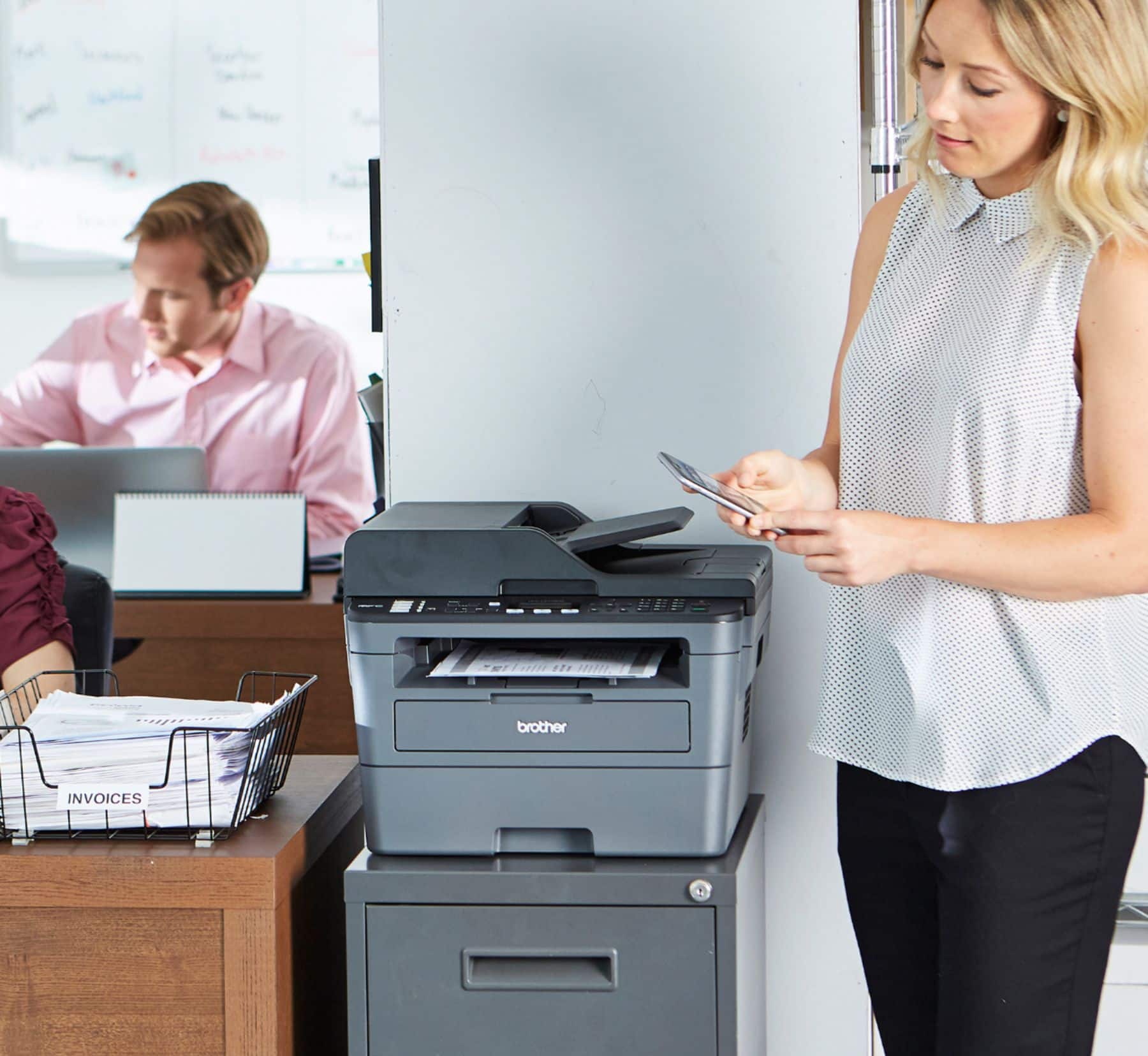
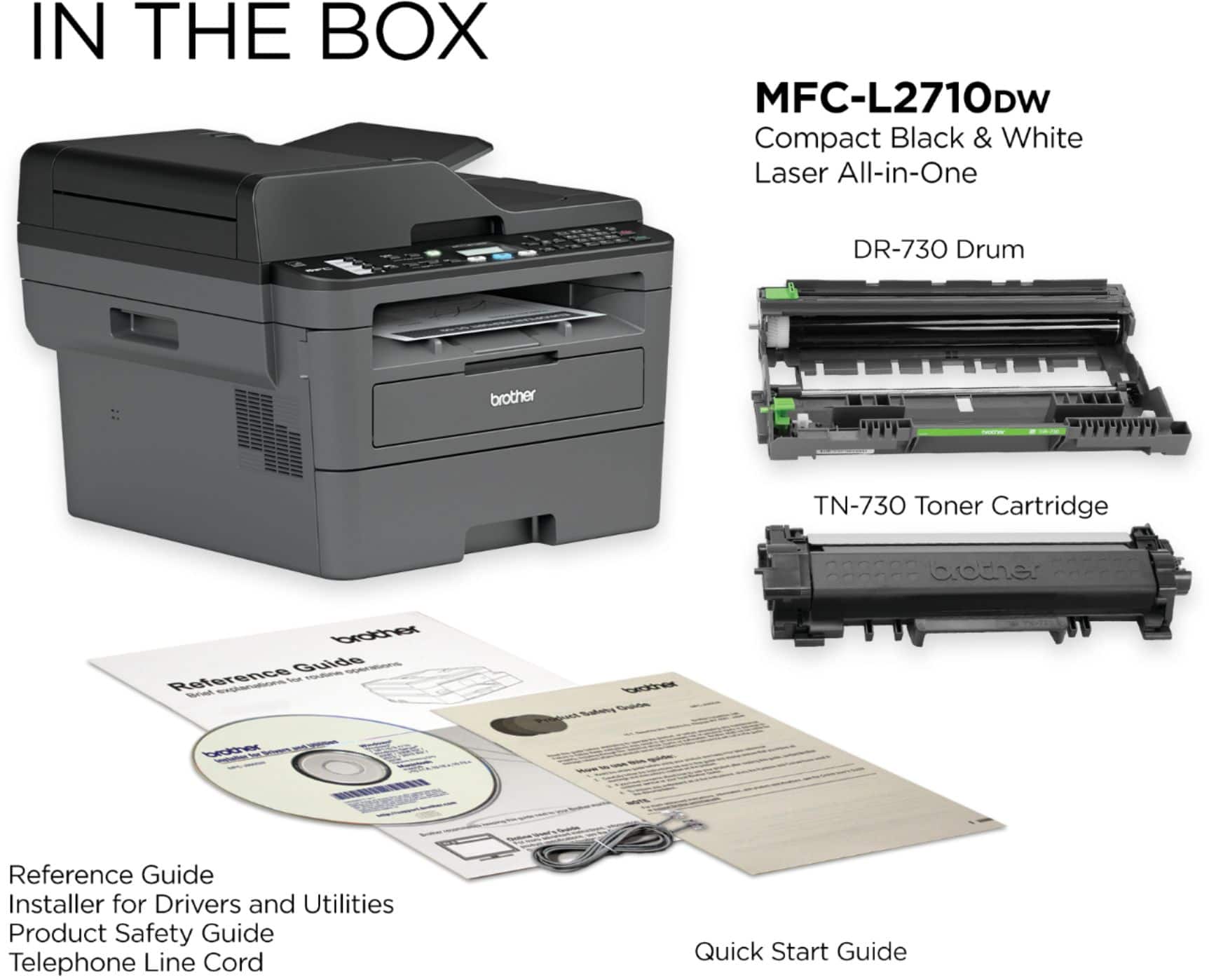
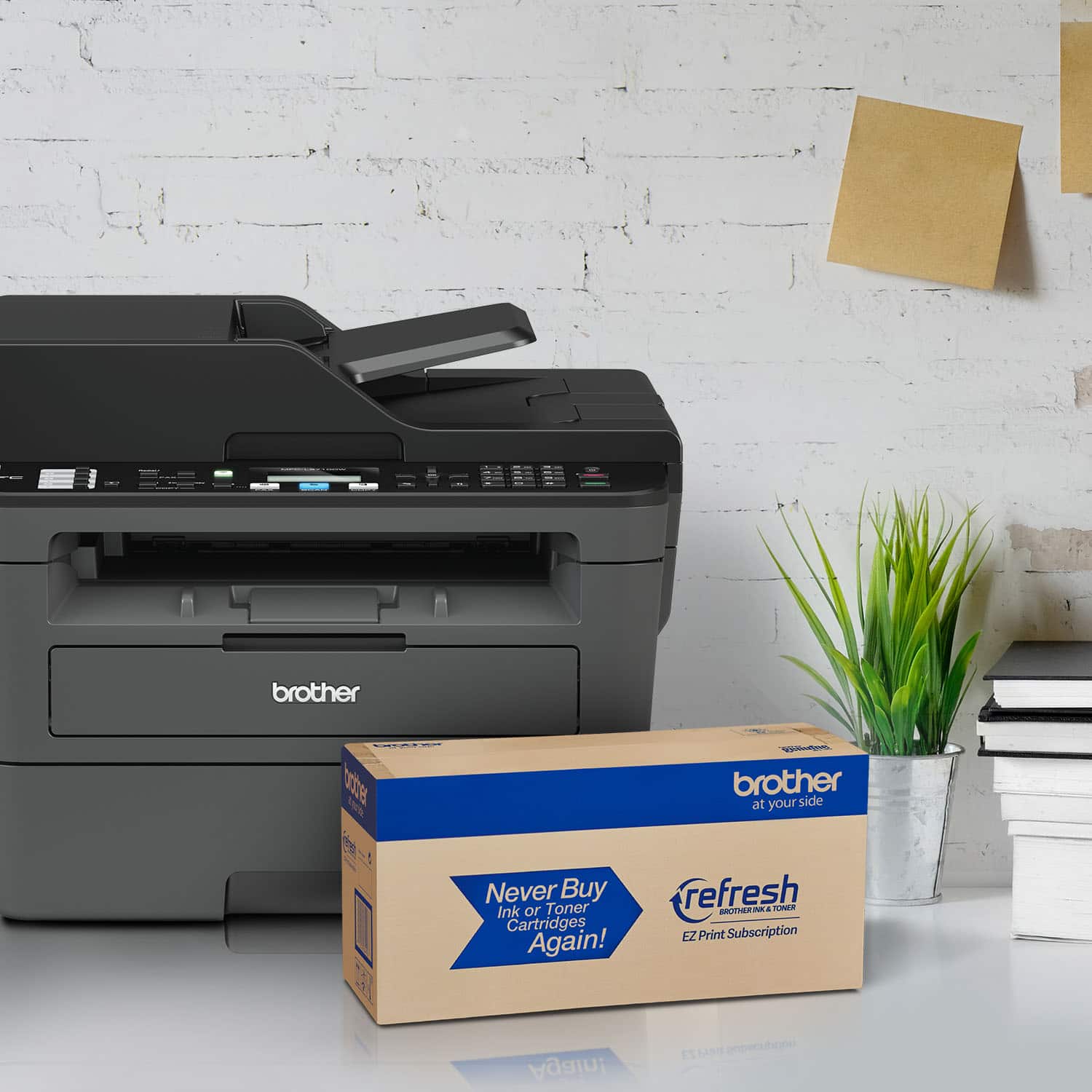
A:AnswerThe Brother MFCL2710DW a Monochrome Laser All-in-One able to Print, Scan, Copy and fax. The Brother MFCL2710DW is also able to print legal size documents and it has 1 paper tray.
A:AnswerBelow are some answer links that will help on your inquiry for the Brother MFCL2710DW.
Answer Link: Scan a multi-page document into a single file PDF - ControlCenter4 Home Mode
Answer Link: Scan using the ControlCenter4 - Home Mode
Answer Link: Scan a multi-page document into a single file PDF - ControlCenter4 Advanced Mode
Answer Link: Scan a multi-page document into a single file PDF using iPrint&Scan - Windows or Macintosh computer
Answer Link: "E-mail not Registered" when attempting to scan to e-mail
A:AnswerTo connect the Brother MFCL2710DW to your iPad, you have two options. You can use a network connection to your router, or you can use the built in Wi-Fi Direct feature. Wi-Fi Direct allows you to configure a secured wireless network between your machine and a mobile device without using a router.