A:AnswerThe Brother MFCL2710DW machine Sleep Mode (or Power Save Mode) setting can reduce power consumption. When the machine is in Sleep Mode, it acts as though it is turned off. The machine will wake up and start printing when it receives a print job or fax.
A:AnswerWe are sorry to hear that you are having printing issues with your brother MFCL2710DW machine. Please use the steps below to see if that solves your issue:
https://help.brother-usa.com/app/answers/detail/a_id/152394
If you continue to have issues, our Brother Customer Support Team is available to assist you direct: www.brother-usa.com/brother-support
A:AnswerUnfortunately the Brother MFCL2710DW machine is not able to connect via Bluetooth. This model supports: Wireless 802.11 b/g/n, Ethernet, 10/100 Base-TX Ethernet, Wi Fi Direct, Hi-Speed USB 2.0
A:AnswerPlease use the link below to print from your Android device with the Brother MFCL2710DW machine:
https://help.brother-usa.com/app/answers/detail/a_id/135463
A:AnswerWe are sorry that you are experiencing fax issues with your Brother MFCL2710DW and we understand your disappointment. Our Brother Customer Support Team is on stand-by to provide quality products and service to our customers via online, email or live chat: www.brother-usa.com/brother-support
A:AnswerUnfortunately no, in order to scan a document using the Brother MFCL2710DW machine or any other model, it needs to be saved in the computer and then you can print it.
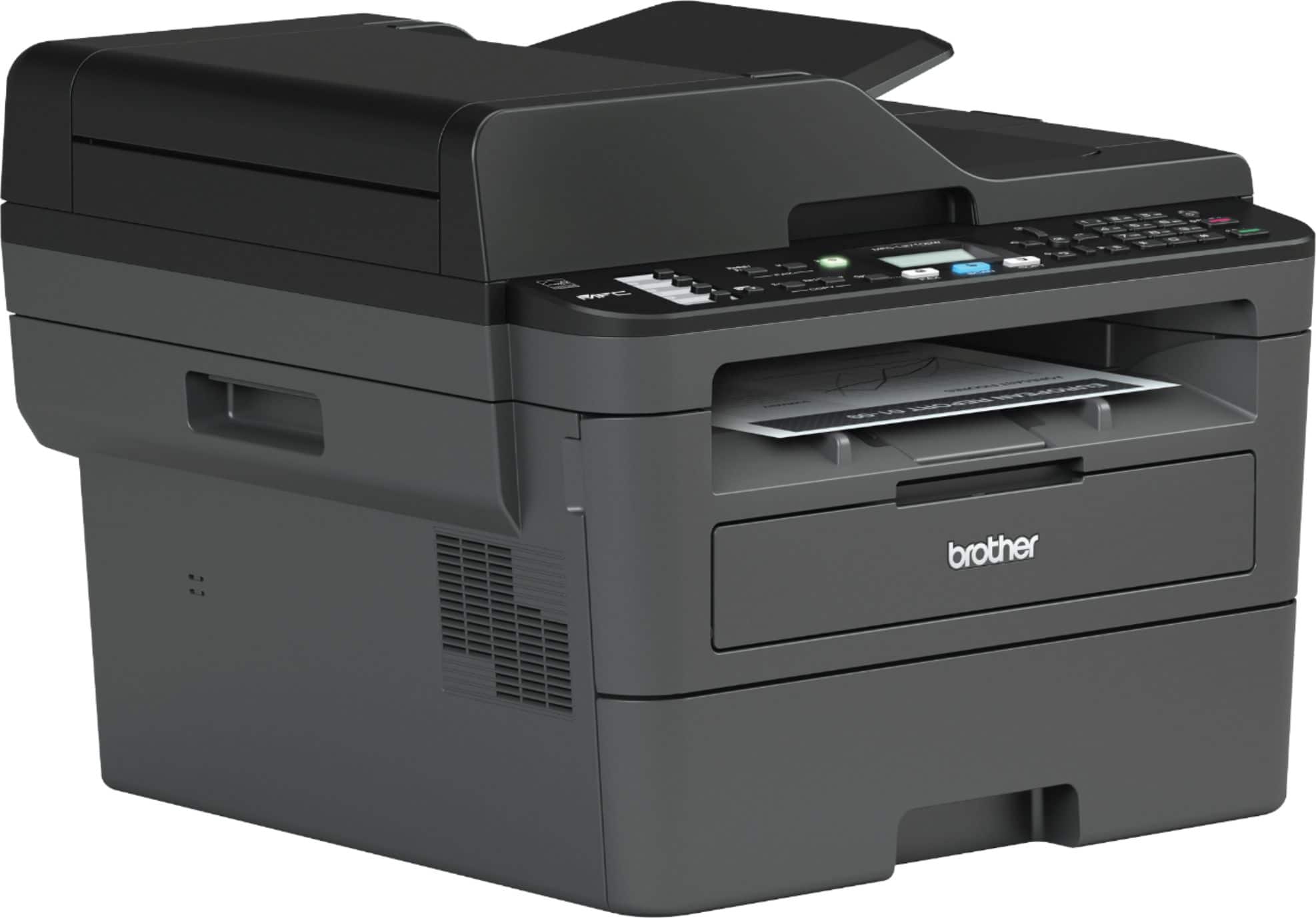
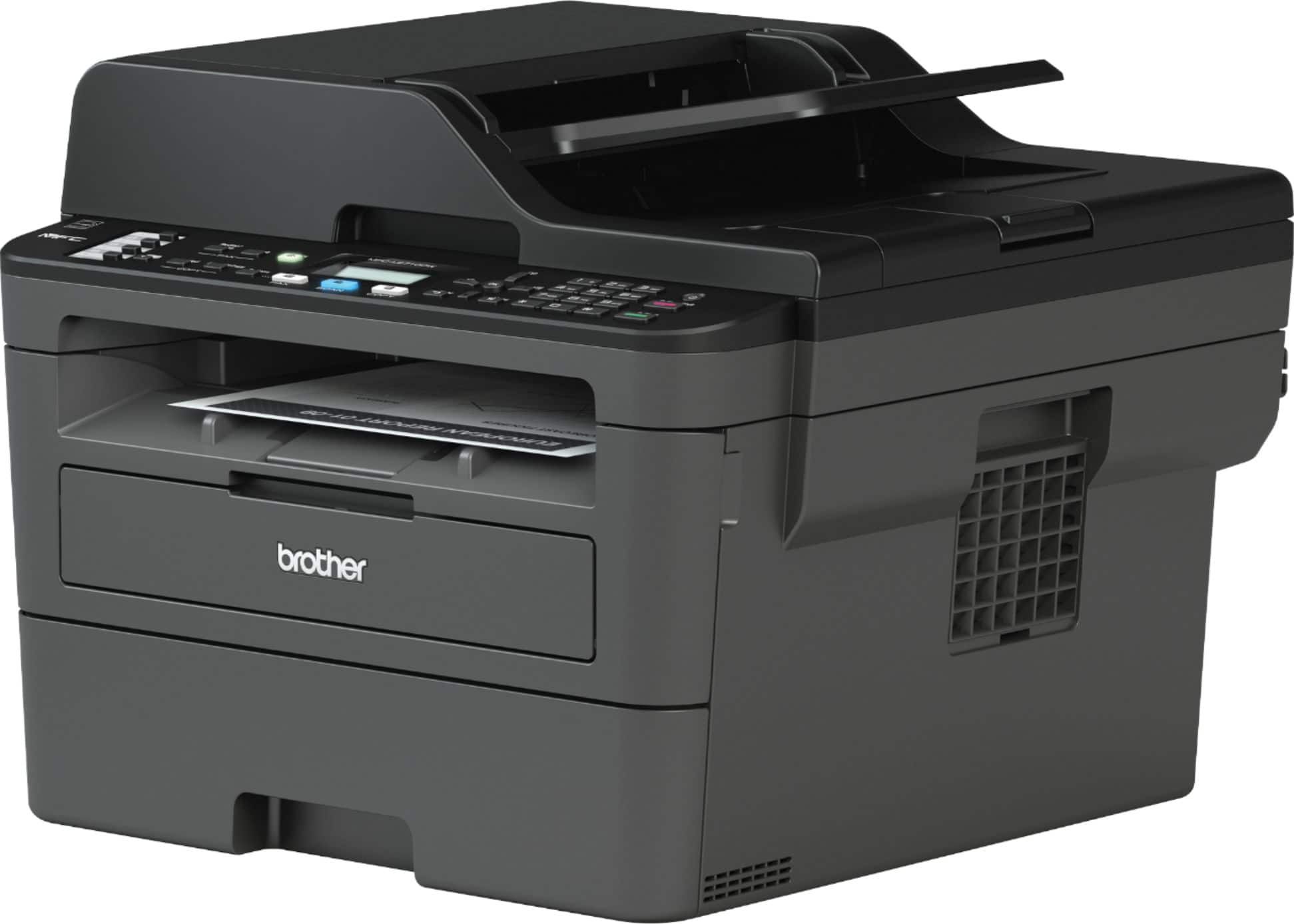
A:AnswerThe Brother MFCL2710DW dimension are as follows: (W" x D" x H") 16.1" x 15.7" x 12.5" . Feel free to contact Brother customer support for any assistance needed at https://www.brother-usa.com/support.
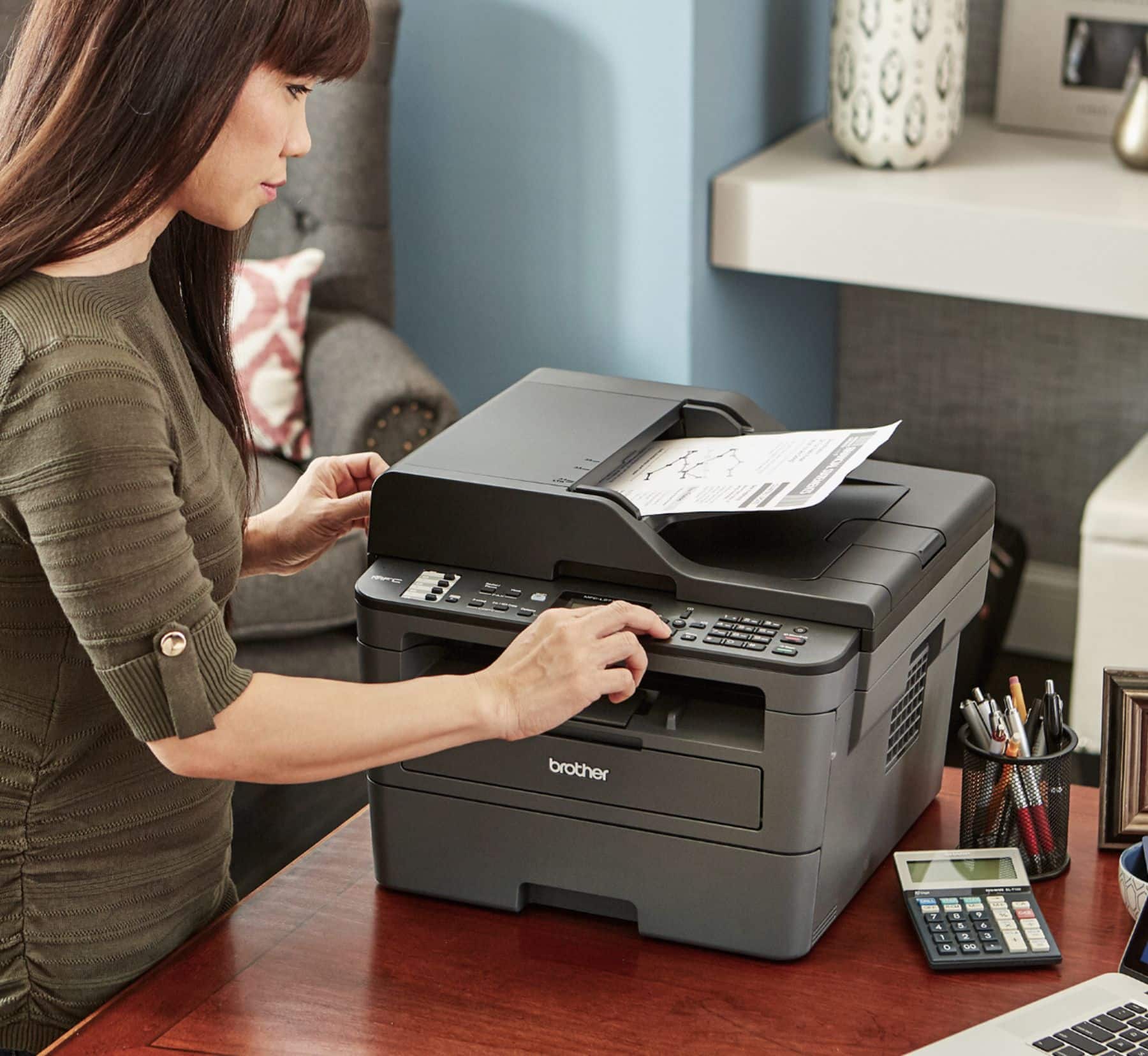
A:AnswerNo, the flat bed will only allow you to scan letter size paper or smaller, the feeder will allow you to scan legal size documents, feel free to contact Brother customer support for any assistance needed at https://www.brother-usa.com/support.
A:AnswerUnfortunately the Brother MFCL2710DW machine is not able to take a lower/second paper tray nor print in mixed sizes of paper. We recommend you our Brother MFCL5900DW machine.
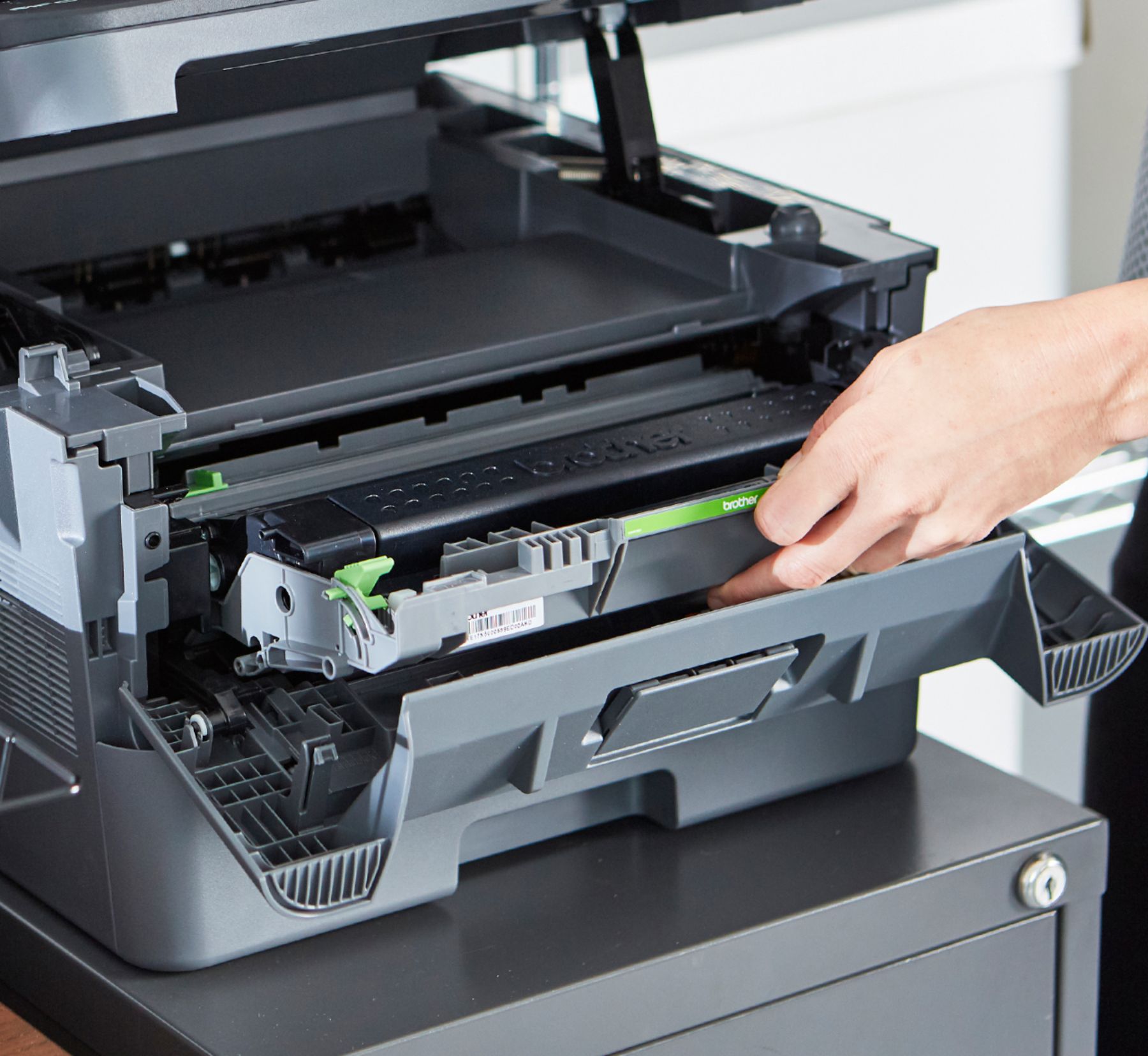
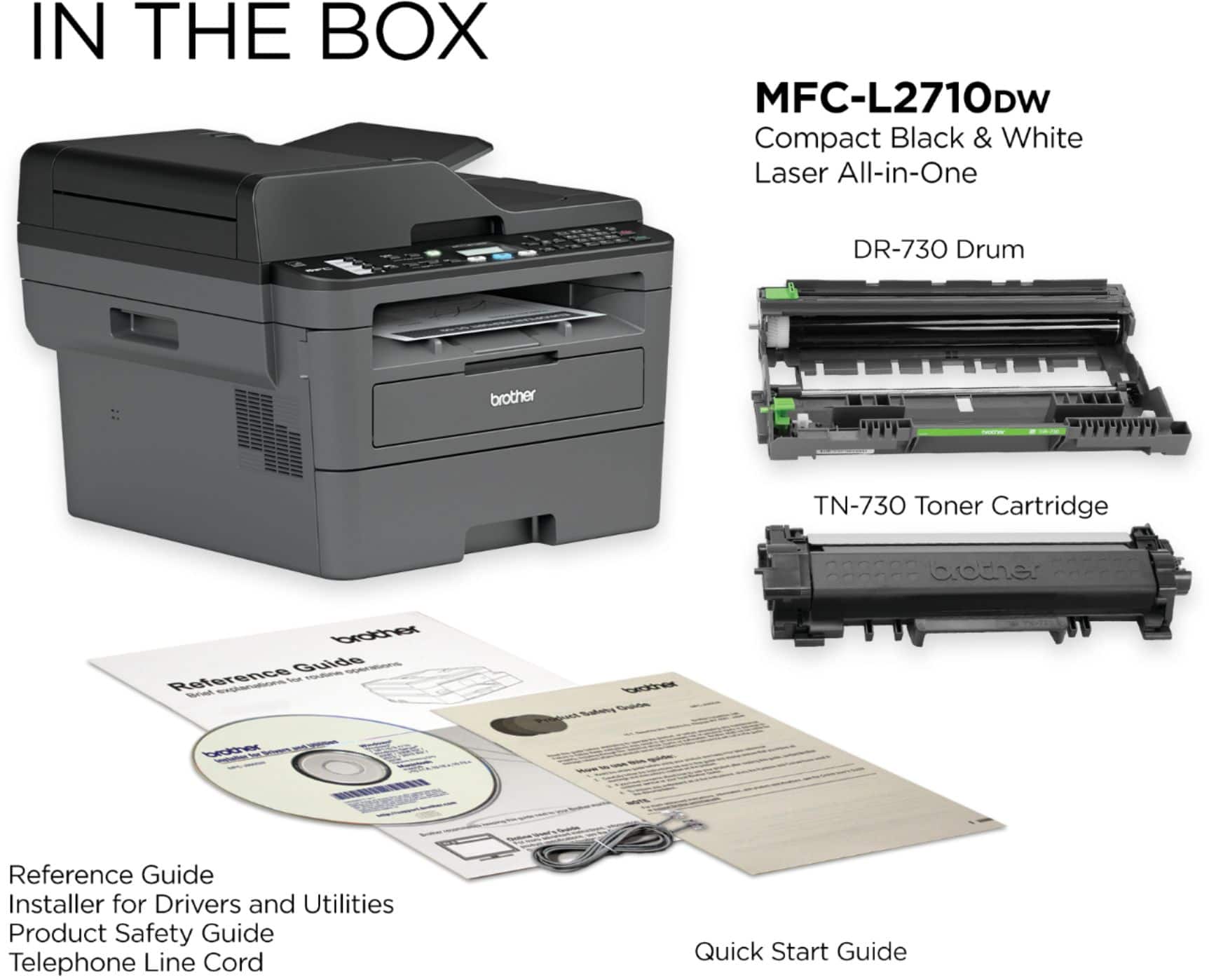
A:AnswerWe are sorry that you are experiencing issues replacing the toner with your Brother MFCL2710DW machine and we understand your disappointment. Please review the links below to see how to replace it, based on your comment, it seems that you are missing the drum unit. Is needed to remove the empty toner from the drum to install the new one, that's why you see the new one smaller and the reason why is telling you that there is a paper jam. Use the links below:
https://help.brother-usa.com/app/answers/detail/a_id/160461 Difference between Drum and toner
https://help.brother-usa.com/app/answers/detail/a_id/152340 How to replace the toner cartridge
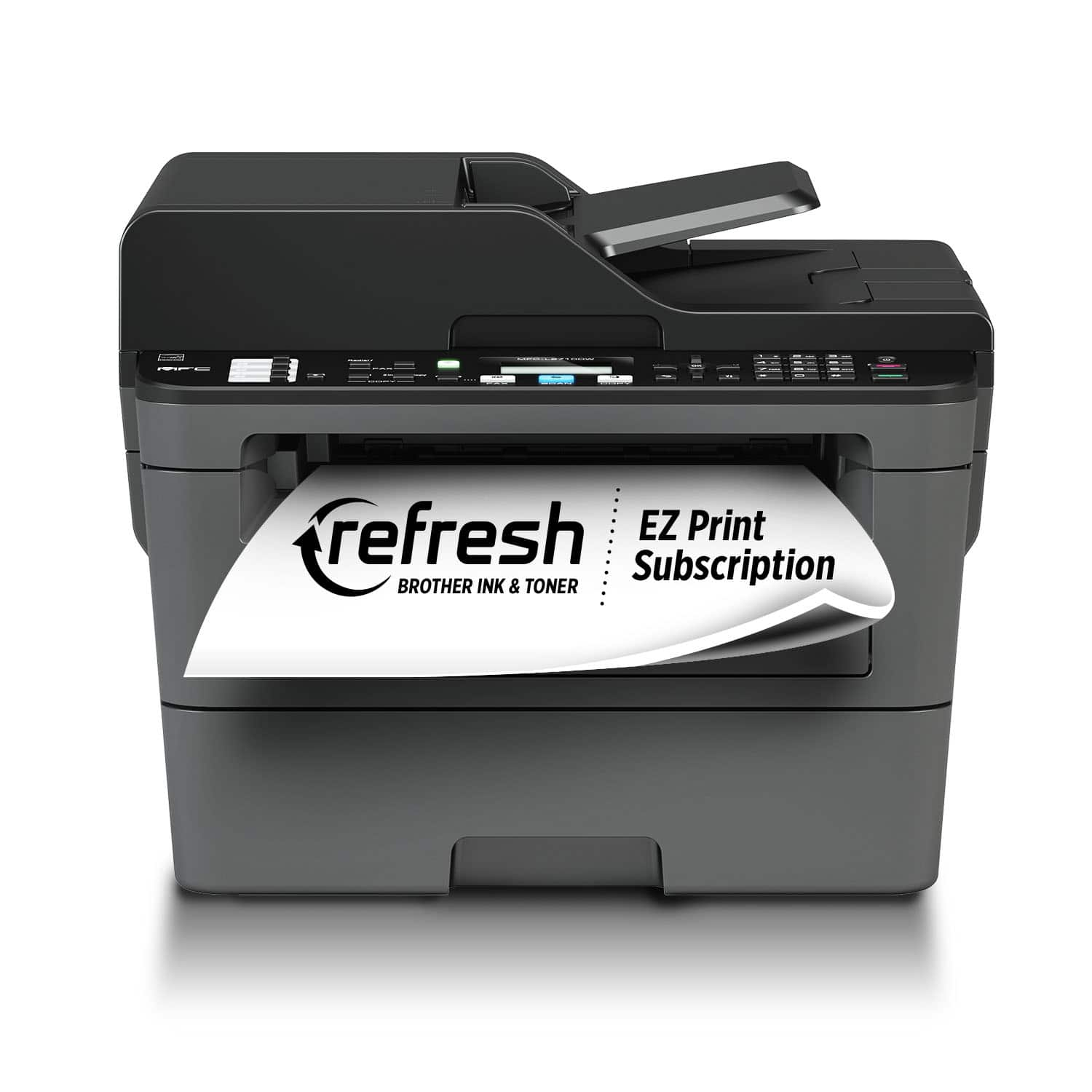
A:AnswerUnfortunately the Brother MFCL2710DW machine is not able to automated duplex copy or scan, you can do it manually by flipping the page. This model is able to automated duplex print from the computer.