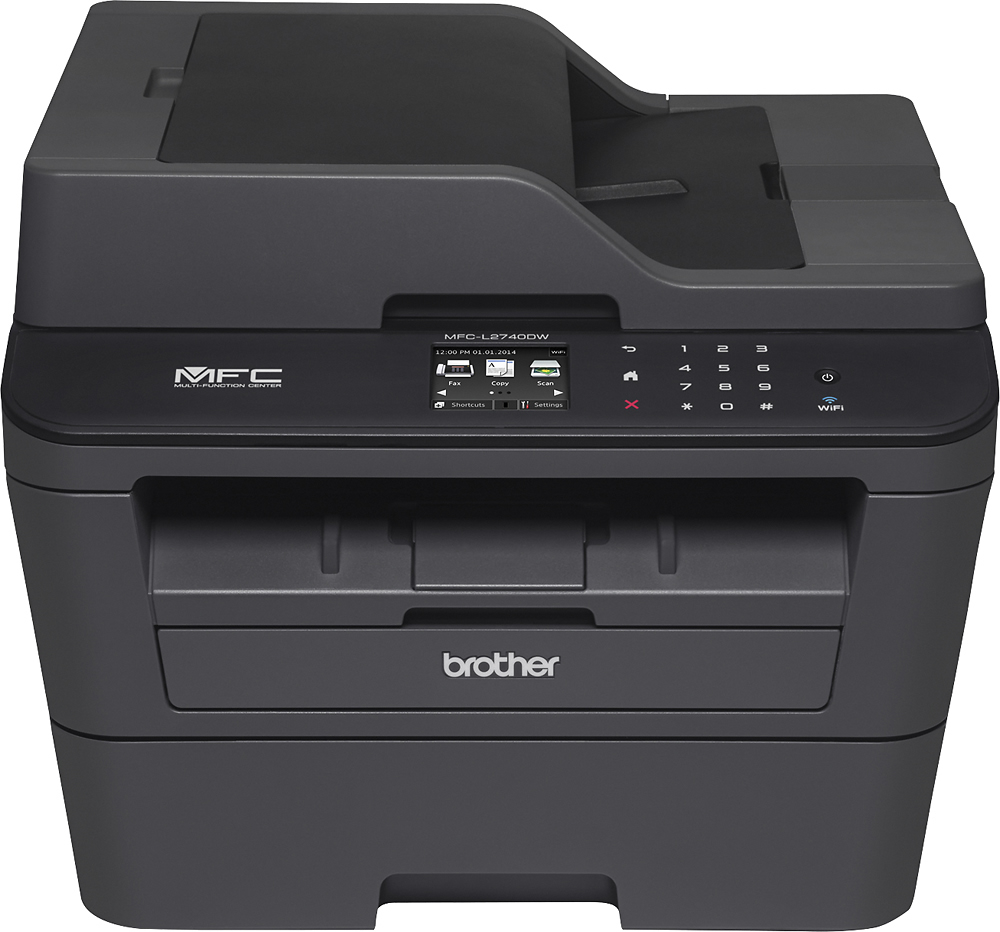
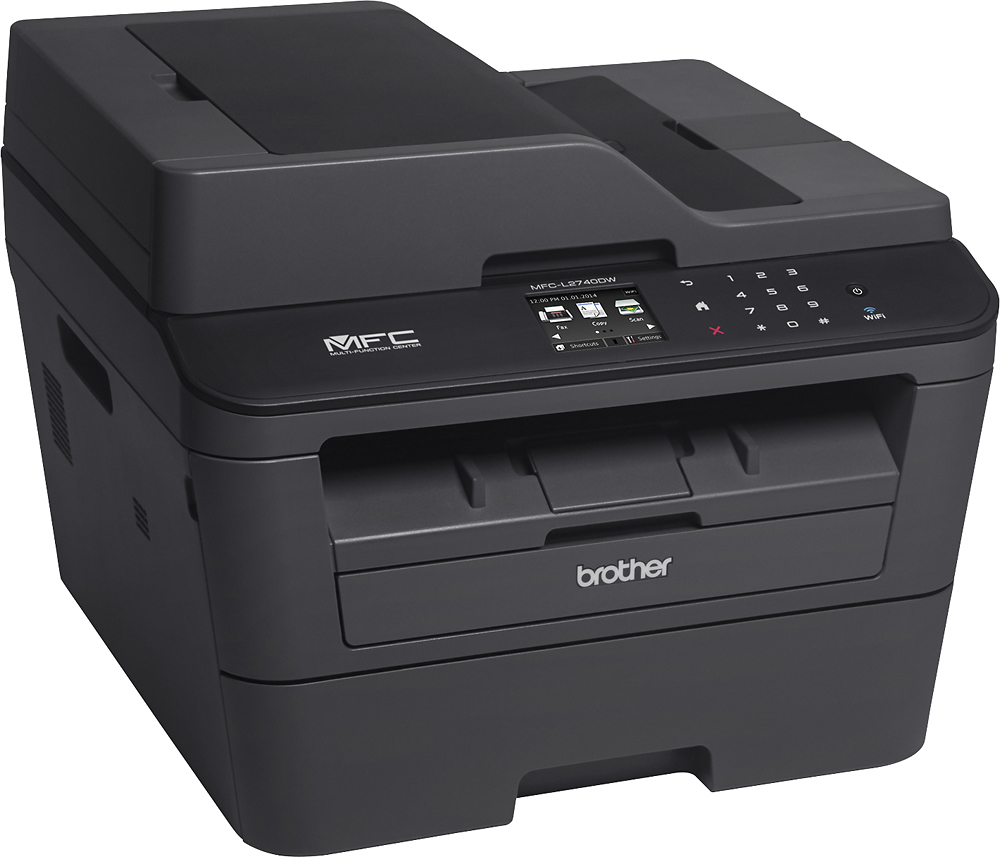
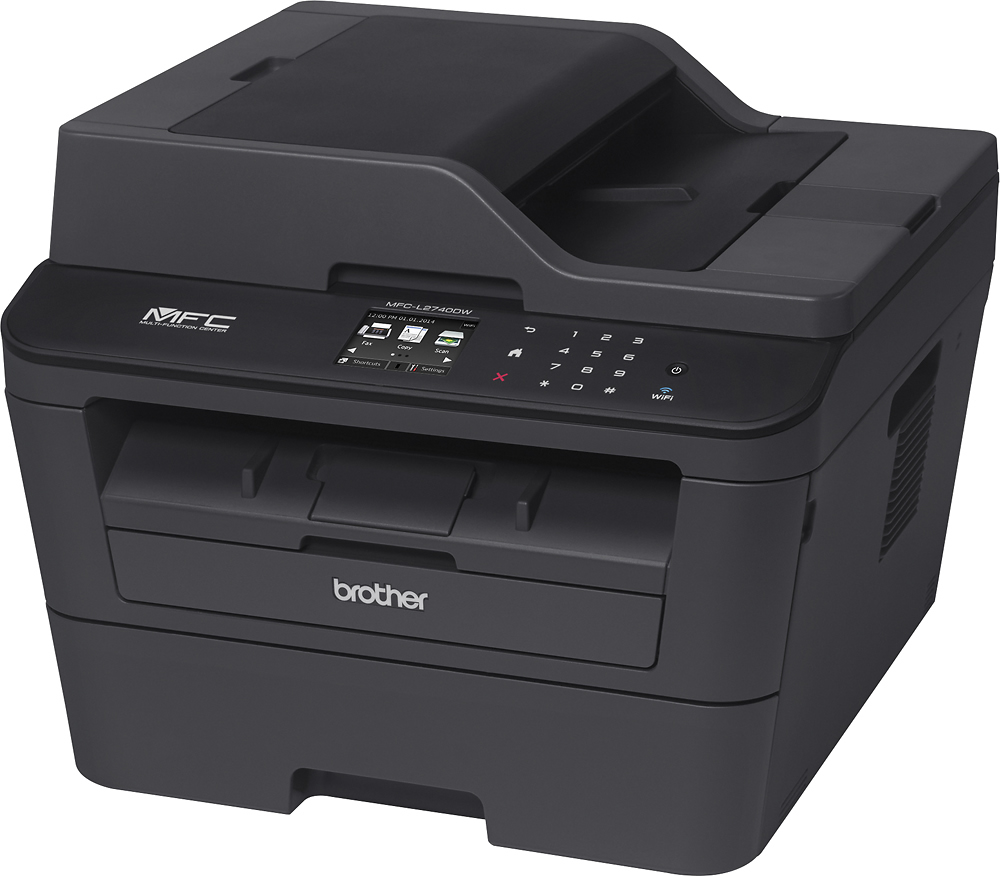
A:AnswerI had some trouble with this as well. You have to make sure that you install ALL of the drivers from the CD that came with the printer. Once they are all installed on your computer - you should be able to set up scanner via your computer.
A:AnswerI imagine you can download the USB drive docs to your computer and then print. The printer does not have a slot for USB but you can scan docs to your computer and then save them to USB drive. There may be another way but this is how I manage USB and printing.
A:AnswerCopy - You do not have to flip the paper to copy 2-sided. The scanner reads both sides of the paper with one pass. You will have to select duplex (2-sided) copy before starting the job, but settings like this can be saved to a shortcut to make them even easier to specify.
Print - Duplex printing is a selection in the printer options and works well.