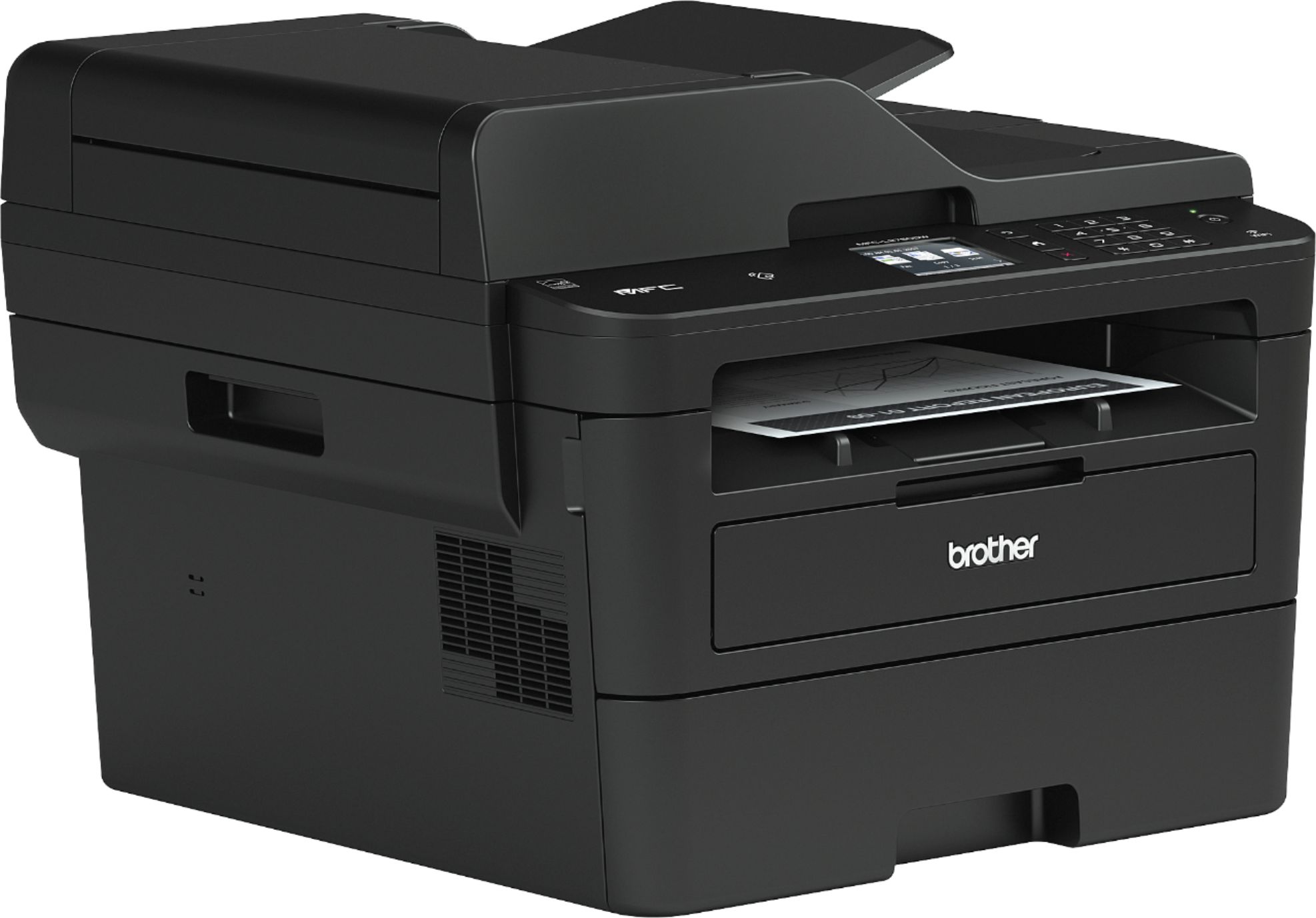
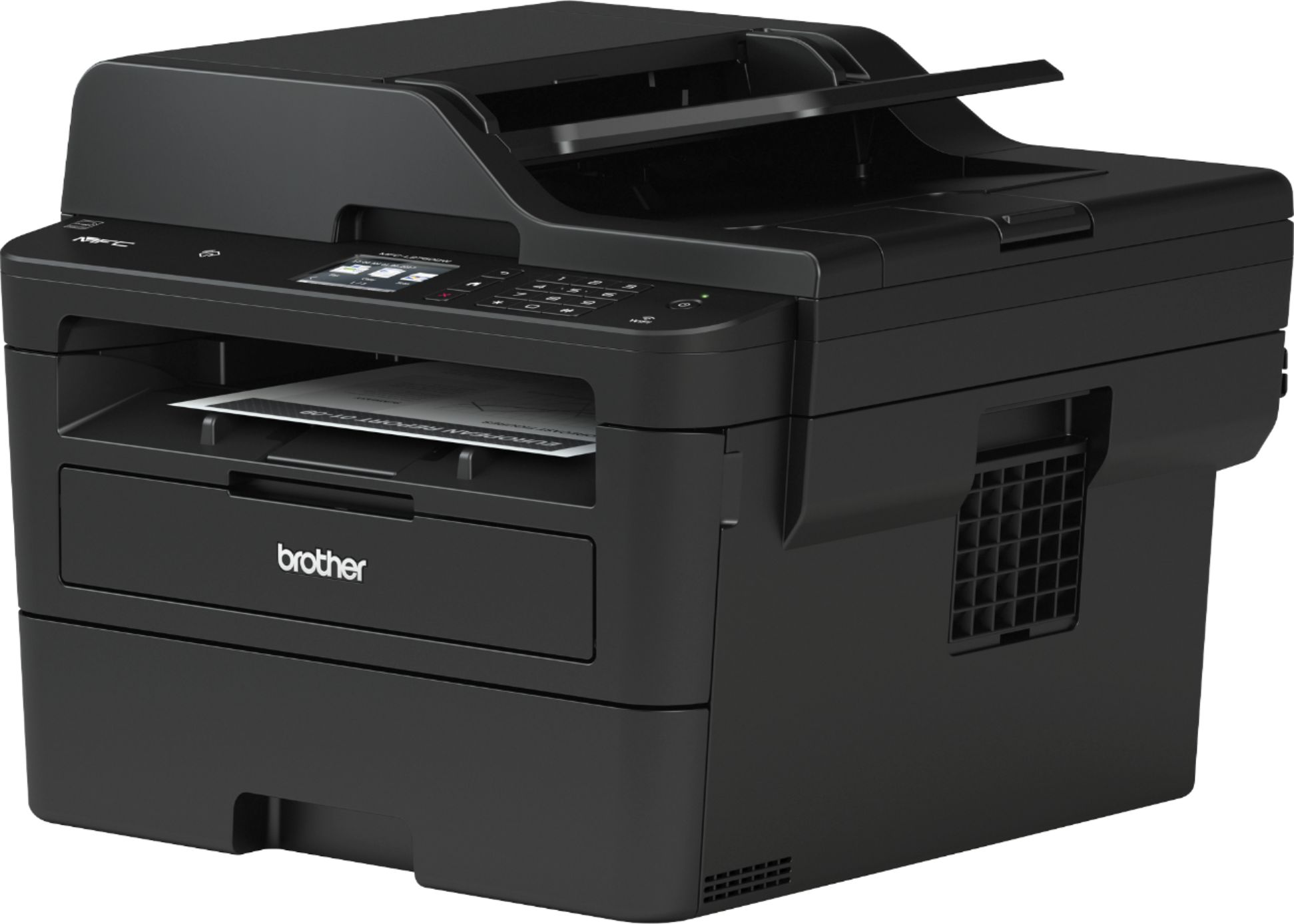
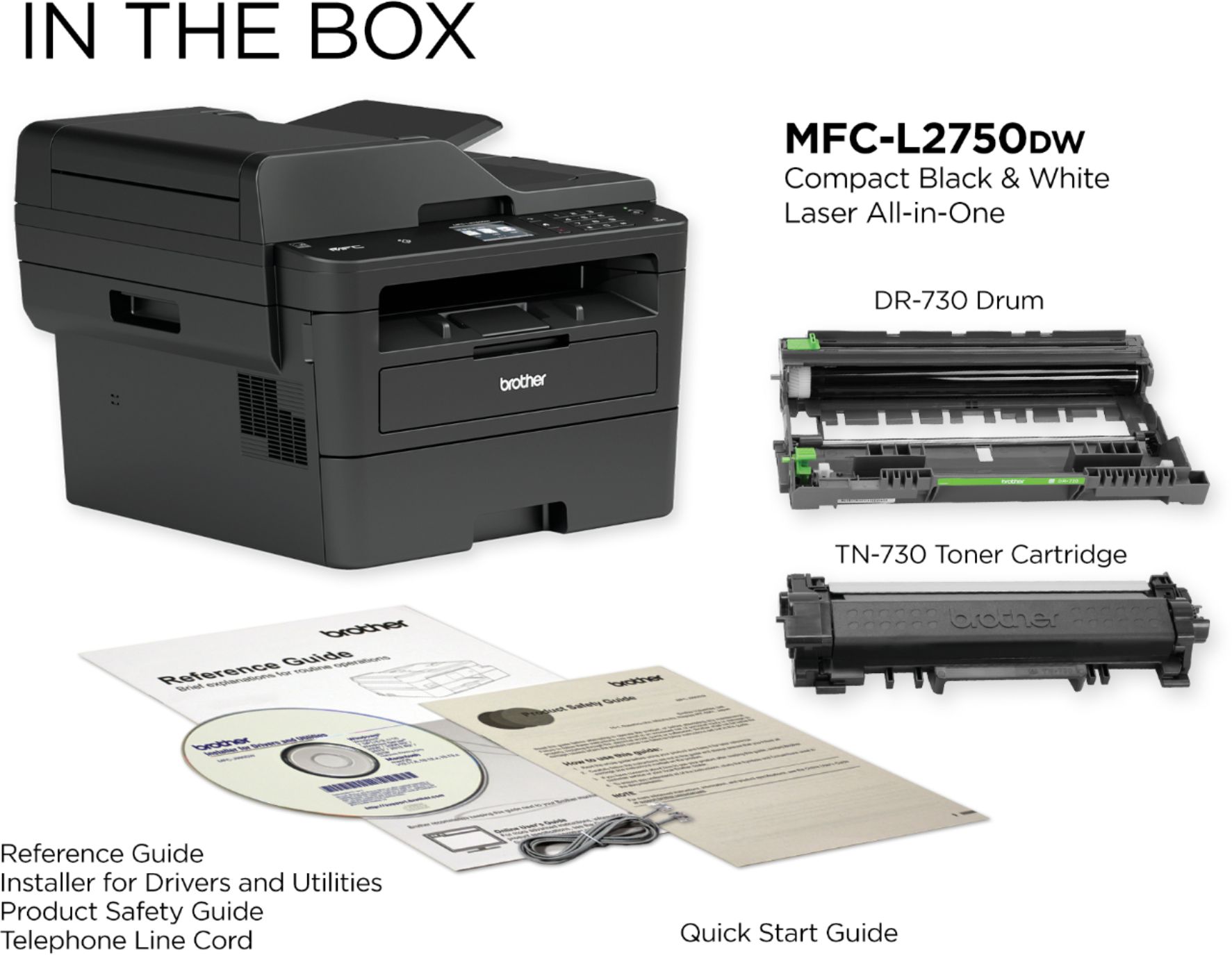
A:AnswerThe MFC-L2750DW comes with (1) starter toner cartridge (yields approx. 700 pages‡), (1) DR730 drum unit (yields approx. 12,000 pages‡), quick setup guide and basic user's guide, AC power cord, telephone line cord, installation CD-ROM.
A:AnswerI own a MFC-L2750DW. It depends what your needs are. I own a home business so having EVERYTHING (copy, scan, print and fax) from one machine is beneficial. I also prefer laser quality. If all you need is printer those can be had for as little as $20-$50. If you need the whole real meal deal then get the "MFC-L2750DW"
A:AnswerThe Brother MFC-L2750DW works with Chrome OS using Native Printing. However, scanning is not supported. For more information, feel free to contact Brother Customer Service directly.
A:AnswerYes, the Brother MFCL2750DW is compatible with Mac OS 14. The machine will only connect to the 2.4 GHz wireless band. The Brother machine will not "see" or connect to the 5 GHz band of your router.
A:AnswerThe only difference between the Brother MFCL2750DW and the XL model is that the XL comes with 2 years of toner included in box. The Brother MFCL2750DWXL machine comes with: (1) TN-760 and (1) TN-770 (2 cartridges yield approx. 7,500 pages), (1) DR730 Drum Unit (yields approx. 12,000 pages‡), CD-ROM – Includes User's Manual and Printer Drivers, AC Power Cord Quick Setup Guide
A:AnswerYour Brother MFCL2750DW machine will only connect to the 2.4 GHz wireless band. The Brother machine will not "see" or connect to the 5 GHz band of your router. Your computer can be connected to the 5 GHz band network and be able to print or scan (depending on your router's specifications), to the Brother machine connected to the 2.4 GHz band.
If you experience repeated offline or lost connection issues with your Brother machine, the mesh network’s name (SSID) must be separated into different bands and the Brother machine must be connected to the 2.4 GHz network.
A:AnswerThe Brother MFCL2750DW comes with the following items:
- 1 Starter Toner Cartridge (yields approx. 700 pages‡),
- 1 DR730 Drum Unit (yields approx. 12,000 pages‡),
-Quick Setup Guide and Basic User's Guide,
-AC Power Cord,
-Telephone Line Cord,
-Installation CD-ROM.
Please know that a Cat-5 cable is not included with the Brother MFCL2750DW.
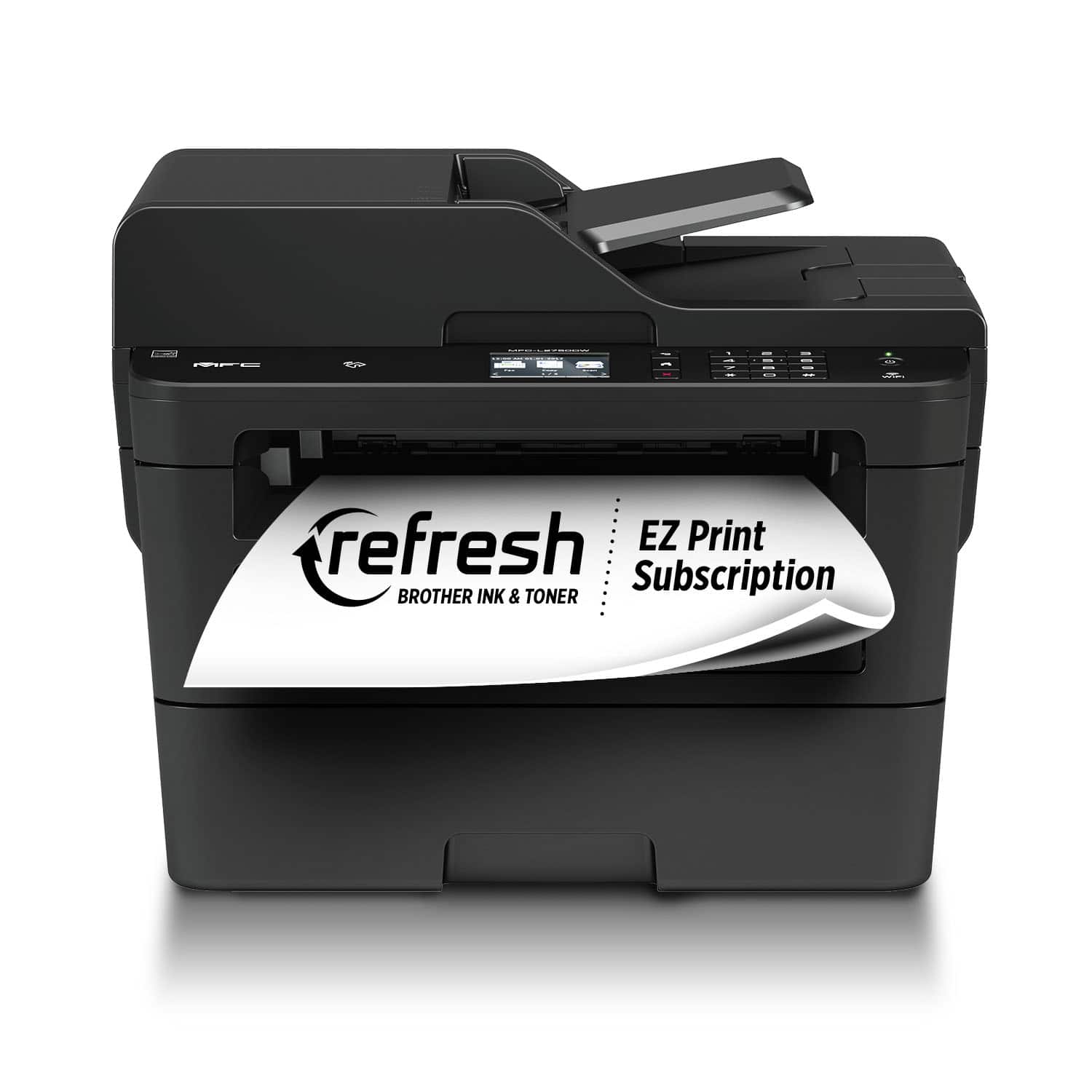
A:AnswerThe Brother MFC-L2750DW standard toner cartridge yields approximately 1,200 pages. Smudges on printed pages are usually caused by foreign material inside the machine and may require cleaning.