A:AnswerI’m not sure that you need Bluetooth capability given that if your device from which you want to print is on the same Wi-Fi as this printer, you can print directly from your device.
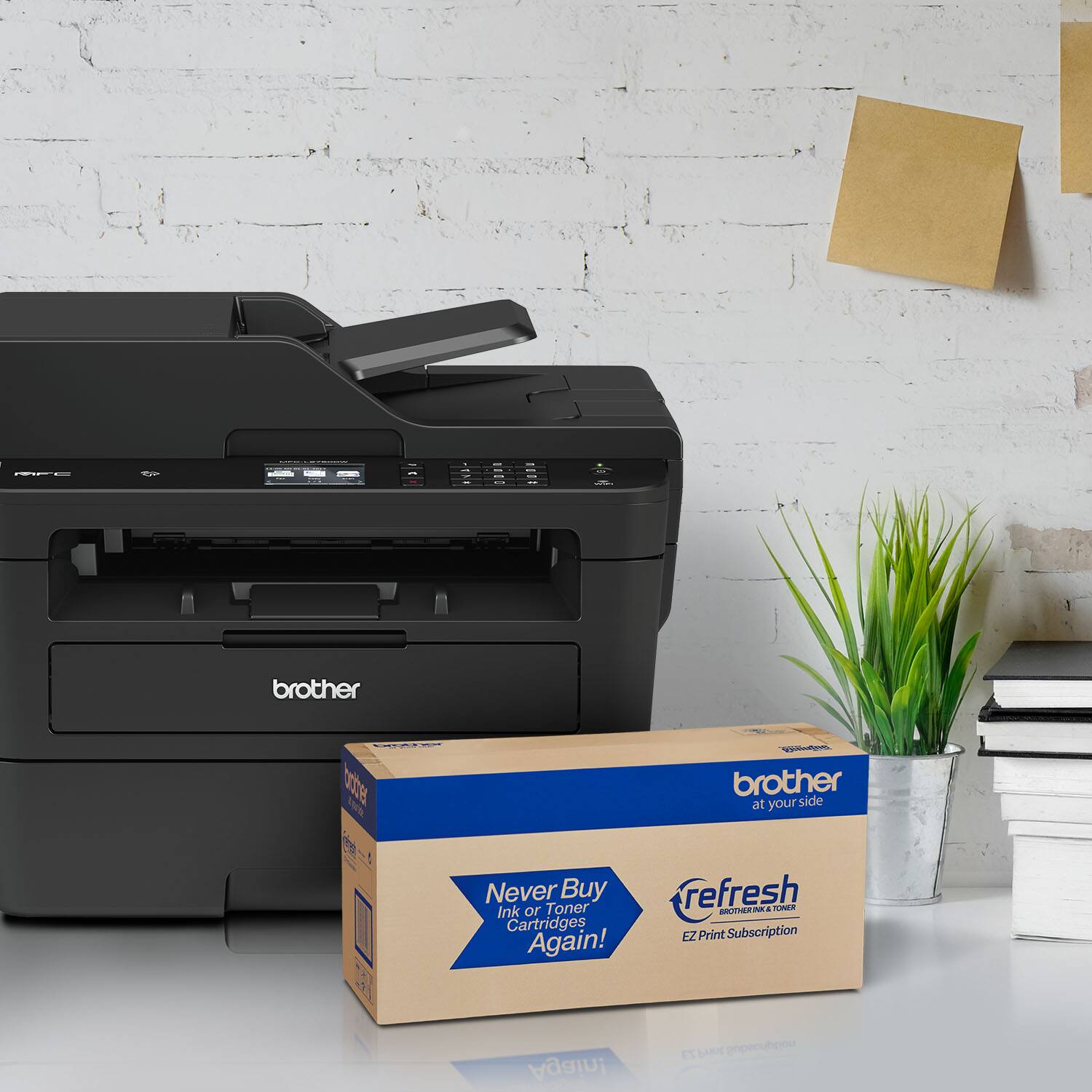
A:AnswerThe wireless feature for the Brother MFCL2750DW is for network printing and scanning. The printer will need to be plugged in with a power cord directly to a wall outlet. You can print/scan wirelessly to this printer with a Computer, tablet or mobile device.
A:AnswerThe Brother MFC-L2750DW laser printer uses a toner cartridge instead of liquid ink, it will not dry if not used constantly. For more information, feel free to contact Brother Customer Service directly.
A:AnswerThe Brother MFC-L2750DW requires at least Windows 7 or Mac 10.10 (Yosemite) to utilize its full functionality. On older operating systems, scanning may be available using the computer's built-in drivers. For more information, feel free to contact Brother Customer Service directly.
A:AnswerBrother monochrome laser printers cannot be used to print transparencies. We recommend looking at the Brother inkjet products for transparency printing.
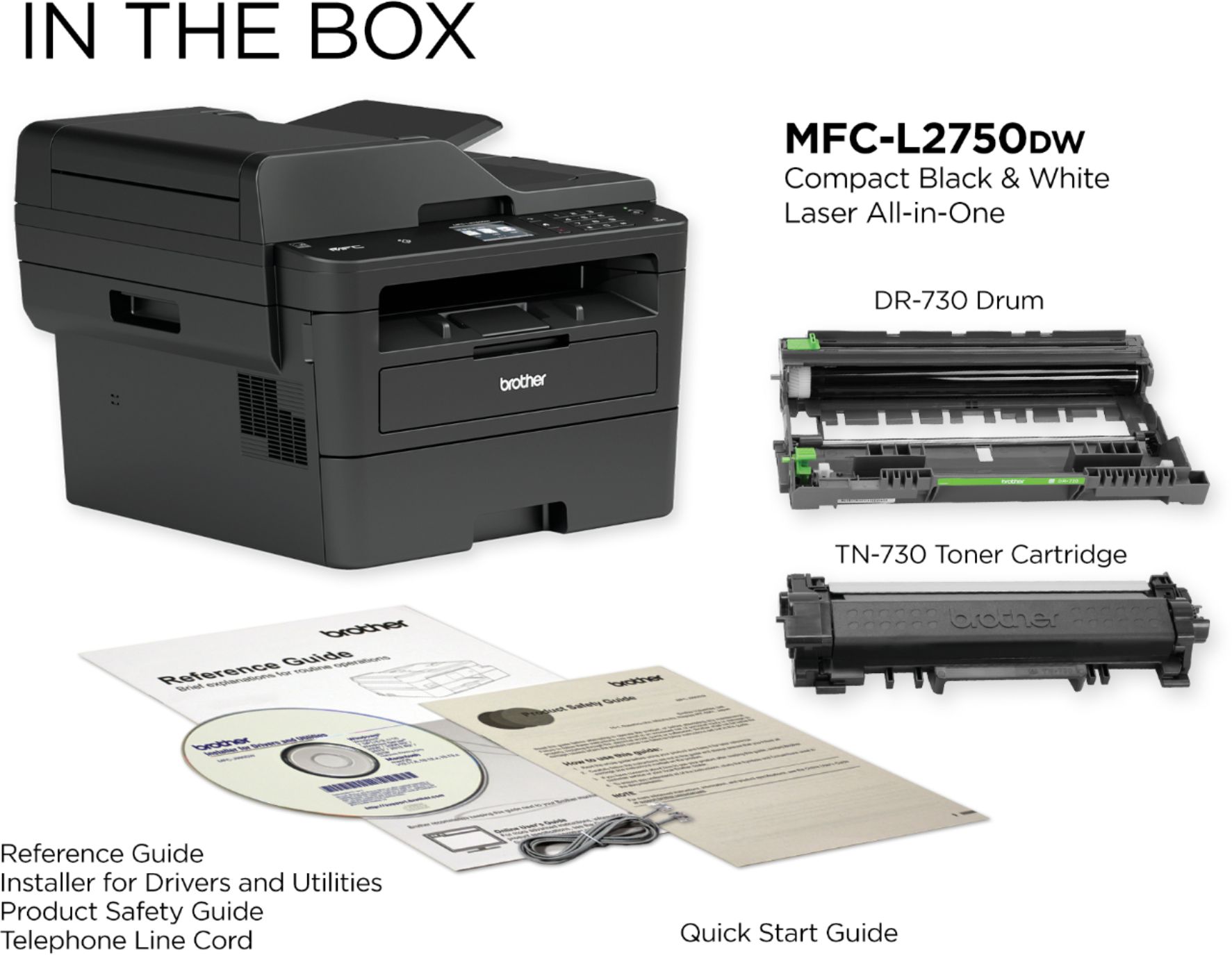
A:AnswerFrom what I read, it comes with a starter cartridge. Starter cartridge is still working fine after about 8 weeks of daily, home, moderate usage.
A:AnswerI don't know that I have used "enlarge" or "reduce" on copy. I just checked the LCD screen, and it does have an enlarge option to 104, 141, or 200 %. Reduce has 4 or 5 options between 97 and 50%.