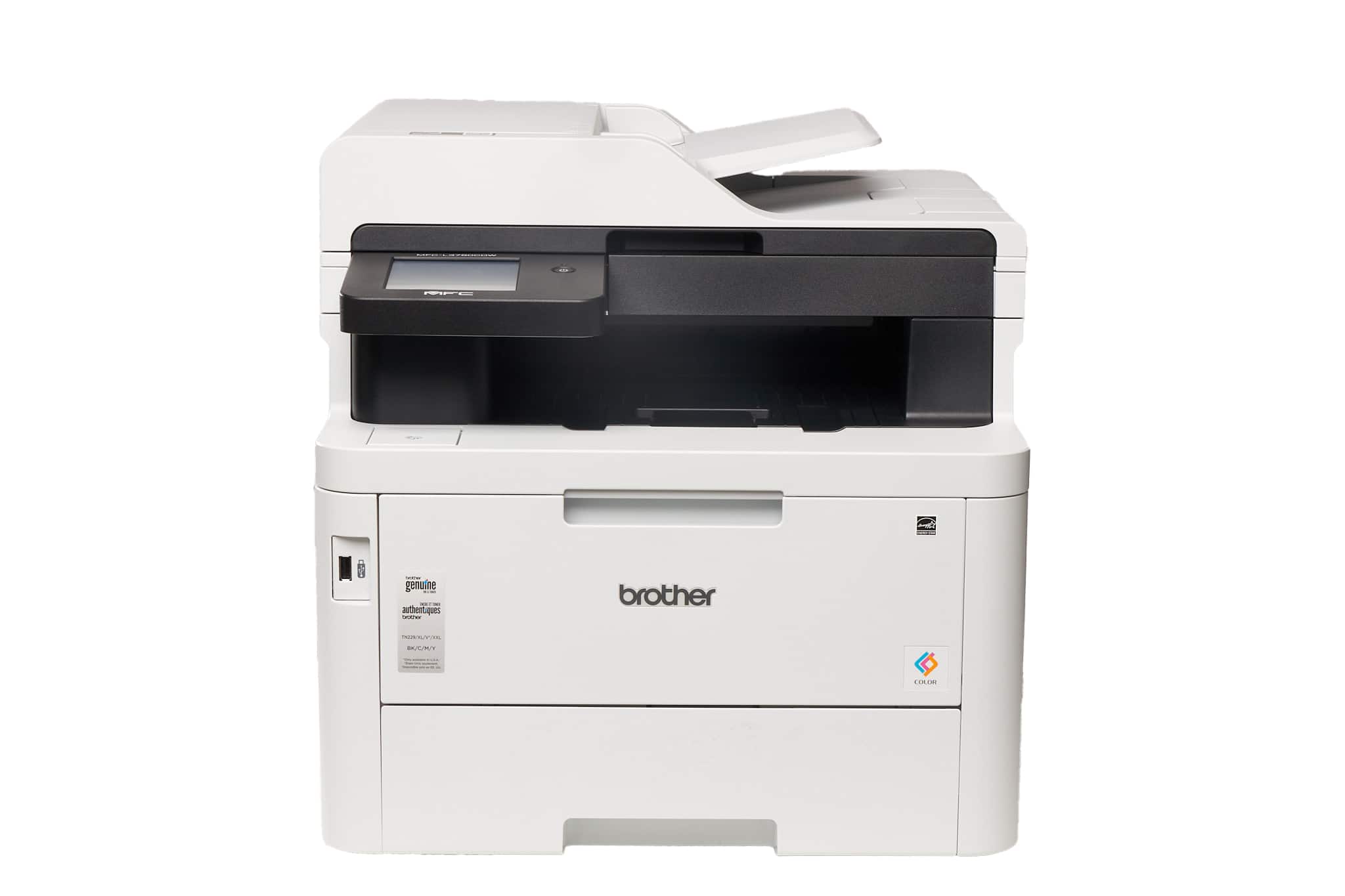
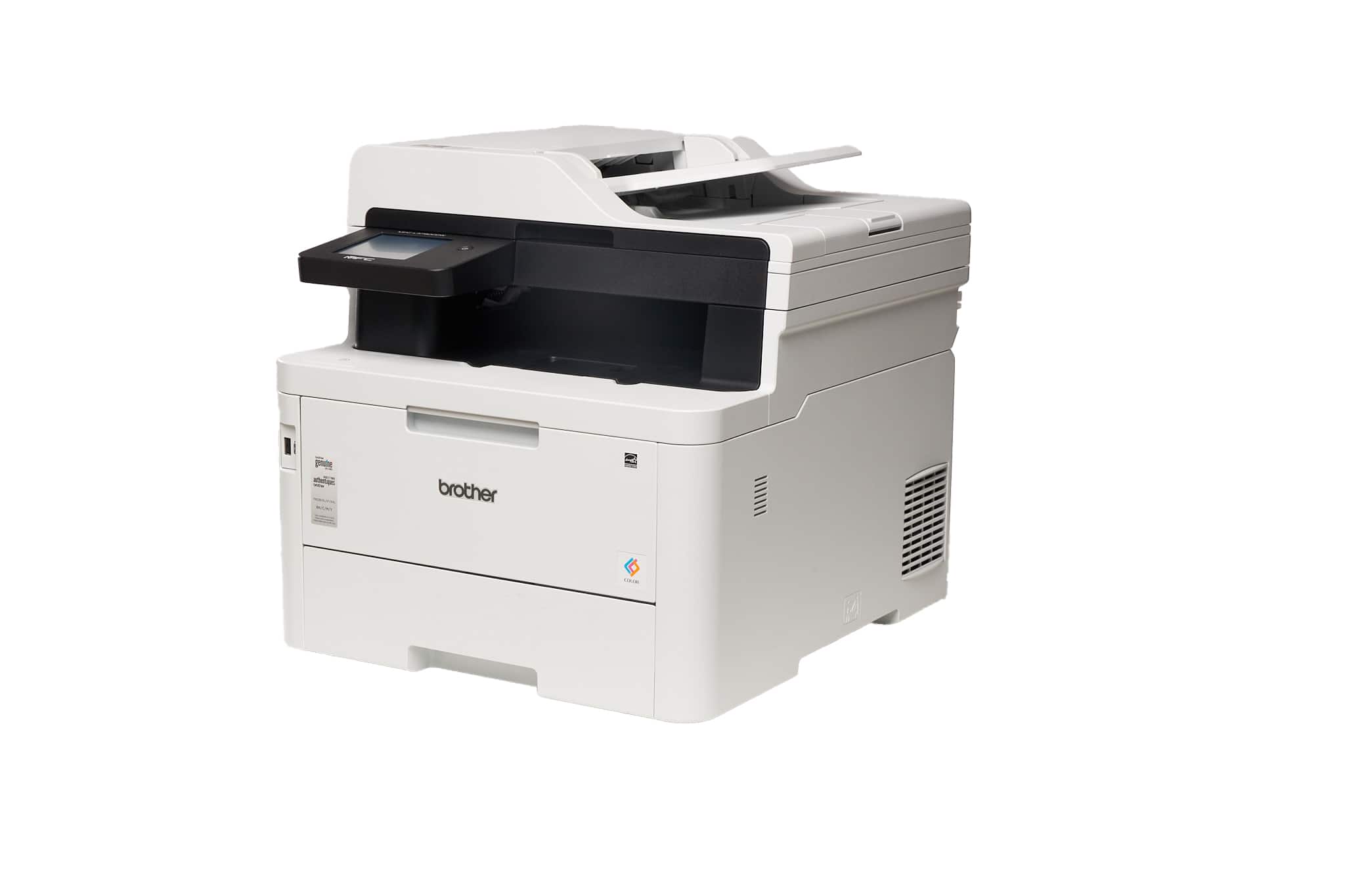
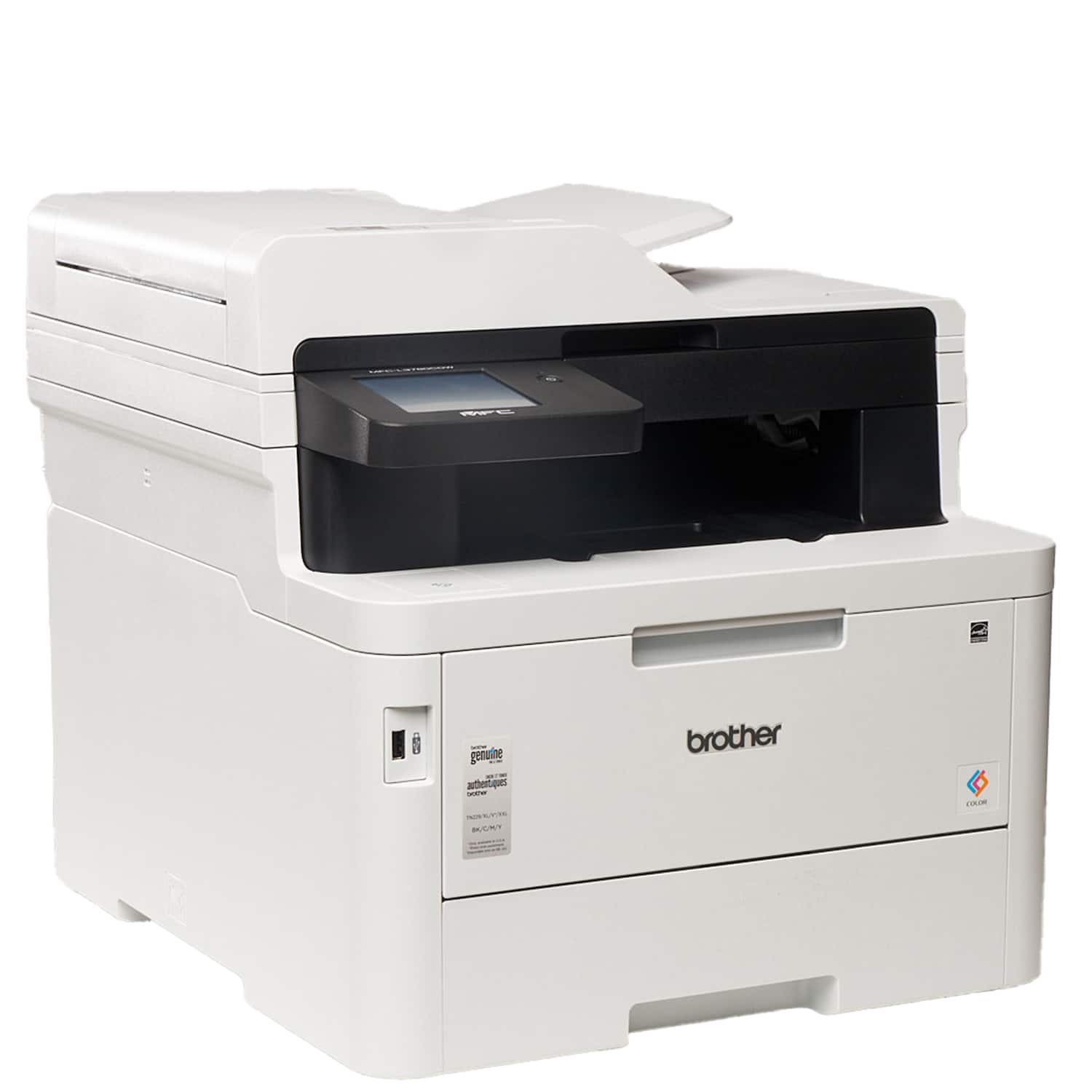
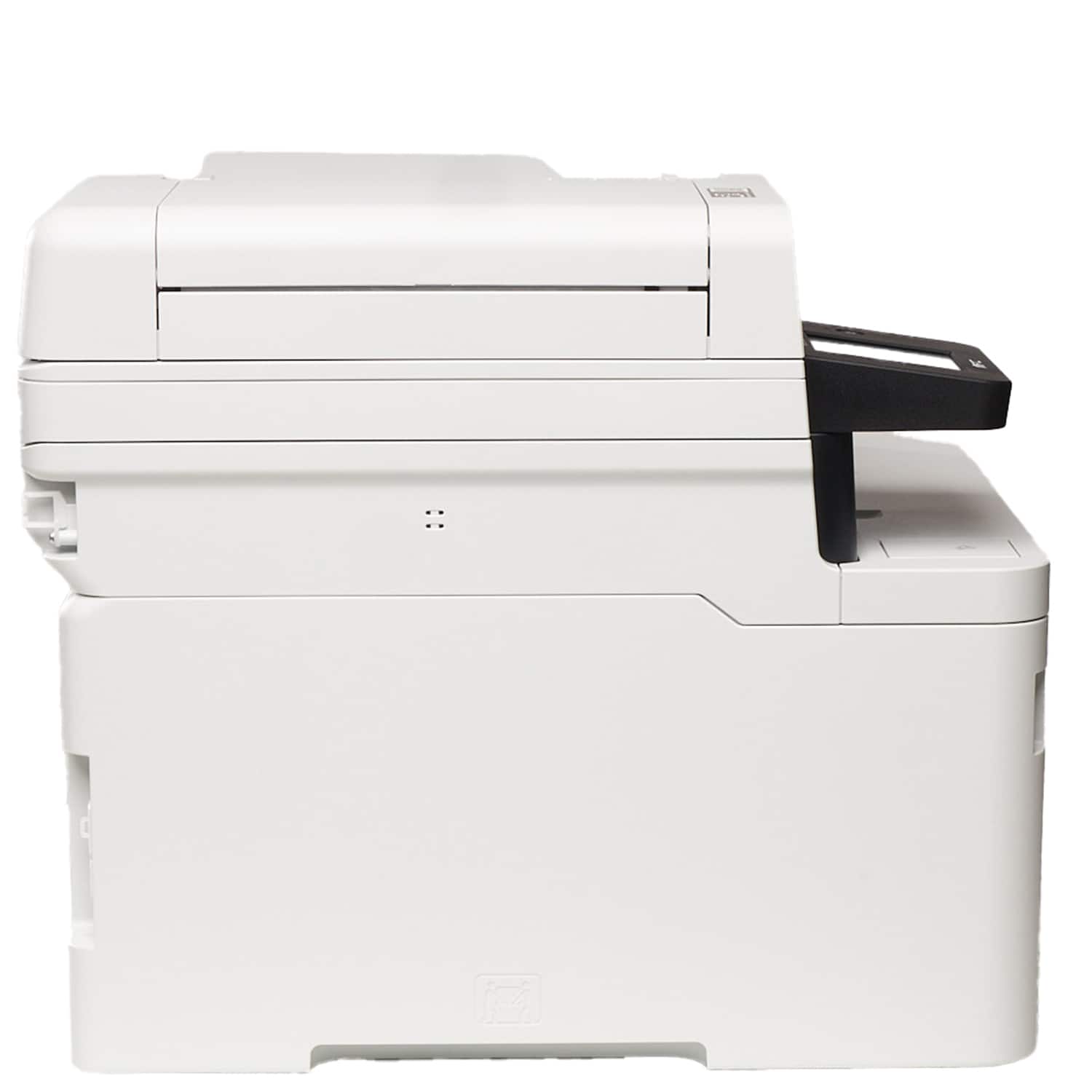
A:AnswerYes, the Brother MFCL3780CDW is able to print on Glossy Paper from the Multi-Purpose Tray (MP tray). Paper Weight from 16 to 43 lb (60 to 163 g/m²).
Below is a link to the Brother MFCL3780CDW specification.
Answer Link: https://support.brother.com/g/s/id/htmldoc/mfc/cv_dcpl3520cdw/use/html/GUID-F119590A-C4FB-4CB7-A6D1-FC0E8724BF3F_1.html?c=us&lang=en&prod=mfcl3780cdw_us_as
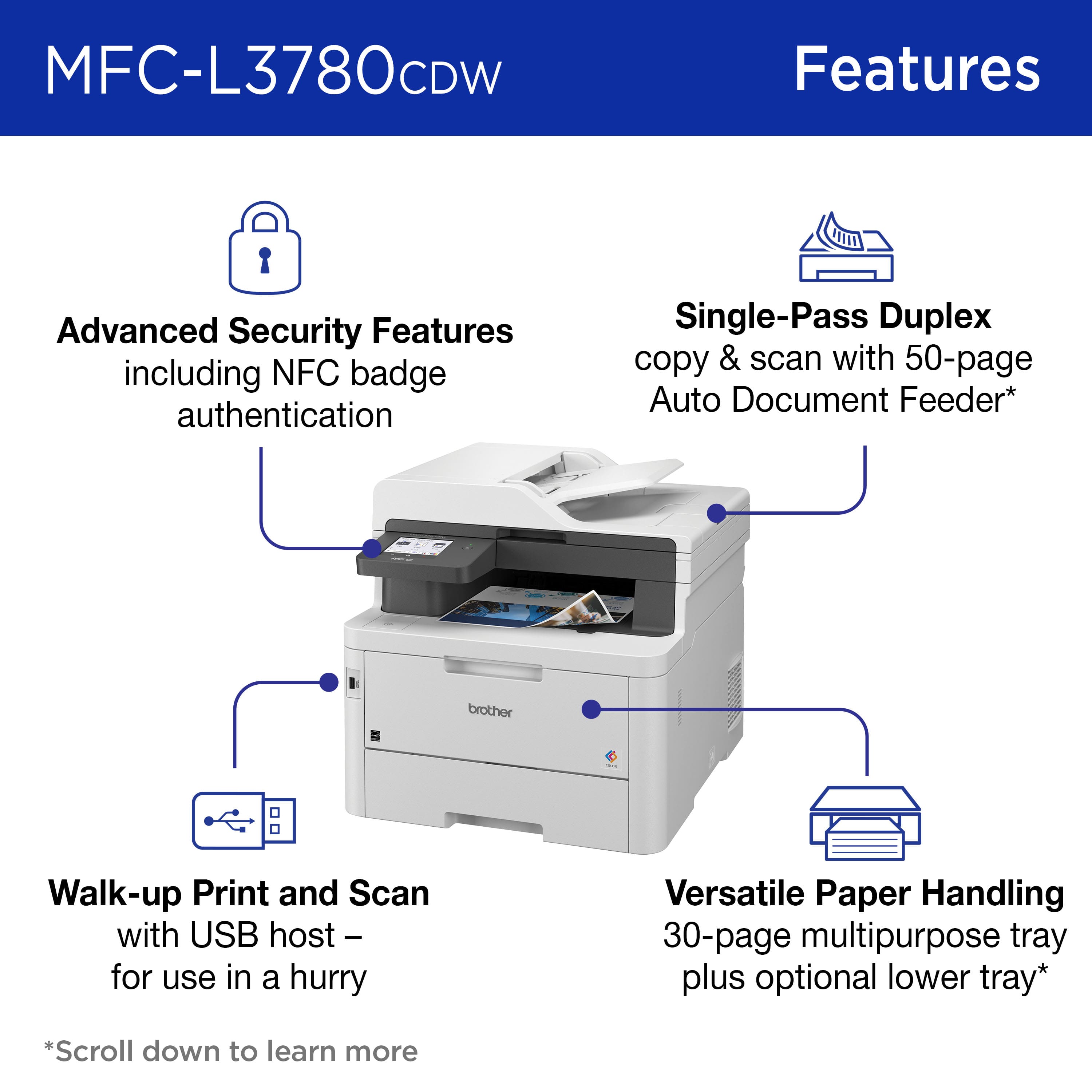
A:AnswerNo. An ID card is too thick and probably too small to go through the ADF which is where you have to go to get duplex scanning. The flatbed only scans one side of the paper.
A:AnswerYes, you can print labels with the Brother MFCL3780CDW from the Multi-Purpose Tray (MP tray). Below is a link with the Recommended paper for the Brother MFCL3780CDW.
Answer Link: https://help.brother-usa.com/AgentWeb/api/contextmanager/v.32311020002/workspaceContext/workspace/processedPrint/Answer/155932
A:AnswerYes the Brother MFCL3780CDW does support printing envelopes. We understand you're experiencing wrinkled printing issues with your Brother MFCL3780CDW machine. We'd like to help. Please contact our Customer Service department and we will work with you to resolve these issues. Brother Customer Support Team is available to assist you direct: www.brother-usa.com/brother-support
A:AnswerWe understand you are experiencing issues printing photos with your Brother MFC-L3780CDW machine. We'd like to help. Please contact the Brother USA support team at: https://www.brother-usa.com/support
A:AnswerWe understand that you would like to disable duplex printing on your Brother MFCL3780CDW machine. We'd like to help. Below is a FAQ that may help you with this issue:
Answer Link: https://help.brother-usa.com/AgentWeb/api/contextmanager/v.32402020002/workspaceContext/workspace/processedPrint/Answer/145712
If you continue to have issues, our Brother Customer Support Team is available to assist you direct: www.brother-usa.com/brother-support