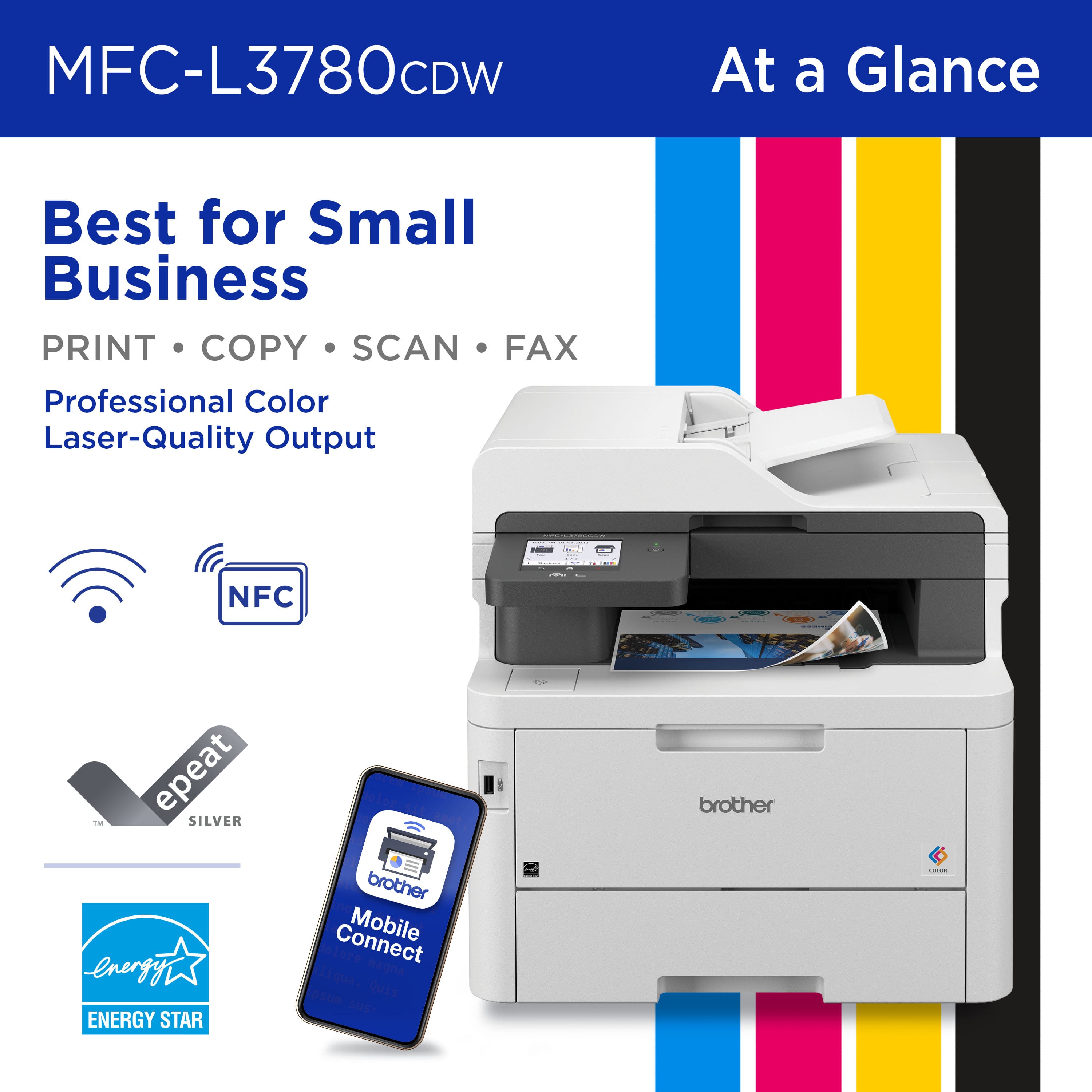
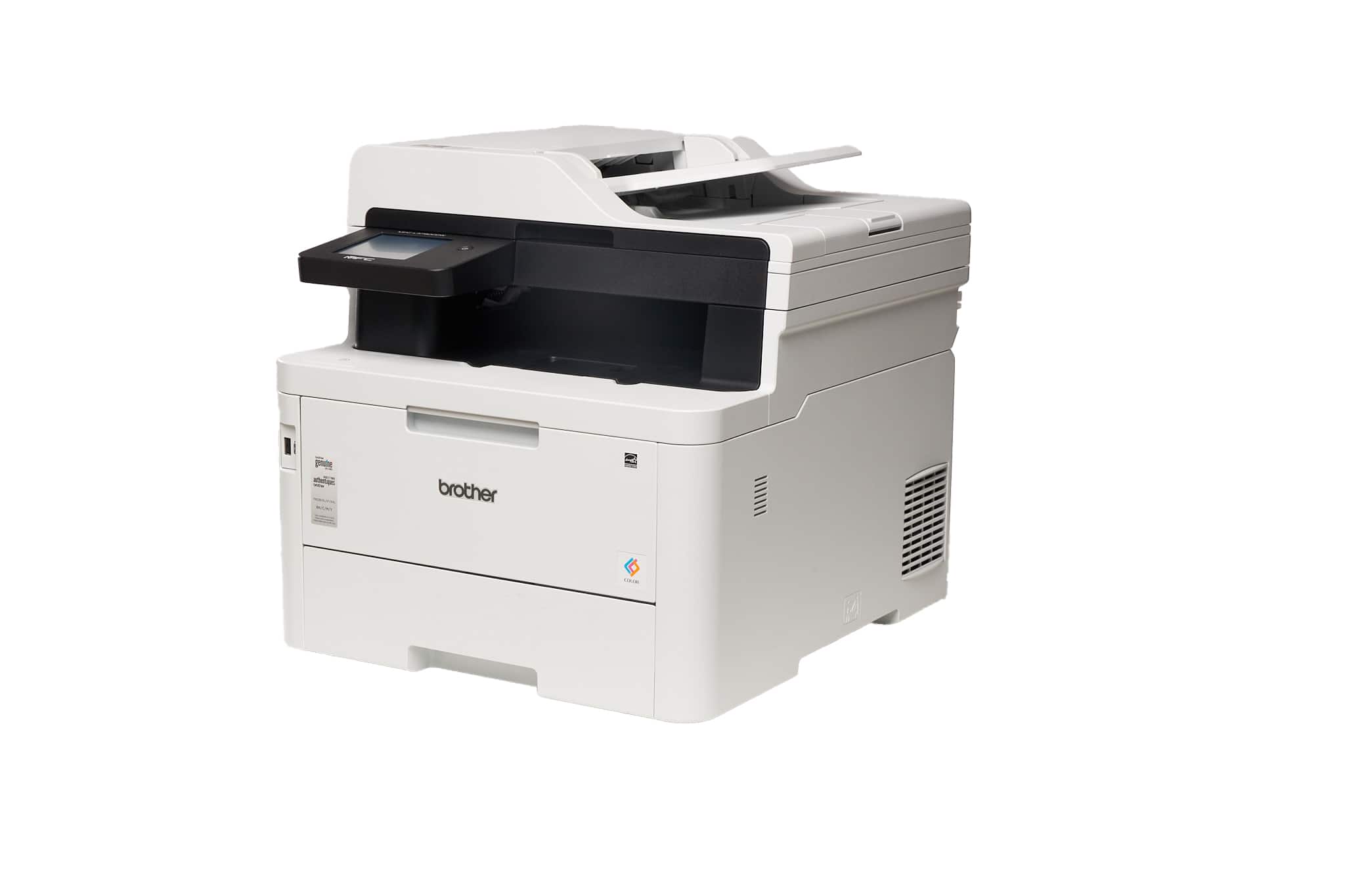
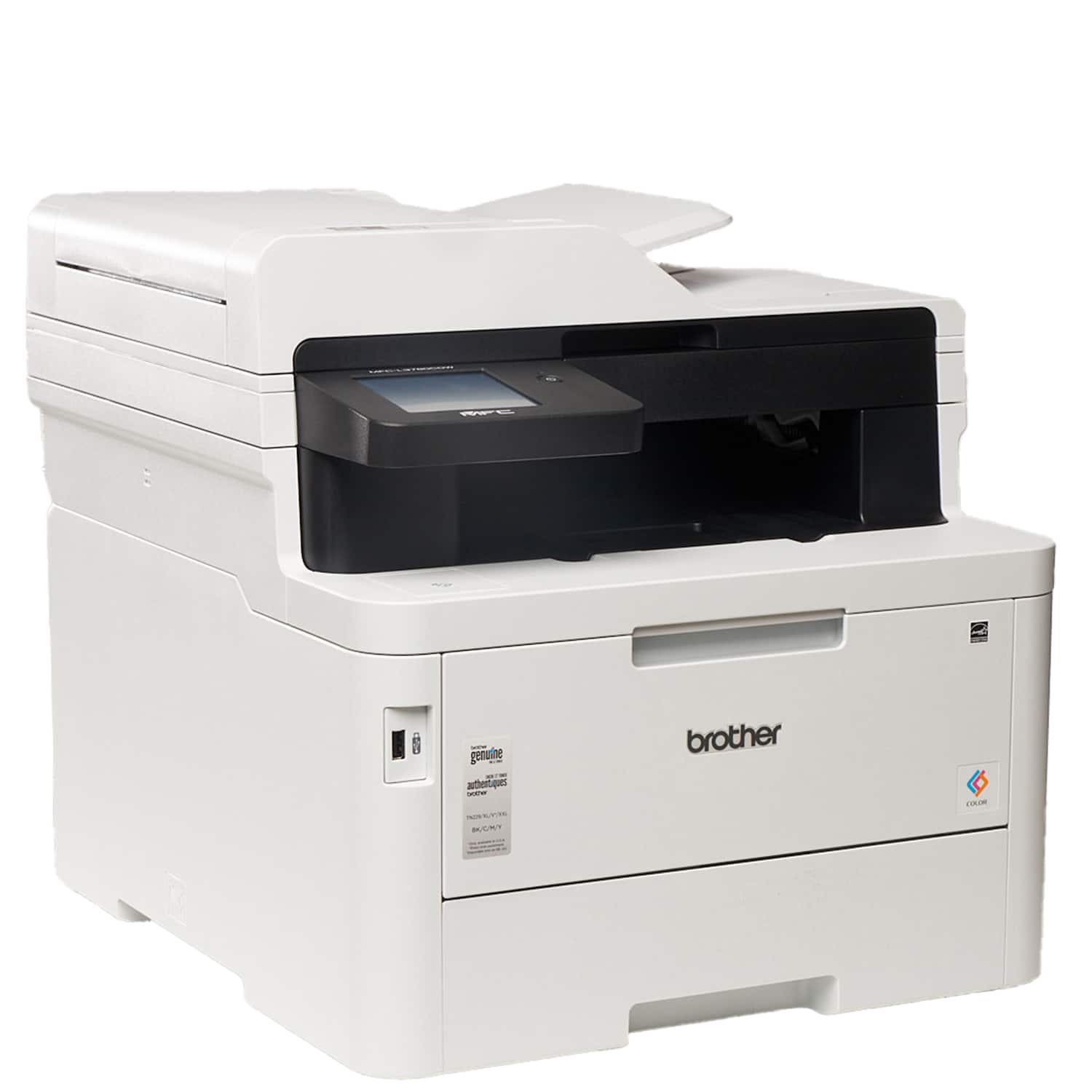
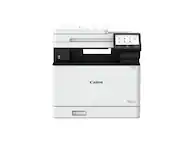
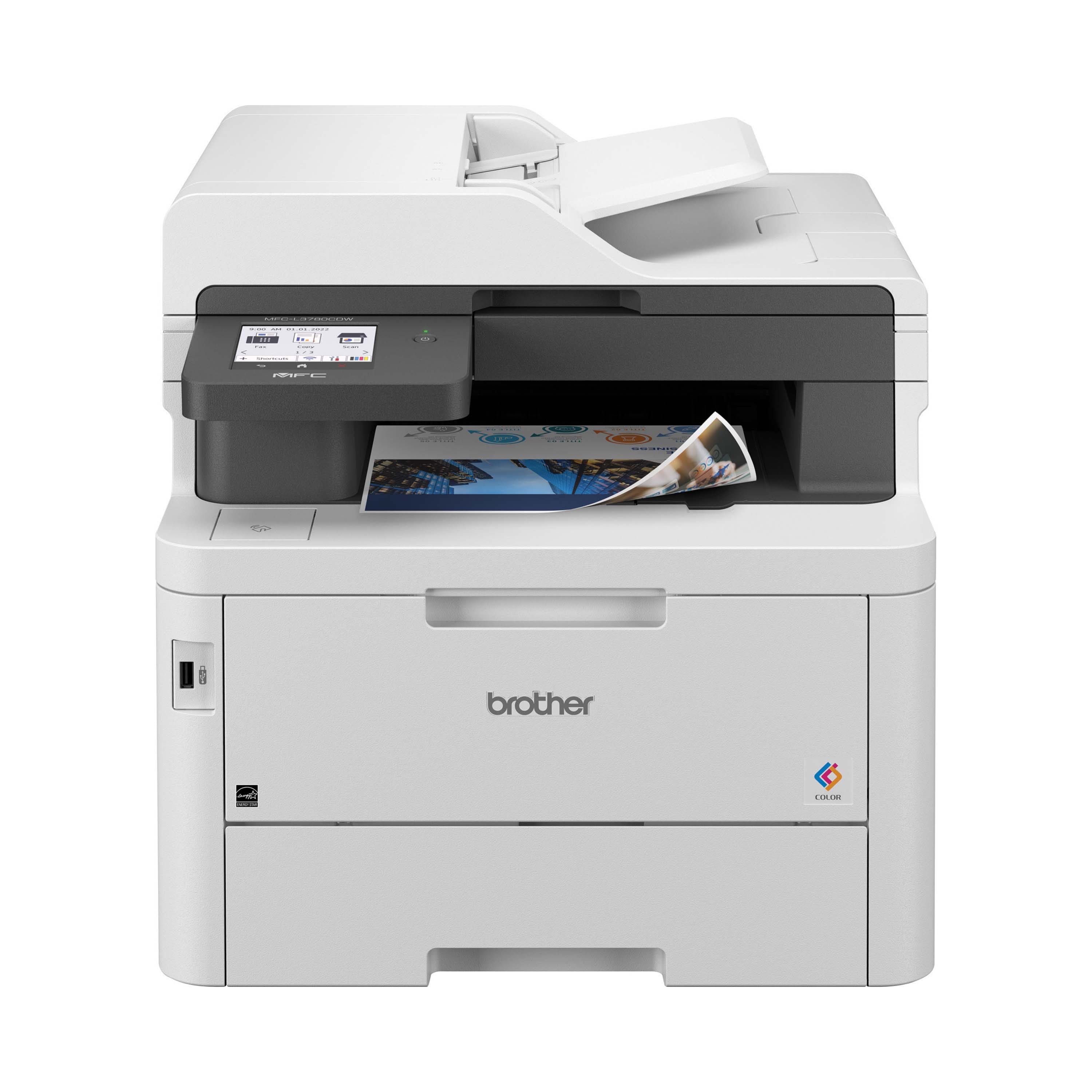
A:AnswerYes, the Brother MFCL3780CDW is able to Print in black and white using only black toner. We can help with that. I have included a link to the FAQ answer that should assist you. Please follow all the steps listed in the following link:
Answer Link: https://help.brother-usa.com/AgentWeb/api/contextmanager/v.32410250004/workspaceContext/workspace/processedPrint/Answer/52457
Answer Link: https://help.brother-usa.com/AgentWeb/api/contextmanager/v.32410250004/workspaceContext/workspace/processedPrint/Answer/160095
If you still have difficulties please contact Brother Customer Service at:
https://www.brother-usa.com/support/MFCL3780CDW
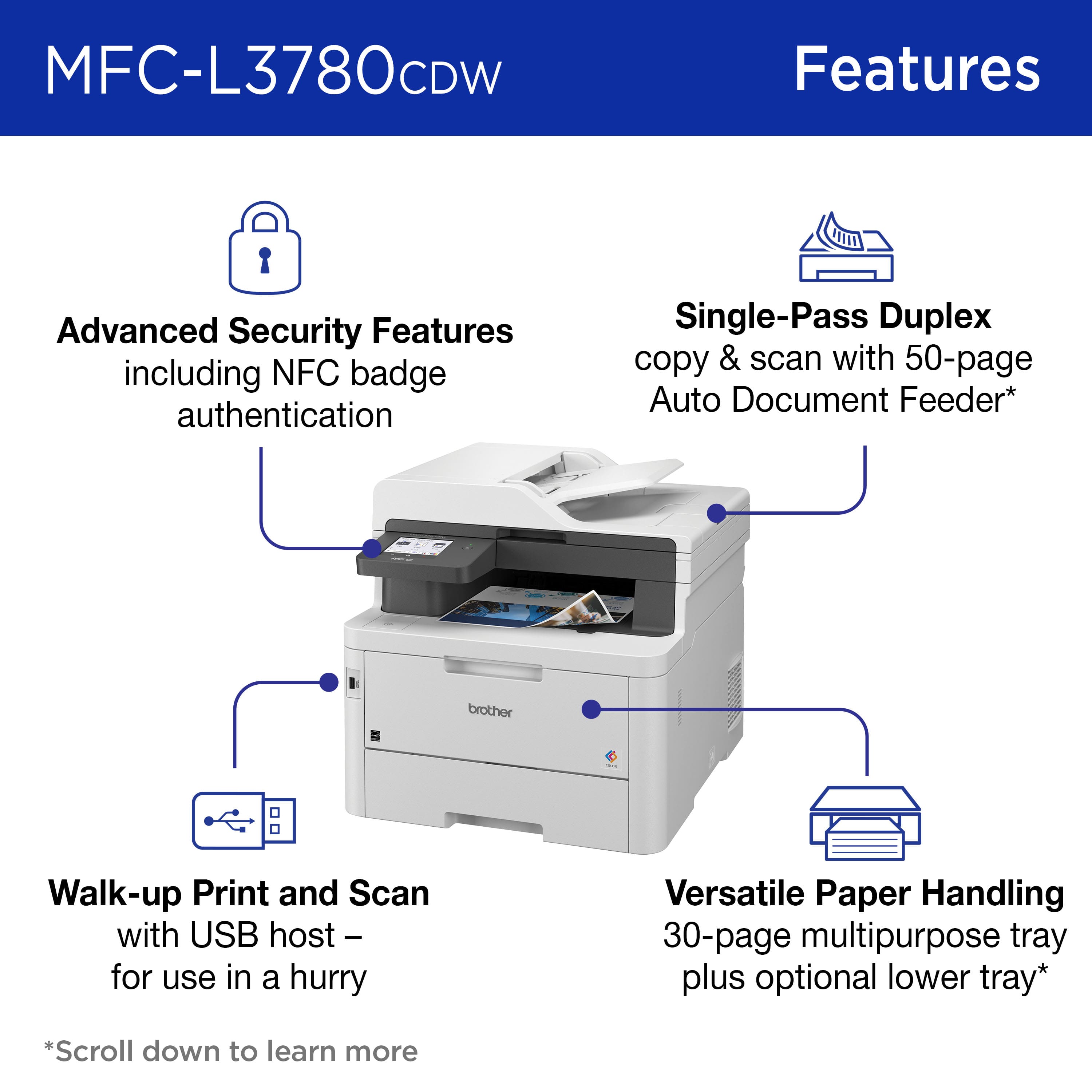
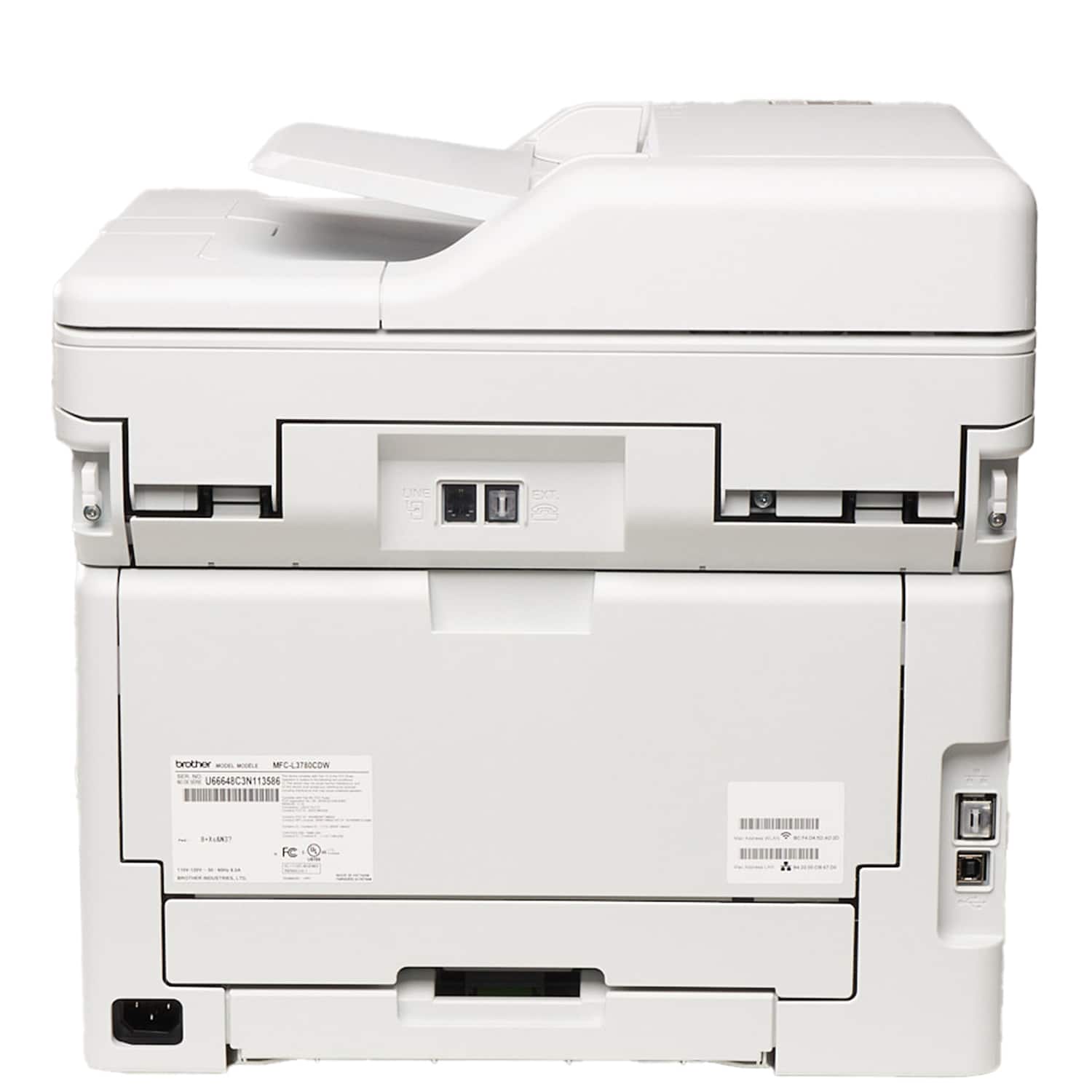
A:AnswerThe Brother MFCL3780CDW can be connected to a computer using a type A/B USB 2.0 cable as pictured. The Brother machine has a Standard-B USB port. Below is a answer link with the USB cable specifications.

Answer Link: https://help.brother-usa.com/AgentWeb/api/contextmanager/v.32409300001/workspaceContext/workspace/processedPrint/Answer/51249
A:AnswerThe Brother MFCL3780CDW is able to make copies with out being connected to the network (offline). If you want to print from computer or mobile devices to the Brother MFCL3780CDW, it would need to be connected to the network. Below is a link with the brother MFCL3780CDW specifications.


Answer Link: https://support.brother.com/g/s/id/htmldoc/mfc/cv_dcpl3520cdw/use/html/GUID-F119590A-C4FB-4CB7-A6D1-FC0E8724BF3F_1.html?c=us&lang=en&prod=mfcl3780cdw_us_as
A:AnswerNo, the Brother MFCL3780CDW is not able to print on card stock. Below is a link to the Brother specifications.
Answer Link: https://support.brother.com/g/s/id/htmldoc/mfc/cv_dcpl3520cdw/use/html/GUID-F119590A-C4FB-4CB7-A6D1-FC0E8724BF3F_1.html?c=us&lang=en&prod=mfcl3780cdw_us_as
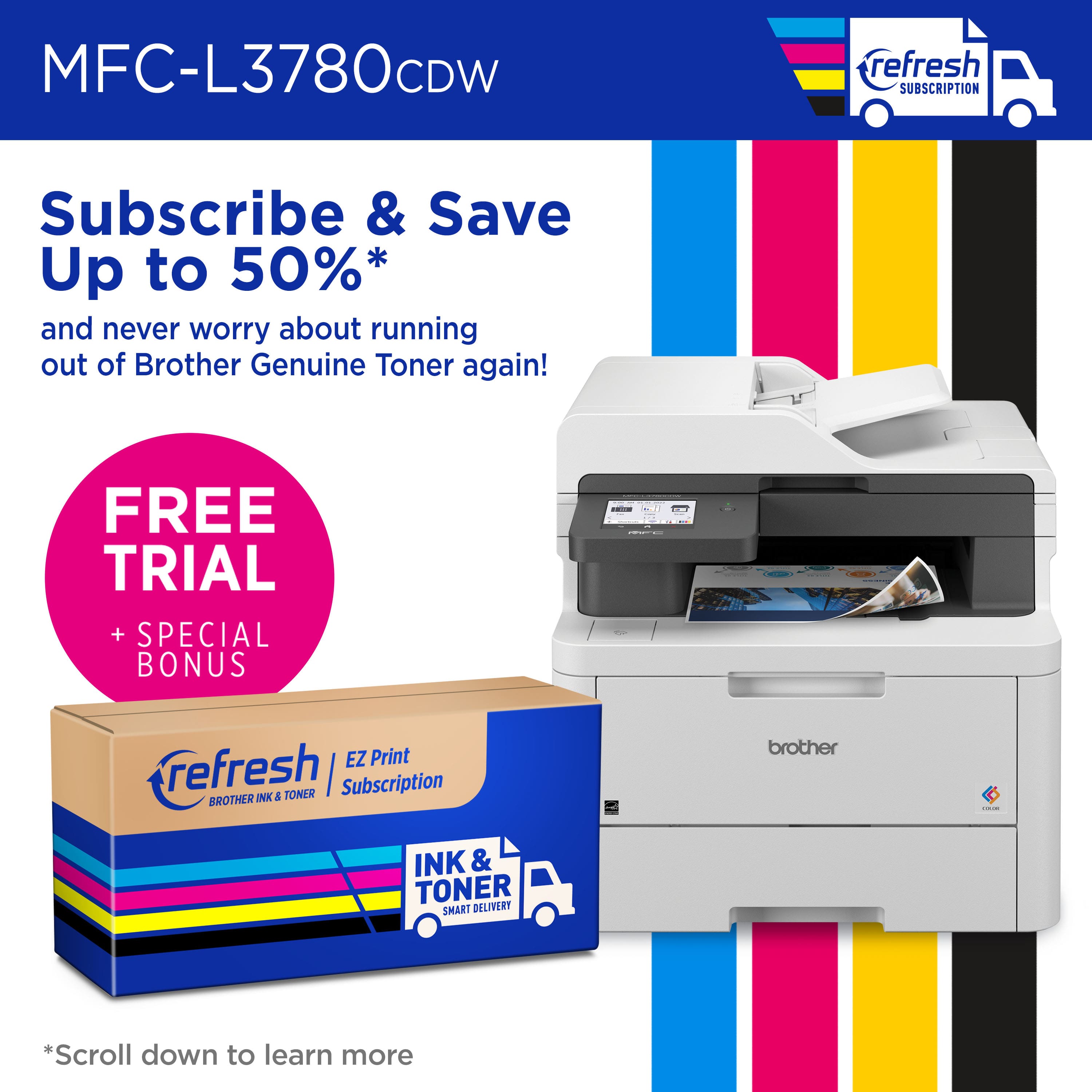
A:AnswerUpon cancellation of the Brother print subscription program, subscription cartridges will be deactivated as they are no longer enrolled into the print subscription program.
A:AnswerThis statement is related to the Brother Refresh EZ Print Subscription program and not with the warranty. The machine will still have 1 year of warranty even if not enrolled into the program.
A:AnswerYou can print a document single sided by unchecking the 2-sided option in the print menu. If you experience any issues, please contact the Brother USA support team at: https://www.brother-usa.com/support
A:Answer, the Brother MFCL3780CDW is able to fax a double sided paper in one scan. The Brother MFCL3780CDW has 2-sided Print Receiving and Automatic 2-sided Sending for fax. The Automatic 2-sided Sending is from the Automatic Document Feeder (ADF). Below is a link with the Brother MFCL3780CDW fax specifications.
Answer Link: https://support.brother.com/g/s/id/htmldoc/mfc/cv_dcpl3520cdw/use/html/GUID-F119590A-C4FB-4CB7-A6D1-FC0E8724BF3F_1.html?c=us&lang=en&prod=mfcl3780cdw_us_as#unique_816