Questions & Answers
- Model:
- MFC-J895DW
- |
- SKU:
- 6239805
Highly rated by customers for: Print Quality, Ease of use, Setup
Page Showing 101-116 of 116 questions
Q: Questioncan it print 11x17
Asked by Anonymous.
- A:Answer No, the Brother MFC-J895DW can not print 11" X 17".
Answered by Brother

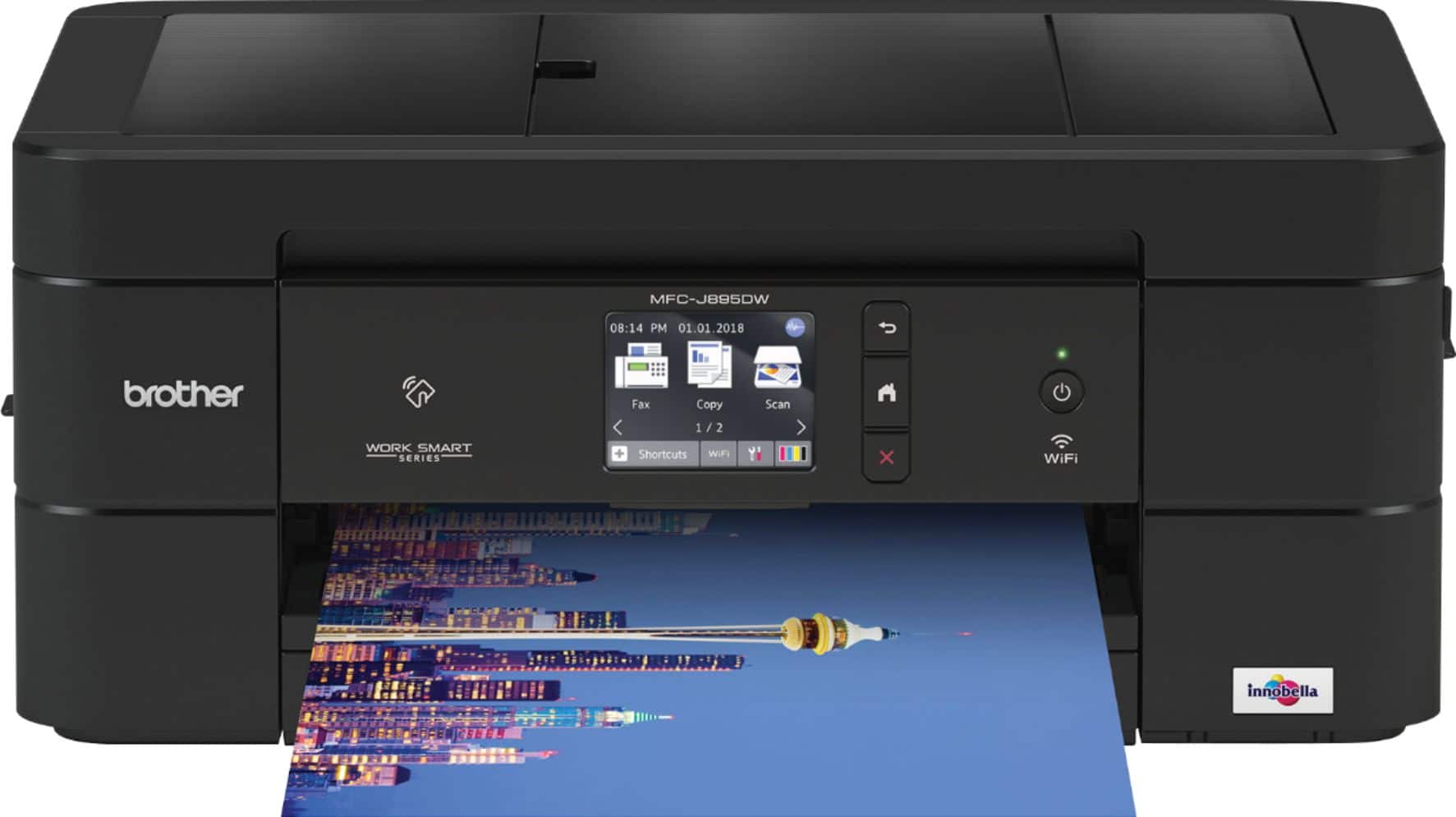
Q: QuestionDOES IT HAVE FAX /
Asked by JOYCE.
- A:Answer Yes, it can be used to fax and comes with a phone line.
Answered by MsTX
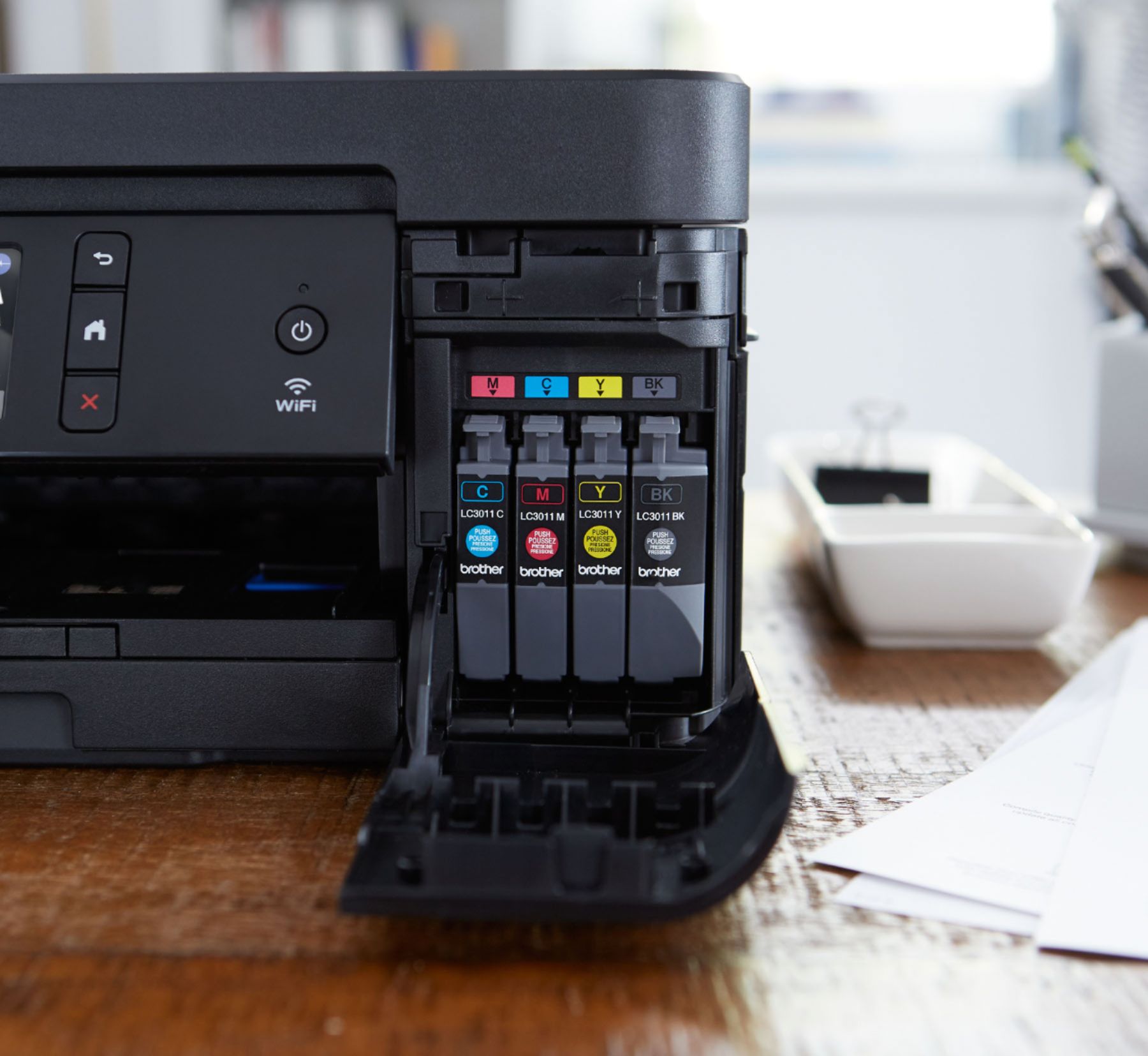
Q: QuestionOnly need black ink. Do you need to buy color ink refills?
Asked by Bib.
- A:Answer Yes, all the refill cartridges will need to be replaced. Here is a FAQ that may help with printing black. https://help.brother-usa.com/app/answers/detail/a_id/132228?R3ModelID=MFCJ895DW
Answered by Brother

Q: QuestionDoes the control panel have to be flipped up in order for it to print?
Asked by Doug.
- A:Answer Don't think so, after flipping it up, have left it that way
Answered by Wordy
Q: QuestionCan this printer use ink LC103?
Asked by MayMay.
- A:Answer No, LC103 is not compatible with MFC-J895DW.
Answered by Brother

Q: QuestionWhat does the printer weigh?
Asked by JT.
- A:Answer The printer weighs about 20 pounds.
Answered by StLJoey
Q: QuestionIs this printer compatible with Windows 7
Asked by cat.
- A:Answer Yes, MFC-J895DW is Windows 7 compatible.
Answered by Brother

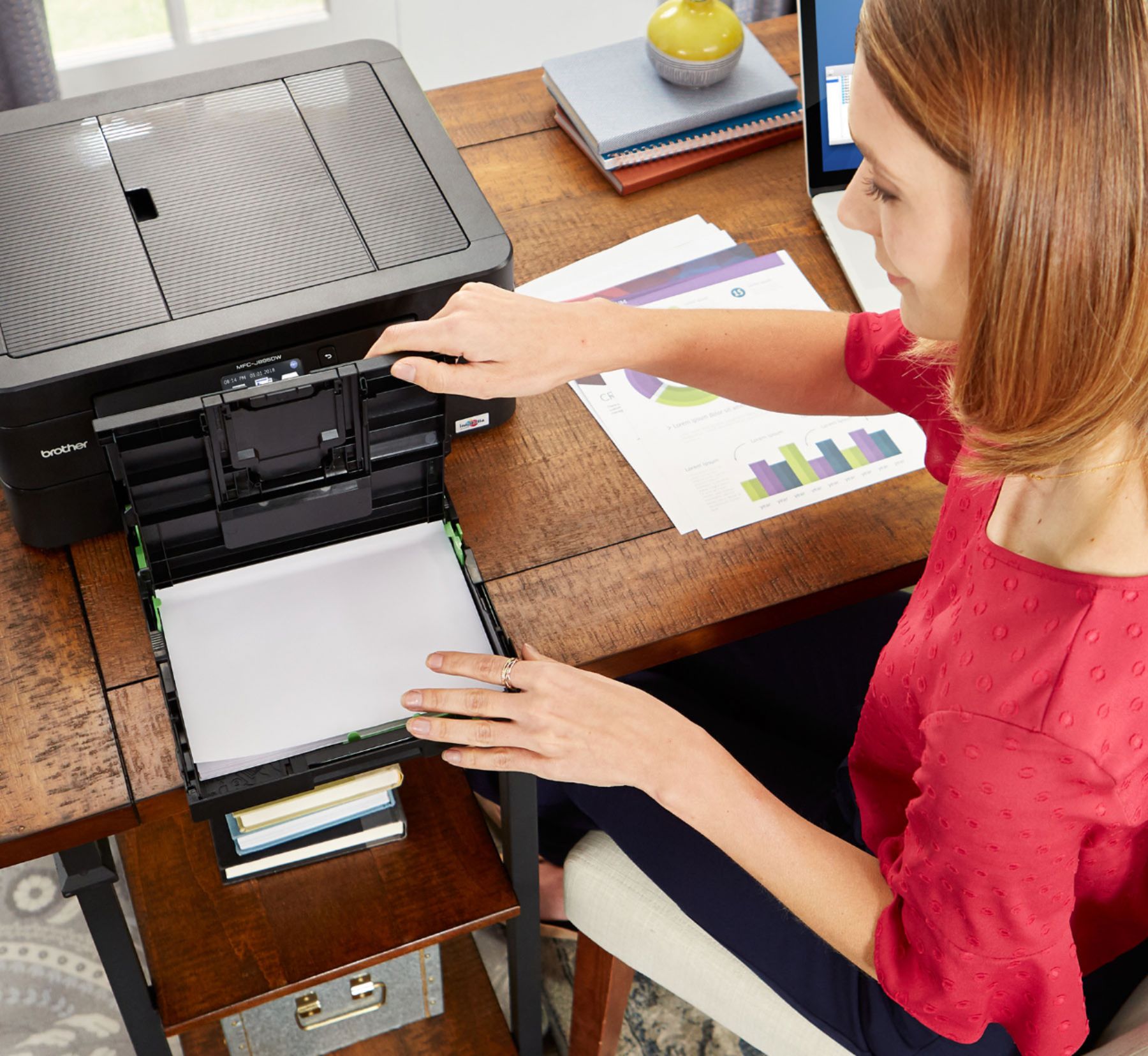
Q: QuestionCan it print on 4x6 notecards?
Asked by Azalea.
- A:Answer Here's recommended paper for the MFC-J895DW. https://help.brother-usa.com/app/answers/detail/a_id/156825
Answered by Brother

Q: QuestionCan this be directly wired to device with cable chord in the event internet is down?
Asked by SSNC.
- A:Answer The Brother MFC-J895DW standard Interface connections are Wireless 802.11 b/g/n, Ethernet, NFC, Wi Fi Direct, Hi-Speed USB 2.0.
Answered by Brother

Q: QuestionYou didn't answer my question the first time. What I want to know is what weight card stock can be used in the Brother MFC-J895DW? Can I use 80 and 110 pound card stock?
Asked by HarvestTime789.
- A:Answer I don't know. I have only used 20 pound plain paper.
Answered by StLJoey
Q: QuestionWill this use an Android phone, and a Kindle Fire? Also I have some documents on a CD, can I print my documents if the CD in inserted in my computer.
Asked by Godschild.
- A:Answer Yes
Answered by Dick
Q: QuestionIs. USB cord m2m or m2f?
Asked by Tellhim.
- A:Answer The USB cord for this printer is M2F
Answered by CommunityAnswer
Q: QuestionCan this be set up using an application and if not, how do you set it up so it can print from a MacBook Pro or iPhone and iPad ?
Asked by Embee.
- A:Answer There are multiple ways to setup the Brother MFCJ895DW. Below is a FAQ that will assist you with the setup: Answer Link: https://help.brother-usa.com/app/answers/detail/a_id/155993
Answered by Brother

Q: QuestionCan this printer support the use of card stock?
Asked by rfb767.
- A:Answer The Brother MFC-J895DW has been tested with recommended paper and weight. Here is a FAQ with this recommended paper and weight. https://help.brother-usa.com/app/answers/detail/a_id/156594
Answered by Brother

Q: QuestionWill this printer print on card stock thick paper?
Asked by KBShaw.
- A:Answer For the best print quality, we recommend using Brother paper. Here is a FAQ with recommended paper and weight. https://help.brother-usa.com/app/answers/detail/a_id/156594?R3ModelID=MFCJ895DW
Answered by Brother

Q: QuestionWhat is the heaviest weight of card stock the Brother MFC-J895DW will accept?
Asked by HarvestTime.
- A:Answer Haven’t read in the book, but the answer is something Brother could answer.
Answered by DanT
Most-viewed items
- $69.99$69.99The price was $99.99
- $54.99$54.99The price was $69.99
- $599.00$599.00The price was $659.99
- $129.99$129.99The price was $199.99
- $799.99$799.99The price was $1,199.99
- $299.99$299.99The price was $449.99
- $139.99$139.99The price was $149.99
- $59.99$59.99The price was $99.99