A:AnswerYou will need to sign up for a Google Home account on their app or website. If you are linking our app with the Google Home app you will then need to create an account on our app.
A:AnswerNo, our C by GE bulbs do not have cameras. These bulbs work through Bluetooth only. Please feel free to reach our support team if you have any questions at 1-844-302-2943 or email us at [email protected]
A:AnswerHI there, the bulbs themselves connect via Bluetooth and do not require any WiFi connection at all. However, all of our Wifi enabled devices require a 2.4ghz network, and are not designed/ will not work on 5g.
A:AnswerWhen setting up your bulbs we want to make sure that you have bluetooth enabled. When adding the bulb to our app the bulb will start flashing meaning that it is communicating with our app.
If it is not adding to our app please fully power off your phone and power it back on. This will refresh your connections on your phone or tablet. Please do not hesitate to reach our support team as well.
A:AnswerThe bulbs do not require a smart plug. They dim and turn on through your assistant. The smart plug will turn on and off the lamps or anything else it may be plugged into.
A:AnswerIn order to get our bulbs connected with the Apple Homekit you will need a C by GE C-reach device.
Once added into our app with the bulbs you can then link it over to Homekit.
A:AnswerHi there, It will work with Alexa, but it does require a hub from C by GE. Our hubs include the on/off smart plug, in-wall wired-switch, or C-Reach. We recommend the On/Off smart plug. Set everything up in the C by GE app, then enable the C by GE Skill via the Alexa app. That should get it working!
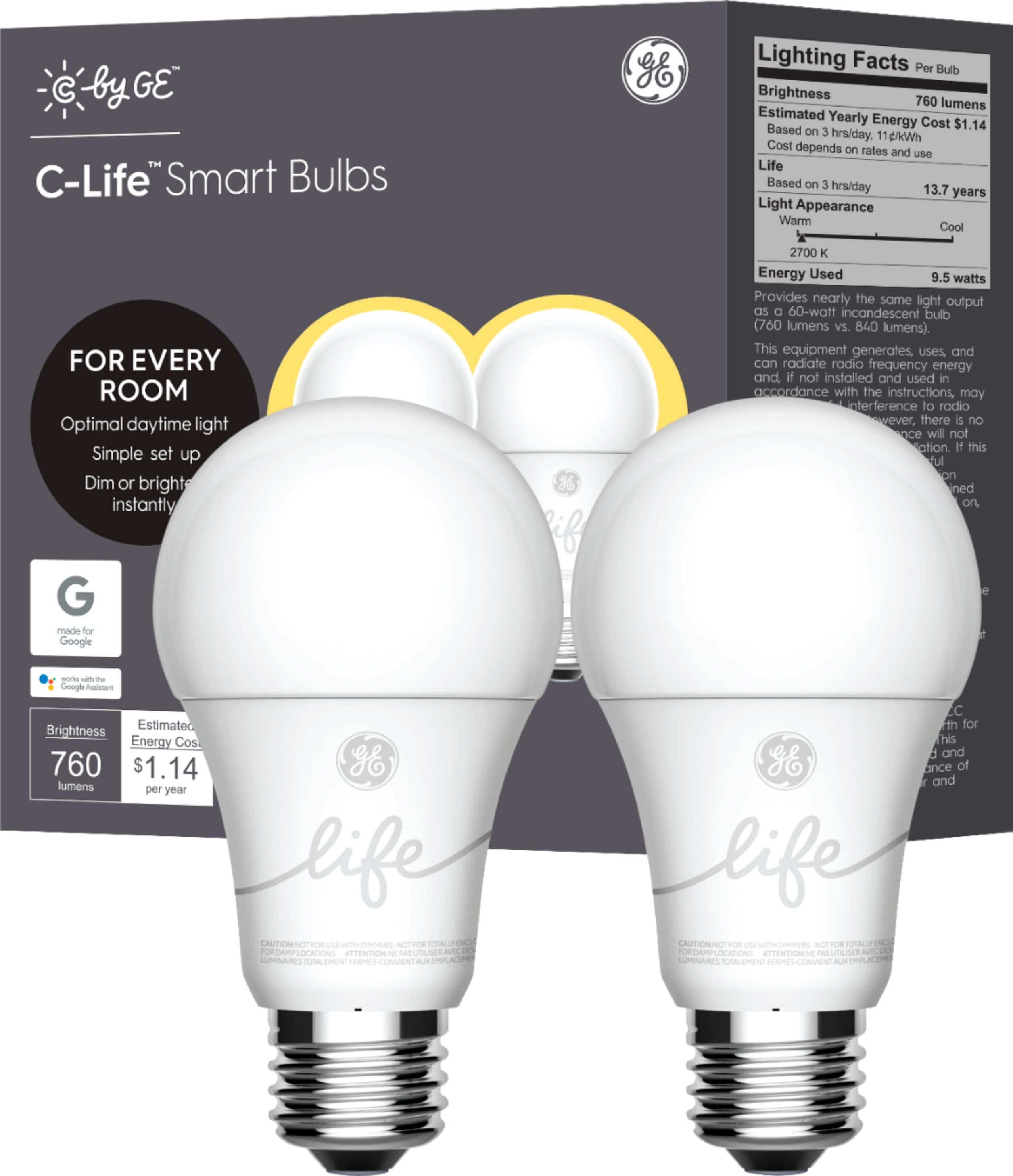
A:AnswerOur hubs include the on/off smart plug, in-wall wired-switch, or C-Reach. A hub is required in order to get the bulbs working with Alexa, so while it doesn't have to be the Smart Plug, that is generally what we like to recommend. If you have any other questions please don't hesitate to reach out to the support staff!
A:AnswerC by GE bulbs are compatible with Siri through the Apple Homekit. In order to control the bulbs with Apple Homekit you will need to use a C by GE C-reach device. Feel free to give us a call at 1-844-302-2943.
A:AnswerHi Joe, The C by GE bulbs are compatible with with Apple Homekit, a C by GE C-reach device is required to link them. Feel free to give us a call at 1-844-302-2943.
A:AnswerHi Kay, they will work with Alexa, but it does require a hub from C by GE. Hub options include the on/off smart plug, in-wall wired-switch, or C-Reach. We recommend the On/Off smart plug. Set everything up in the C by GE app, then enable the C by GE Skill via the Alexa app. If you have any issues please don't hesitate to reach out to our Support Team.
A:AnswerYou can just screw them in, turn on the switch, pull up the Google Home app and add the bulbs. The interface makes it easy to adjust brightness and you can group the bulbs by room.
A:AnswerC by GE bulbs don't require a hub and are directly addressable by Google, Amazon and Apple. They operate via Bluetooth, not WiFi. While they won't directly interface to your Hue hub, they will operate within the household without conflicts.