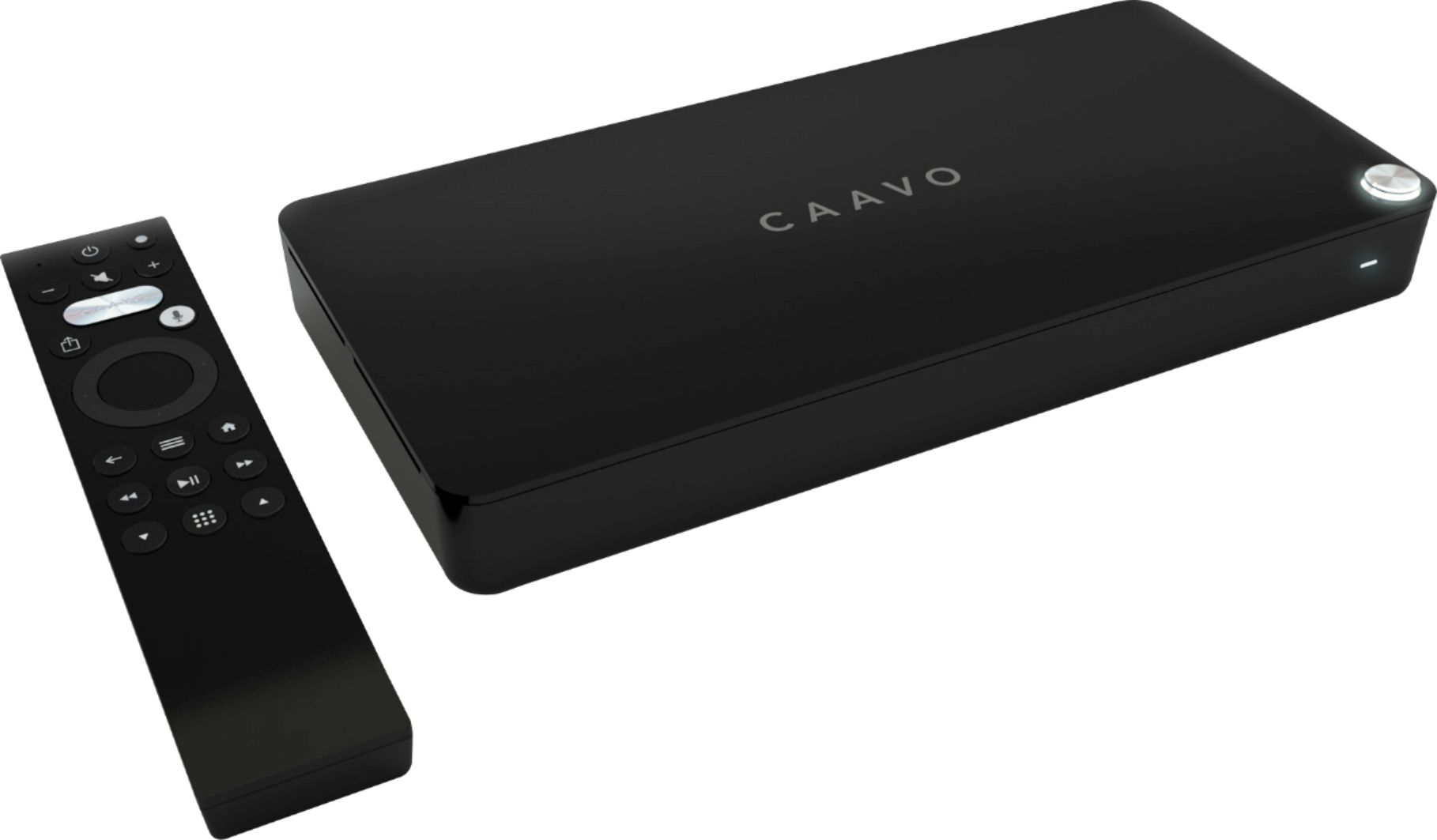
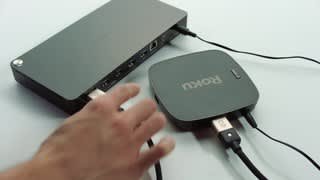
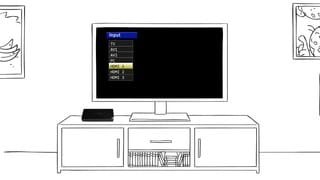
A:Answer Without an active service plan, the control center will act purely as a switcher by allowing you to manually switch to any of the 4 HDMI inputs to display on your TV. Without a service plan, however, you will not be able to voice search for shows or use any of the "list" features like Caavo Cache to find content or easily get to your previously watched shows. Plus there are some new features about to roll out that will rely on an active service plan. Please keep in mind that during setup, you will need to select a service plan and enter a valid credit card. The card will NOT be charged until the end of your 45 day free trial. You can cancel your service plan during the free trial to avoid being charged.